Apple Studio Display vs Studio Display XDR
- 17 Jun 2026
- 17 Jun 2026
- 11 min
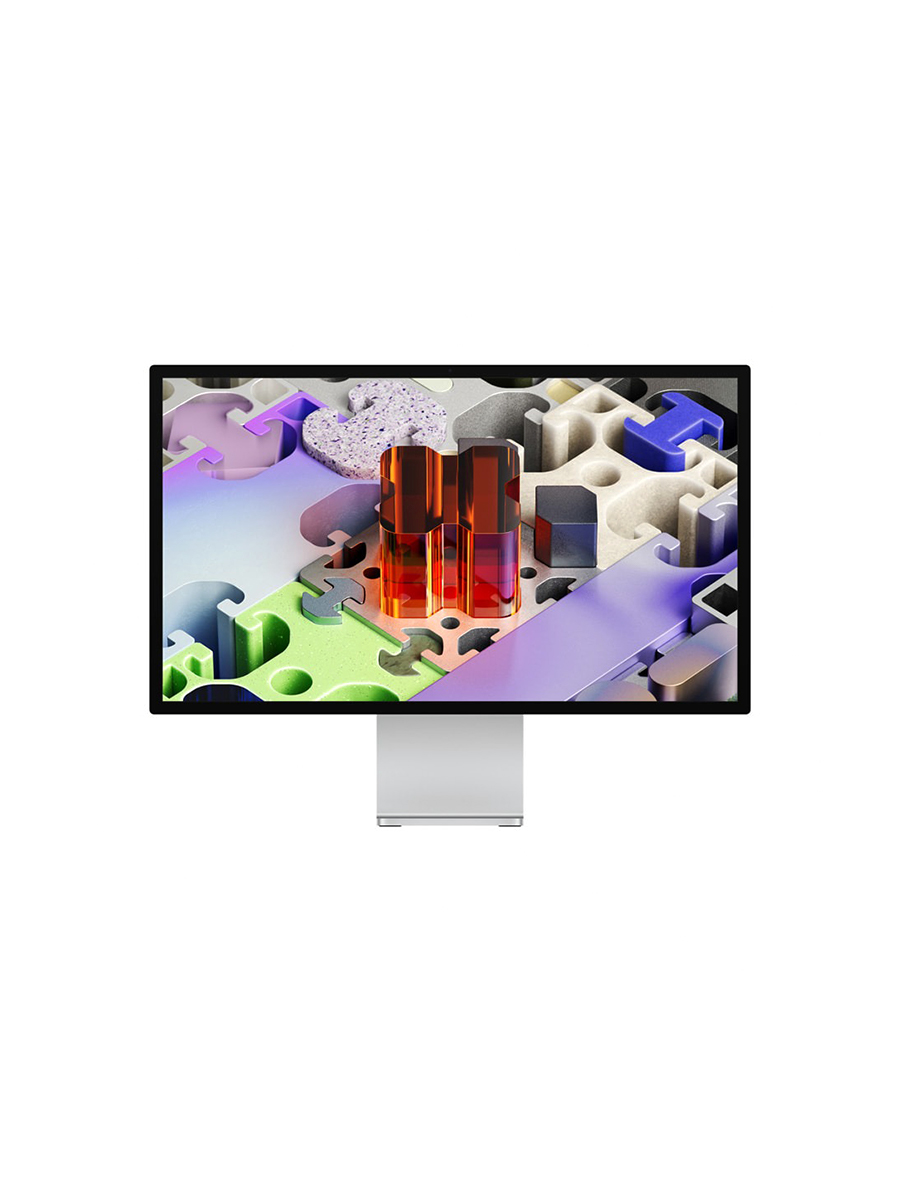
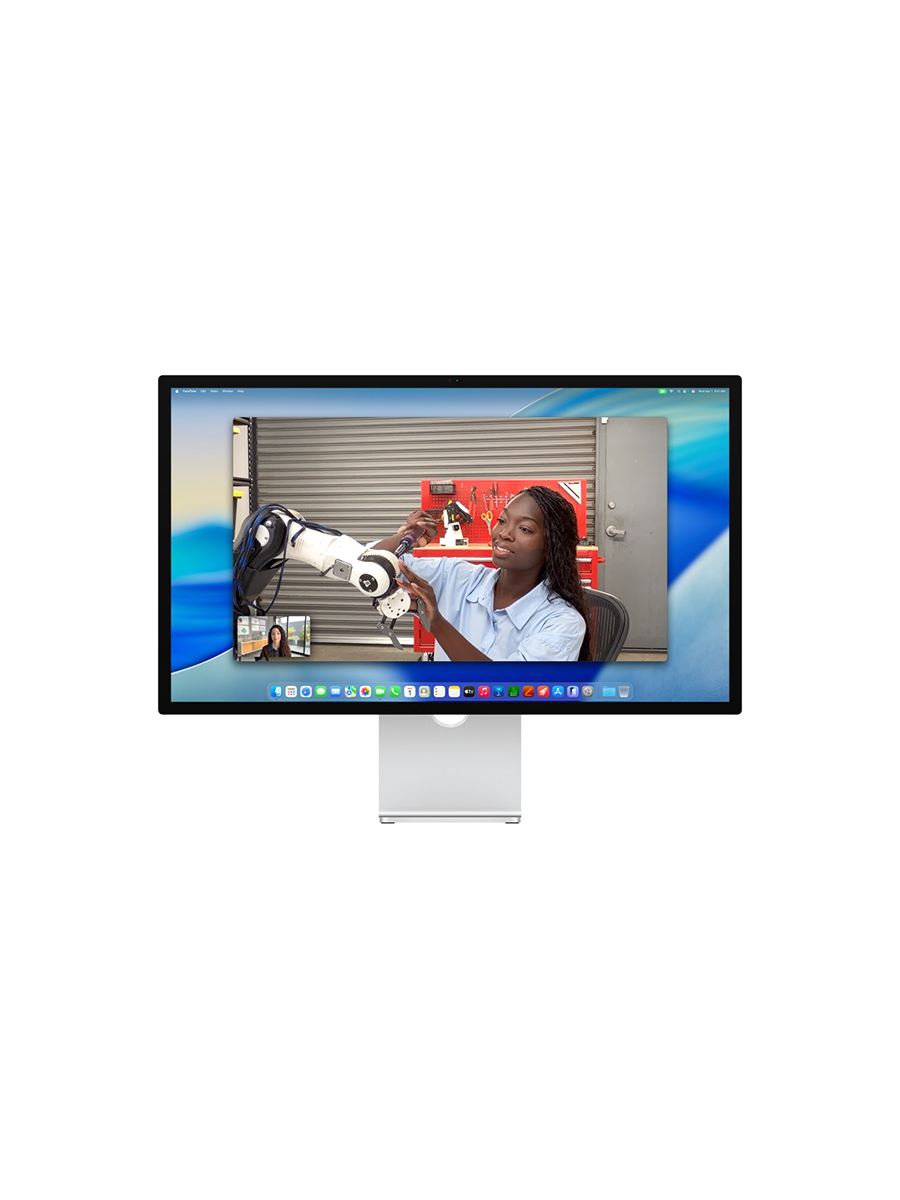
Two displays, one enclosure. The Studio Display and the Studio Display XDR share a 27-inch aluminium body, a 5K panel resolution, the same camera, speakers, microphones and Thunderbolt 5 connectivity. On the desk, they are the same object. The entire difference is the panel behind the glass, and the price: roughly $1,599 against $3,299 (£1,499 and £2,999 in the UK). Which one is better is the wrong question, because the answer depends entirely on what you do in front of it. The real question is simpler and harder: does your work need reference-grade performance, or is colour-accurate 5K already enough?
Studio Display
View in the indexStudio Display XDR
View in the index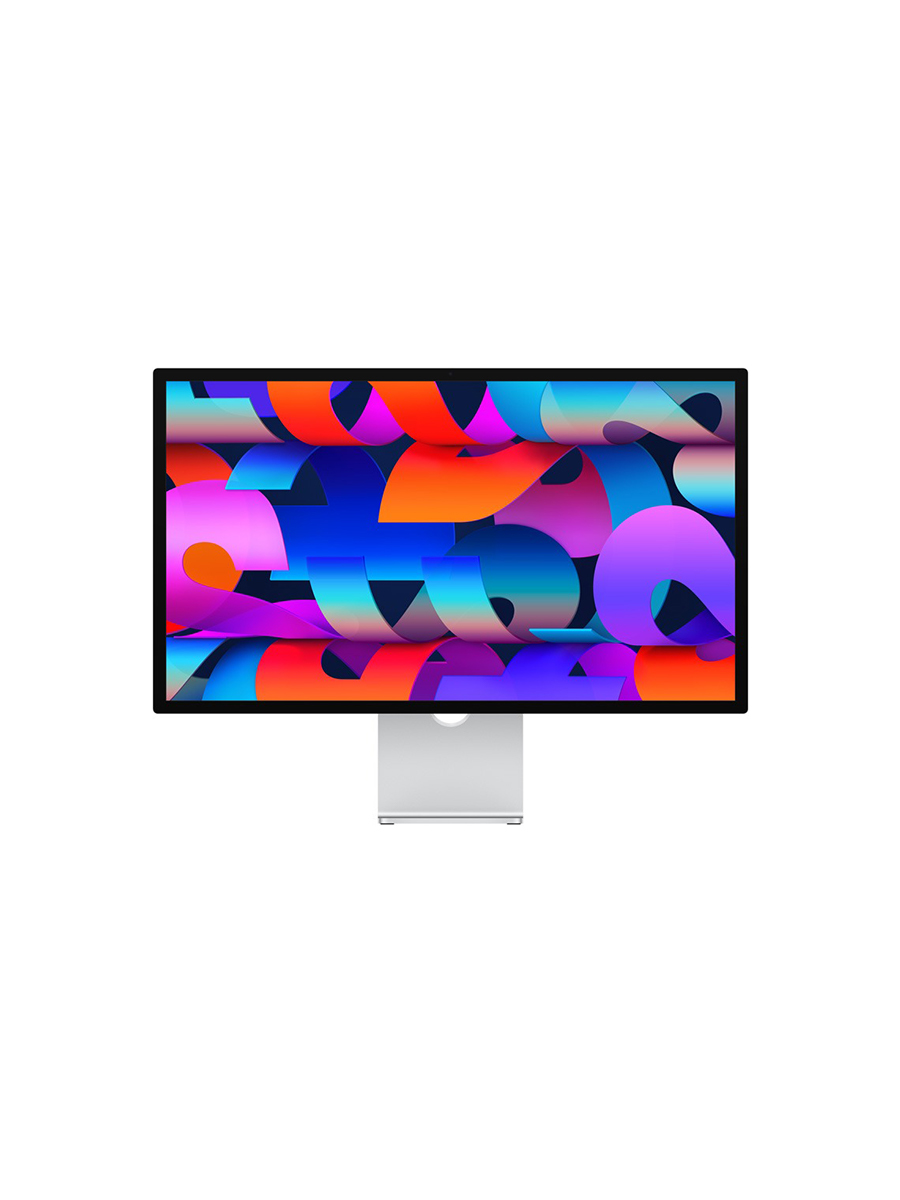
Clarity of purpose
The Studio Display has a clear brief that it never needs to state: a colour-accurate 5K monitor for people who work on a Mac and want the screen to get out of the way. Every decision follows from that. A 27-inch LED-backlit LCD at 5120 by 2880, 600 nits, 60Hz, P3 wide colour, a panel unchanged in substance since 2022. It is built for the work most people in front of a Mac actually do, writing, code, office, layout, general creative, and it declines to reach past it.
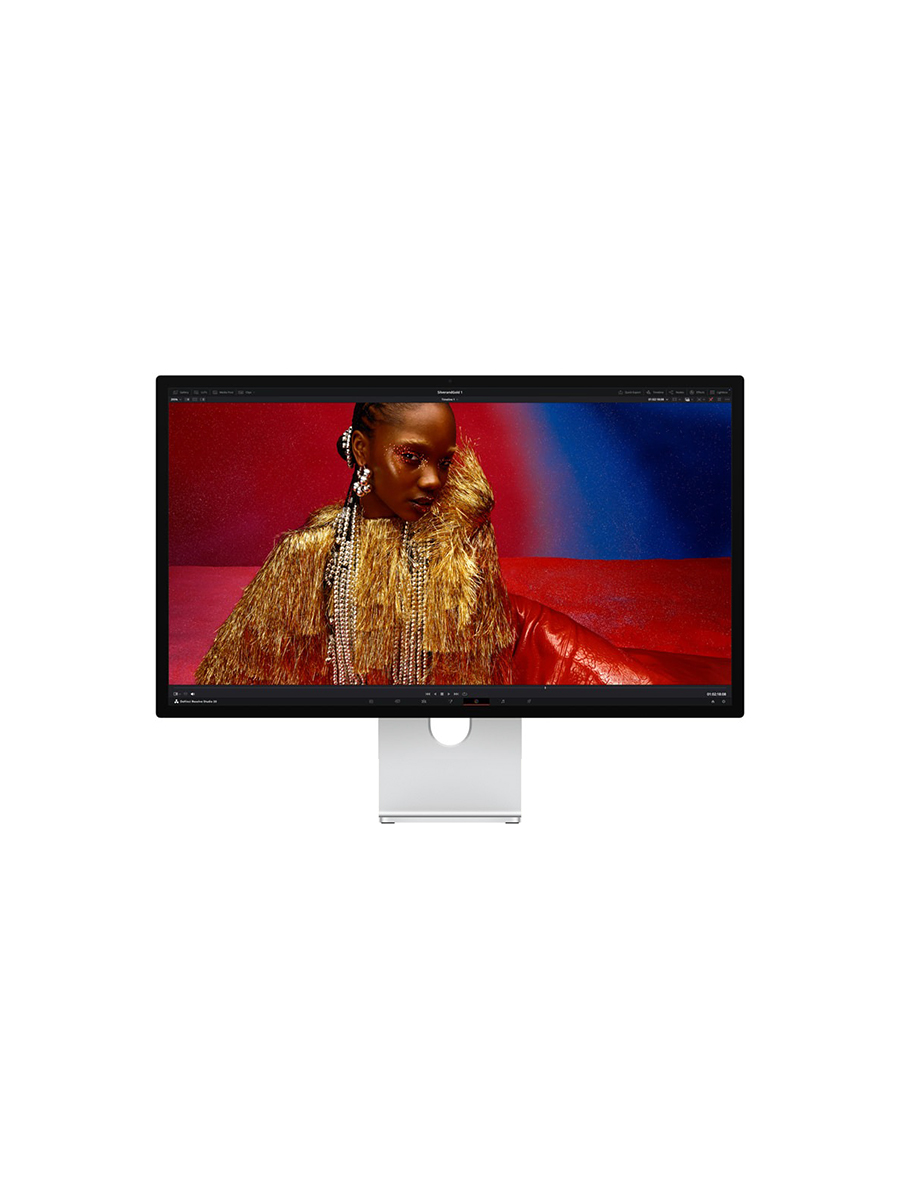
The Studio Display XDR states a different purpose, and states it more loudly because it has to justify the gap. It is a reference display: a screen whose job is not to show work clearly but to show it correctly, to a standard that can be trusted for colour-critical decisions. The mini-LED backlight with 2,304 dimming zones, the 1000 nits sustained and 2000 nits peak HDR, the 1,000,000:1 contrast, the P3-plus-Adobe-RGB gamut and the full bank of reference modes down to DICOM medical imaging are not enhancements to the standard brief. They are a different brief.
Both are clear. The standard model treats sufficiency as a position: it is enough, and it does not pretend the extra capability would serve the person it is built for. The XDR treats the reference ceiling as the point: it exists for work where "looks right" and "is right" are not the same thing. The clarity of each only becomes legible once you know which kind of work is yours.
Intentional design decisions
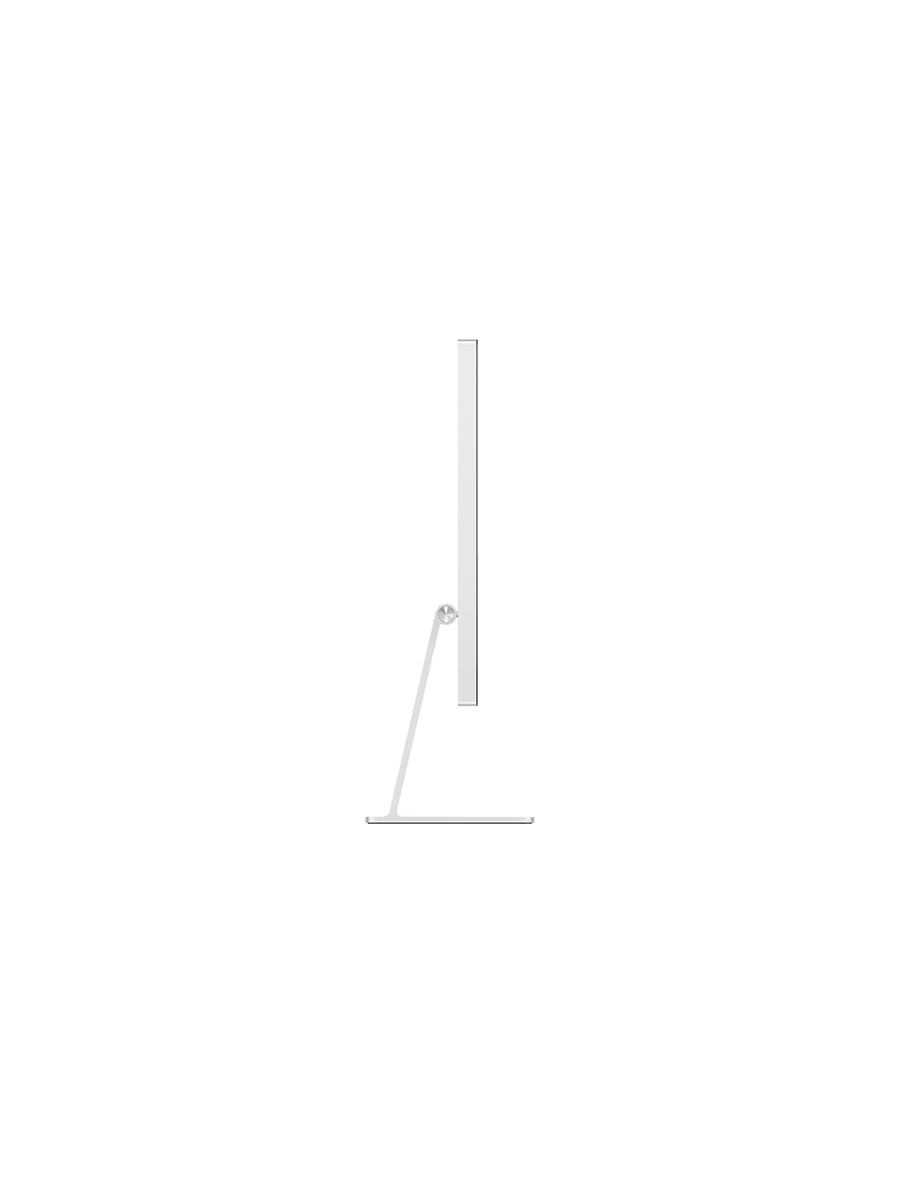
The two share one enclosure, and that is the central decision. Apple has placed a roughly $1,599 panel and a roughly $3,299 panel behind the same 27-inch aluminium body, with the same 12MP Center Stage camera, the same six-speaker system with force-cancelling woofers, the same three-mic array, the same two Thunderbolt 5 ports. Everything that surrounds the screen is held constant. The line is differentiated at exactly one point: the glass and what sits behind it.
In the standard model, the intentional decisions are decisions to hold. The LED-backlit LCD, the 60Hz refresh and the 600 nits are not failures to upgrade. They are a judgement that the work this display is for does not require more, and that charging for more would break the brief. The A19 chip with 8GB of memory and the 96W host charging are sized to the same logic: enough to run the panel and fast-charge a laptop, with no headroom bought that the user would not use.
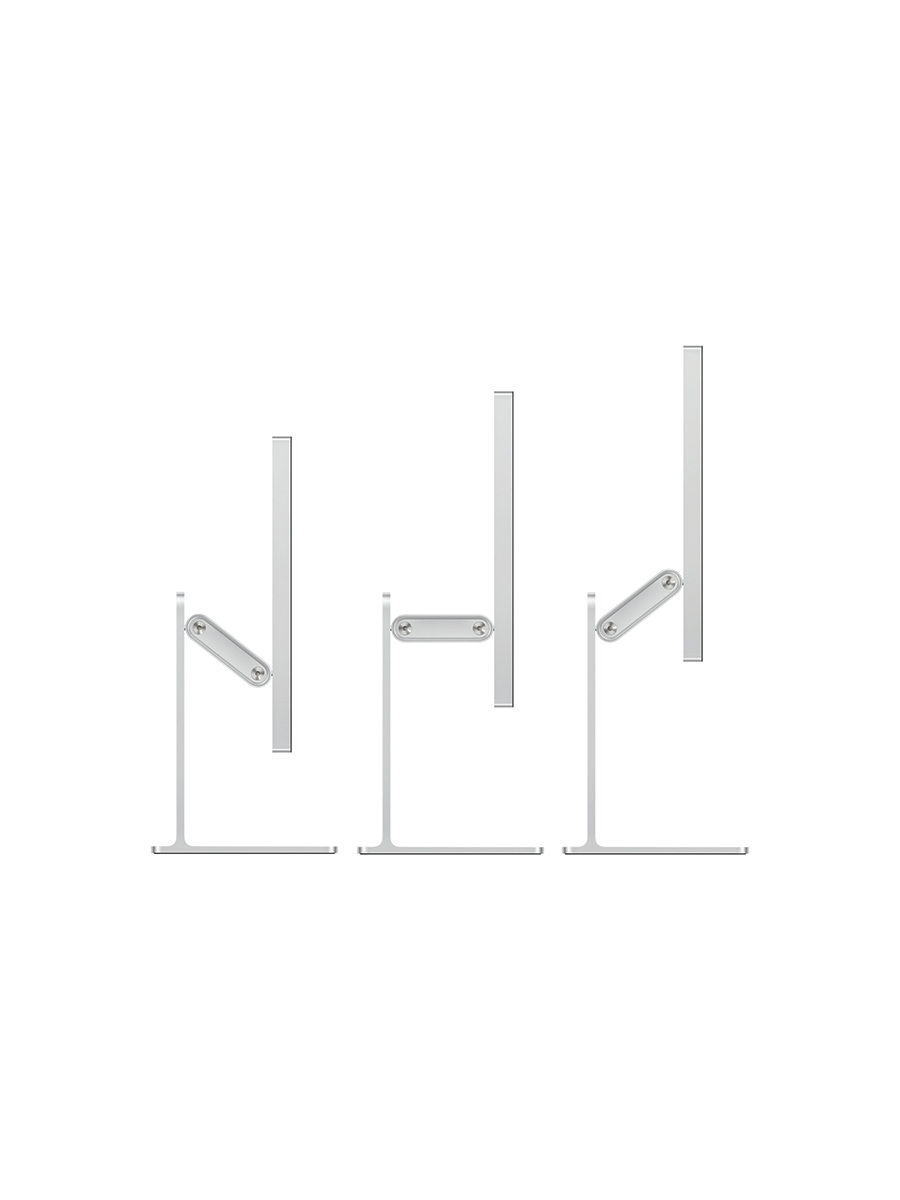
The XDR's decisions all point the other way, toward headroom. The mini-LED backlight with over two thousand independently controlled zones is what produces the contrast and the high-nit HDR; the 120Hz refresh with Adaptive Sync, varying from 47 to 120Hz, is what makes motion work legible frame by frame; the A19 Pro chip, 12GB of memory and 140W charging scale to match. The tilt-and-height stand is included rather than a paid upgrade, a small signal that the XDR is sold as a complete professional instrument rather than a configurable consumer one. None of this is decoration. Each decision serves the reference brief, and each is part of why the price is what it is.
Functional efficiency
For day-to-day Mac work, the two are functionally identical, because the things that make the experience efficient are the things they share. One Thunderbolt cable carries video, power and peripherals. There is no power button, no on-screen menu, no input switching: the display wakes with the Mac and is configured entirely in macOS. Both deliver that clean, low-friction setup equally, and for most users it is the larger part of the appeal.
The difference in efficiency is only legible inside specific work. For colour-critical HDR, grading, film, motion, print proofing, the standard panel introduces a quiet friction that familiarity never resolves: it cannot show the work to the standard the work is judged by, so it has to be trusted less, checked elsewhere, worked around. The XDR removes that friction by being the reference itself. For everything outside that band, the relationship inverts. The XDR's extra capability is not efficiency; it is capacity that goes unused, paid for and never reached.
So the efficient choice is not a property of either display. It is a property of the match between the panel and the work. The standard model is the more efficient object for the person whose work never asks for more than it gives. The XDR is the more efficient object only for the person whose work would otherwise be fighting the standard panel daily.

Material honesty
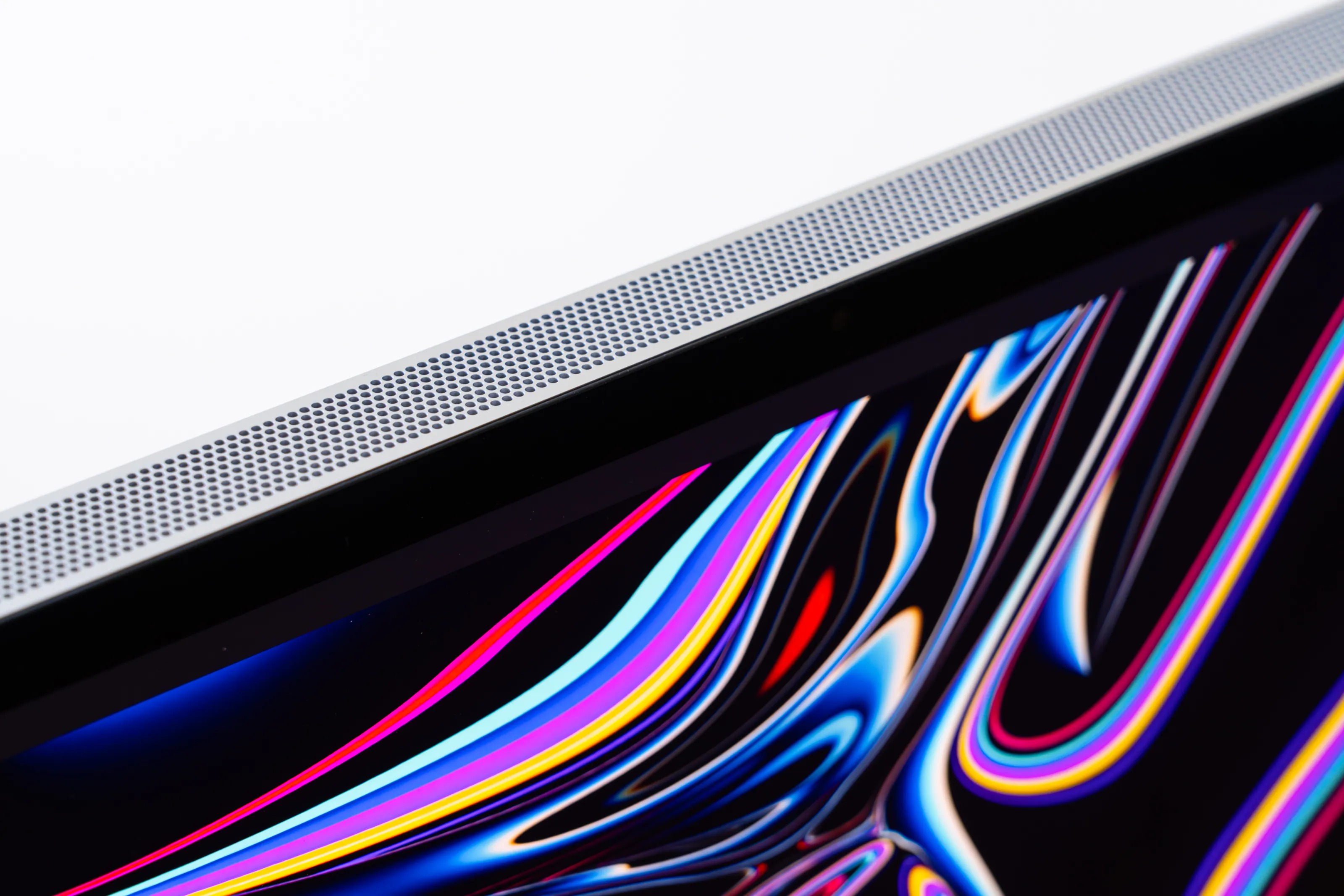
The aluminium body is what it appears to be: solid metal, built to a standard that matches the price, with no surface trickery dressing up something cheaper. That holds for both, because the body is the same. So does the optional nano-texture glass, etched into the surface rather than laid over it as a coating, offered on each.
Where they part is the panel, and each is straight about what it delivers. The standard screen does not fake HDR it cannot produce; it shows SDR at 600 nits and accurate P3 colour within the range it covers, and stops there. The XDR's mini-LED hardware physically produces the contrast and brightness on the box, rather than leaning on processing to imitate them. Neither screen claims more than it can actually do.
The point worth making sits in the price rather than the materials. Because the two share every part you can see and touch, owning them feels the same: the same object on the desk, the same thing under your hand, the same impression to anyone who walks past. The roughly two-times gap buys nothing you can hold. It buys a panel, and the panel is the one part the body is built not to show off. That is fair enough, but it is worth being clear that you are paying for a difference you will only ever see switched on, not a richer object.
Visual resolution
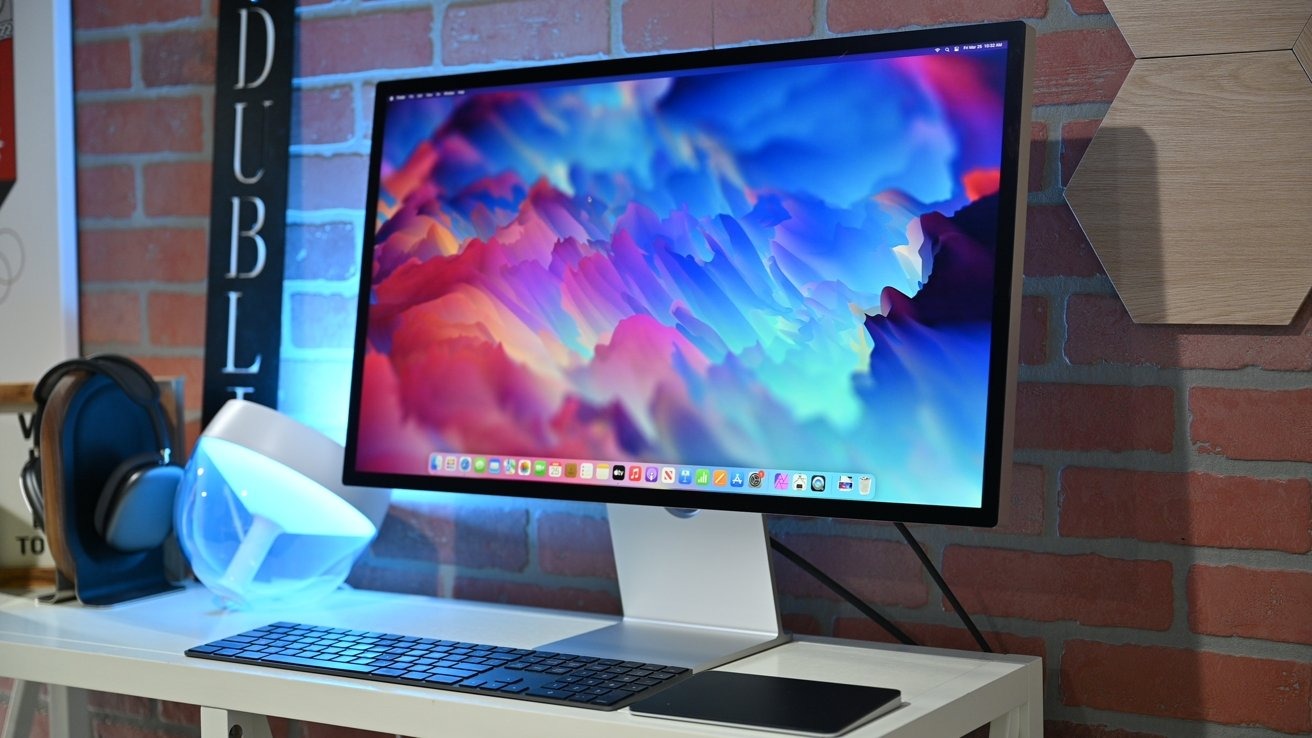
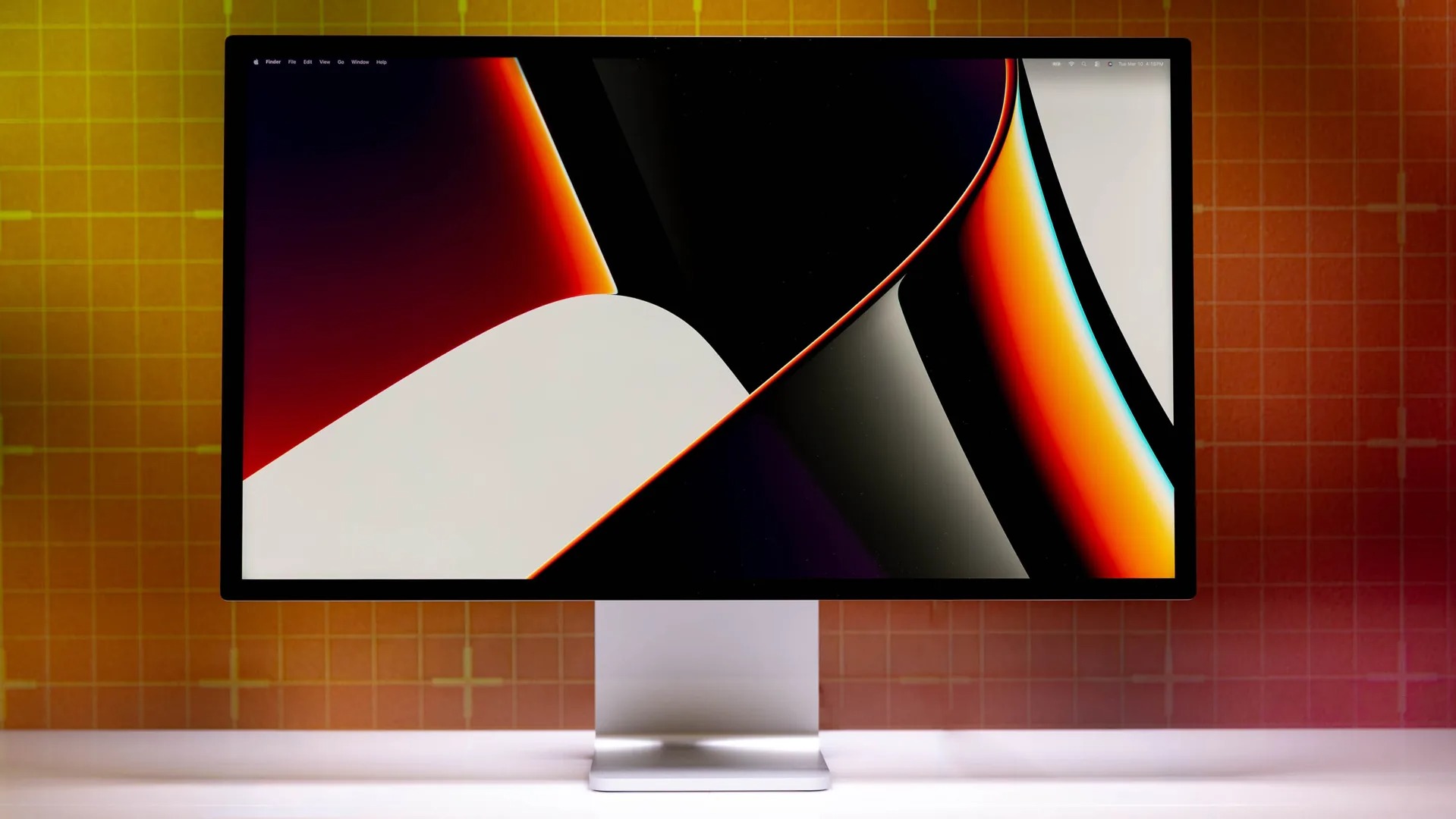
Whether a screen looks settled, proportions sitting right, nothing arbitrary or unfinished, is normally a real point of difference between two products. Here it is not one at all. The two displays are not merely similar but identical: the same minimal-bezel 27-inch slab, the same proportions, the same restraint. Whatever you make of the look of one, you make of the other, because they are the same object.
This is the centre of the whole comparison. The body gives no outward sign of which panel sits behind it. There is no badge, no different finish, no change in proportion. A standard Studio Display and a Studio Display XDR sitting side by side, both switched off, are indistinguishable to anyone not reading the ports on the back. The entire difference, every dimming zone, every extra nit, the doubled refresh rate, the wider gamut, the reference modes, is invisible until the screen turns on.
So the visual decision a buyer usually makes, how an object looks on the desk, is not in play. Both look the same on the desk. What you are choosing is not a look. It is a panel, and a panel only declares itself in use. That is an unusually pure version of a design decision: the form is held constant precisely so the choice collapses onto a single variable.


Longevity and repeat use
Both displays are built to be owned for a long time. The enclosure is the same recycled aluminium, the panels are Apple's own, and the four-year gap between Studio Display generations suggests objects updated slowly rather than replaced annually. Physical longevity is not the question that separates them.
What separates them is the kind of longevity each offers. The standard model lasts by remaining sufficient: most of the work it is bought for will not change in ways its panel cannot meet, so it stays appropriate not because it has headroom but because it never needed any. Its LED-backlit LCD is also the simpler, more proven technology, with fewer components whose behaviour drifts over a decade than a mini-LED array of more than two thousand zones. The XDR lasts the other way, by remaining capable: 120Hz, HDR and the reference modes give it room that evolving colour and motion work can grow into, at the cost of a more complex backlight with more to age.
Neither route is more durable. They are durable in different currencies. The buyer who picks sufficiency is betting their work will not outgrow enough. The buyer who picks the reference ceiling is paying for capability they may not use today against work they expect to do tomorrow.
Who are these for?
Studio Display
People who work on a Mac and want a colour-accurate 5K display that gets out of the way: writing, code, office, layout and general creative work where the panel never needs to do more than show the work clearly. Those for whom 600 nits, 60Hz and accurate P3 are not a compromise but simply enough, and who would rather not pay for capability their work will not reach. The setup is much of the appeal: one cable, no controls, exact Mac integration.
Studio Display XDR
People whose work is judged on colour and is wrong if the screen is wrong: HDR video, grading, film and motion, print proofing, and the specialised reference workflows down to medical imaging. Those who need 1000 nits sustained, 2000 nits peak, true local-dimming contrast, 120Hz motion, and both P3 and Adobe RGB from a screen they can calibrate and trust. For them the reference ceiling is not a luxury tier but the tool the work requires.
Final thoughts
Both displays are the product of coherent decisions made for genuinely different users, and the shared body makes that unusually clear. Because the two look identical, none of the usual signals apply. There is no better-looking option, no more-premium object, nothing to choose between on the desk. The decision collapses onto the panel, and the panel only matters once it is switched on.
The standard Studio Display treats sufficiency as a position and holds it: enough for the work it is built for, and clear that it would rather not charge for capability that work will not reach. The XDR makes the reference ceiling its purpose, and earns its price only where that ceiling is needed. Knowing which one describes your work is the whole of the decision. It is a more useful question than which display measures higher in tests the standard model was never meant to enter.