12 One-Bag Travel Essentials for Content Creators
- 15 Jul 2026
- 15 Jul 2026
- 14 min
When the trip is the content, the gear is the point, and packing light suddenly gets harder. A holiday can forgive an extra jumper. A shoot cannot easily forgive the lens you left at home, so the temptation is to bring all of it, just in case, and end up with a bag too heavy to actually go anywhere interesting.
The way out is the same as with any one-bag trip: carry only what earns its place, and choose things that do more than one job. It just takes a little more discipline when the things are cameras. Bring the right small kit and you can shoot a whole trip out of a single bag, and stay light enough on your feet to actually find the shots.
This list assumes you already have the basics covered, the core one-bag kit that every trip needs whatever the reason for it. What follows is what a visual creator adds on top: the kit to capture stills and video, keep it powered, and get it home safe. If you mostly shoot one or the other, some of this will not apply to you, and that is fine. Take what fits how you work.
One thing worth saying up front: the creators who travel lightest lean on their phone more than gear snobs like to admit. A lot of what follows can be done, at a push, with the phone you already own. The rest of the list is for when you want to do it better.
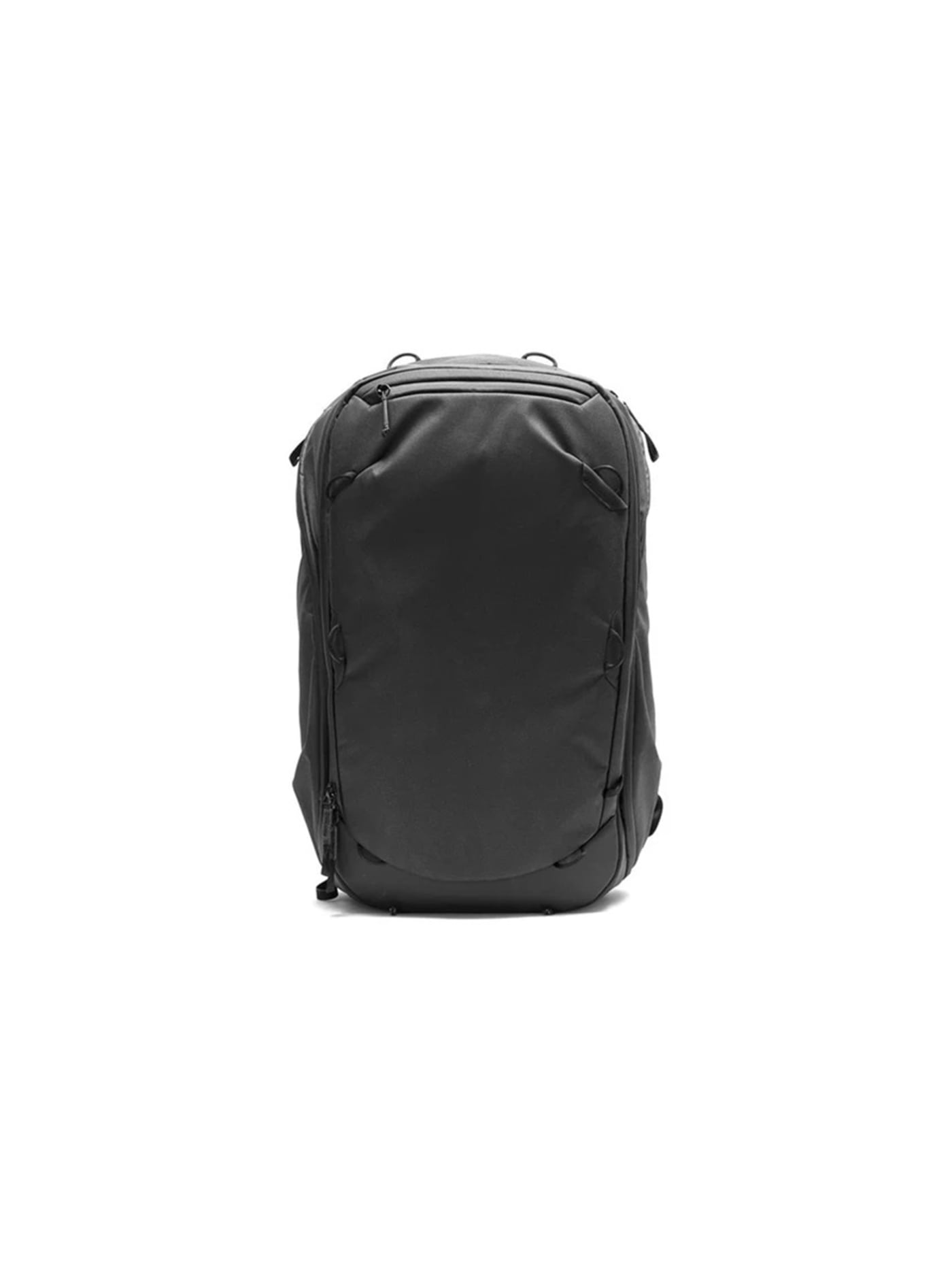
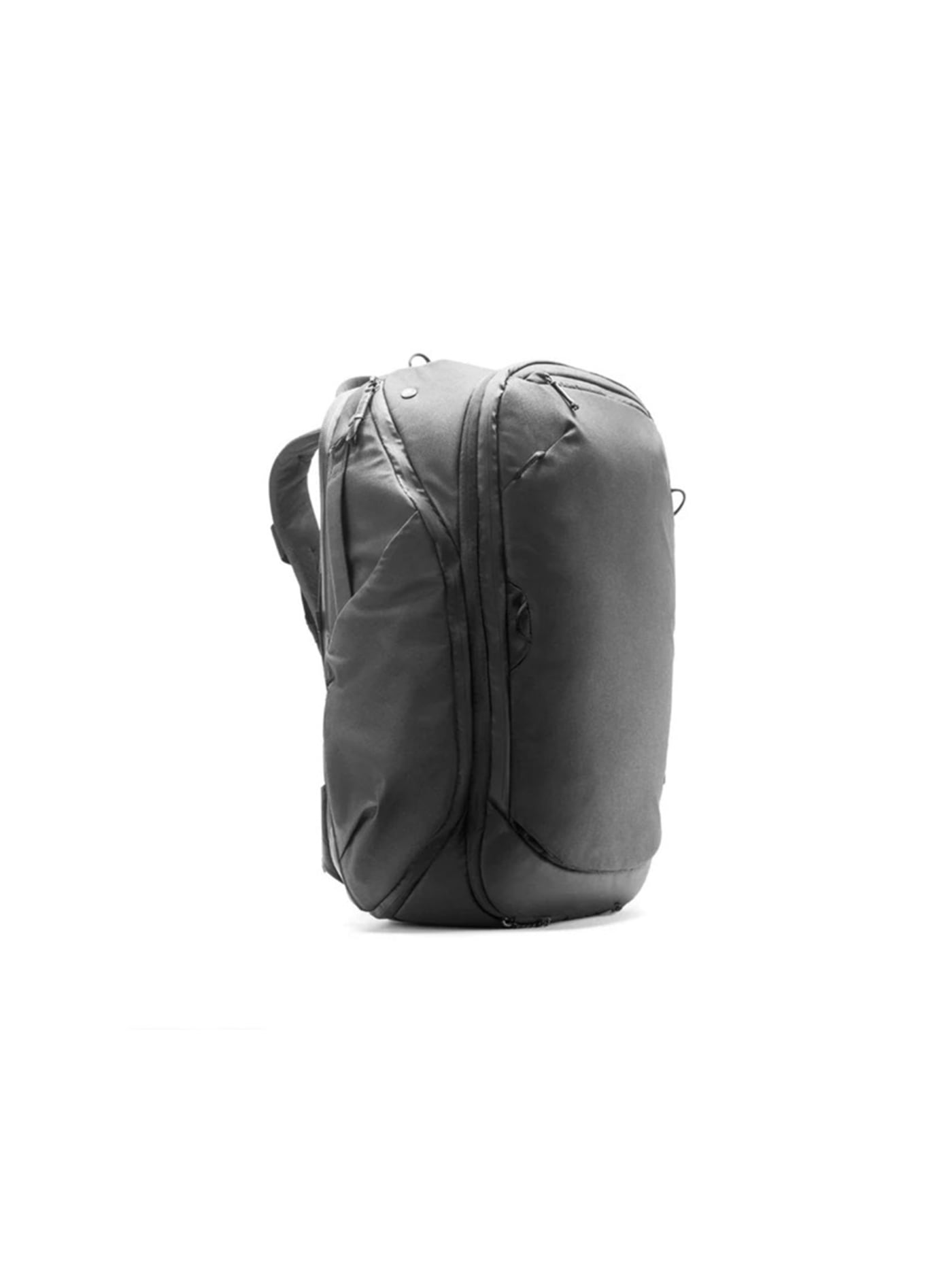
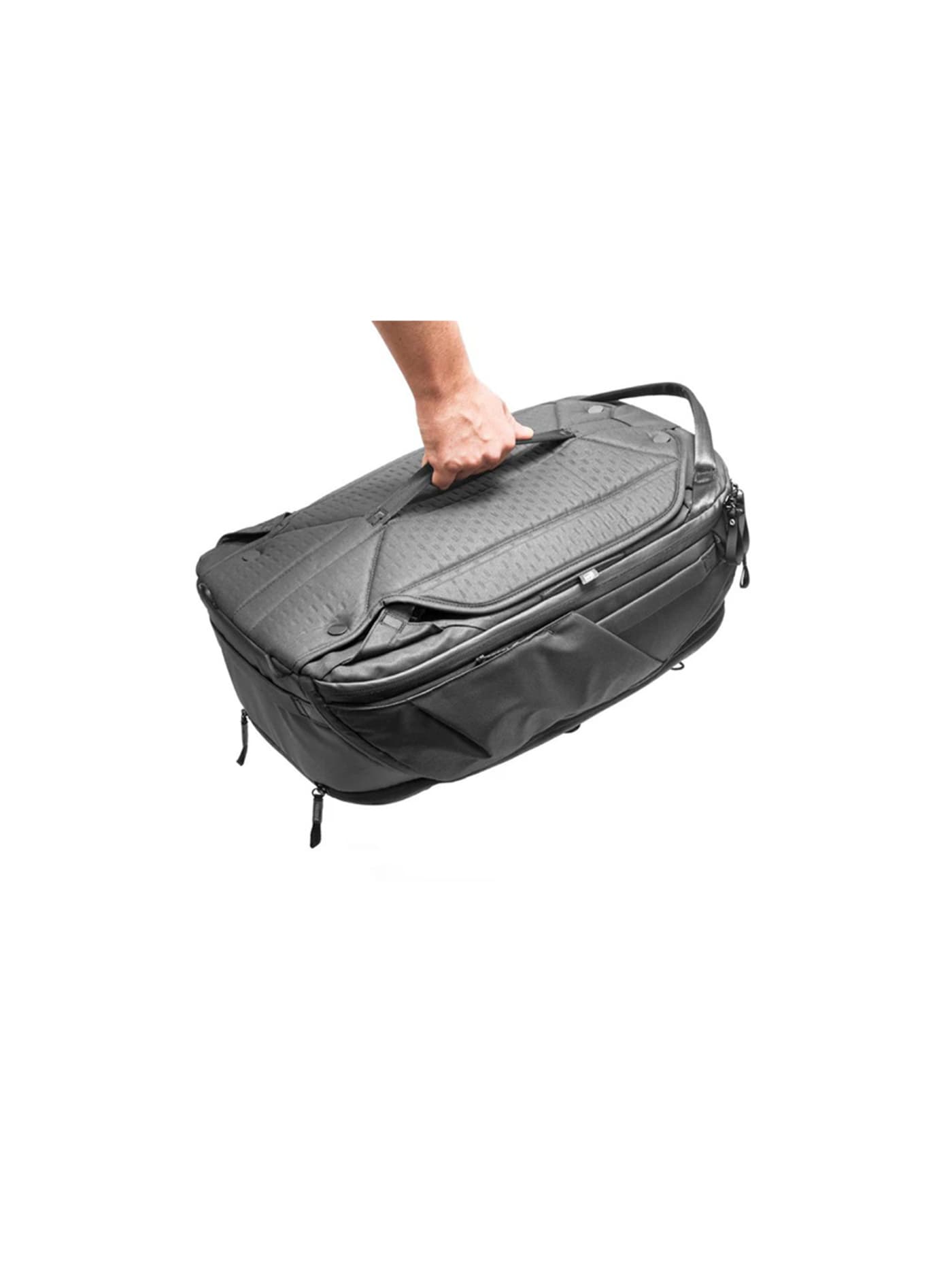
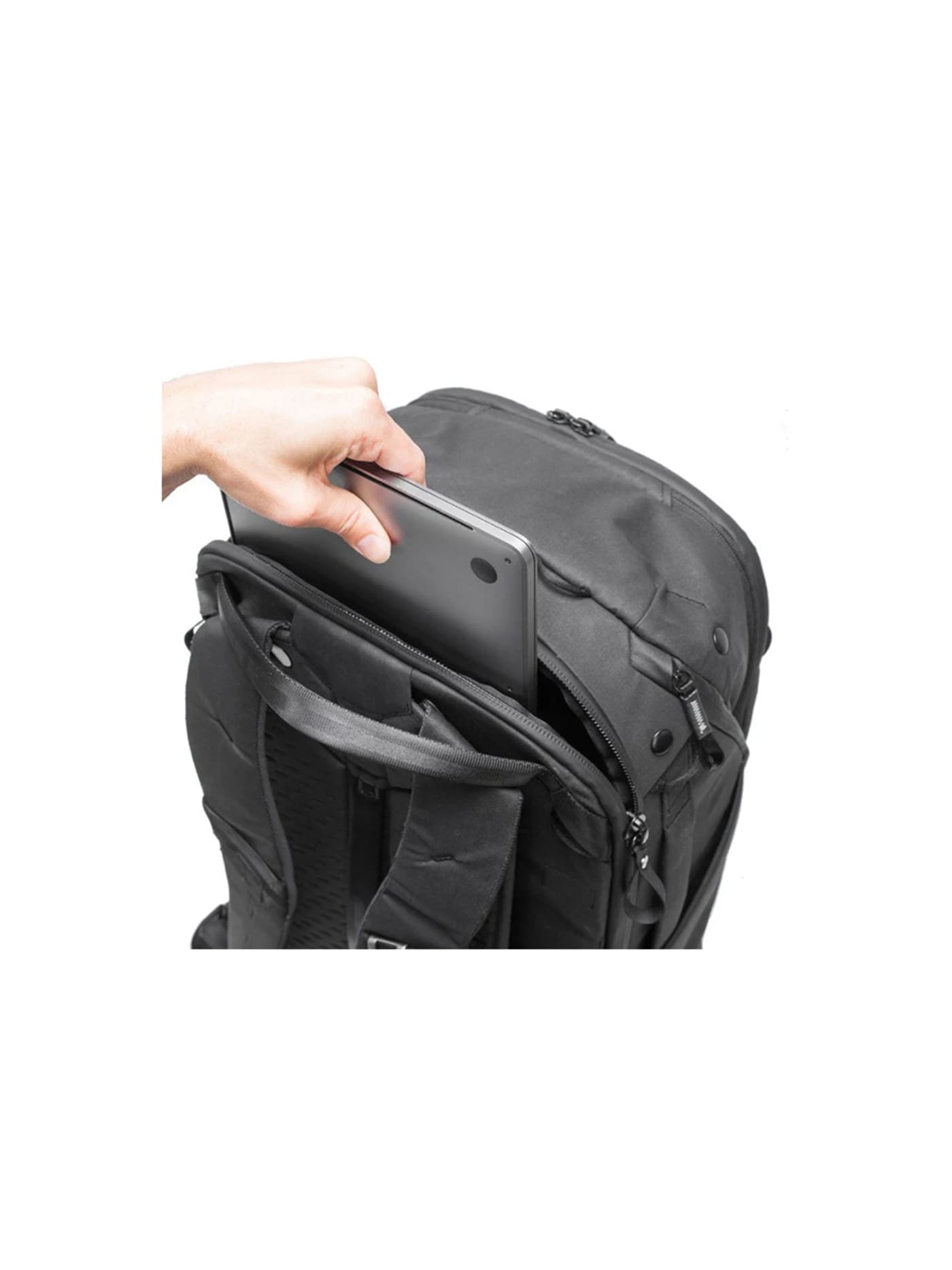
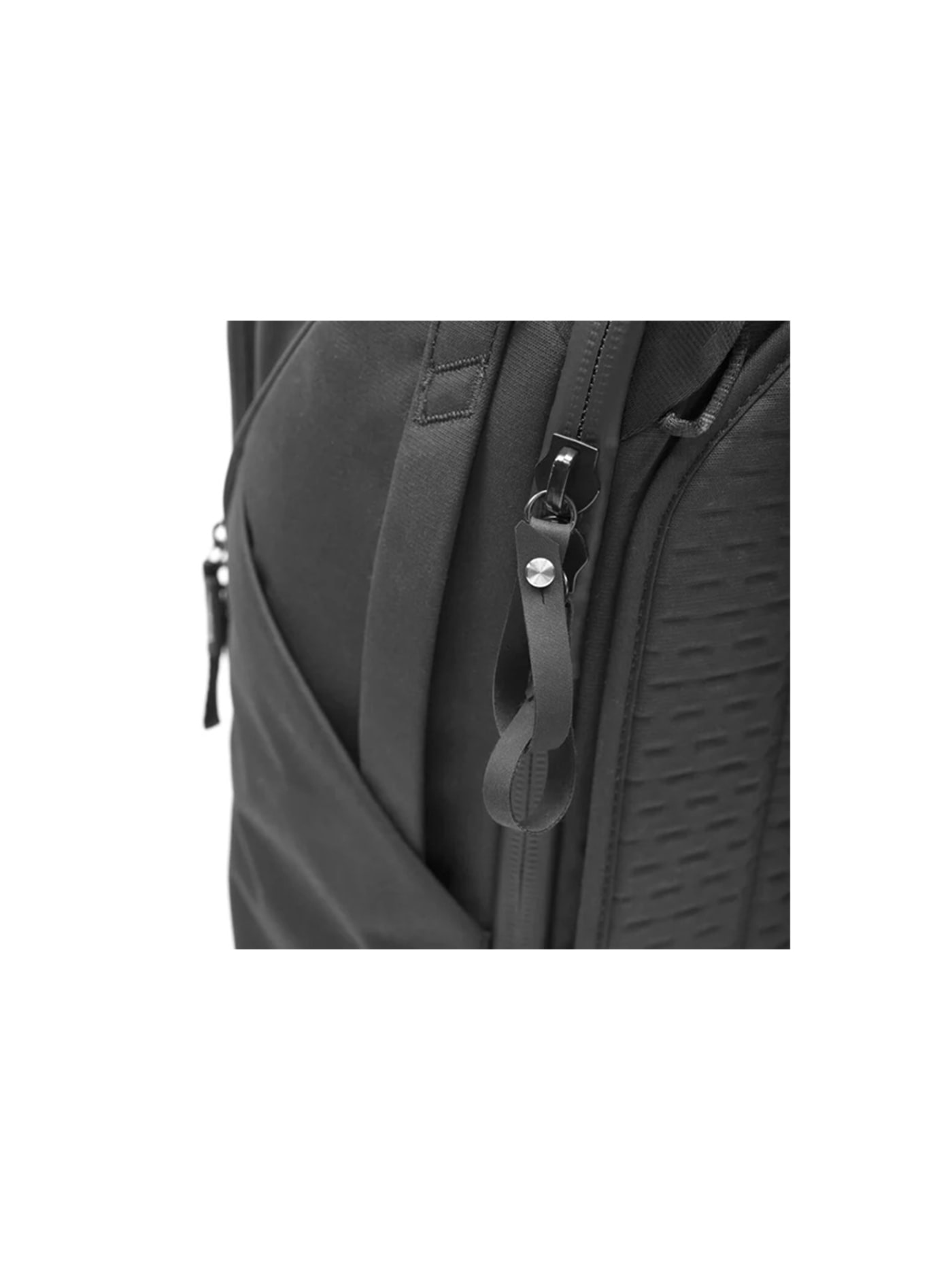
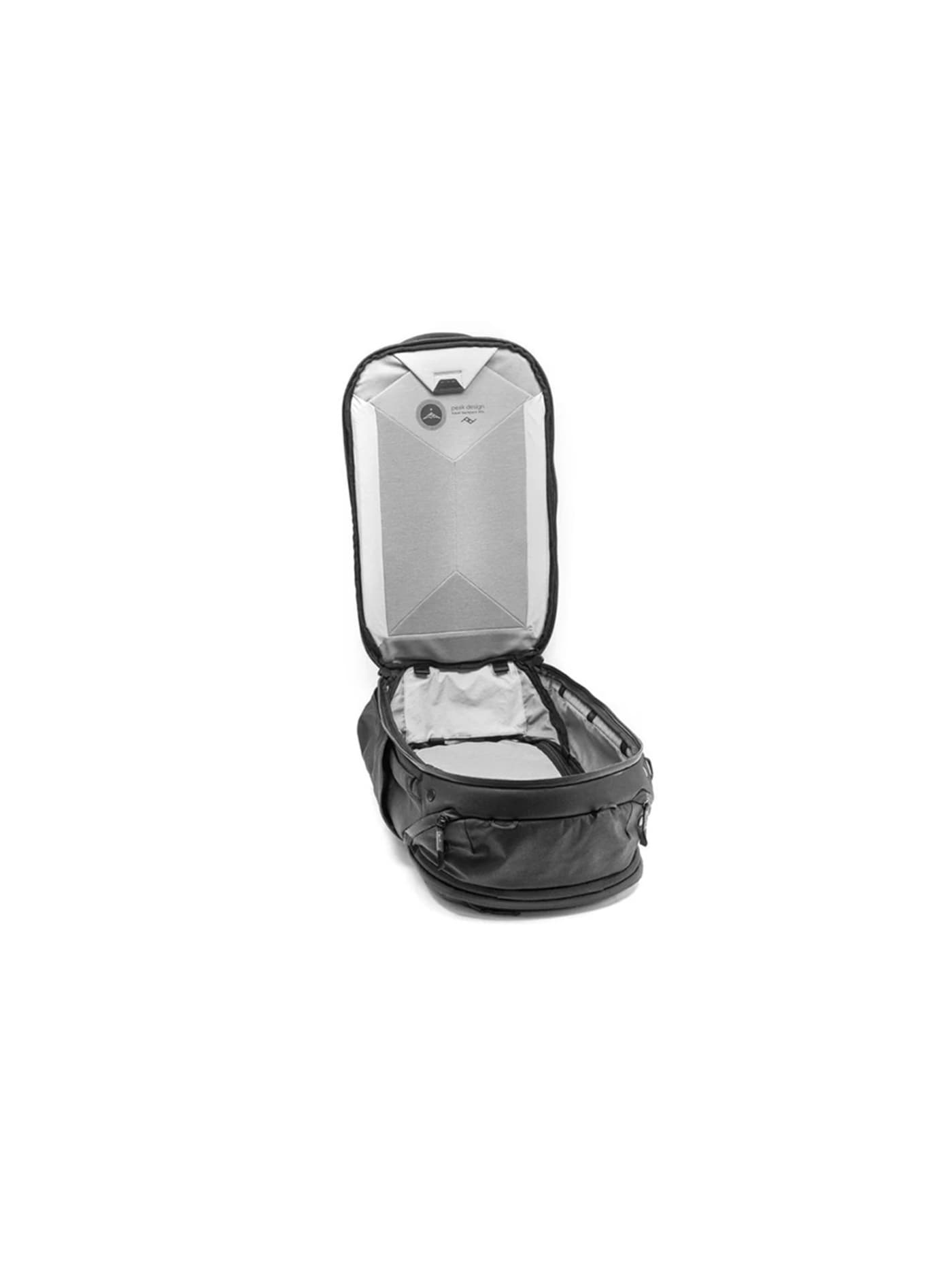
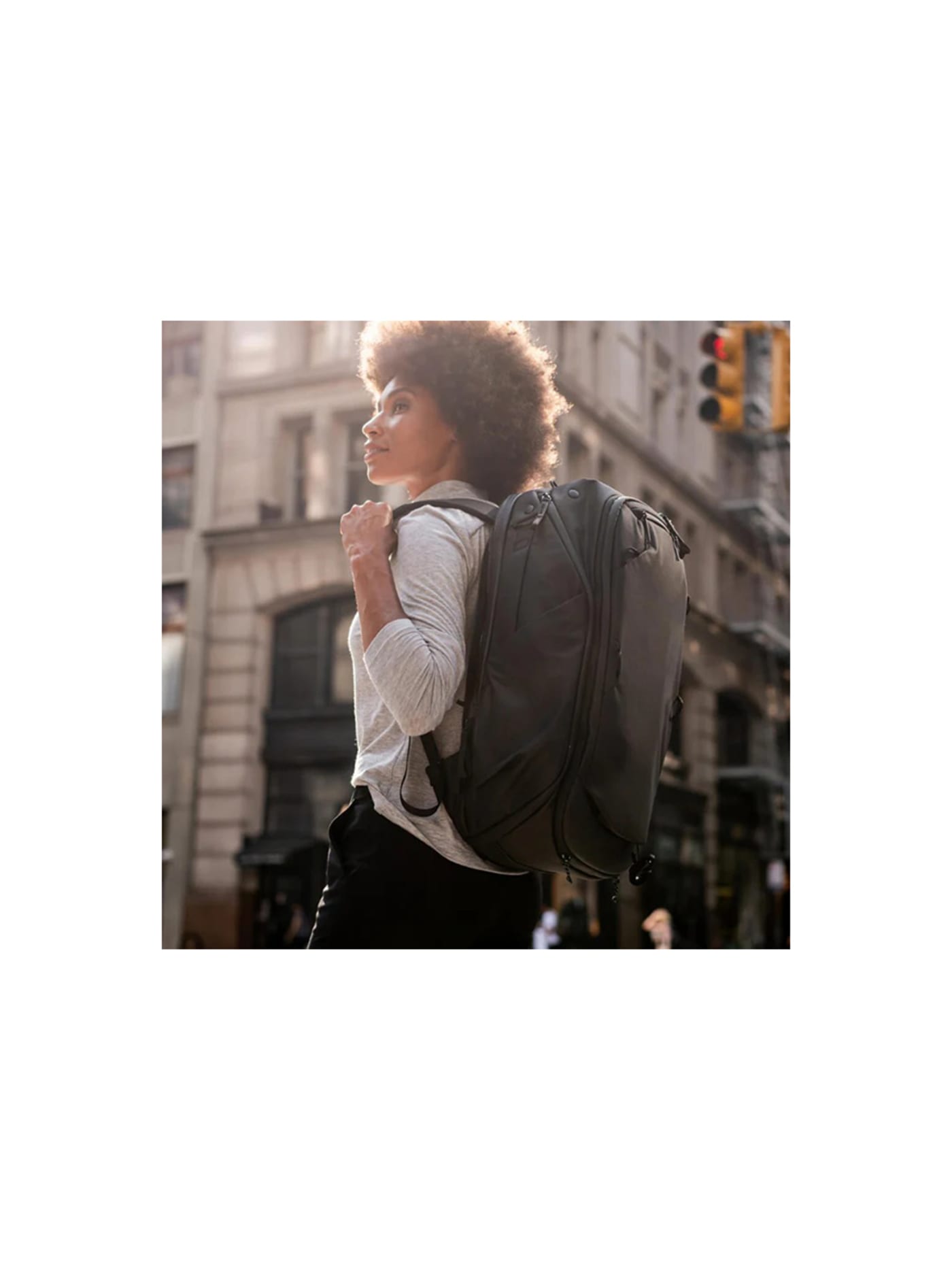
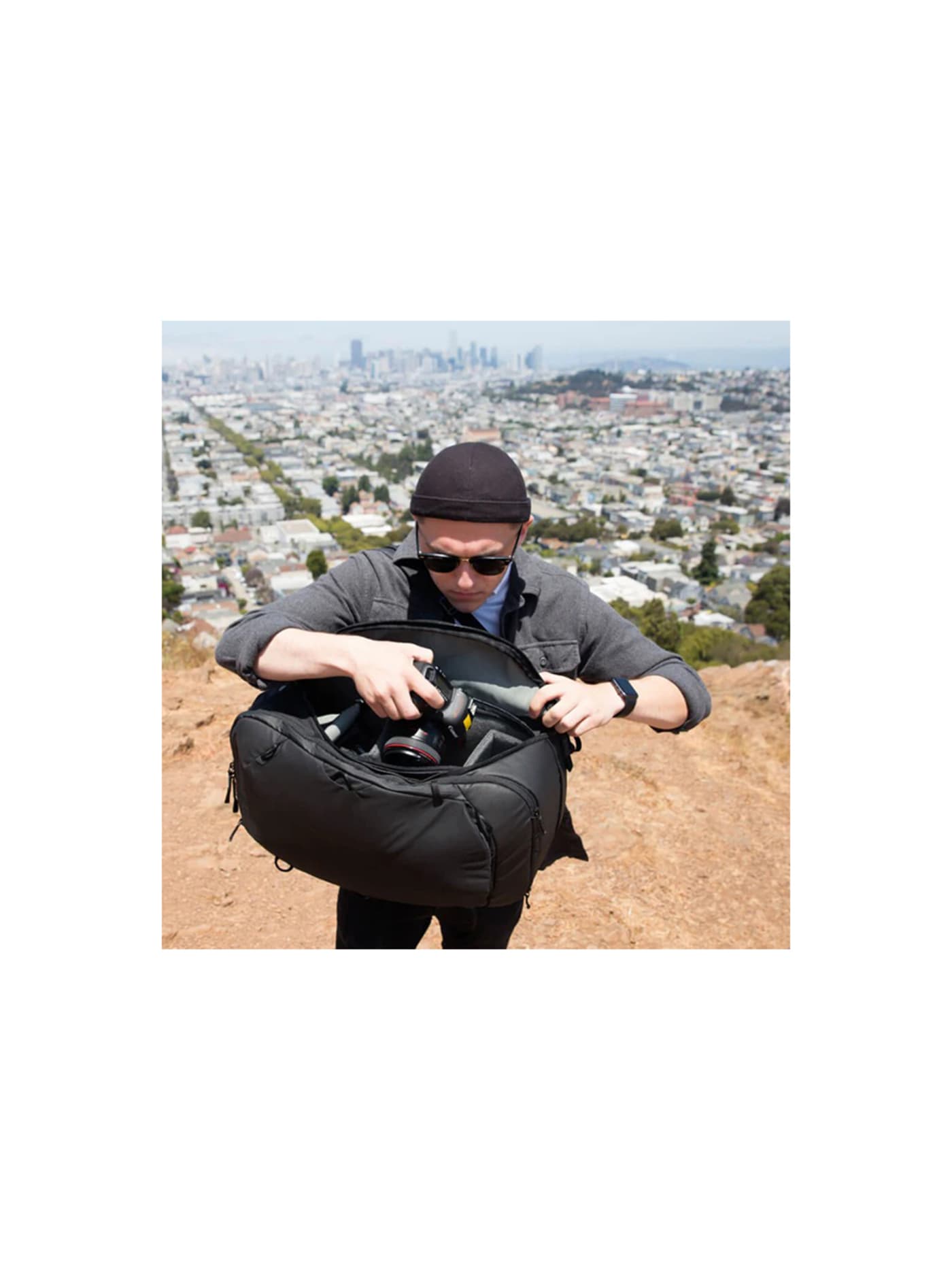
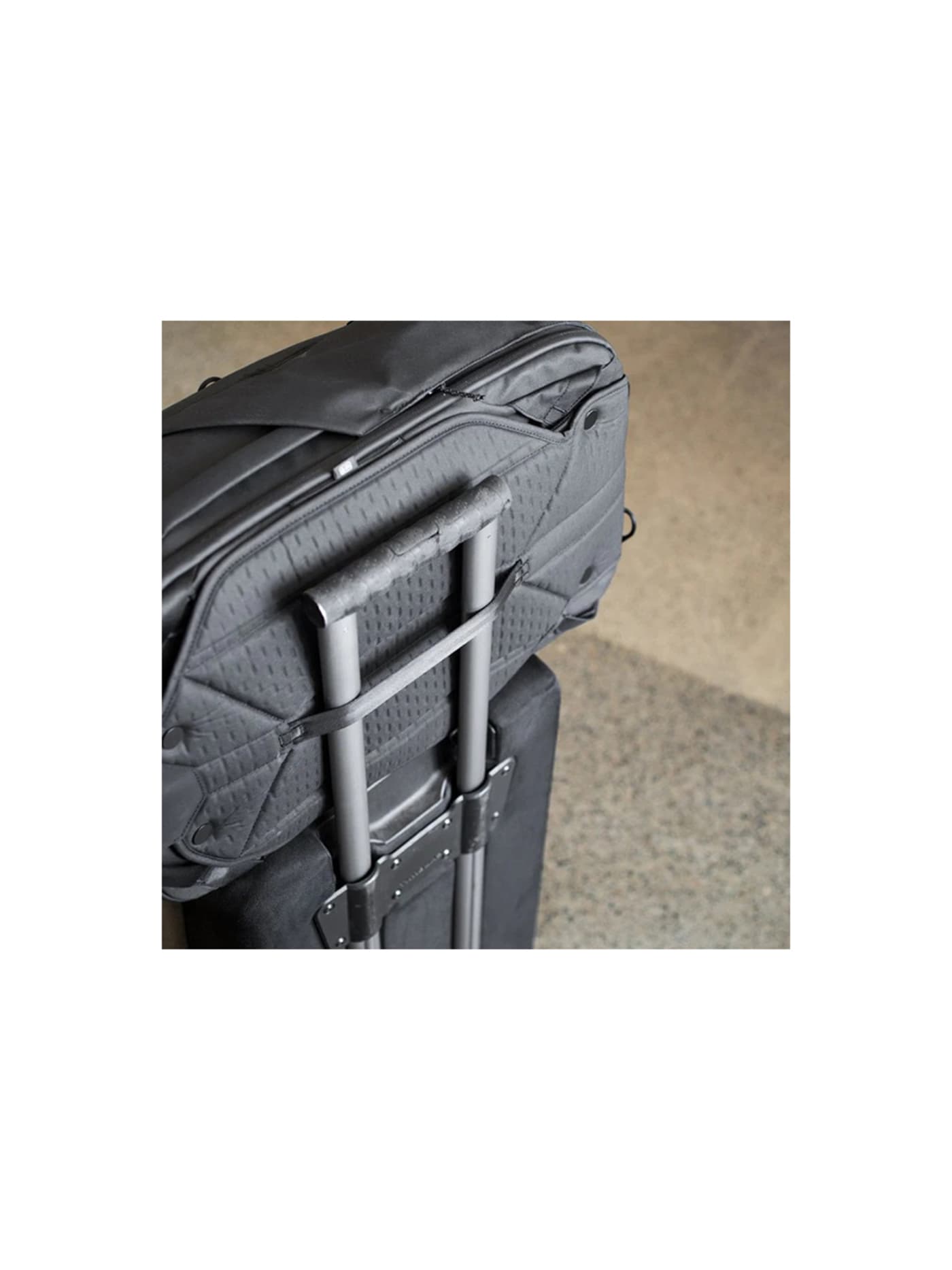
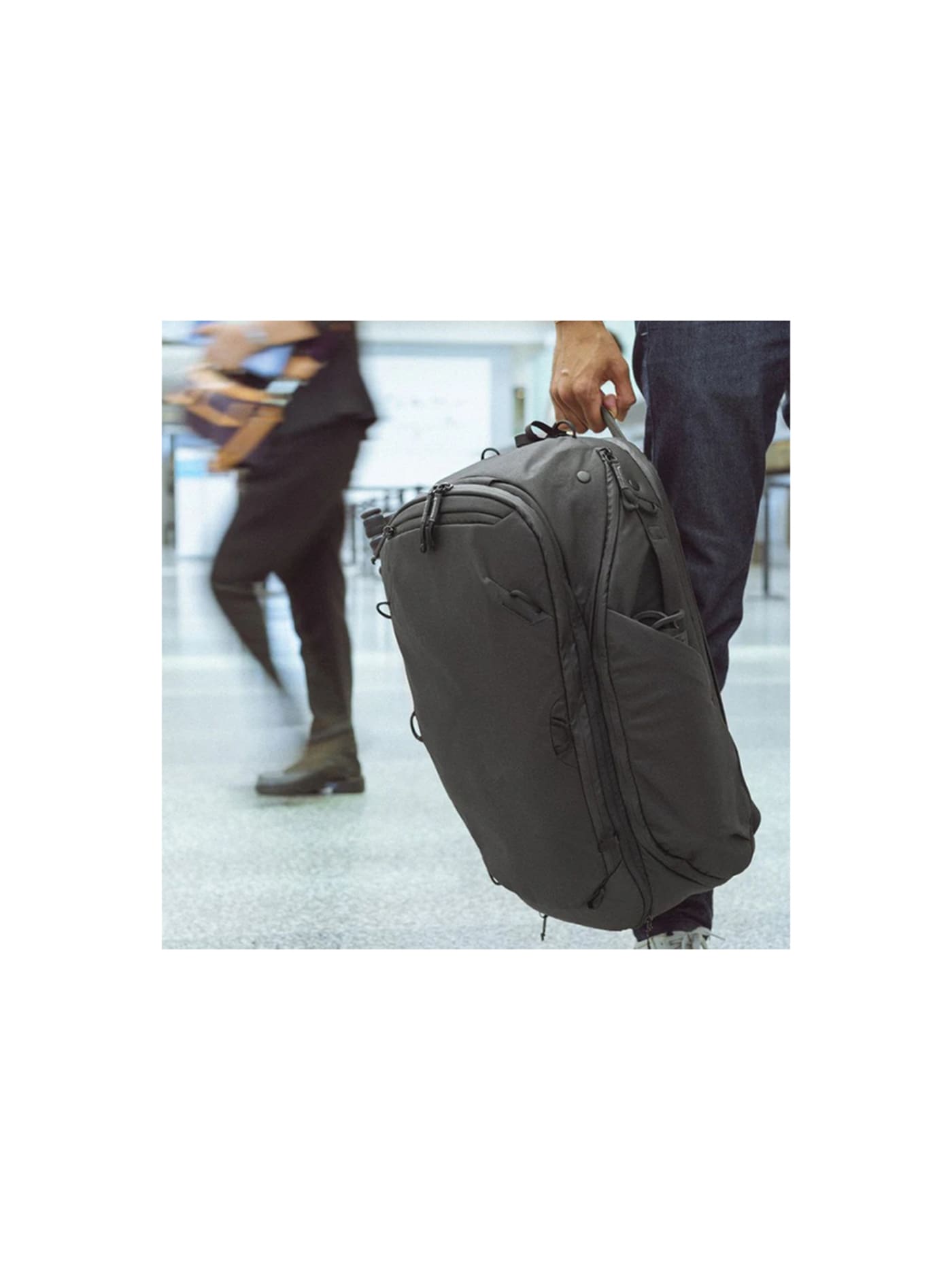
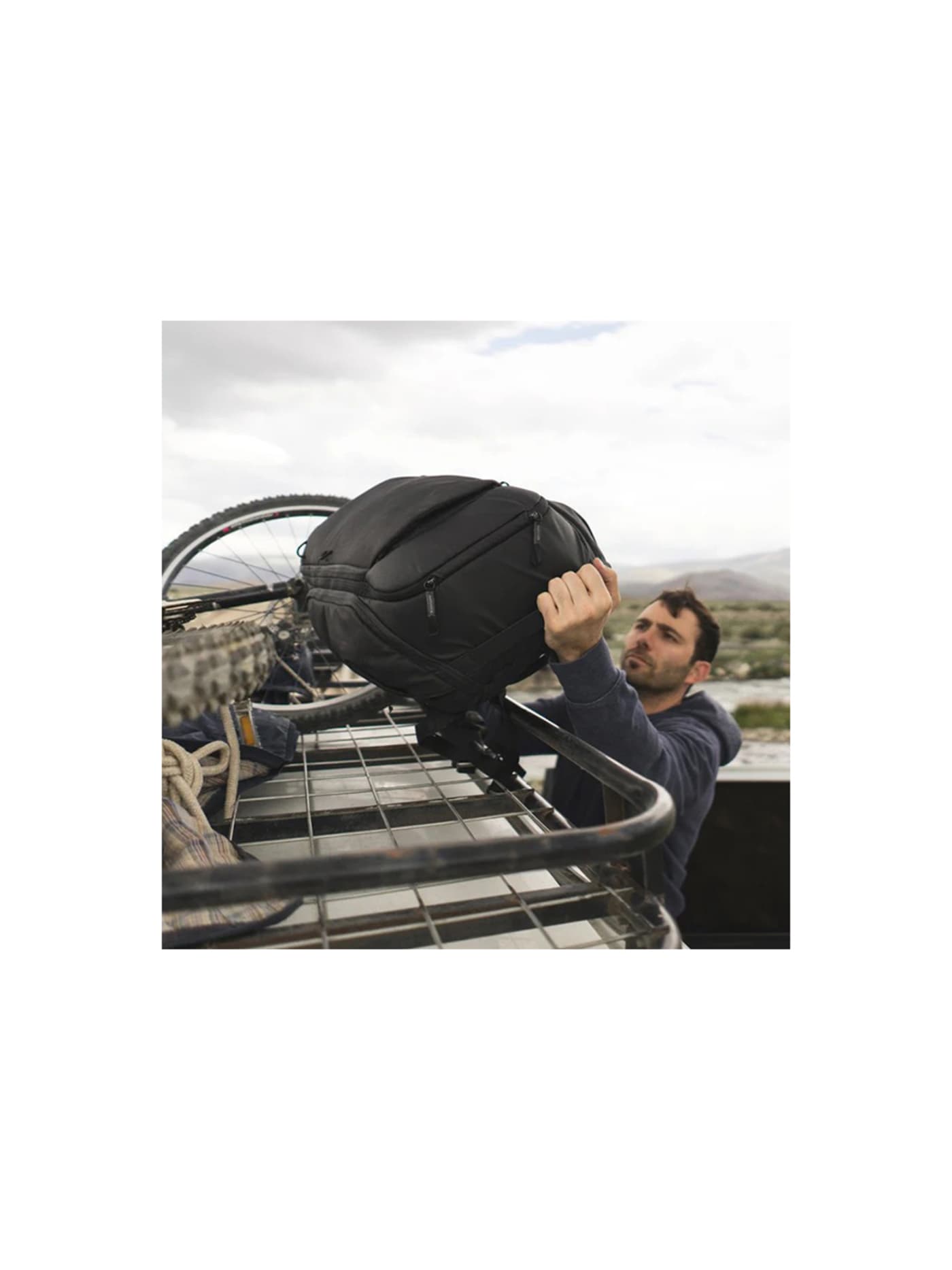
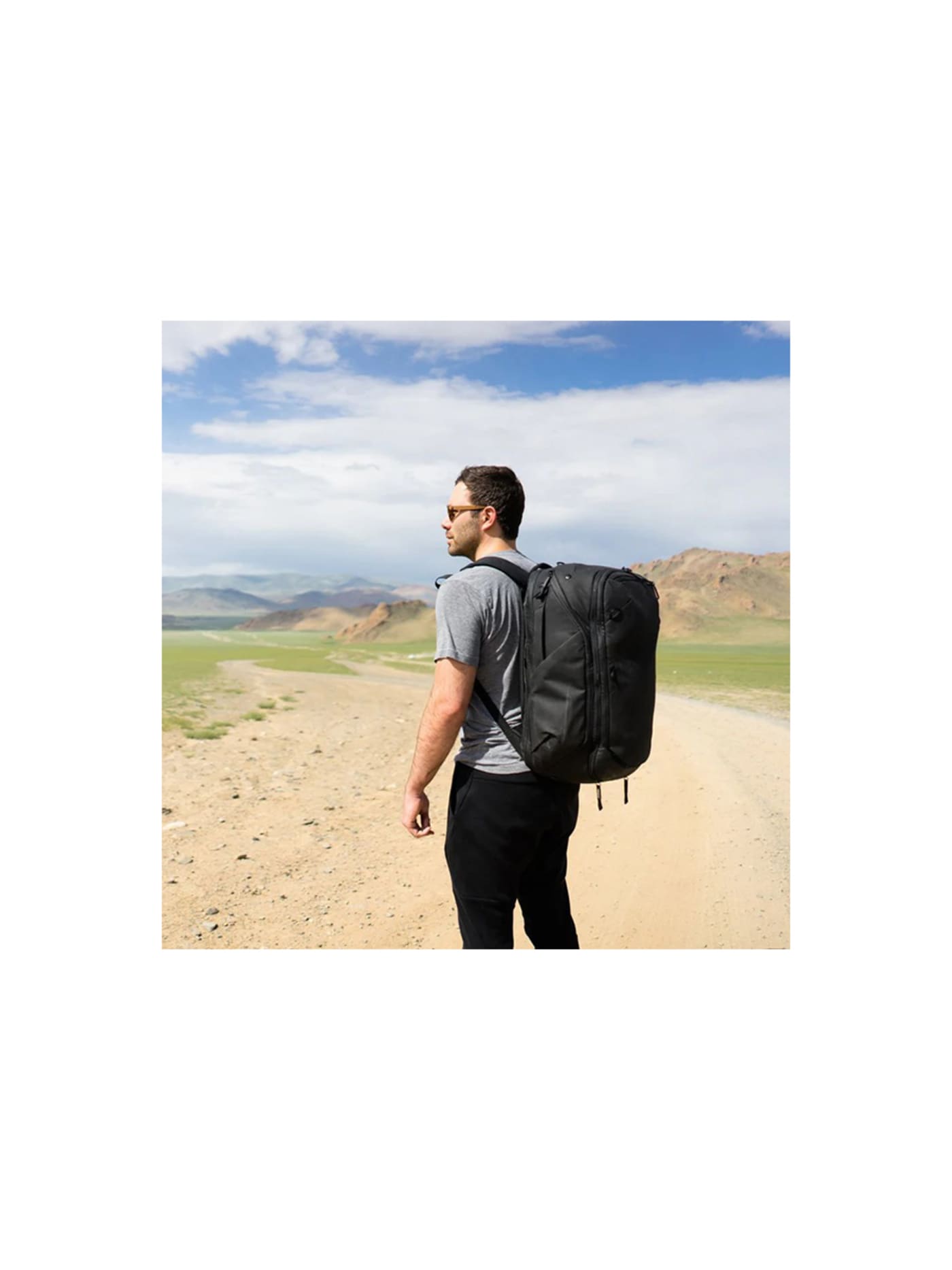
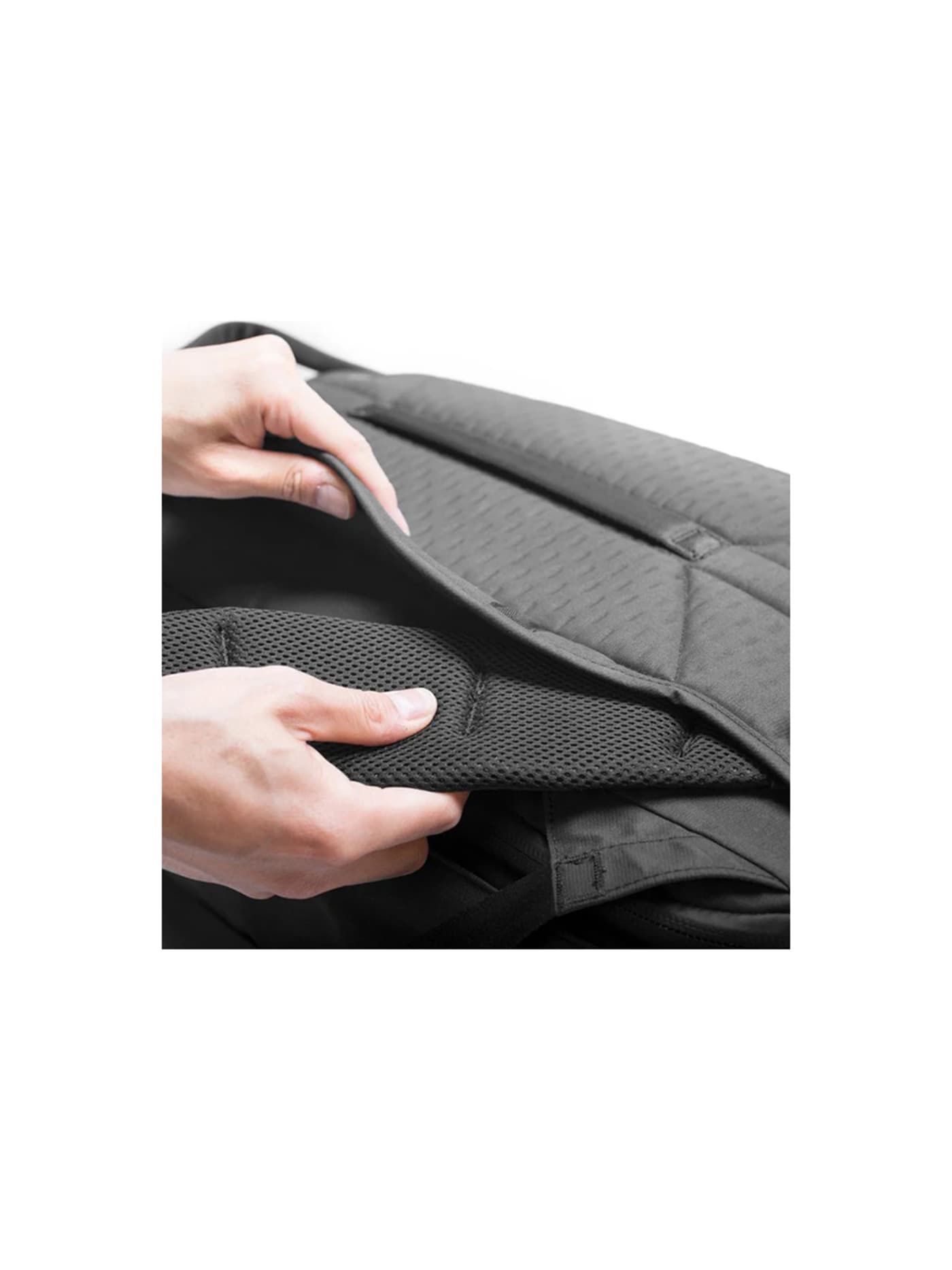
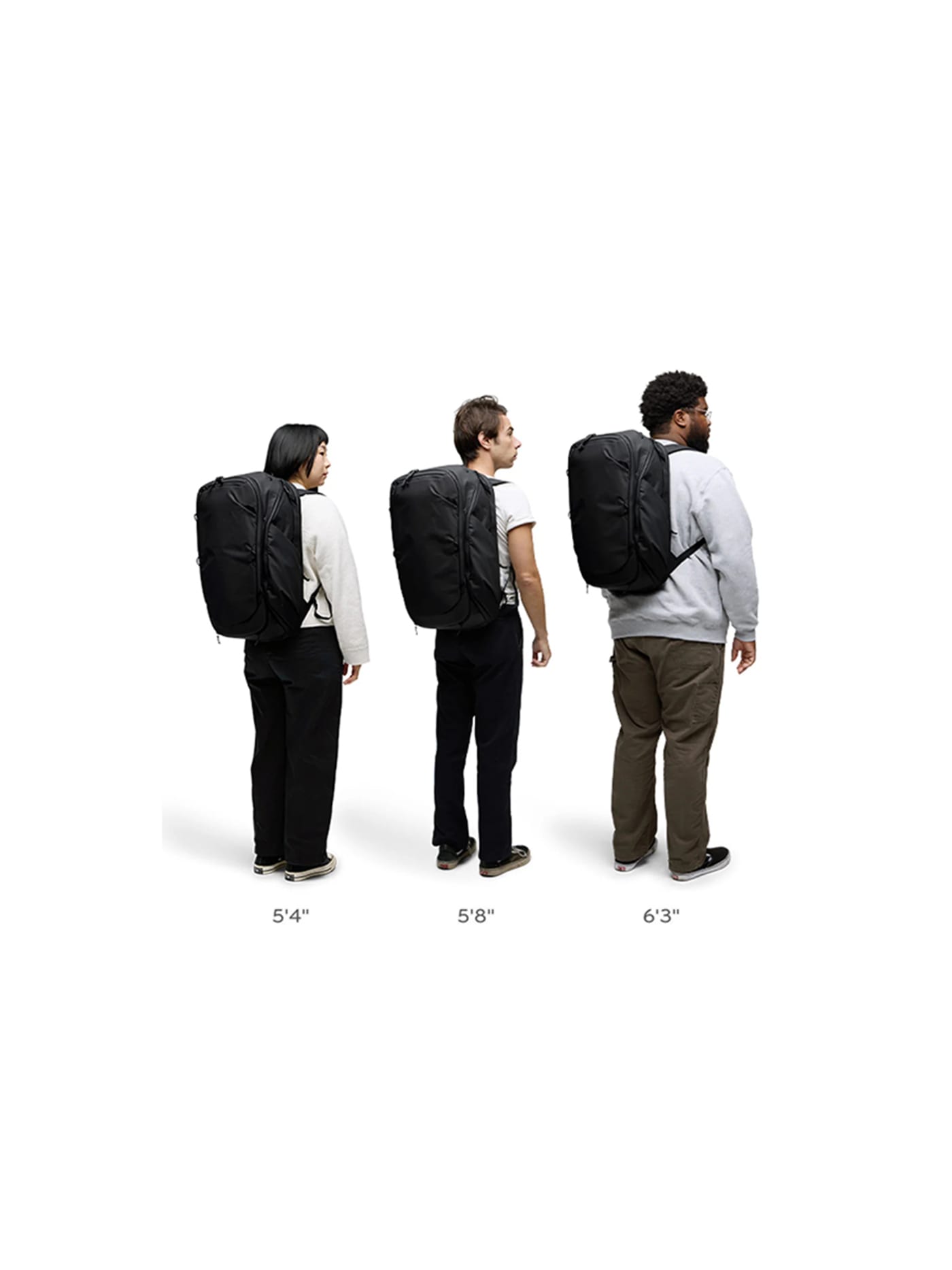
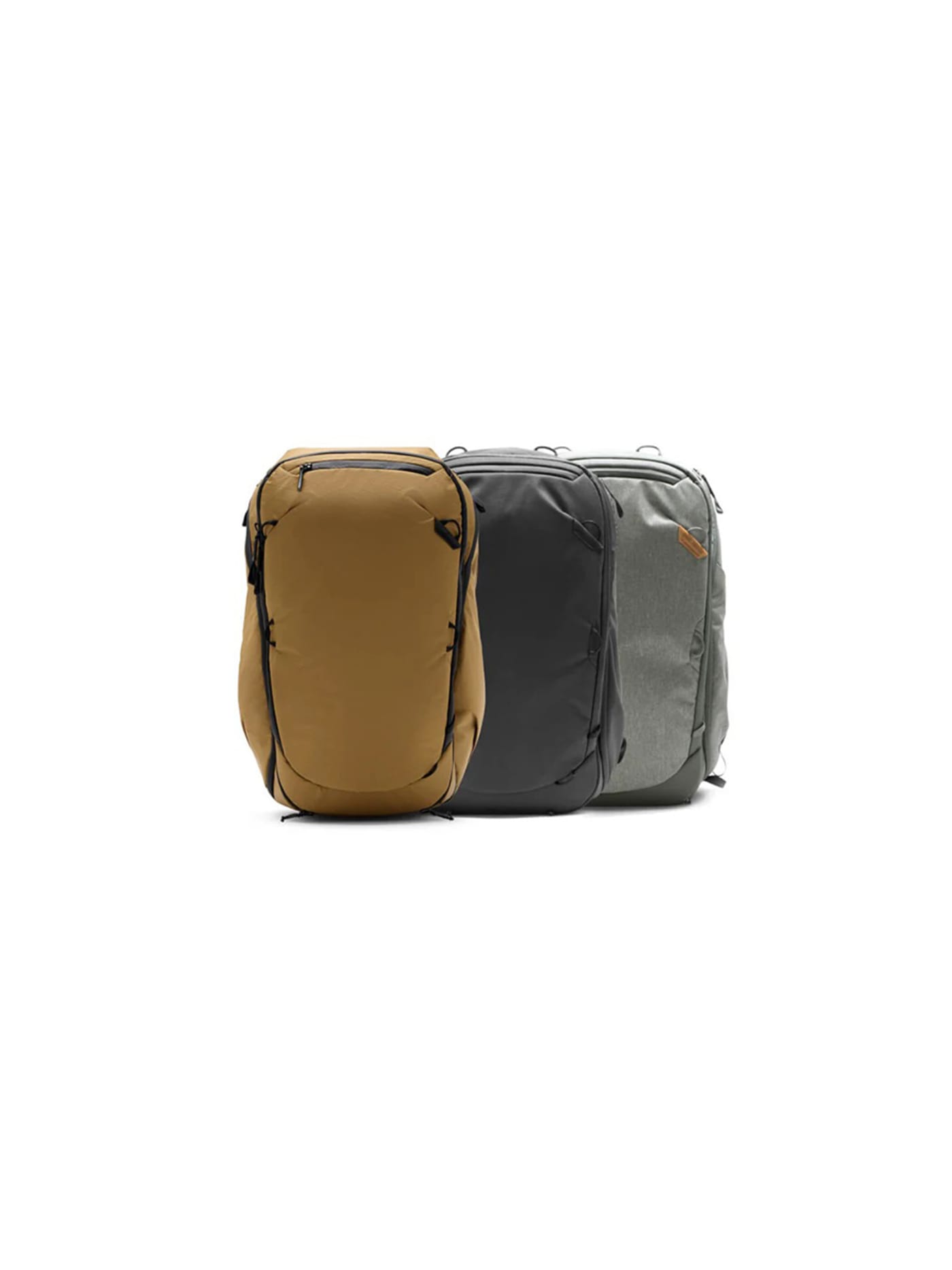
For a creator, the bag is not just luggage, it is the camera bag, so it has to protect gear and still work as a suitcase. This is the one built for exactly that. It expands from 30 litres for a day out to a full 45-litre carry-on when you are moving, and it opens three ways: a full clamshell at the back, plus a panel on each side, so you can reach a lens or a battery from the flank without taking the whole thing off and unpacking it. That side access is the detail you feel every day of a shoot. On its own it is a well-made bag with padded dividers. It becomes a proper camera bag when you drop in the Peak Design Camera Cube V2, which partitions the main compartment for bodies and lenses and lifts out when you want the space back for clothes. Buy the bag for the trip, add the cube for the shoot.
Design intent
- The expandable, three-access design is the defining decision: compression from 30 to 45 litres makes one bag serve as both daypack and full carry-on, and top, side and rear access mean any item is reachable without disturbing the rest, which is what genuine one-bag travel needs.
- It is engineered as the hub of a system, not a standalone bag: dimensions and internal attachment points are built around Peak Design's packing, camera and tech cubes, so the backpack's organisation is configured by the owner rather than fixed at manufacture.
Trade-offs
- The dense recycled canvas and full feature set make it heavy for its class at around 2kg empty, which eats into strict airline weight limits, and most of the expanded volume sits in depth rather than height, which is not ideal for carrying comfort under load.
- Its harness is tuned for airports, taxis and hotels rather than long periods on the back, so travellers who hike or hostel for hours will find more comfortable suspensions elsewhere, and the modular cubes that unlock its organisation are a further cost on top of an already premium bag.
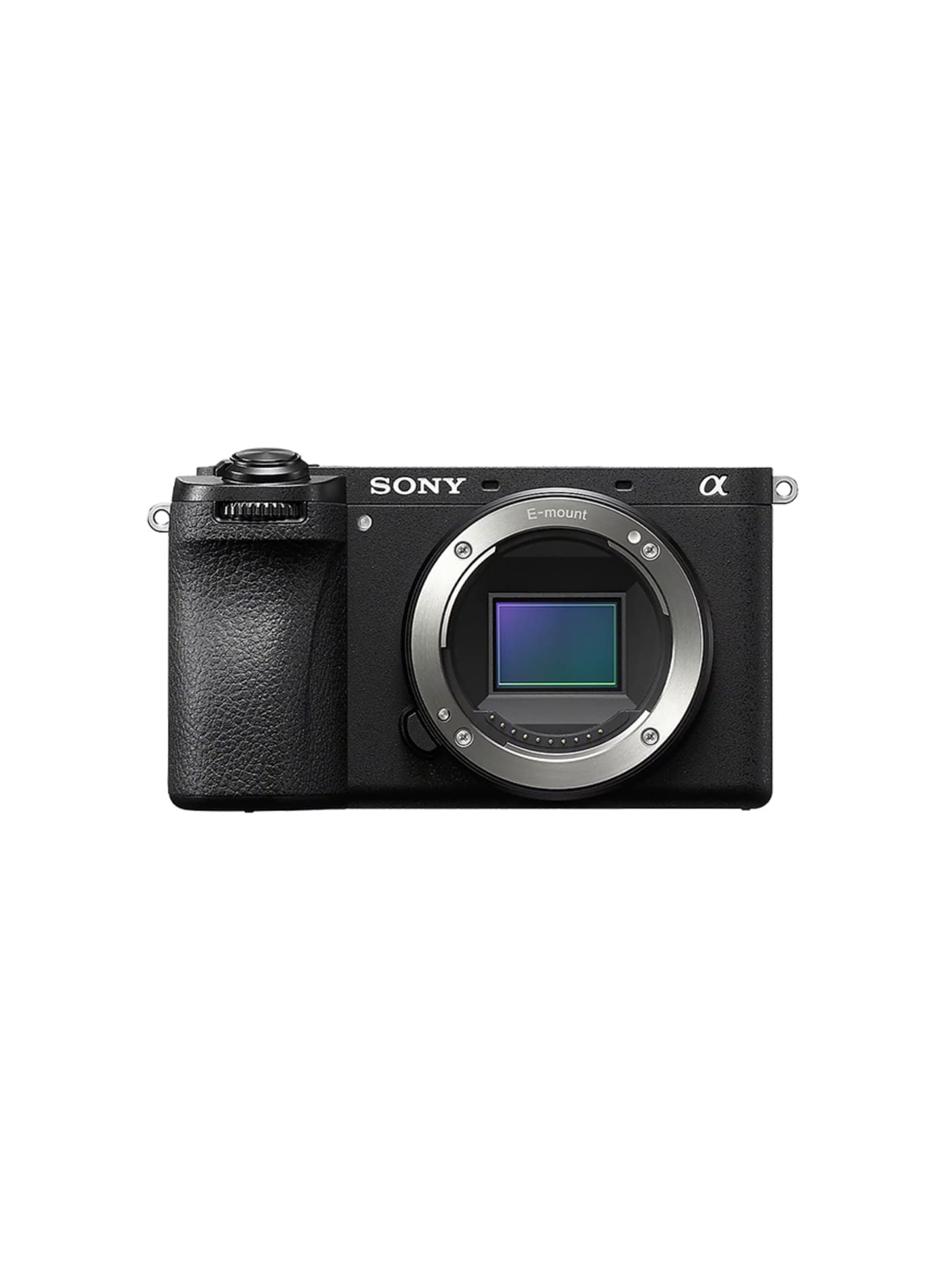
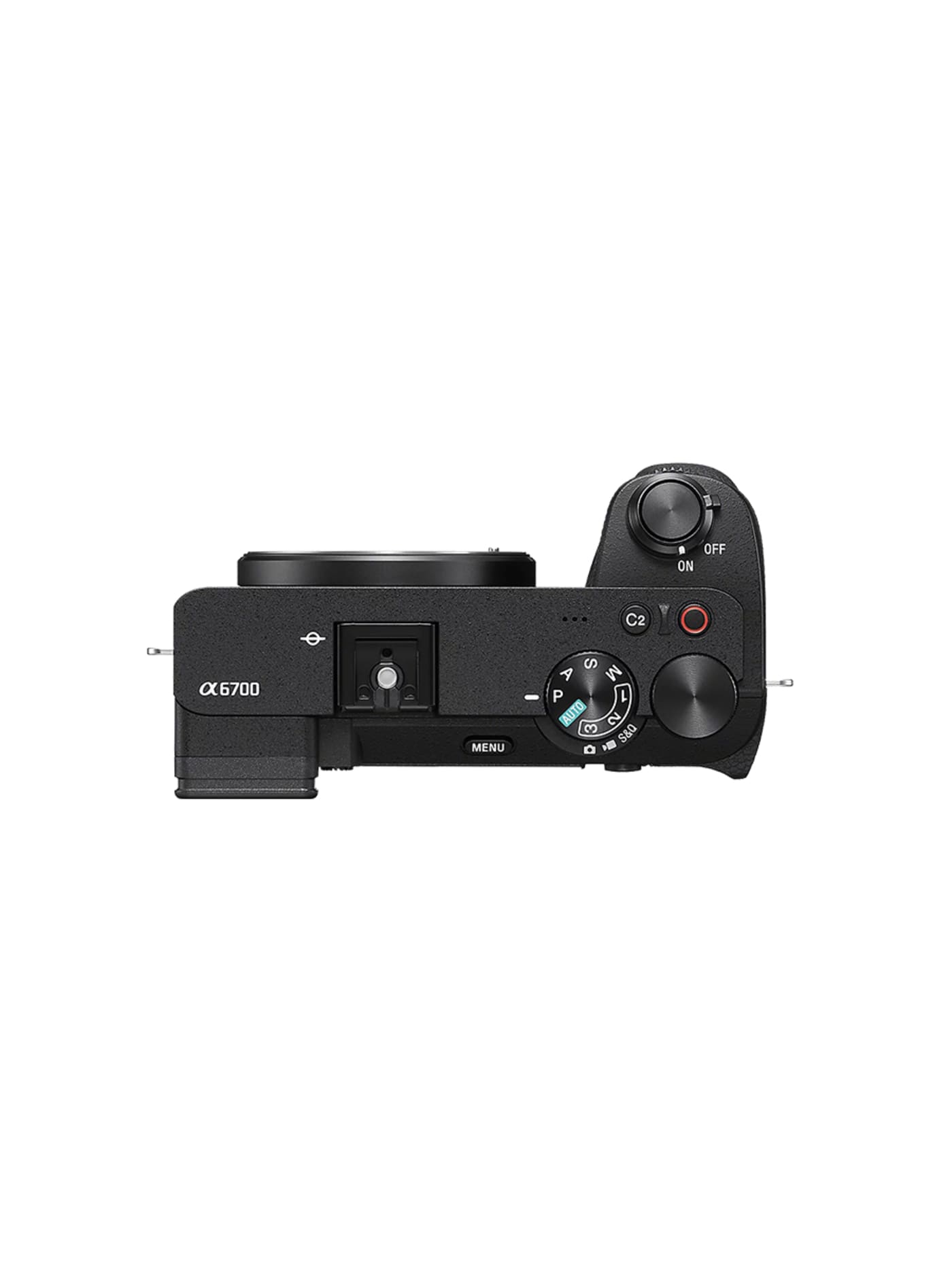
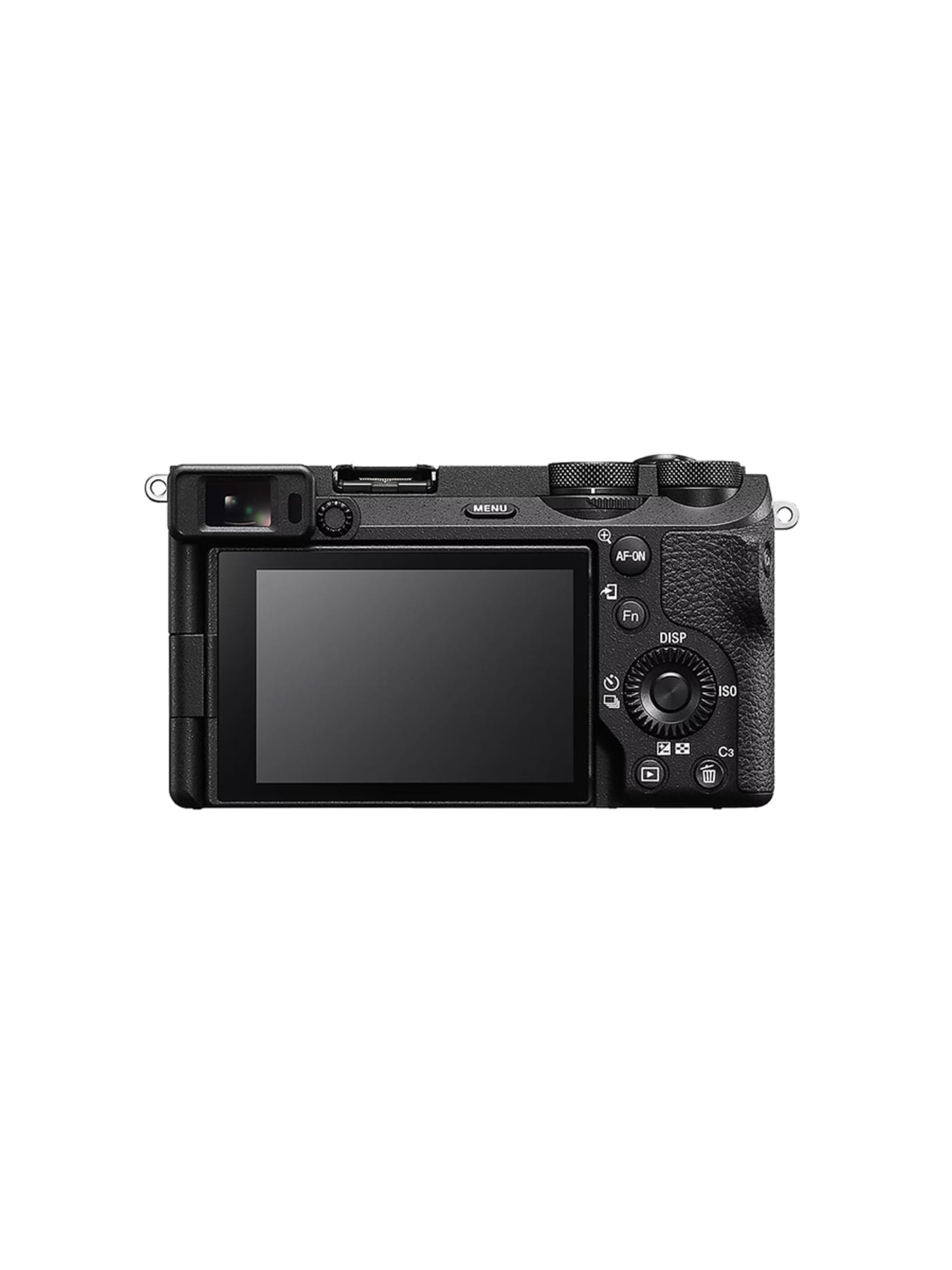
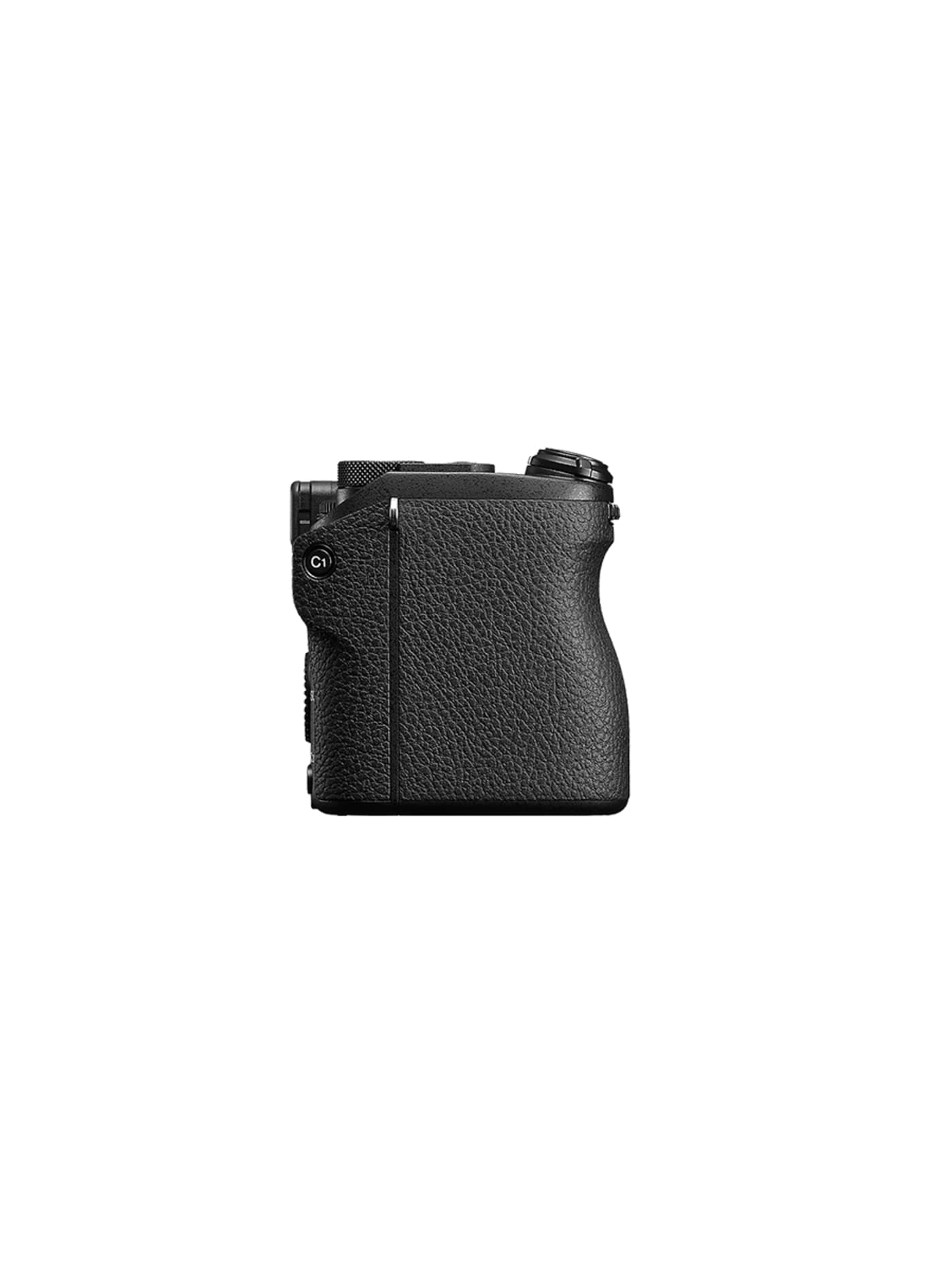
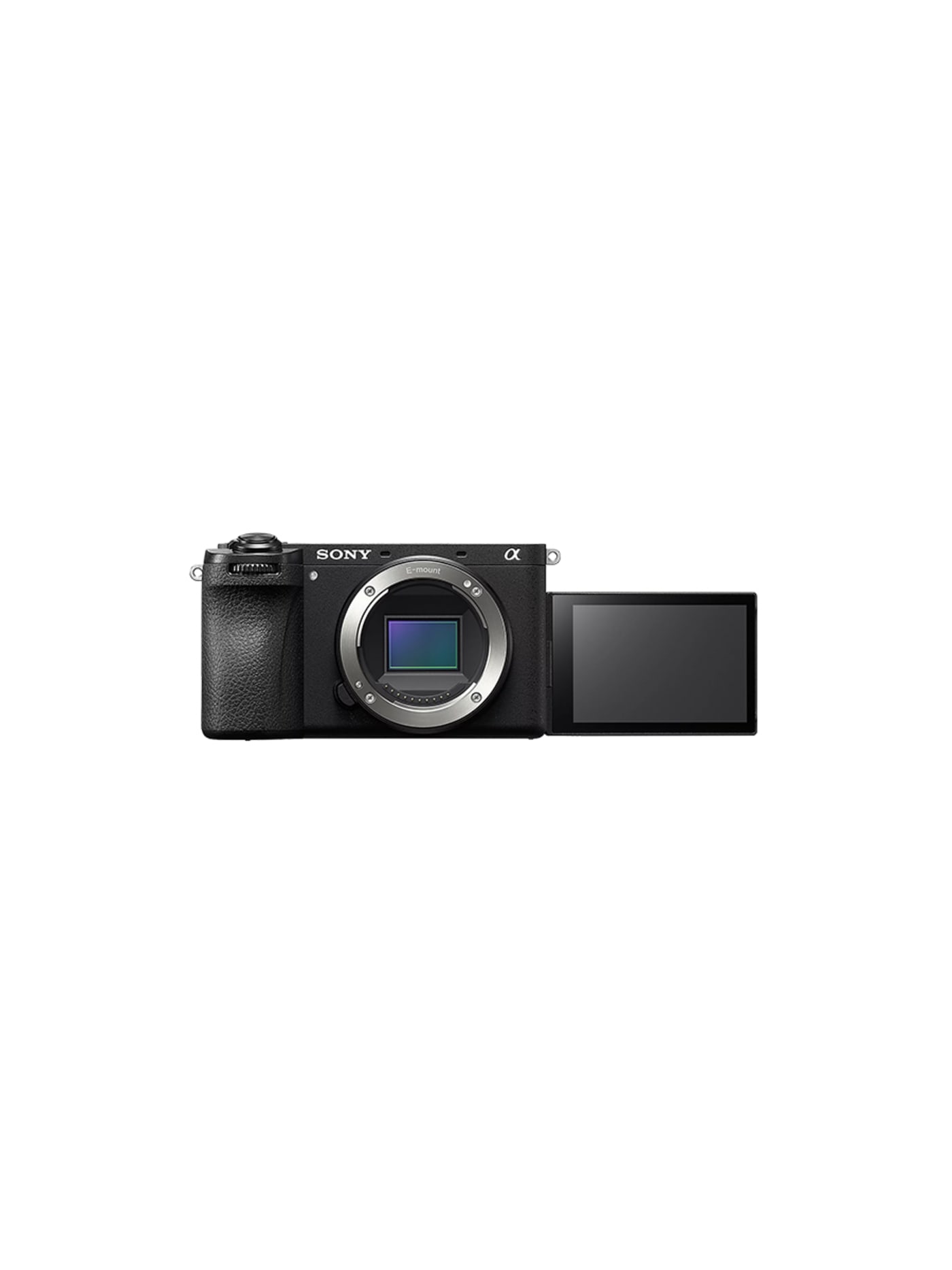
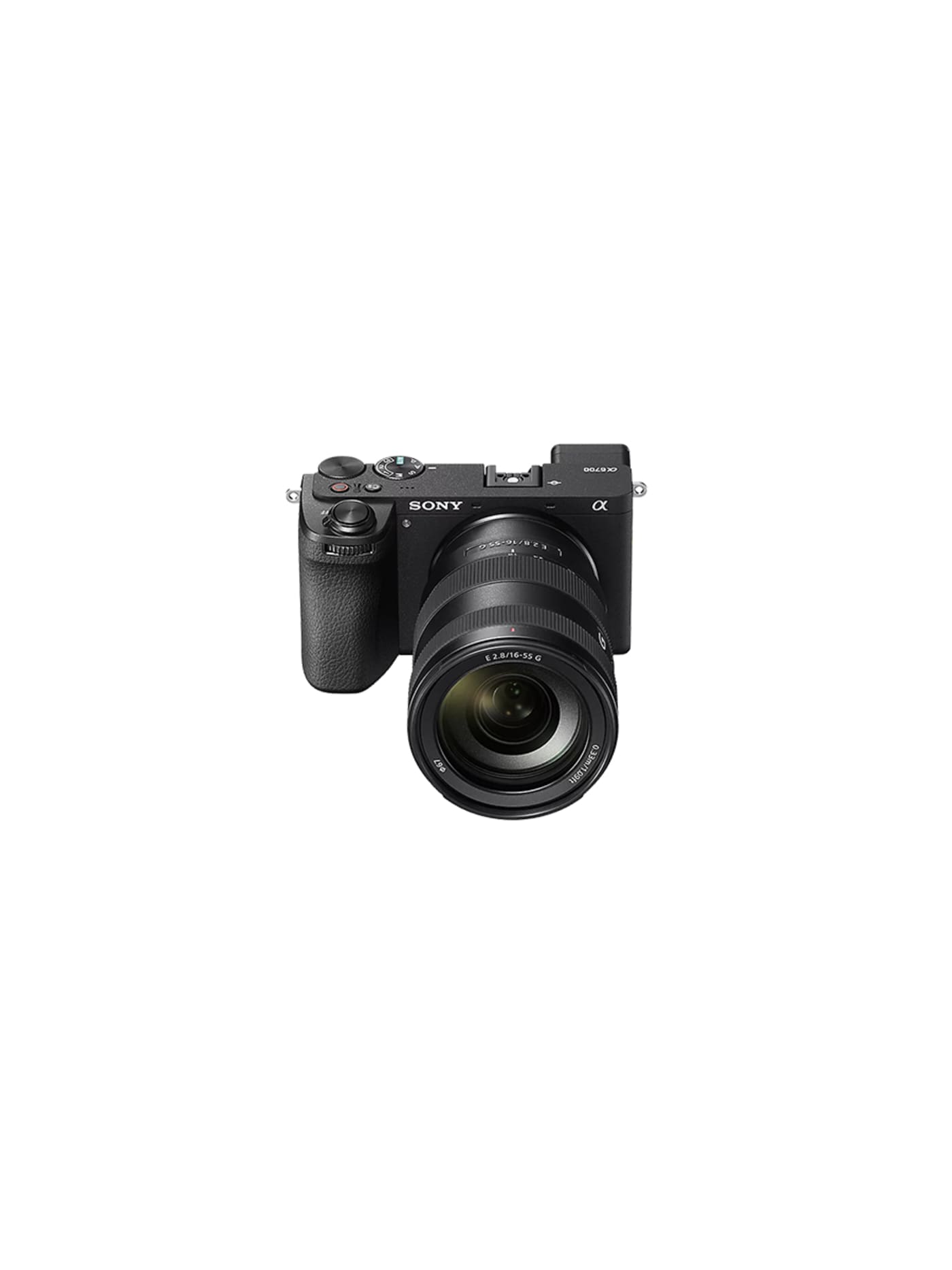
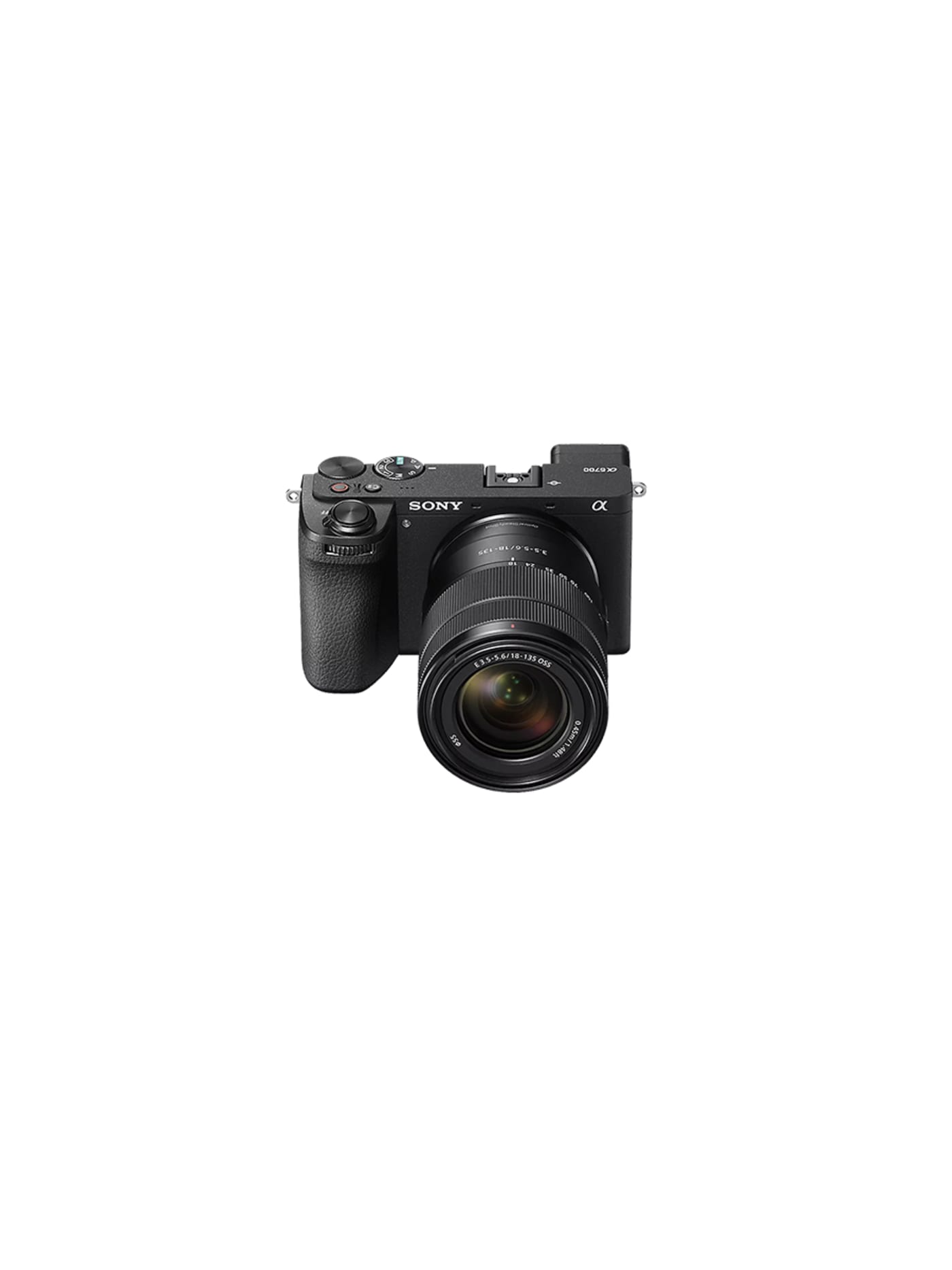
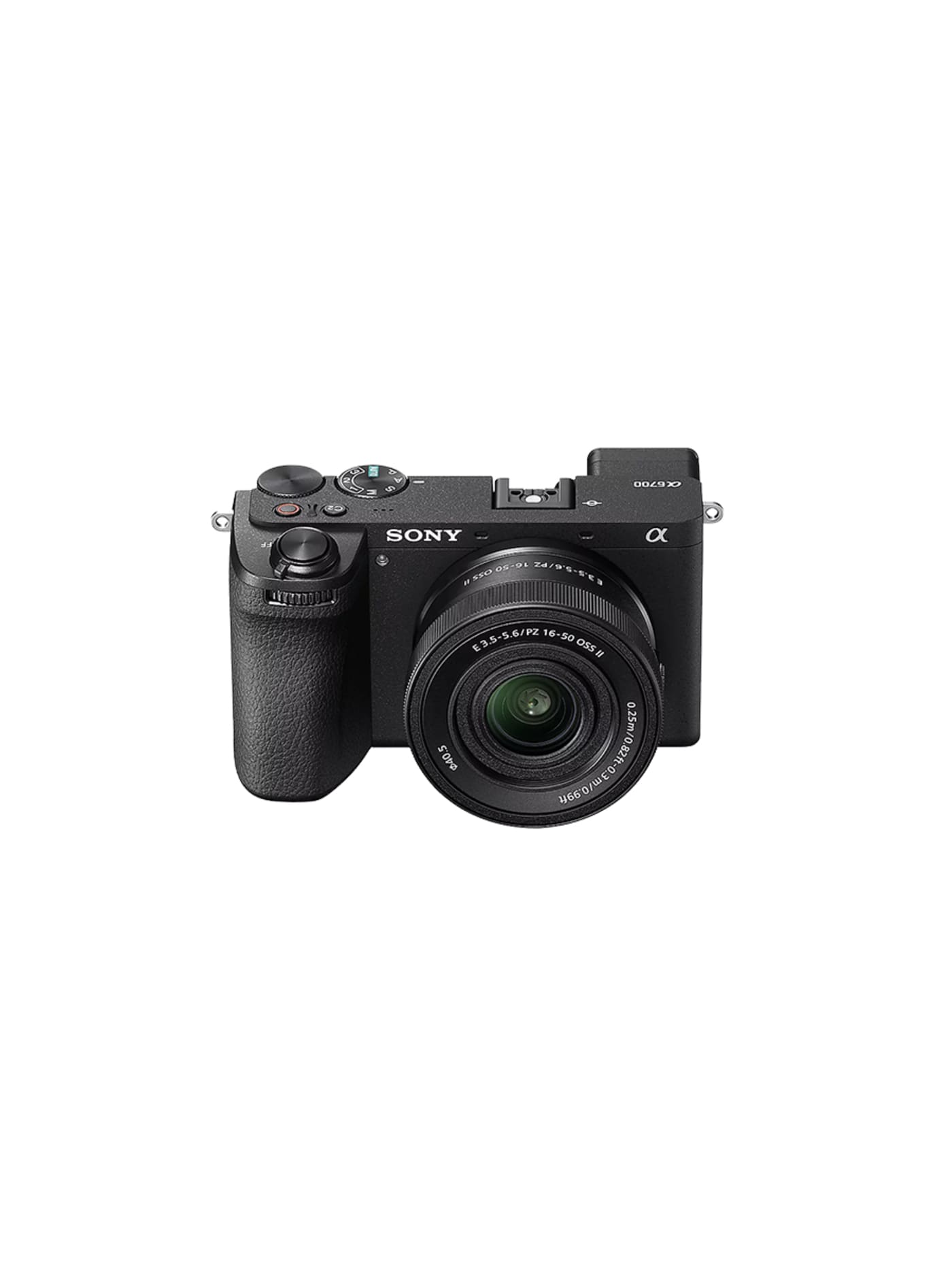
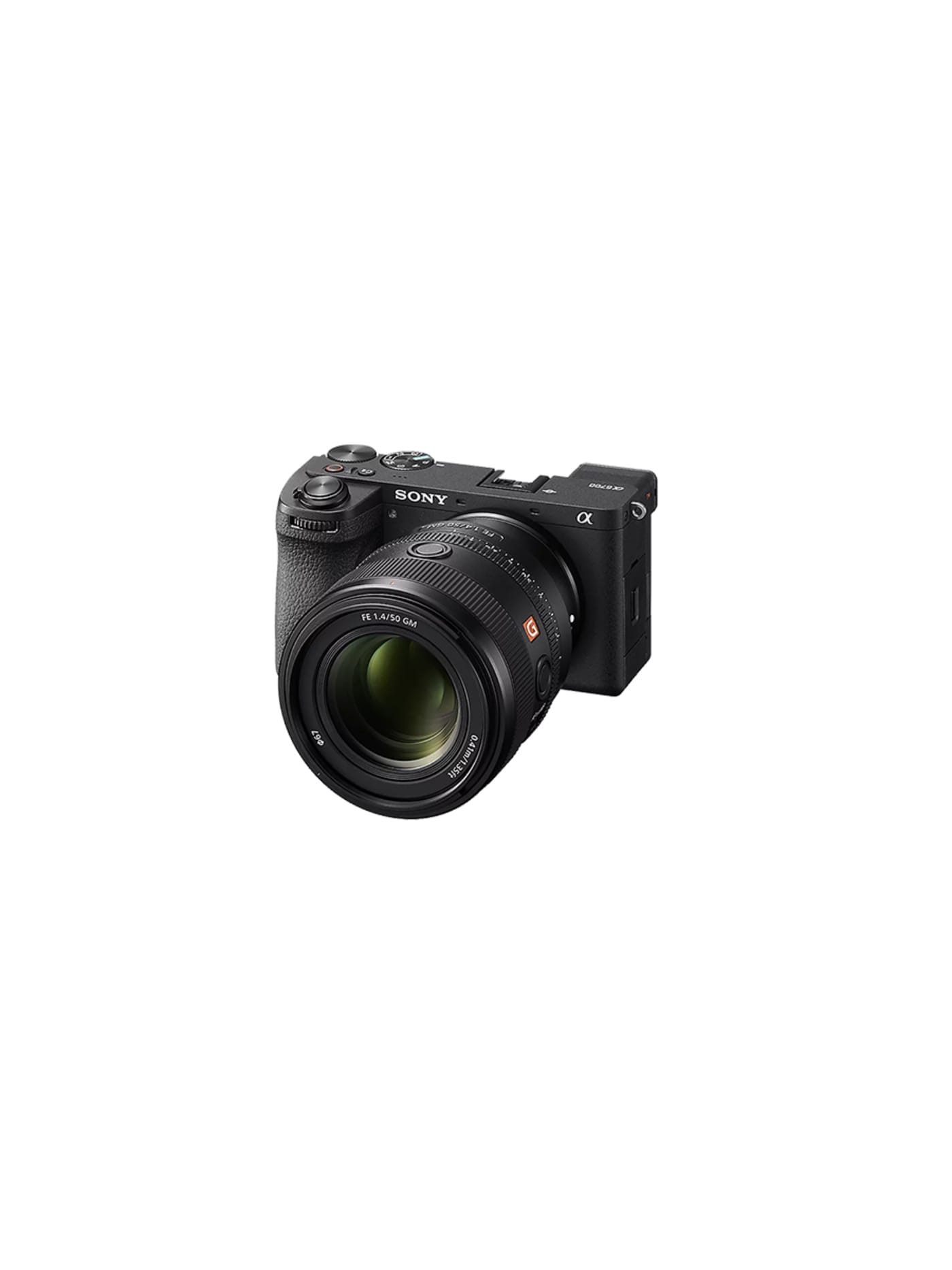
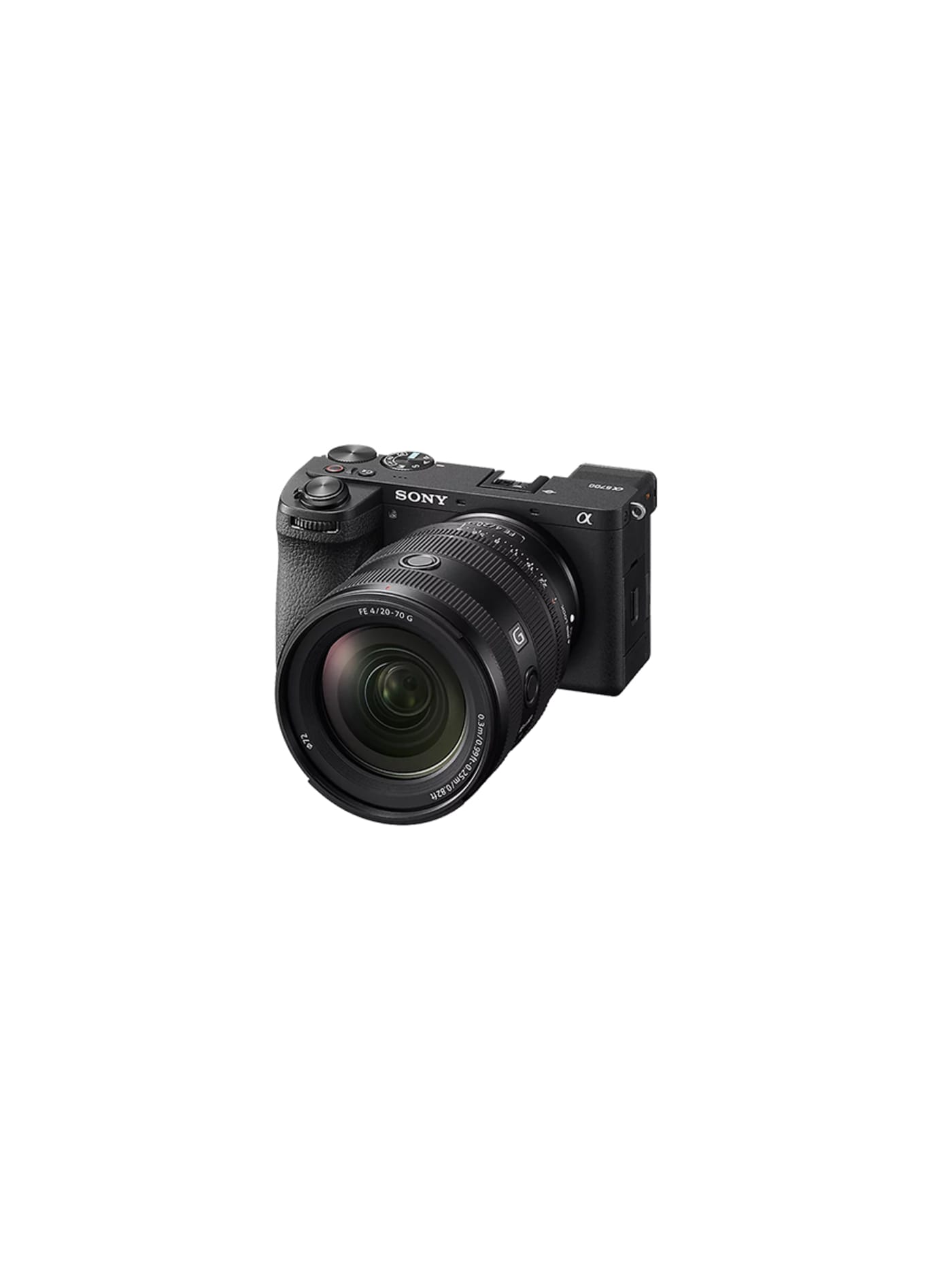
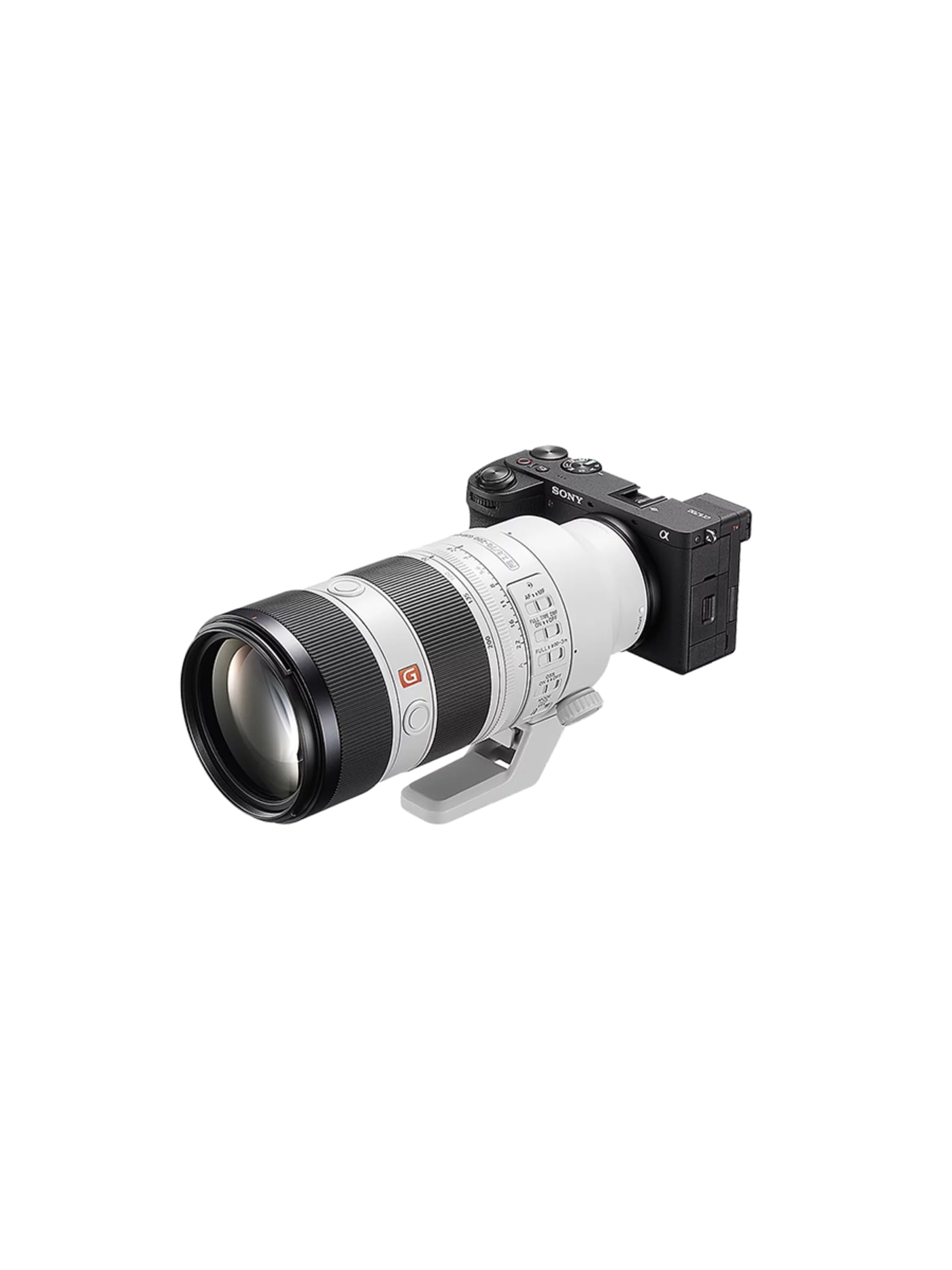
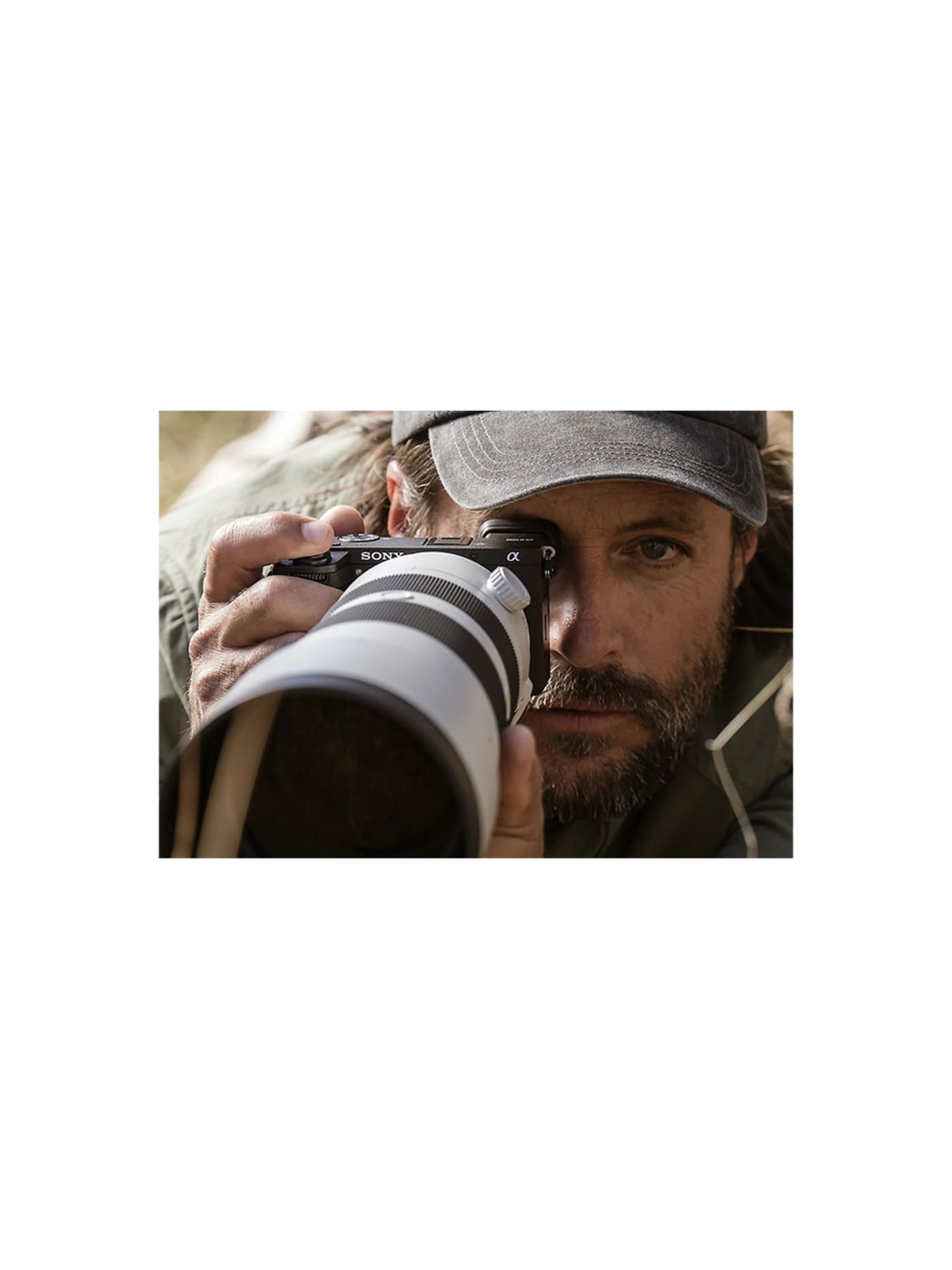
If you are travelling to shoot both stills and video, this is the camera to build the bag around. It is Sony's best APS-C body in a small, enthusiast-sized shape that has long been the sweet spot for travel: big enough to hold properly, small enough to carry all day. The part that matters on the road is the autofocus, borrowed from Sony's far pricier full-frame cameras, which finds and holds a face, an animal or a vehicle so reliably that you stop thinking about focus and think about the shot. In-body stabilisation steadies both photos and handheld video, which quietly removes one reason to pack a gimbal. It is a photo-first camera that happens to shoot excellent video, rather than the other way round. If your work is mostly video, the Sony ZV-E10 II is the video-first sibling. If you shoot only stills and want something that fits a pocket, the Ricoh GR IIIx is the one that goes everywhere in a tiny form factor.
Design intent
- The defining decision is to bring full-frame-class intelligence to a small sensor: the AI autofocus processor from Sony's flagships gives subject recognition and tracking well beyond its price and size, which is what makes a compact APS-C body genuinely capable rather than merely convenient.
- It is built as a true hybrid: in-body stabilisation and oversampled 10-bit 4K make it as serious for video as for stills, in a weather-resistant body kept small and light, so one camera covers photography and filmmaking without stepping up to heavier full frame.
Trade-offs
- Its compactness carries the usual APS-C compromises: a single card slot with no backup, and a small, lower-resolution viewfinder that feels dated next to newer bodies, so it trades some professional reassurance for size.
- The APS-C sensor gathers less light than full frame, so in very low light and for the shallowest backgrounds it cannot match larger-sensor cameras, and realising its potential means investing in good lenses.
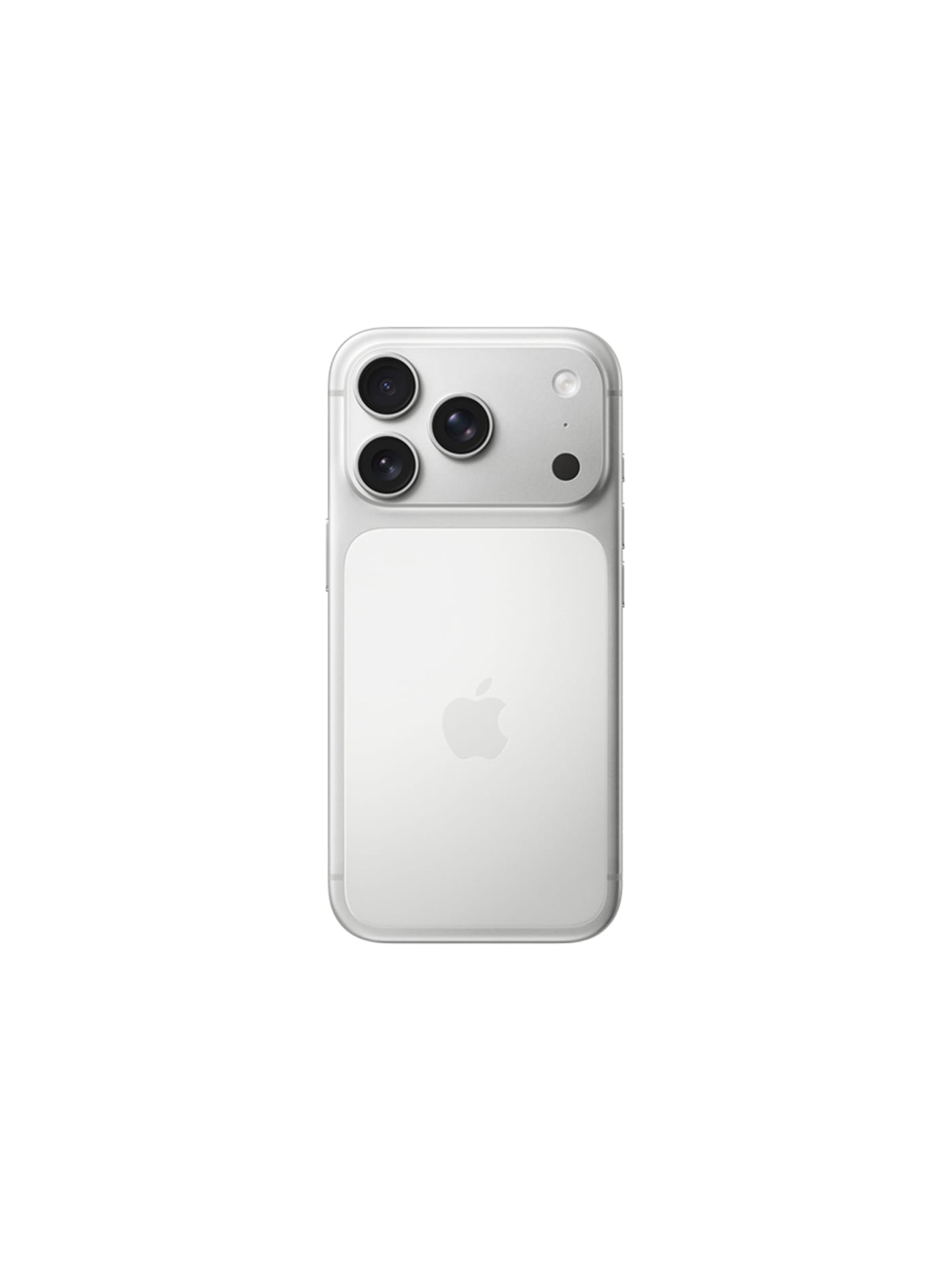
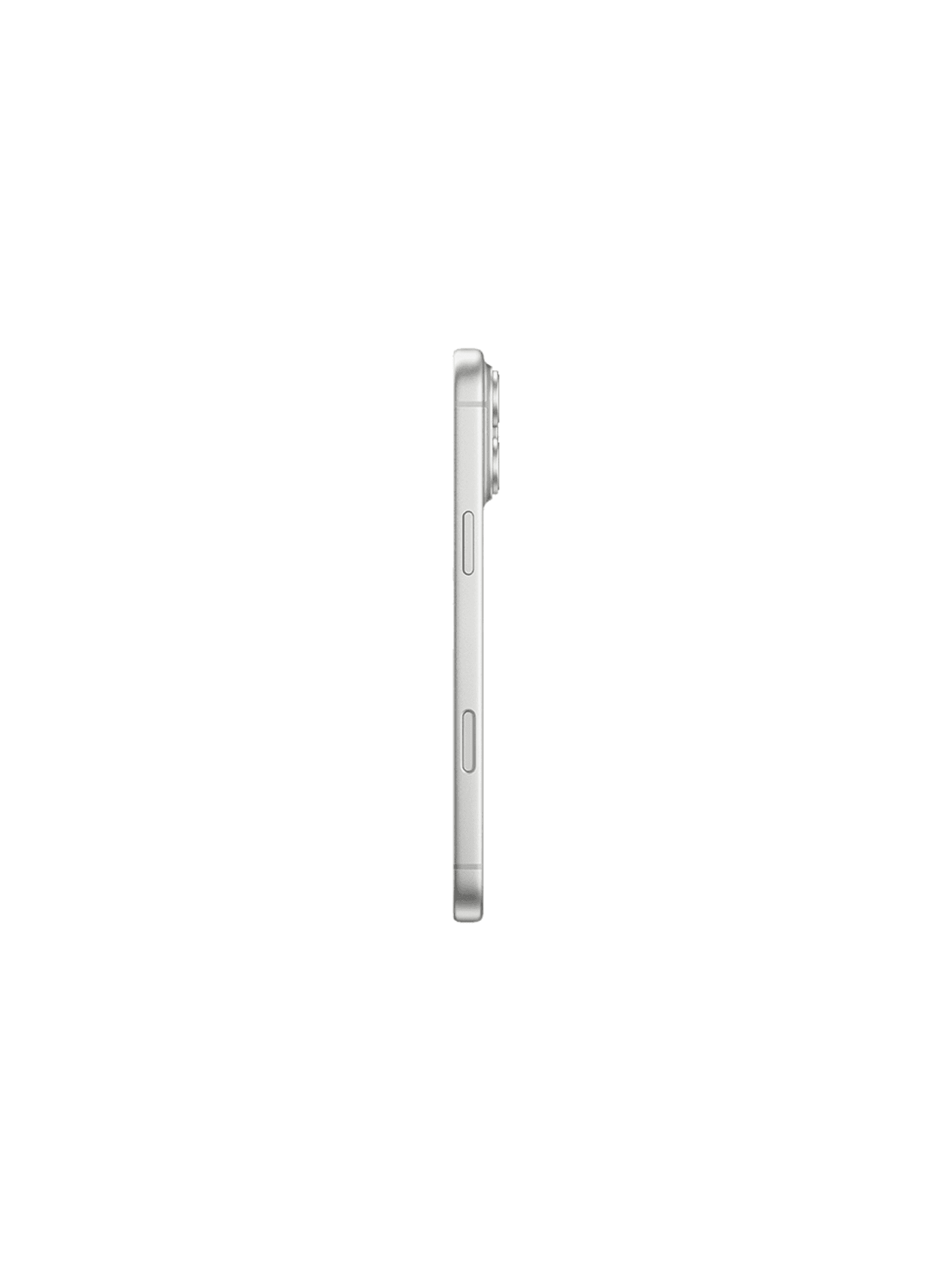
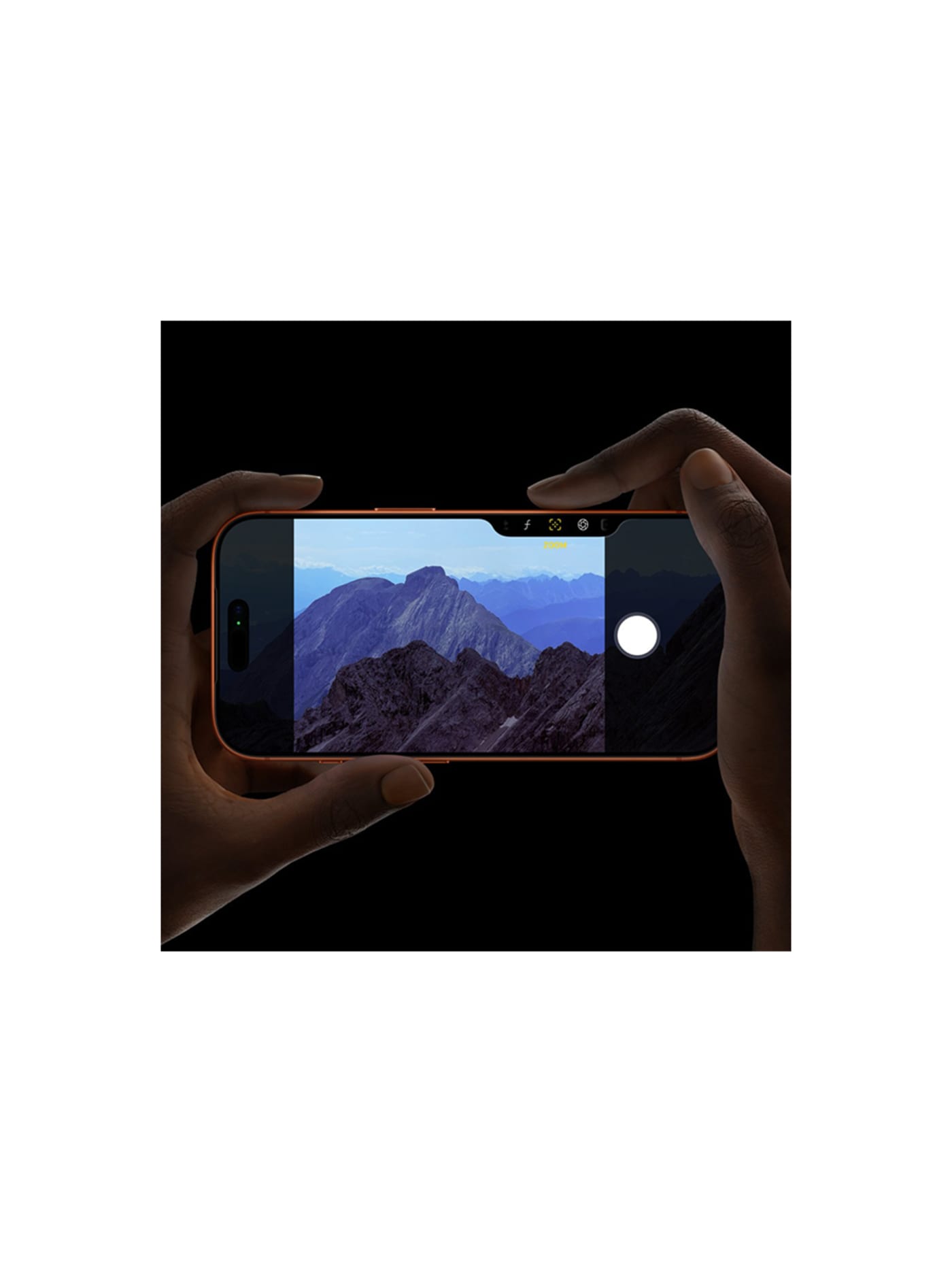
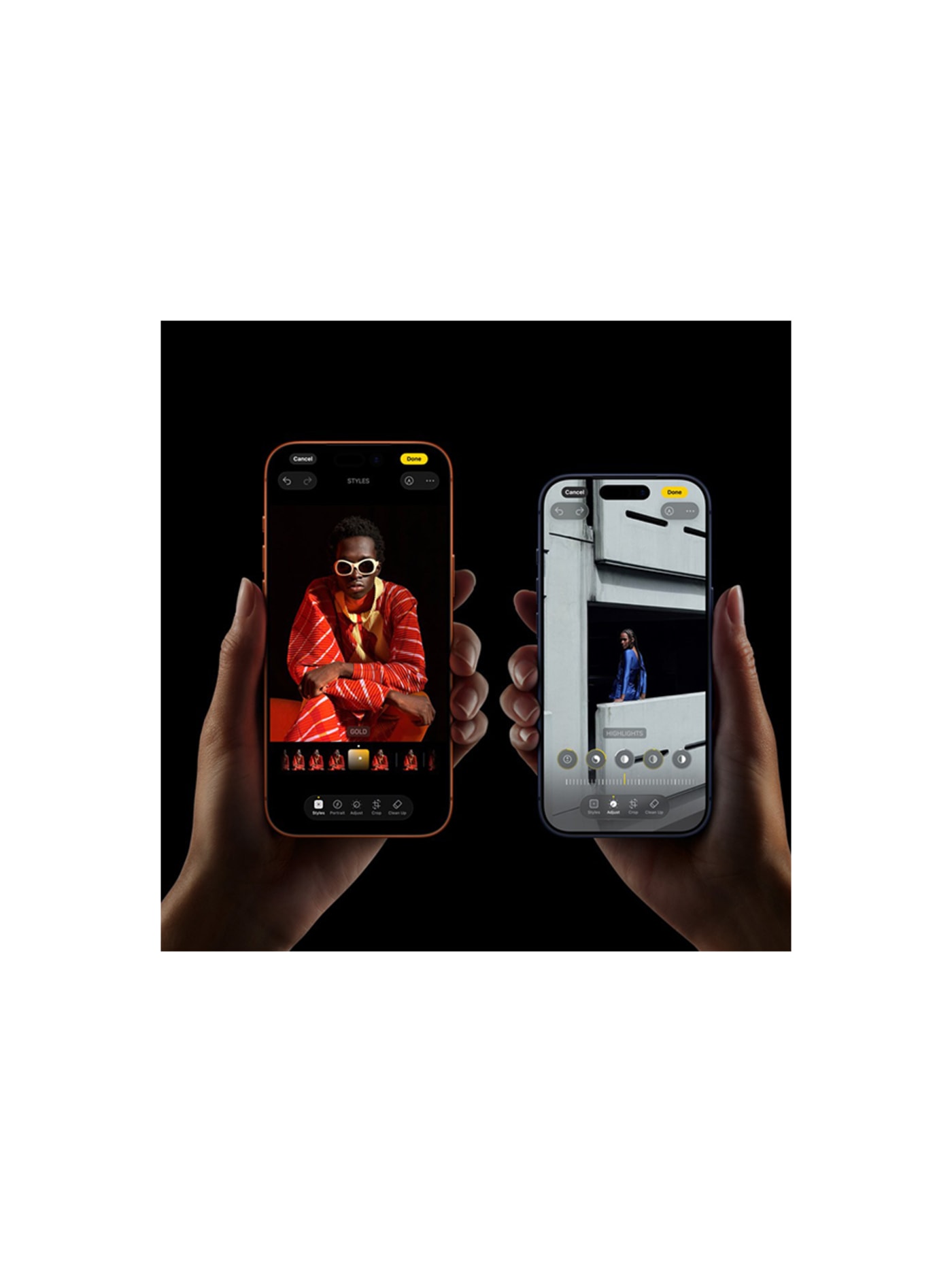
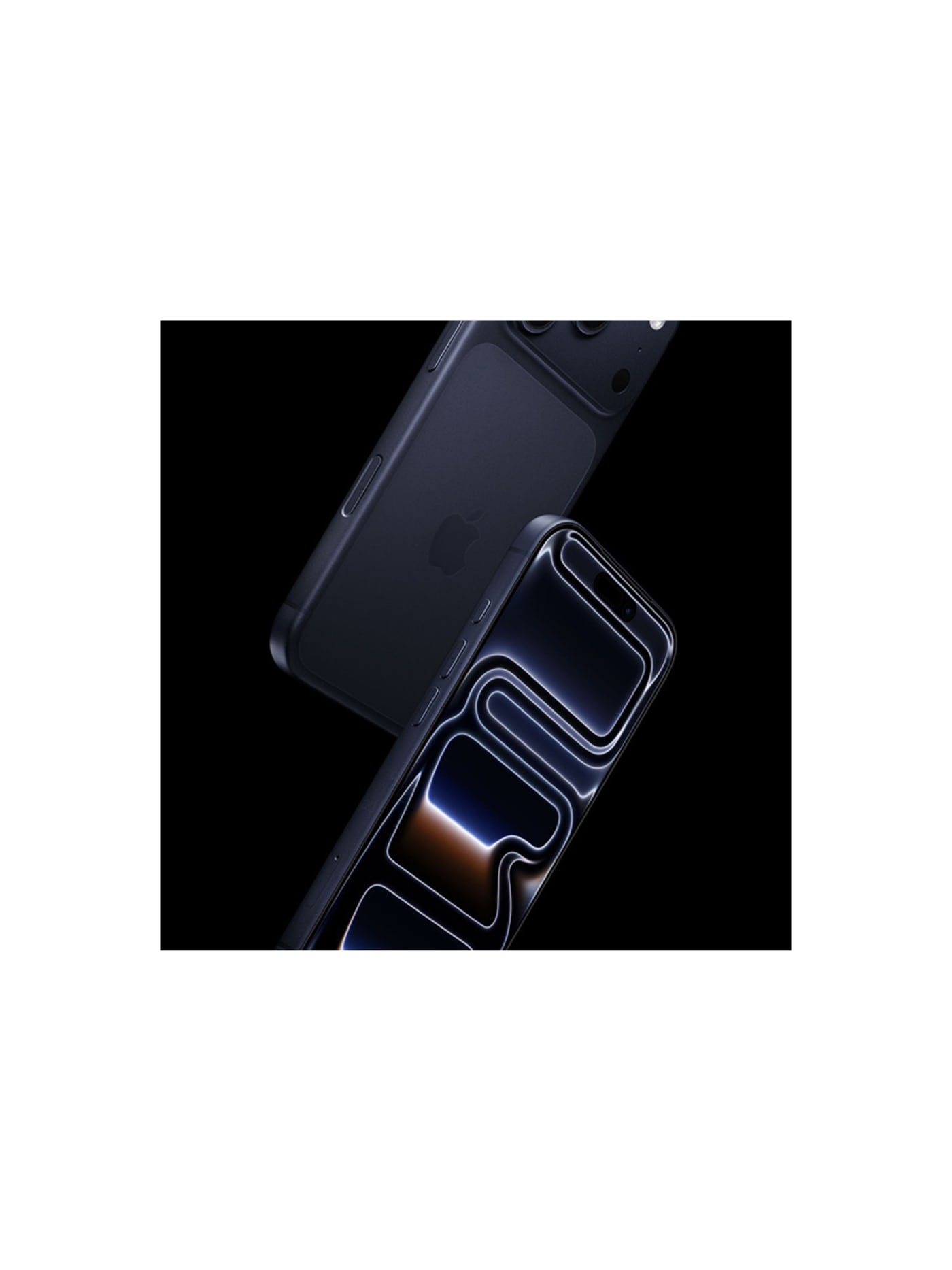
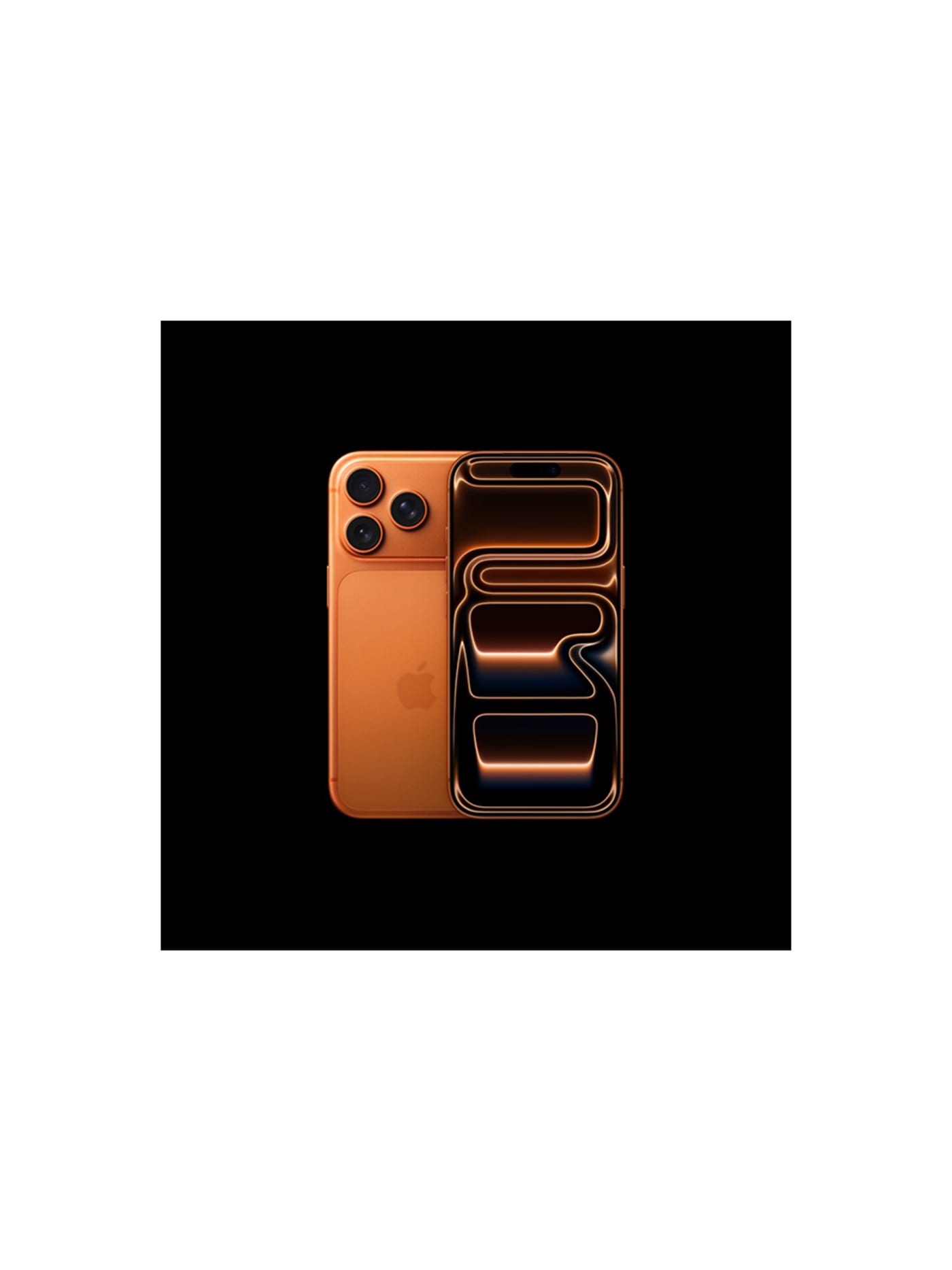
The phone in your pocket is the camera you will use most, so it belongs on this list as gear, not an afterthought. On a trip it does three jobs at once: it navigates, it handles the research and messages and uploads, and it shoots. The 17 Pro is the standout for that last job because its photo and video quality are genuinely close to a dedicated camera, and this generation was rebuilt around keeping cool, which is the unglamorous thing that lets it record long clips without overheating and cutting out the way phones used to. In practice it becomes your B-roll camera: the quick cutaway, the establishing shot, the piece to camera you grab while the a6700 stays packed. Two cameras, one you plan with and one you always have, and between them you rarely miss a moment.
Design intent
- The defining decision is thermal: Apple abandoned the titanium of the previous two Pro generations for a heat-forged aluminium unibody and a laser-welded vapour chamber, prioritising a metal that conducts heat far better so the A19 Pro chip can sustain its peak performance instead of throttling.
- Moving every rear lens to 48 megapixels, including the new tetraprism telephoto, makes the camera system the Pro's central argument: one consistent sensor resolution across main, ultra-wide and an 8x optical-quality zoom, rather than a strong main camera flanked by weaker companions.
Trade-offs
- The aluminium that conducts heat so well is softer and more prone to visible scuffing and anodisation wear than the titanium or steel it replaces, so the frame trades long-term cosmetic resilience for thermal gain, and a glass back panel is still required for wireless charging despite the unibody framing.
- It is a large, heavy and expensive device whose headline advances, sustained performance and an 8x telephoto, matter most to a minority of demanding users; for everyday use much of the Pro's capability sits unused, which is the cost of buying the maximal model.
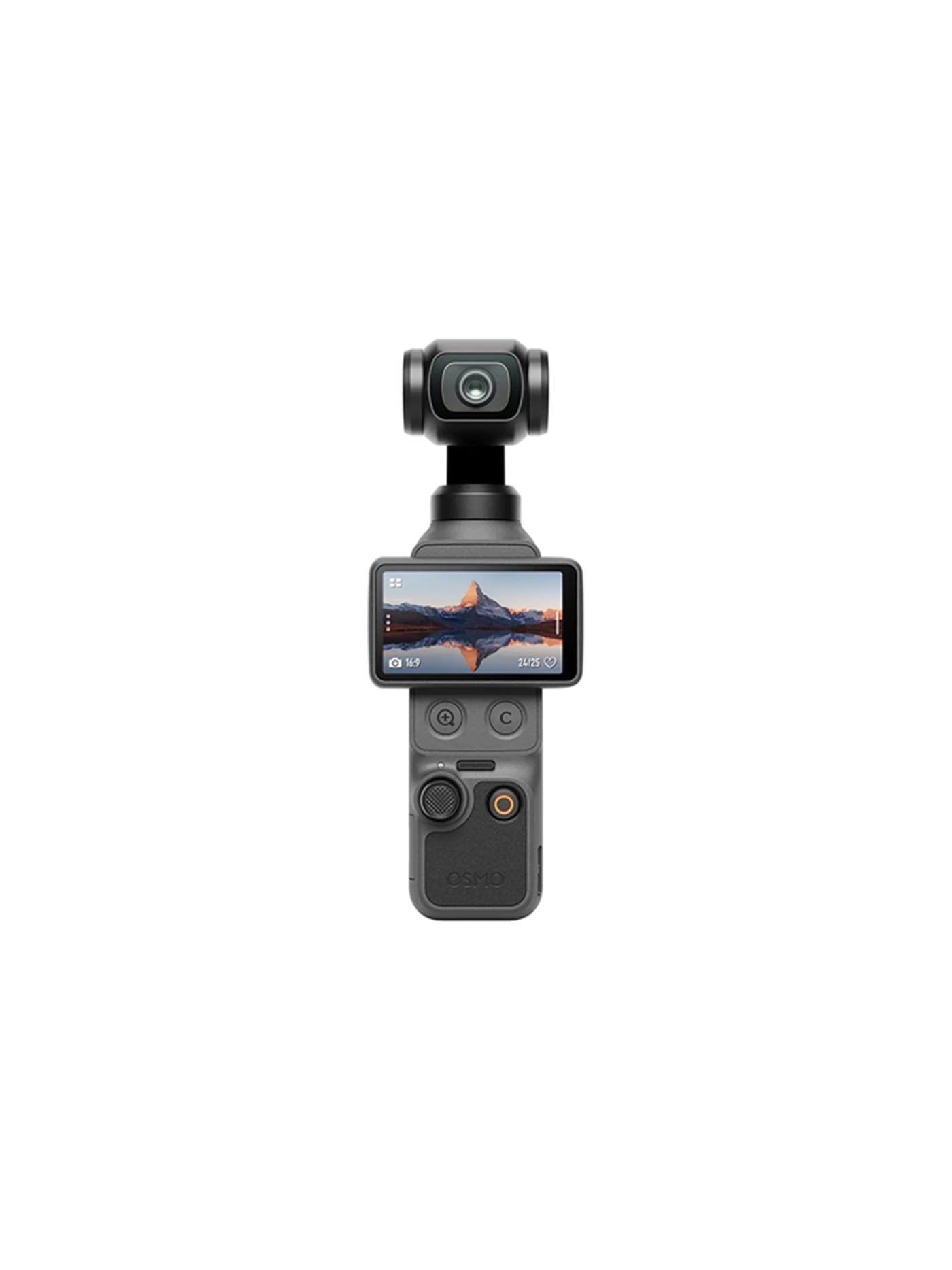
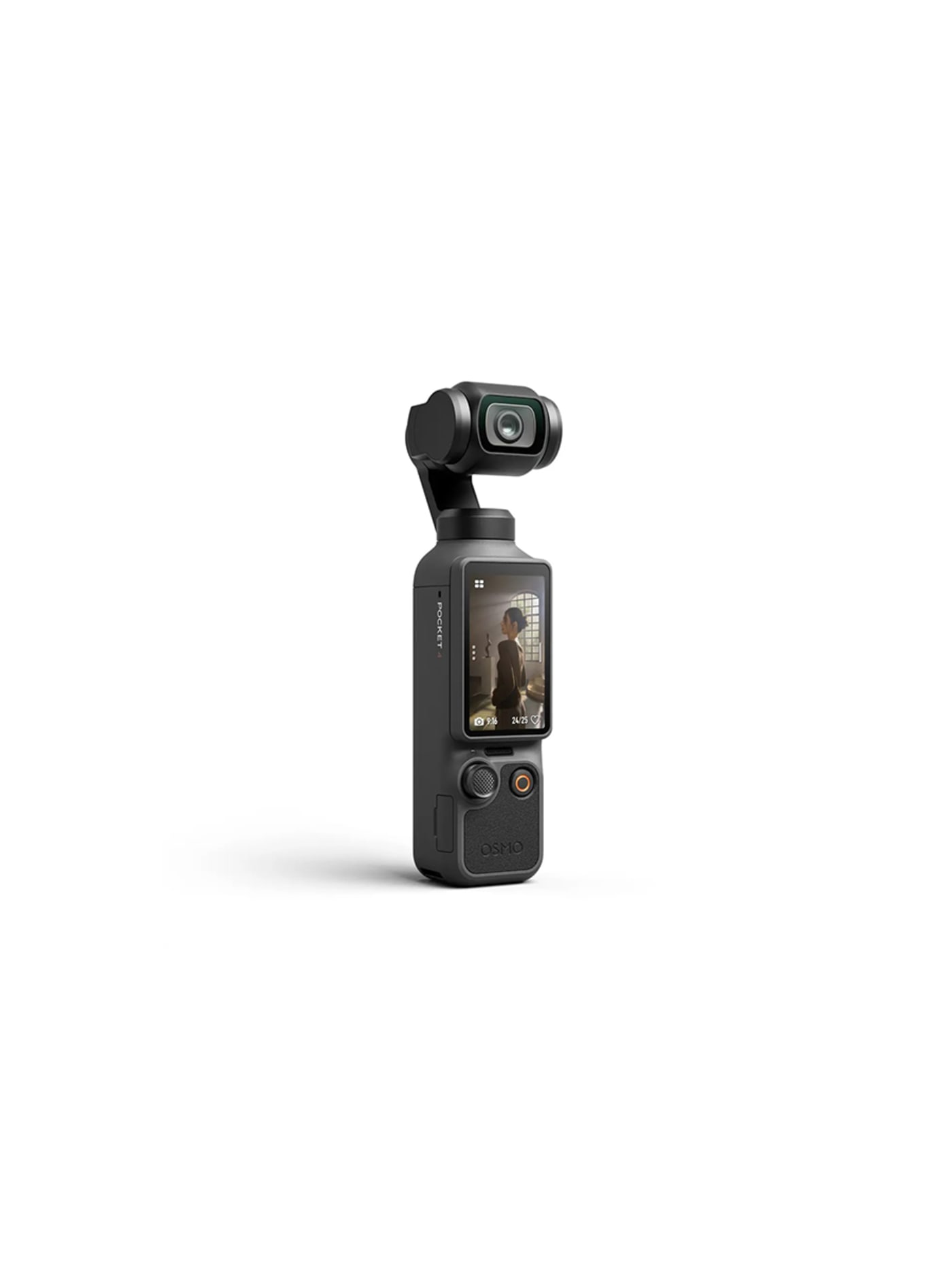
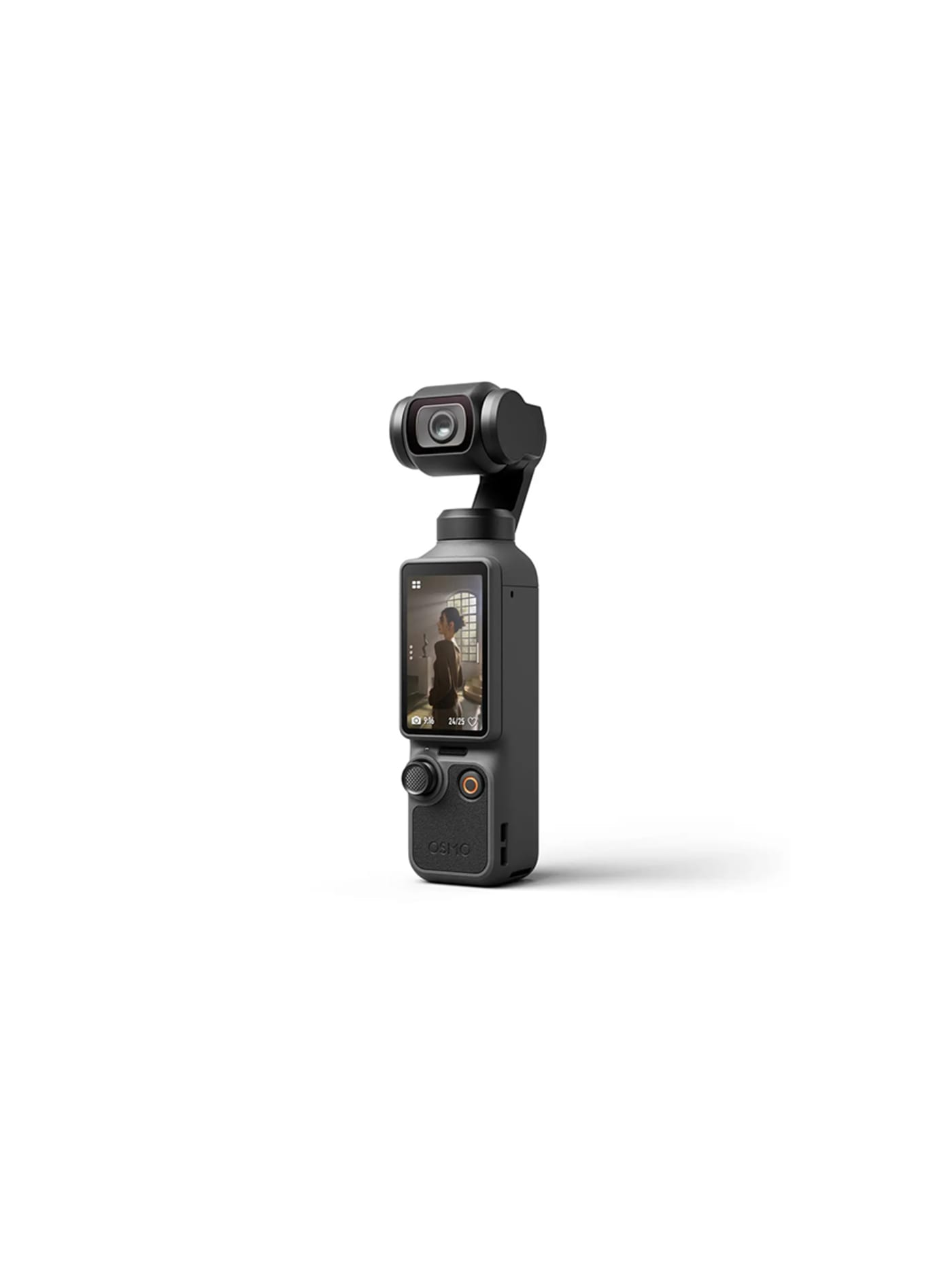
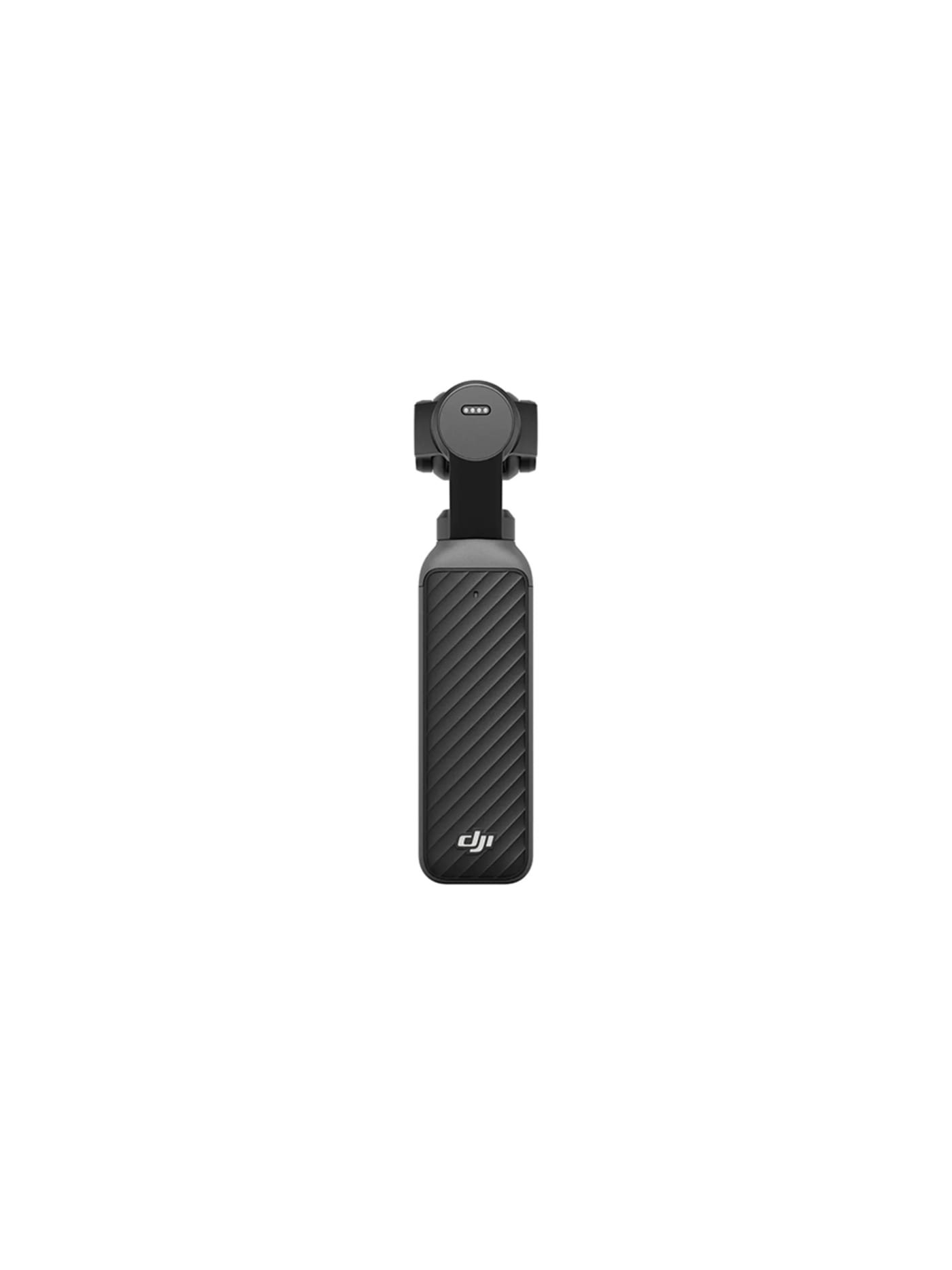
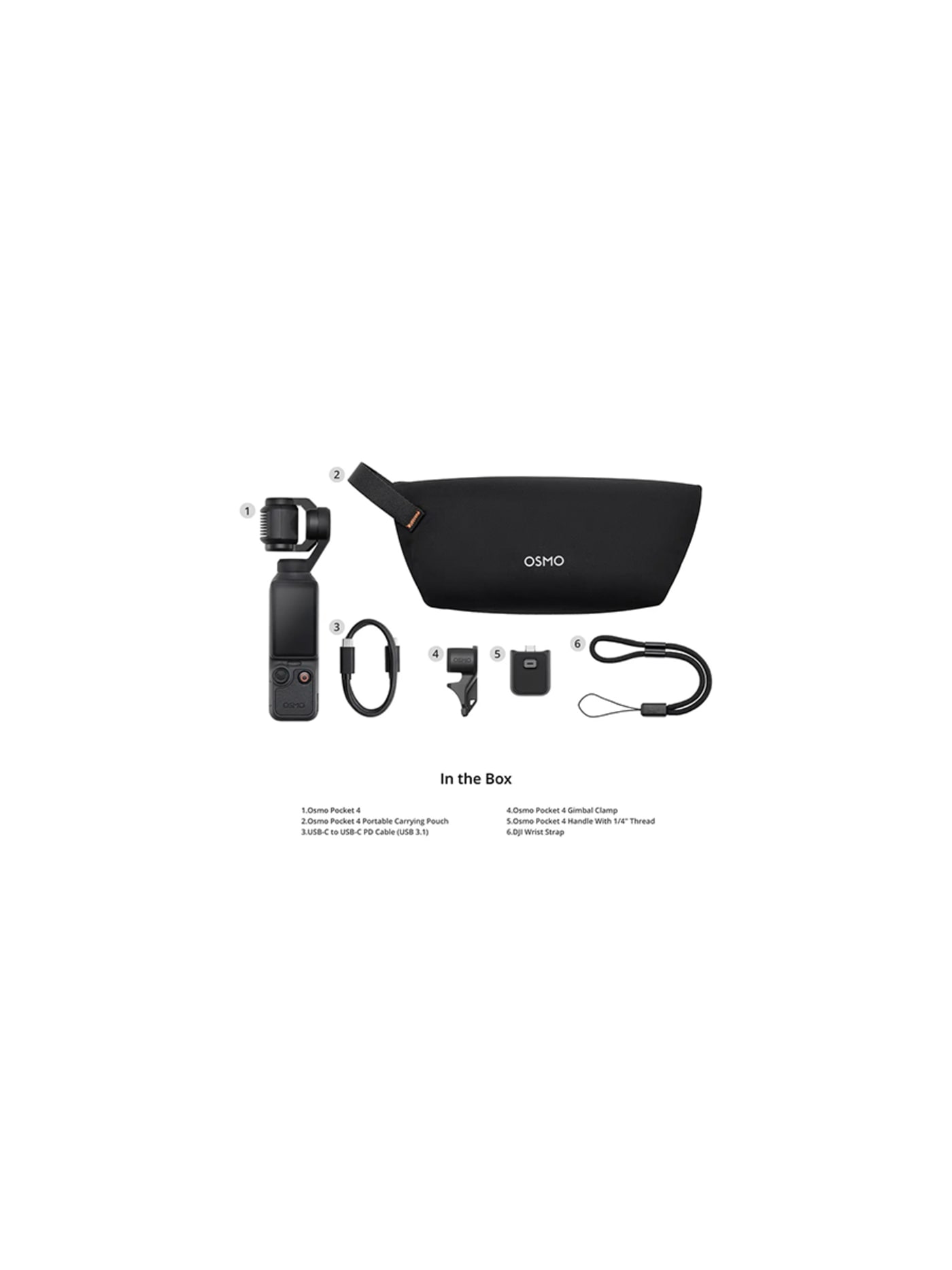
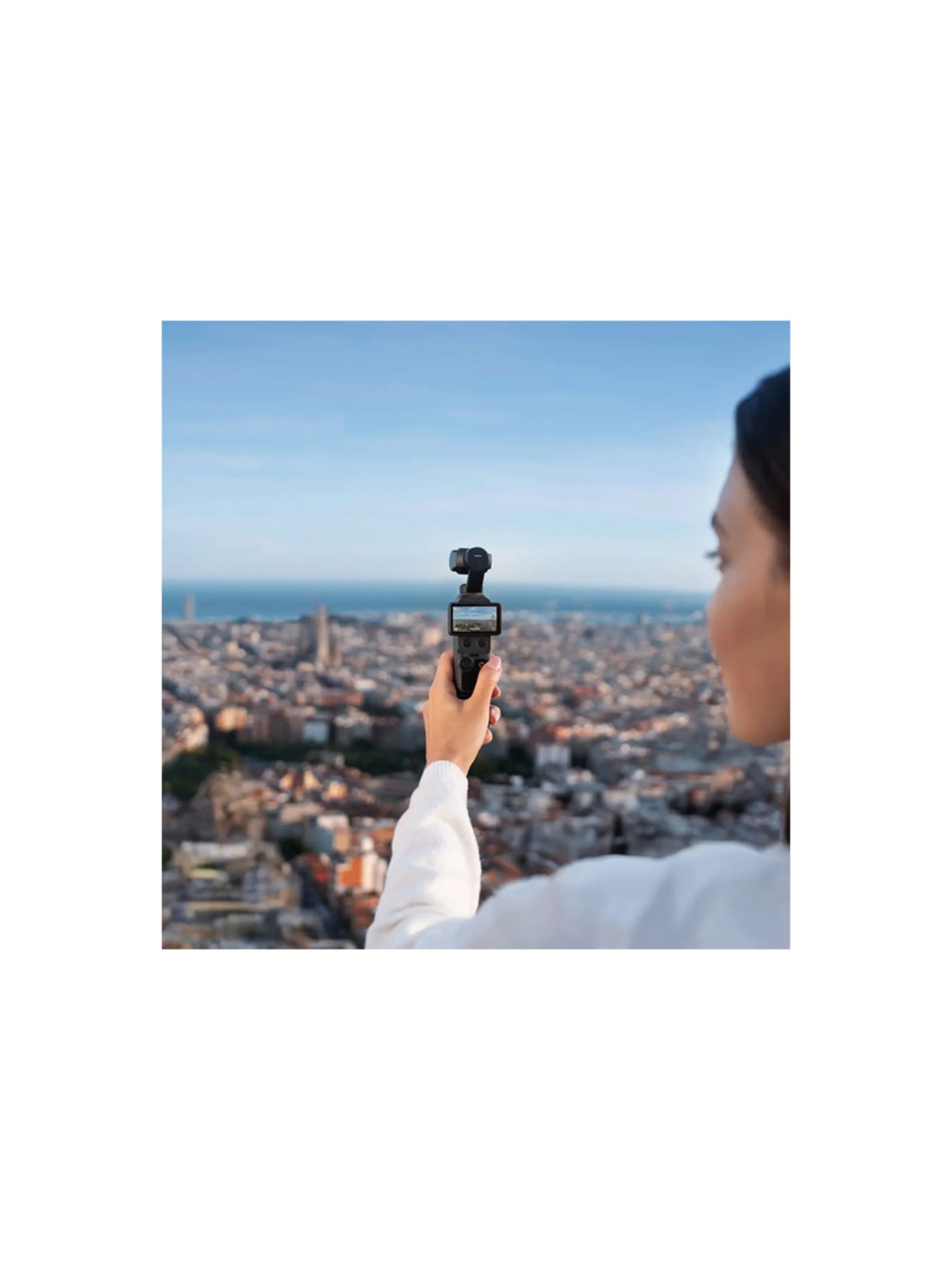
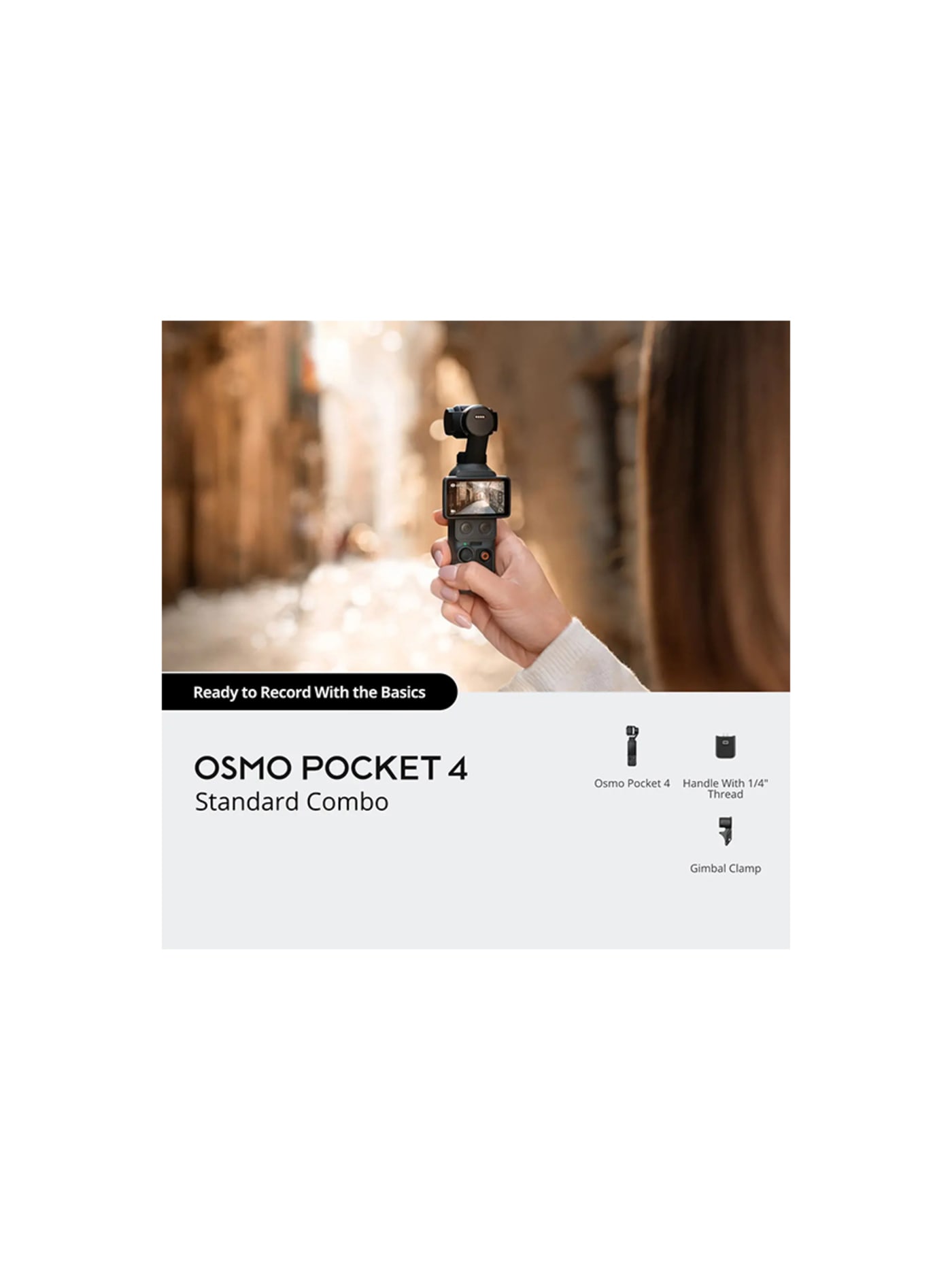
The one thing a phone and an ordinary camera cannot do without help is move smoothly. Walk while filming and the footage shakes. This fixes that in hardware: it is a tiny camera on a motorised gimbal that physically holds the shot level as you move, so walking footage glides instead of judders, and it tracks your face to keep you in frame while you talk and move. All of that in something the size of a chunky pen. For pieces to camera, walk-and-talks or vlogs, it does the job of a phone plus a separate stabiliser in one object you can pull out one-handed. It also pairs directly with the microphone further down this list, which is the neatest audio setup here. If you never film yourself moving, leave it at home. If you do, nothing else this small competes.
Design intent
- The mechanical gimbal is the defining decision: rather than smoothing footage in software after the fact, a real three-axis motor stabilises the lens as you move, producing genuinely gliding handheld video that electronic stabilisation cannot fully match, all in a pocket-sized body.
- It is built to be a self-contained creator kit: automatic face tracking keeps a solo shooter framed, 107GB of internal storage removes the card dependency, and four-channel audio with direct mic connection means one small object handles the shot and the sound together.
Trade-offs
- It is not weather-sealed, so rain or dust are real risks for a camera otherwise made to be carried everywhere, and it depends on a single fixed lens, so it cannot reframe optically the way an interchangeable-lens camera can.
- Dropping the microSD slot for fast internal storage suits offload-and-go workflows but constrains anyone shooting long multi-day trips who relied on swapping cards, a deliberate trade that will not suit every creator.
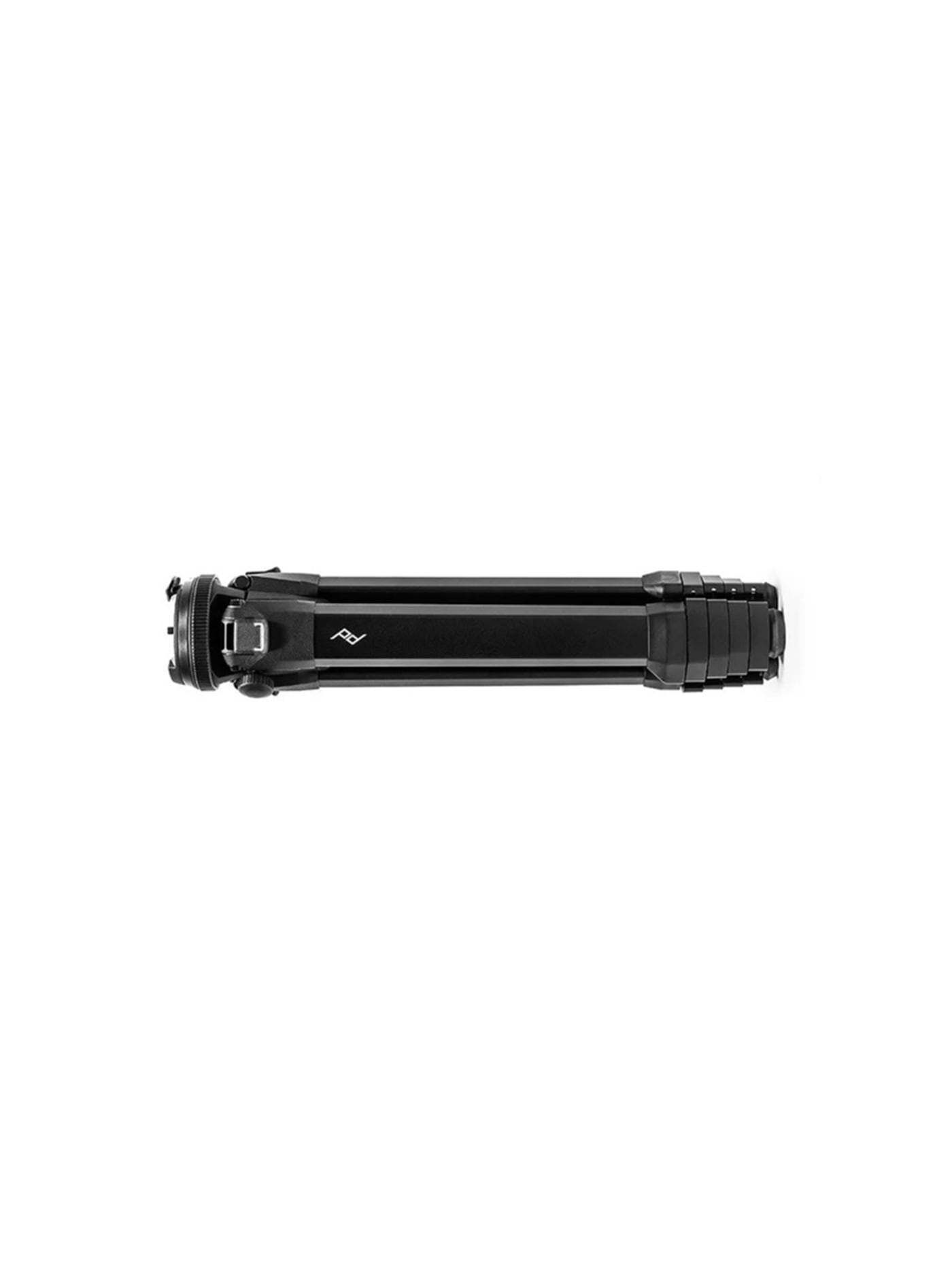
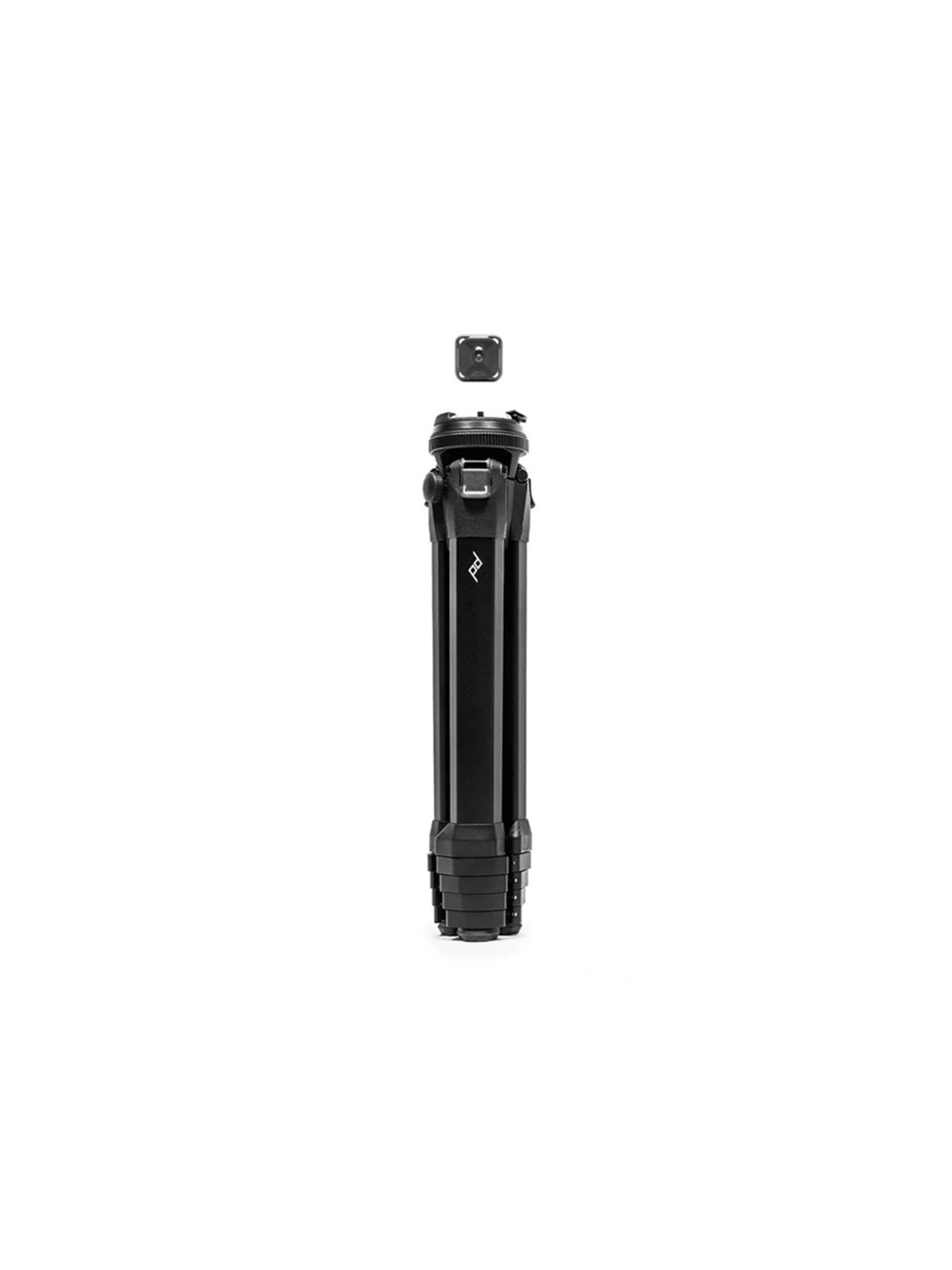
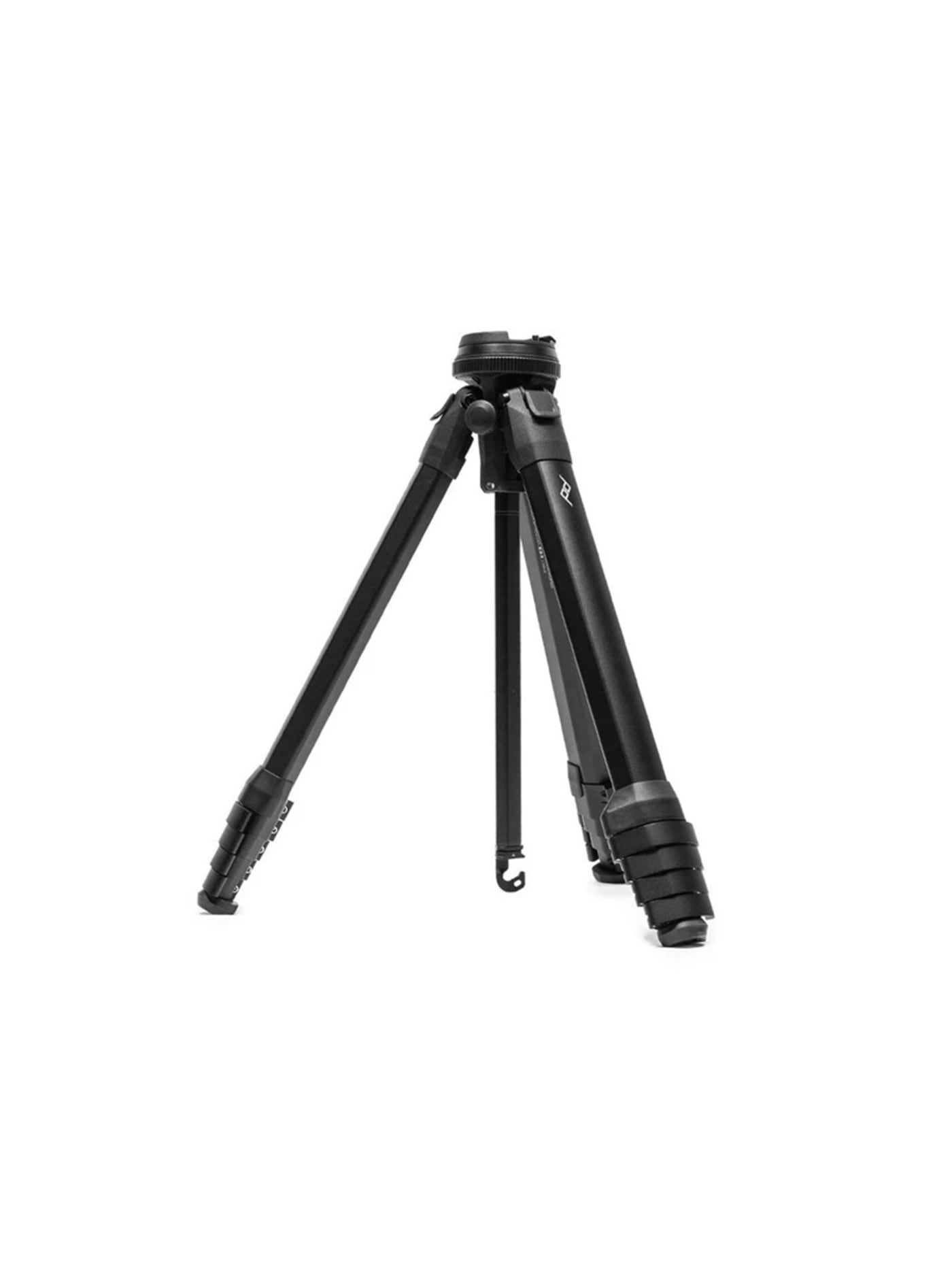
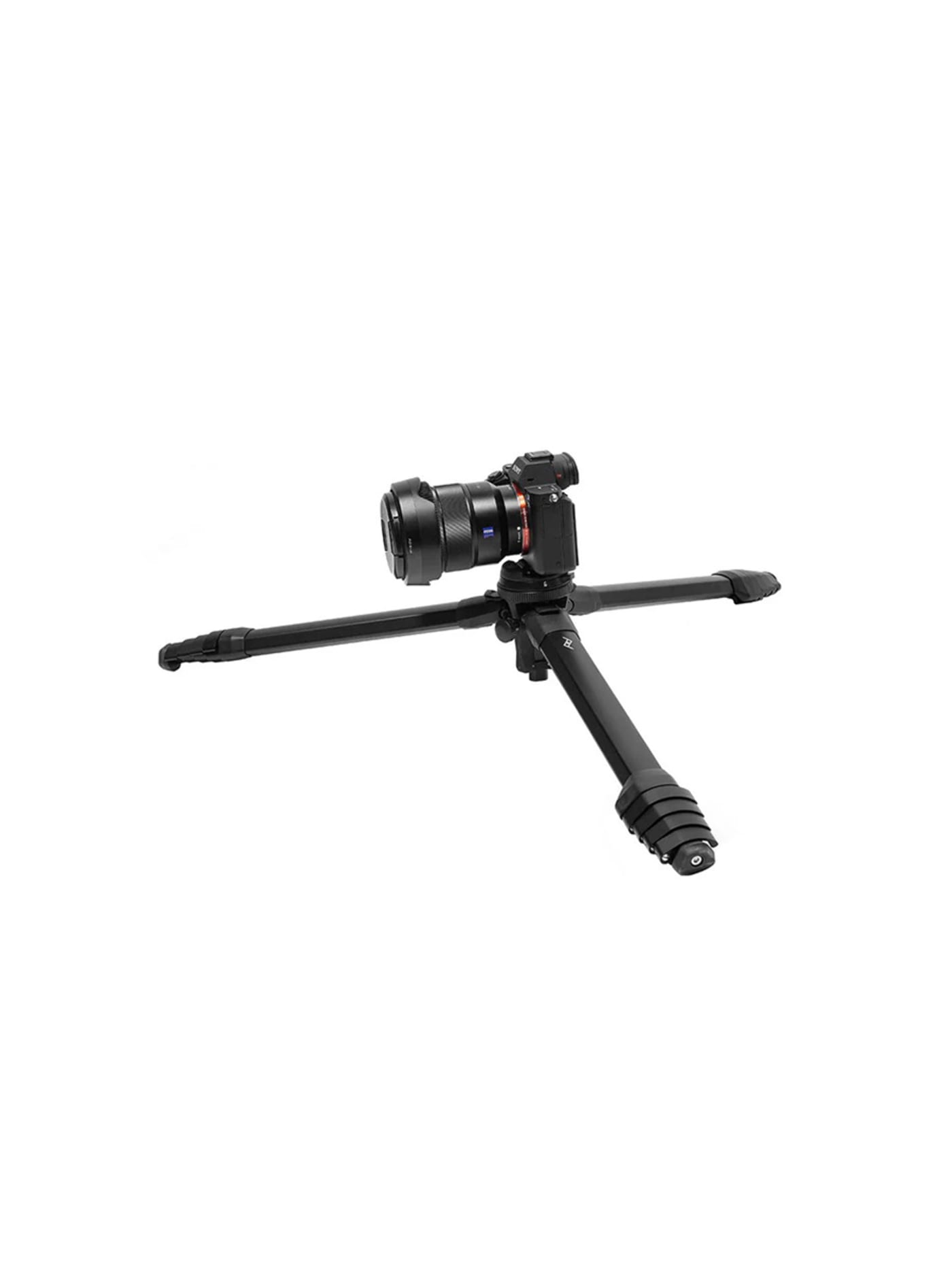
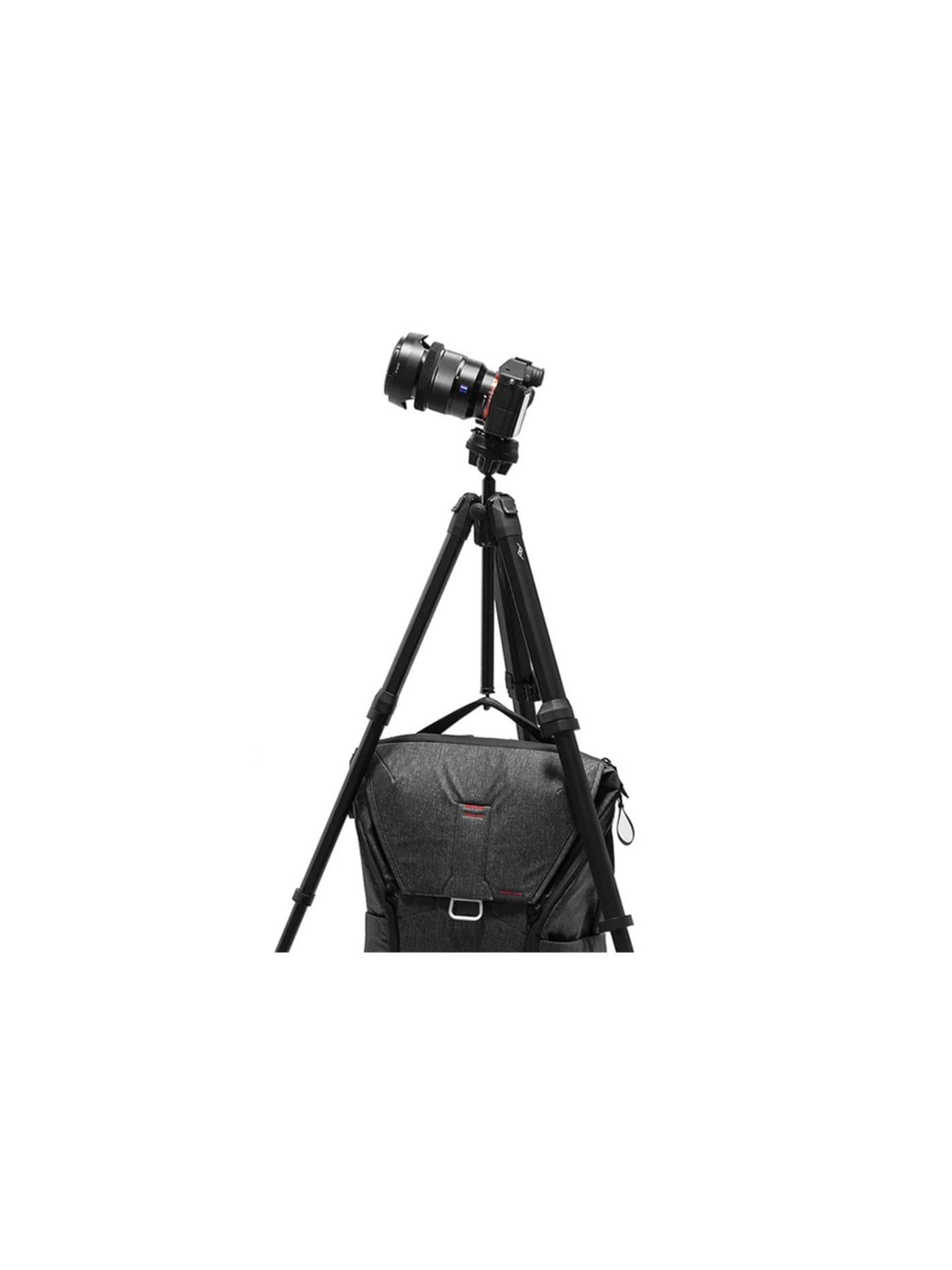
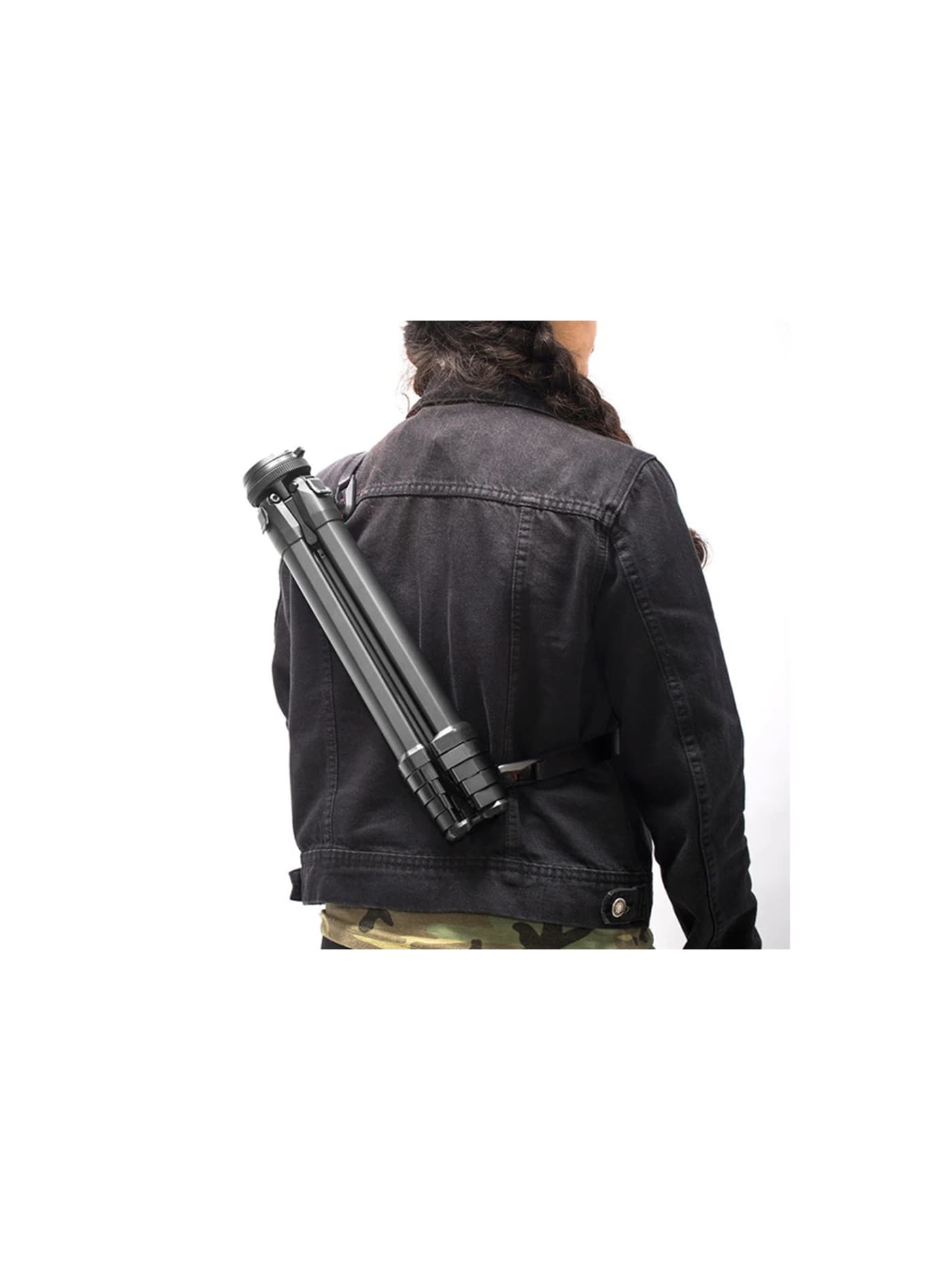
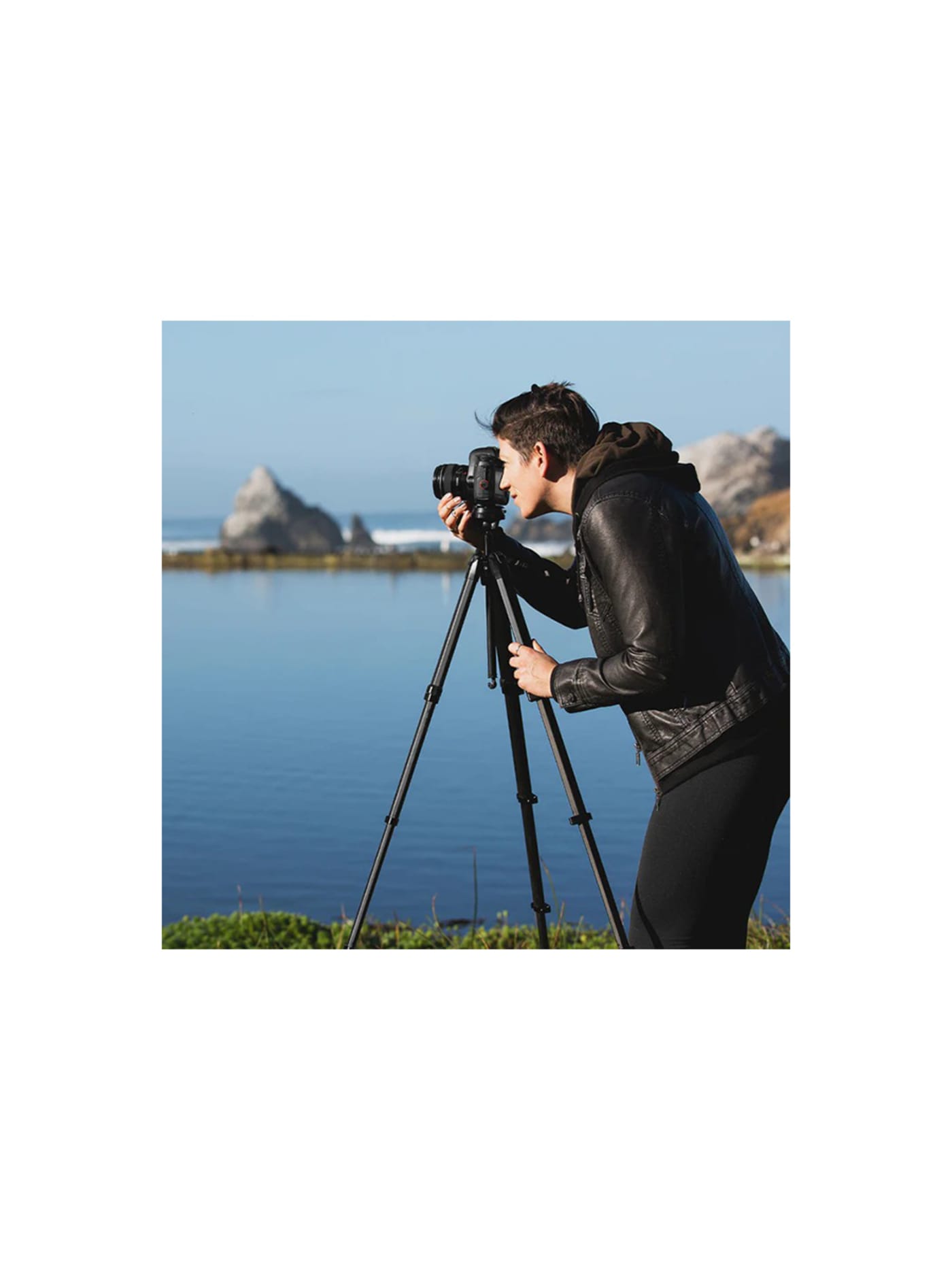
A tripod is the first thing to get left behind for being too bulky, which is the exact problem this one set out to solve. The legs are shaped to pack tightly around the centre column instead of leaving wasted air between round tubes, so folded it comes down to about the width of a water bottle while still reaching around a metre and a half. That is the difference between a tripod you bring and one that lives in a cupboard. You want it for long exposures, timelapses, and any shot of yourself where nobody is holding the camera. For phone-only work, or as a lighter second option, the Peak Design Mobile Tripod folds to the size of a phone and magnetises straight onto the back of it. For a creator shooting a lot of phone footage, the small one earns its space more often than the big one.
Design intent
- Reshaping the legs to nest around the centre column is the core decision, removing the dead volume of a conventional tripod so it packs to the width of a water bottle without losing height.
- Collapsing the head's controls into a single adjustment ring and a locking ring strips out the knobs and levers that slow a tripod down, prioritising speed of setup.
Trade-offs
- The packed-tight engineering and single-ring head carry a price well above conventional travel tripods of similar height and load.
- The compact built-in ball head prioritises packing efficiency over a full modular head system, and fitting a geared or video head needs a separate adaptor.
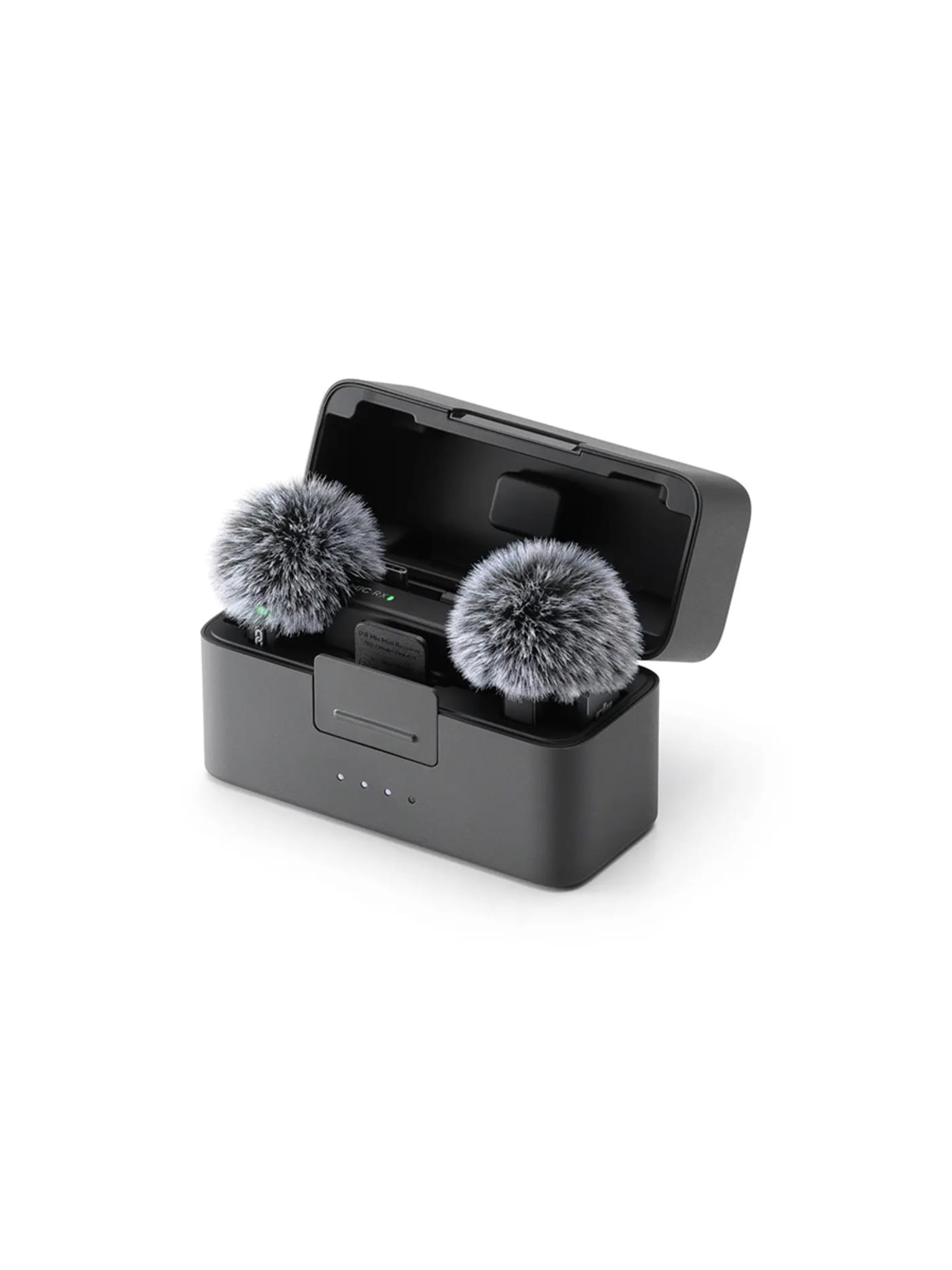
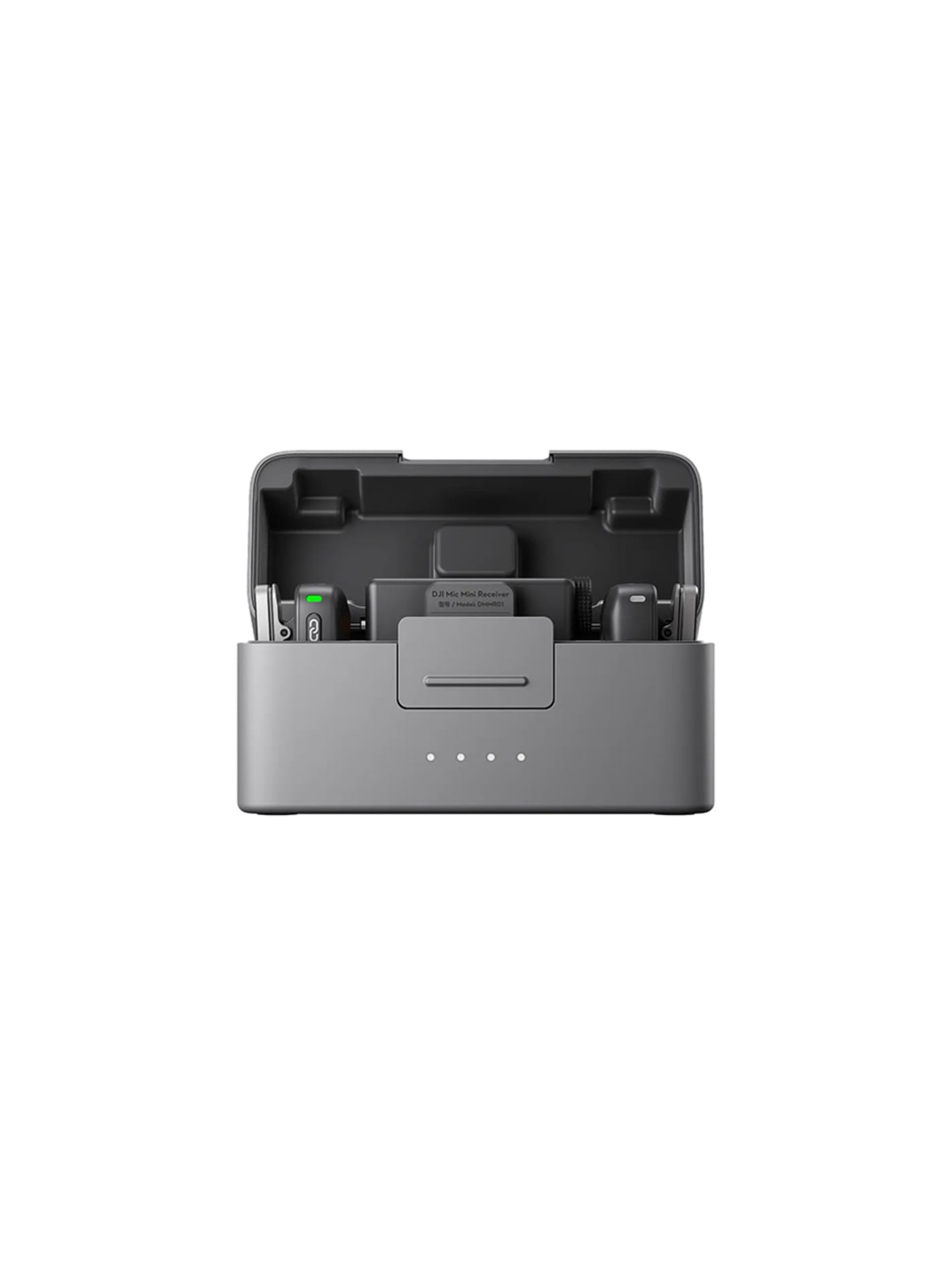
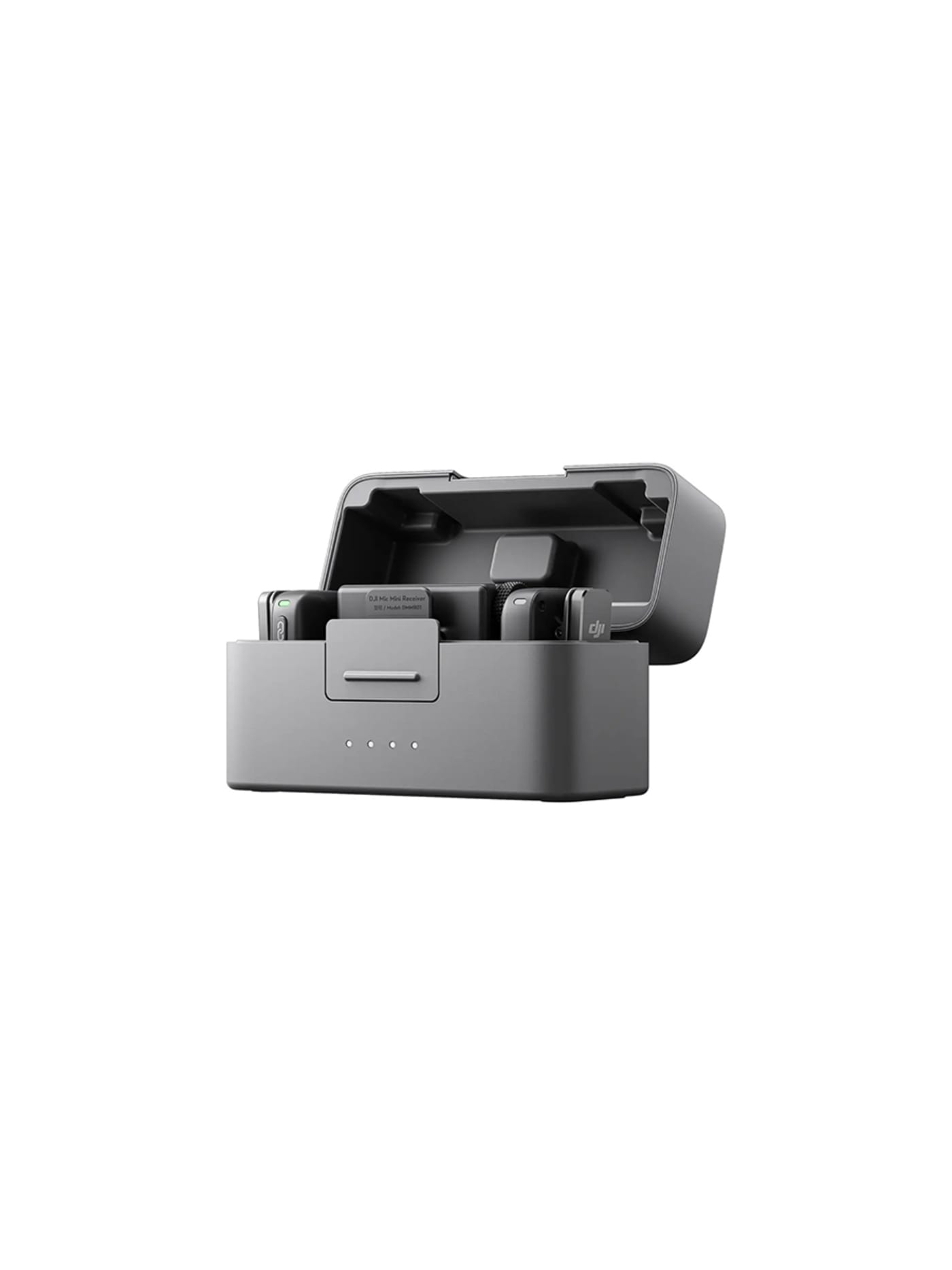
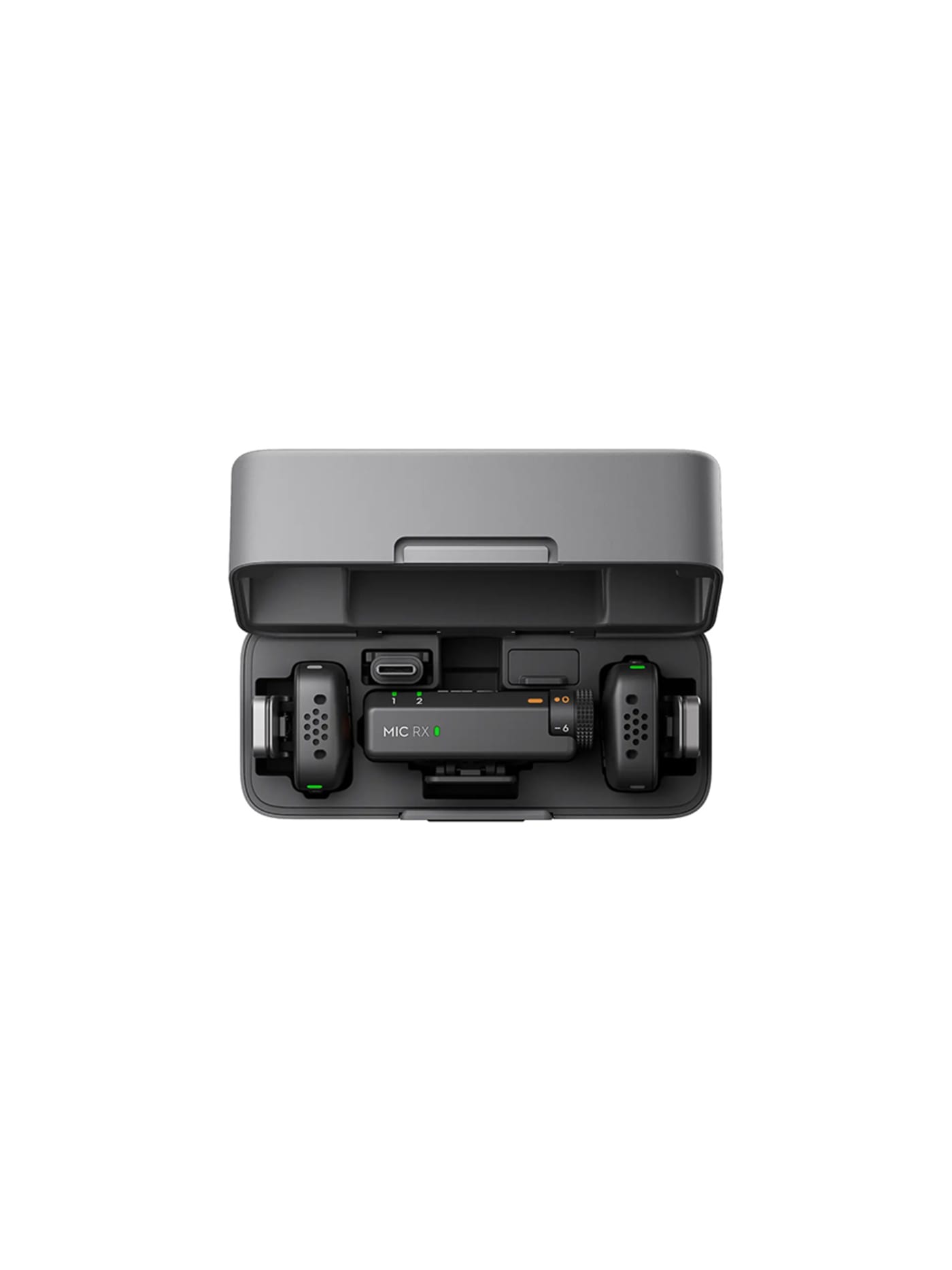
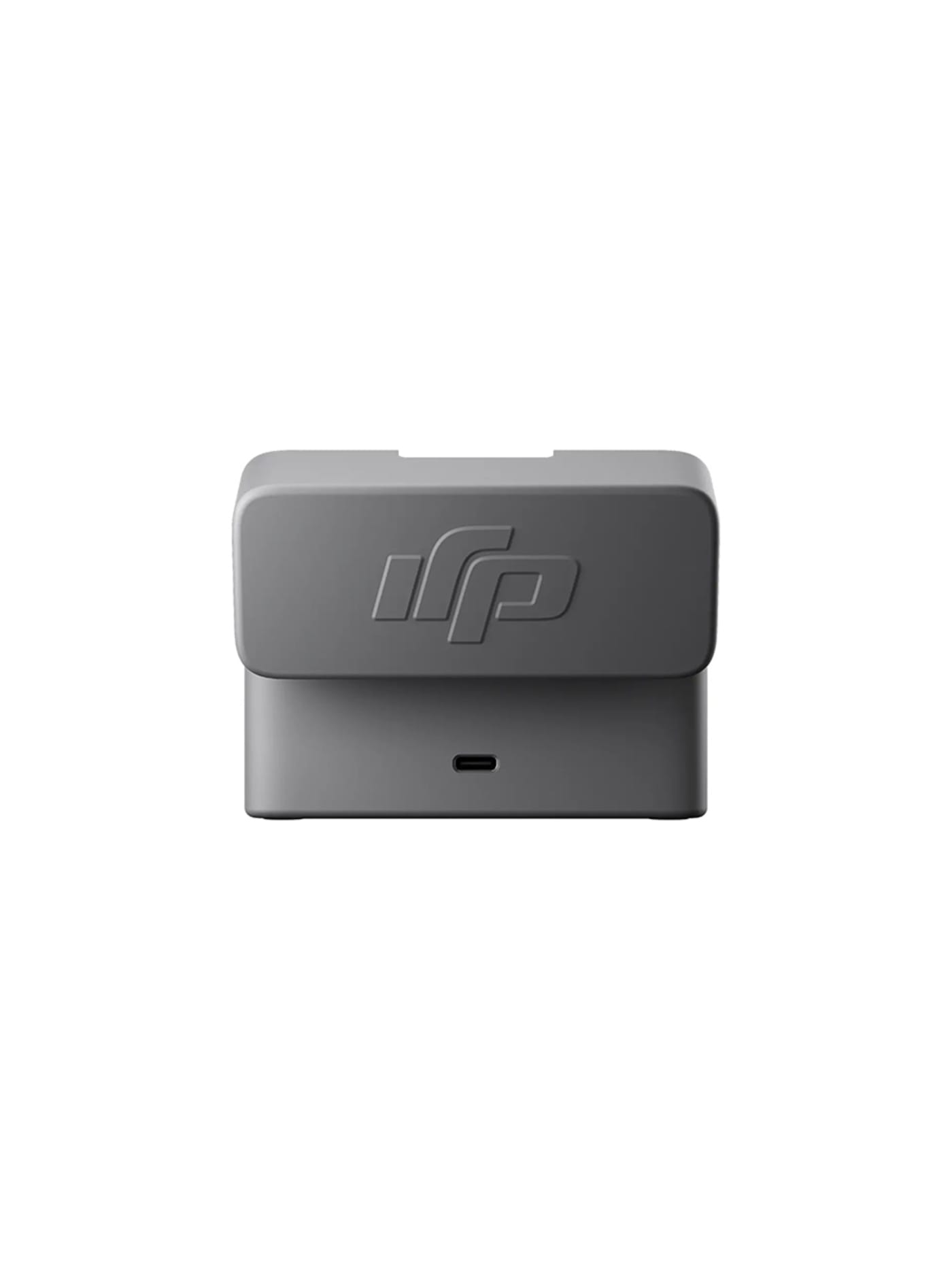
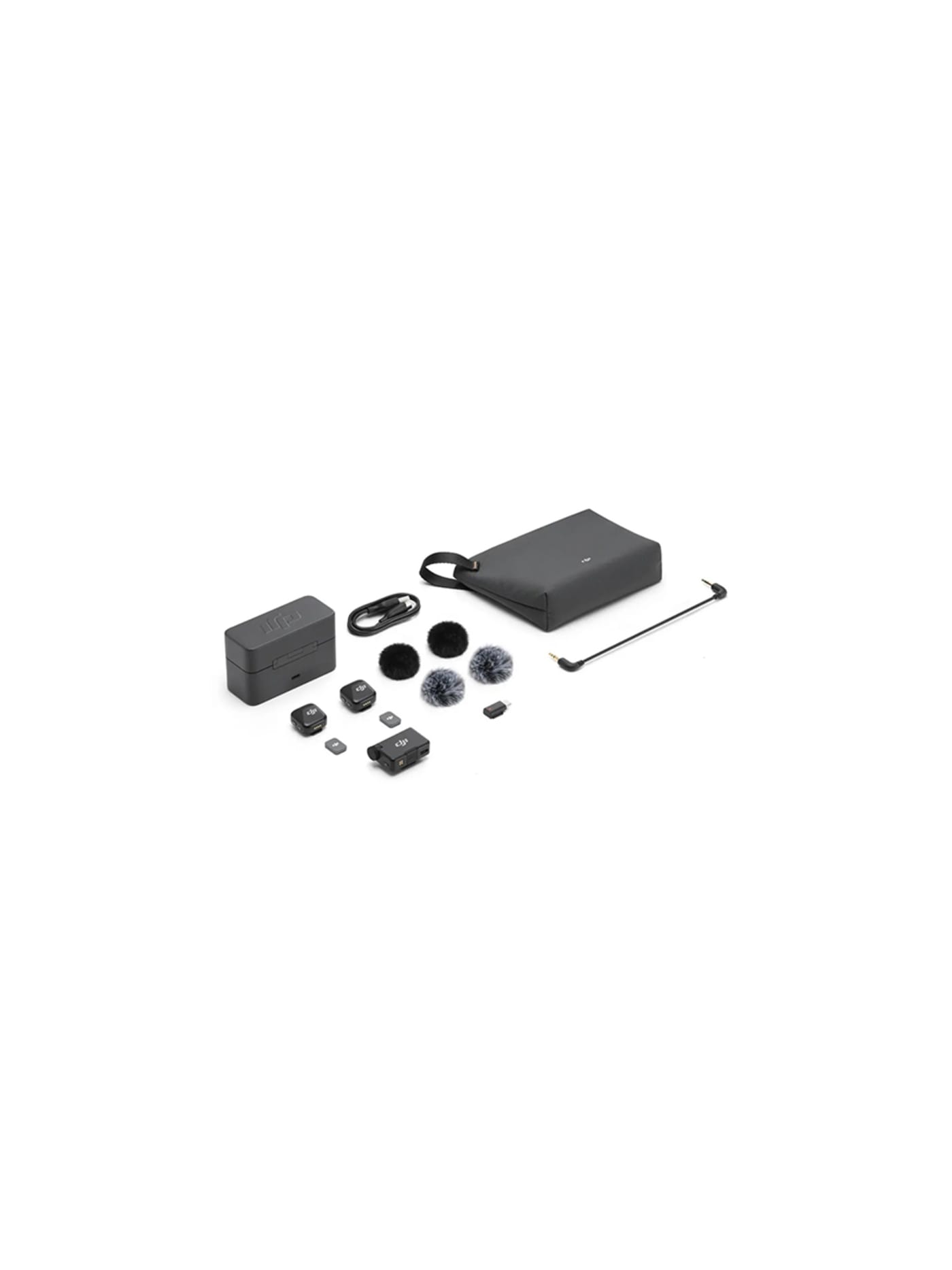
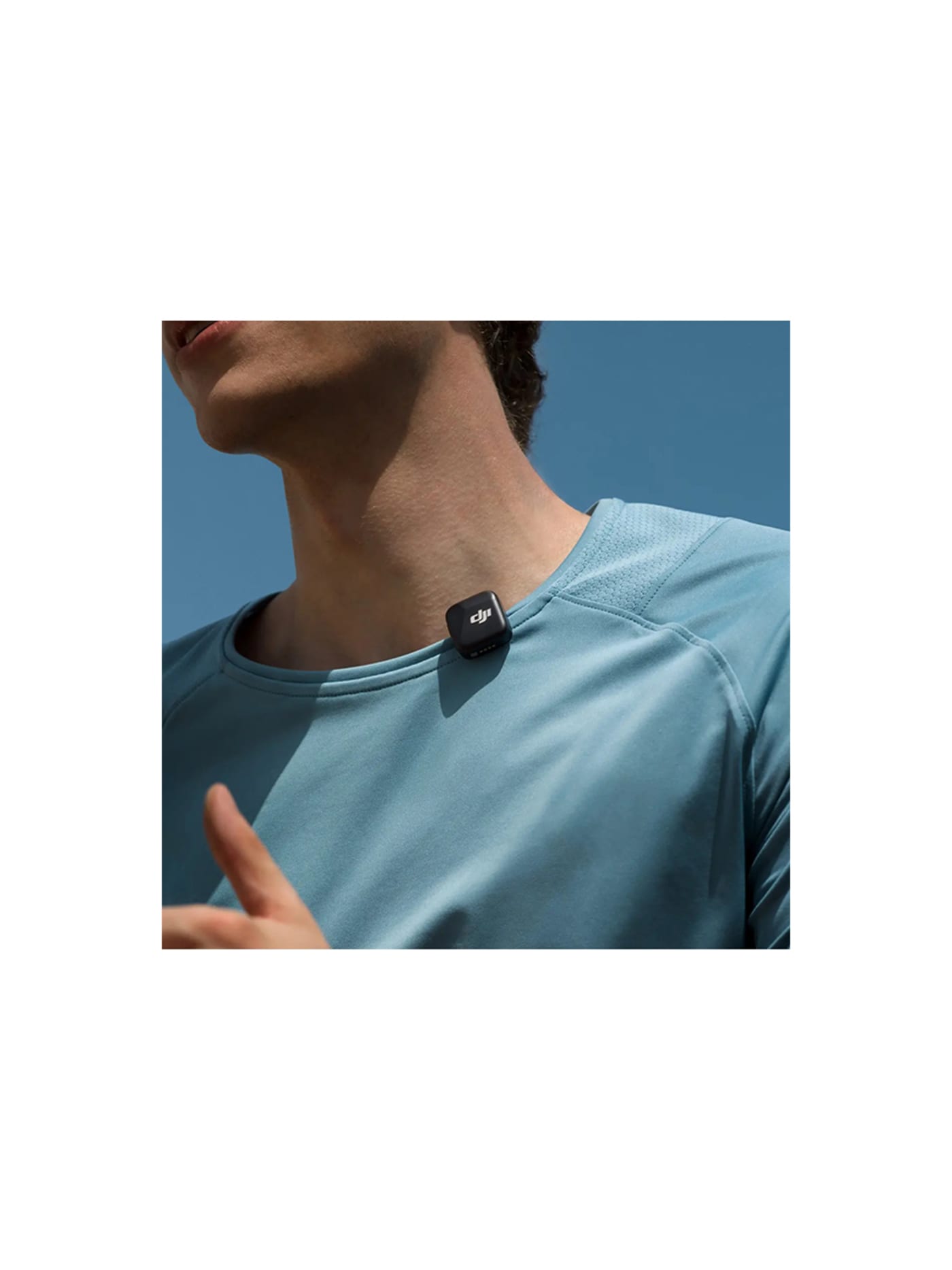
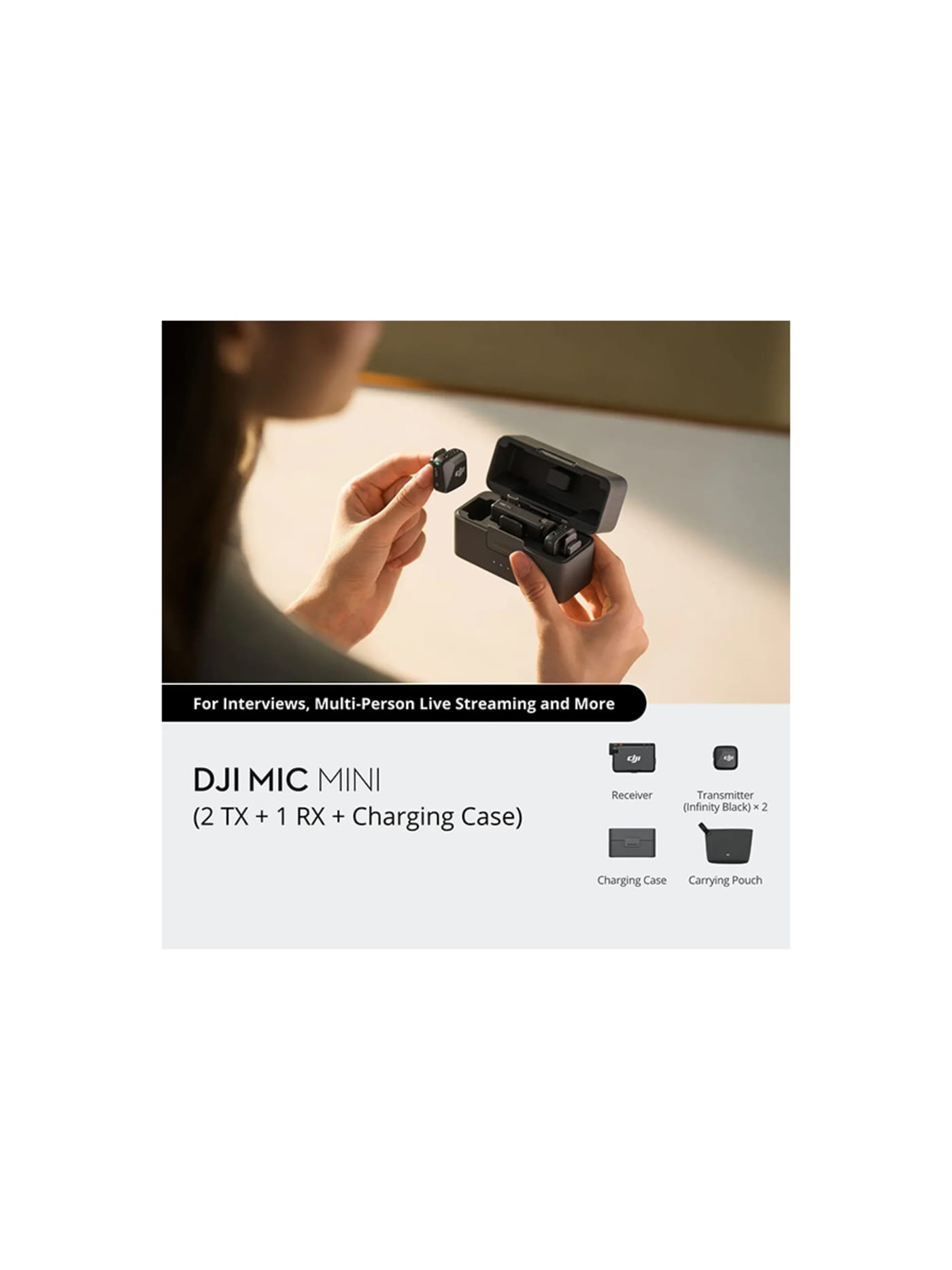
Bad audio ruins a good video faster than bad footage does, and fixing it is small and cheap. Each transmitter weighs about ten grams and clips or magnets to a collar, sending clean wireless sound to a receiver on the camera. The neat part for this kit is that it talks straight to DJI's Osmo cameras and to phones with no receiver at all, so it pairs with the Osmo Pocket 4 above into about the simplest good-audio setup there is. The case gives it more than a day of battery, so it is another thing you charge once and forget. It has no socket for an external lapel mic, so you are committed to its built-in one, and you pay a little for the brand. For the size and the sound, it is worth it.
Design intent
- The defining decision is disappearing weight: at around ten grams a transmitter, the mic is light and small enough to wear and forget, on the logic that comfort and discretion decide whether creators actually use a lapel mic at all.
- Direct connection to DJI's own cameras and to phones removes the receiver from the chain entirely for many users, so a creator already shooting on an Osmo or a phone gets wireless sound with one fewer device to carry, pair and power.
Trade-offs
- It is the affordable, entry-level tier, so it omits pro features: there is no screen on the receiver to monitor levels on the hardware, and the transmitter does not record a local backup, so a dropout is a lost take.
- Its convenience is greatest inside DJI's ecosystem; paired with a non-DJI camera it works but loses the seamless direct-connection advantage that is much of its appeal.
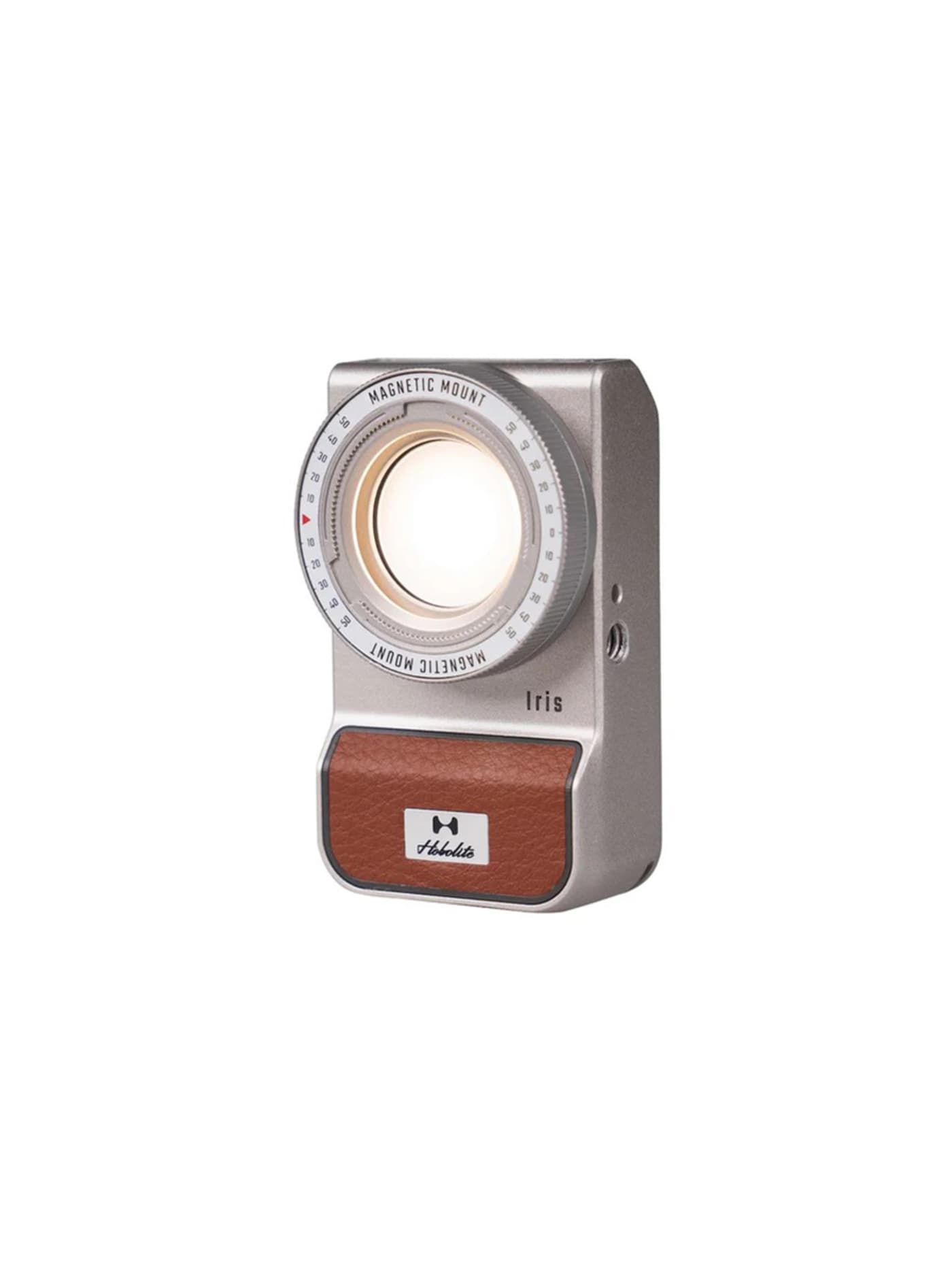
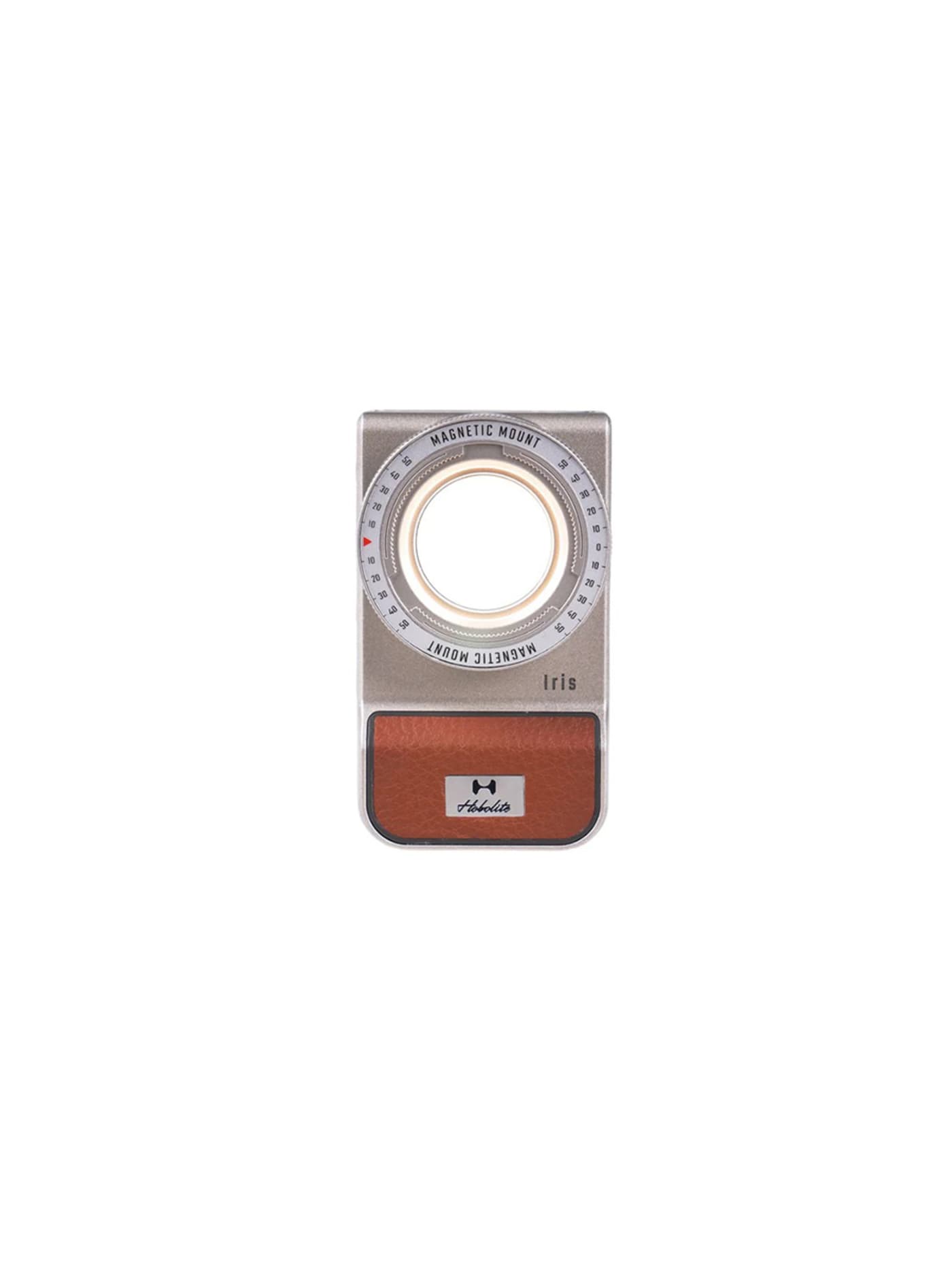
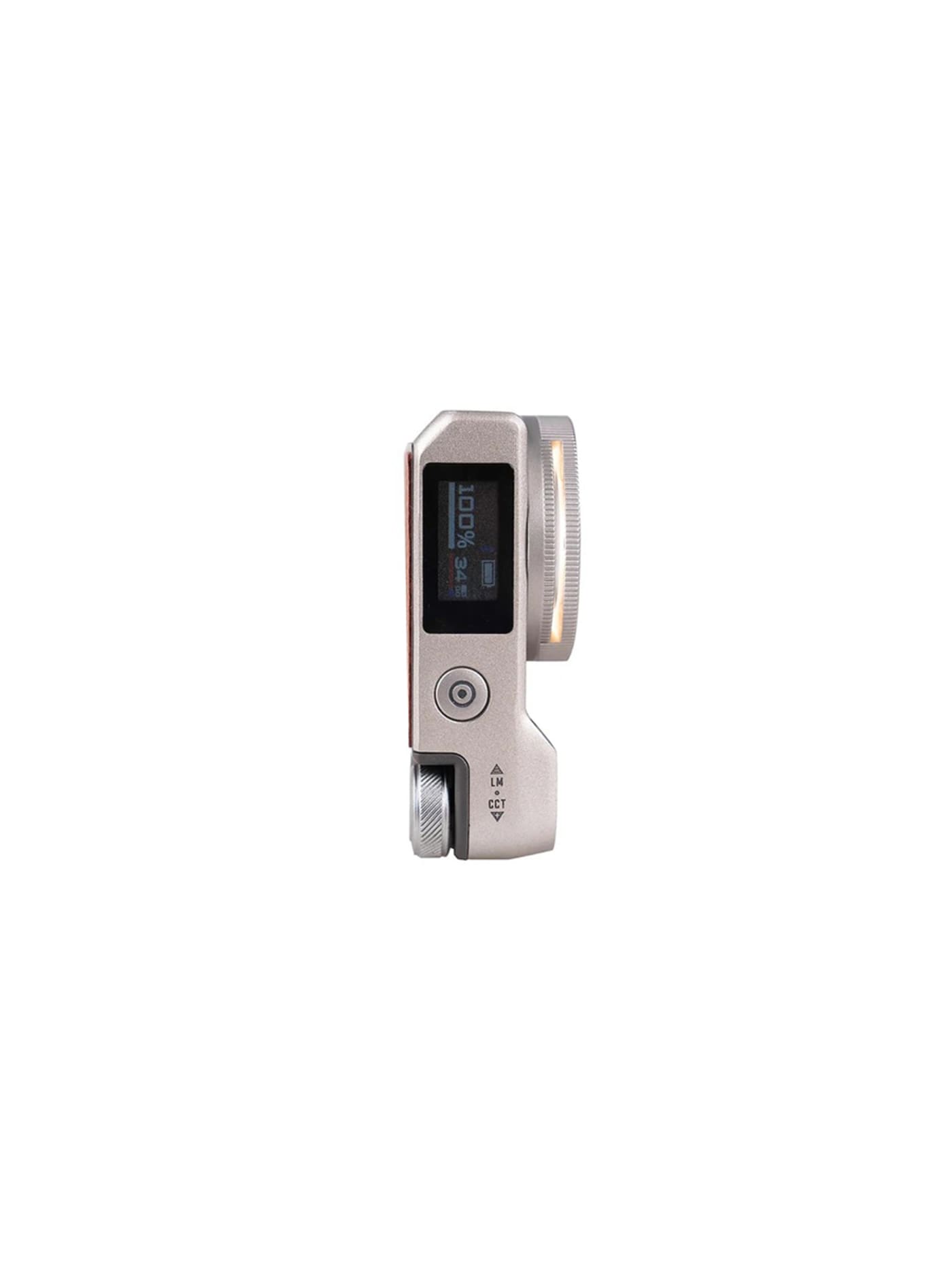
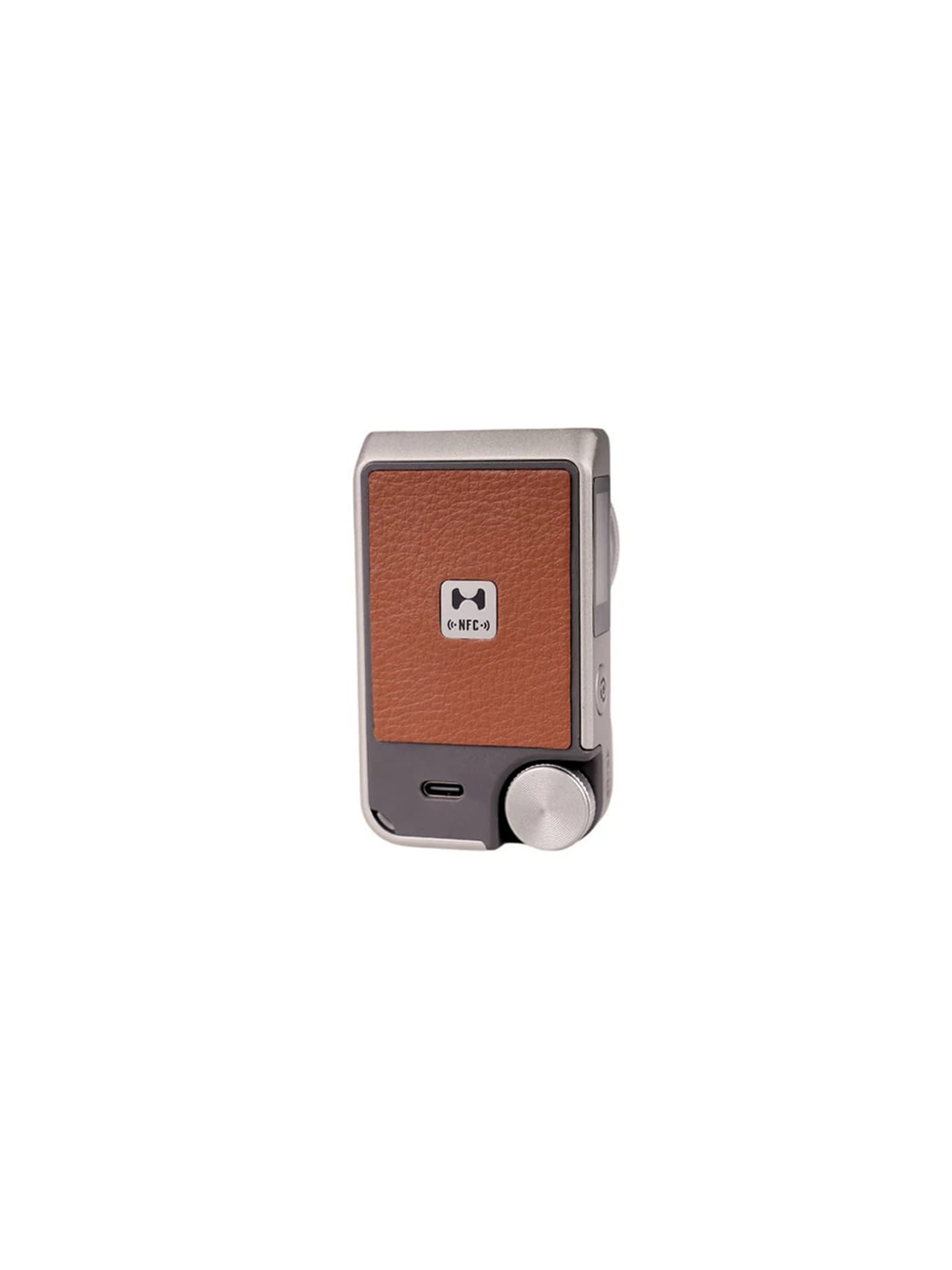
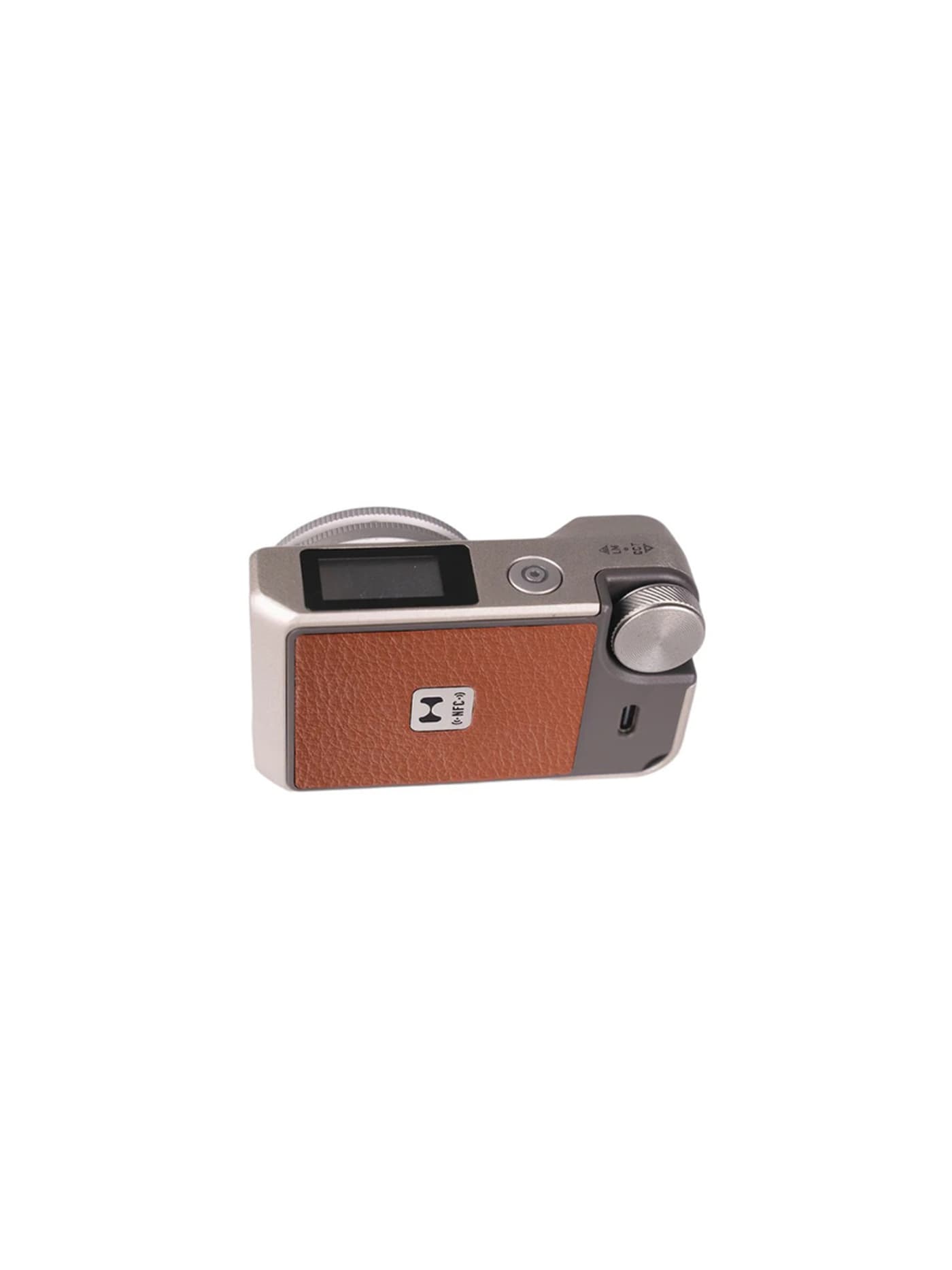
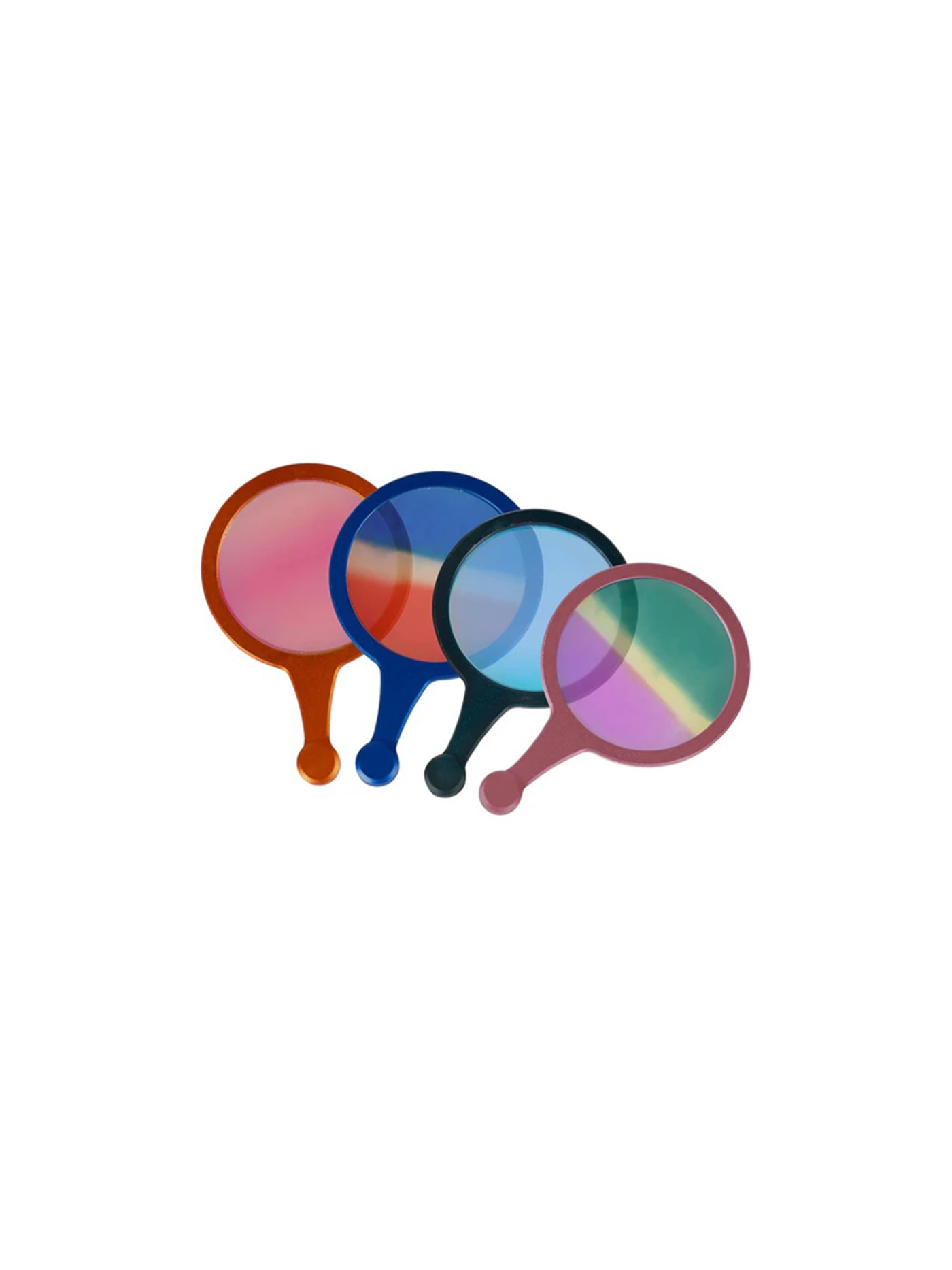
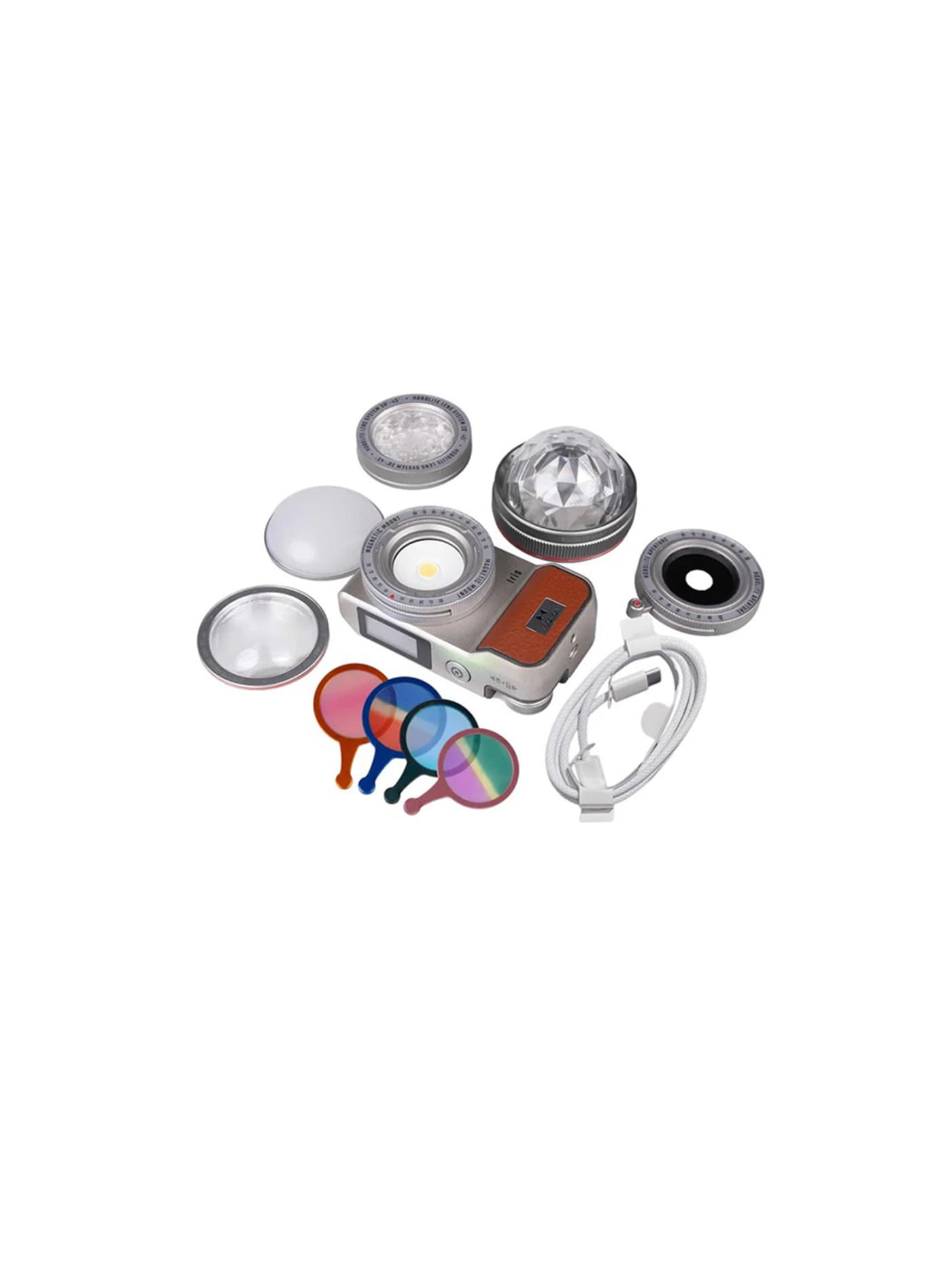
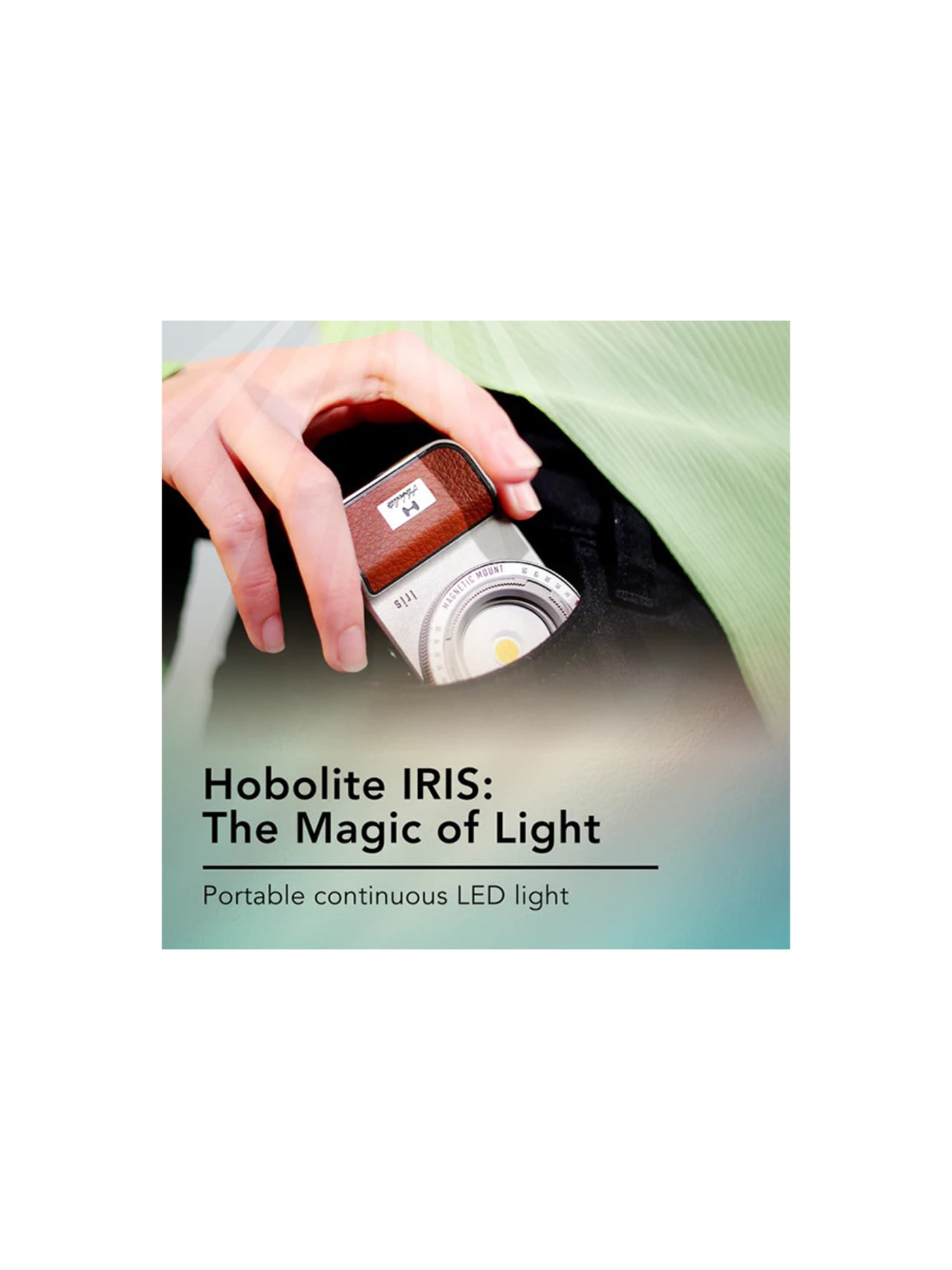
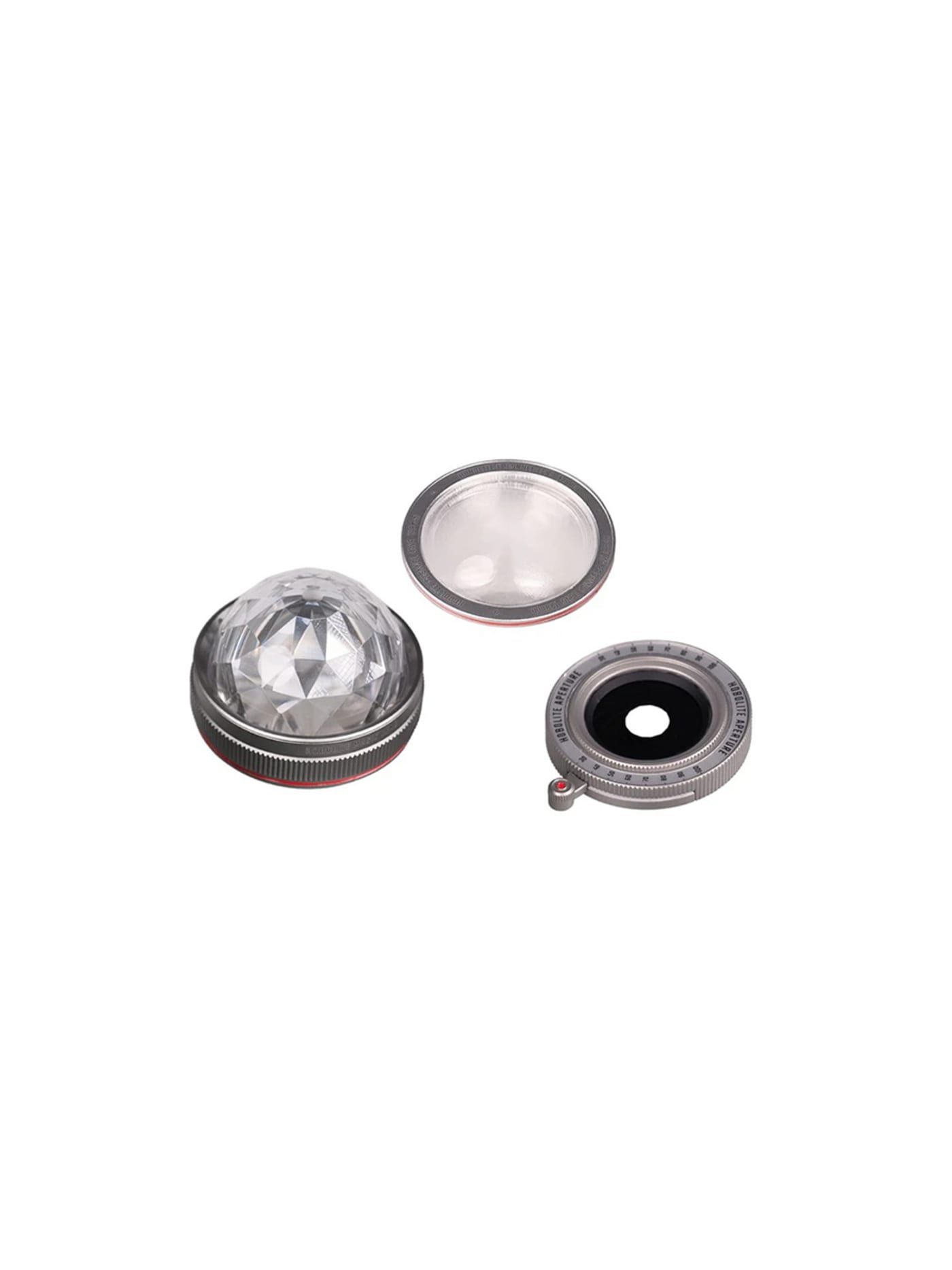
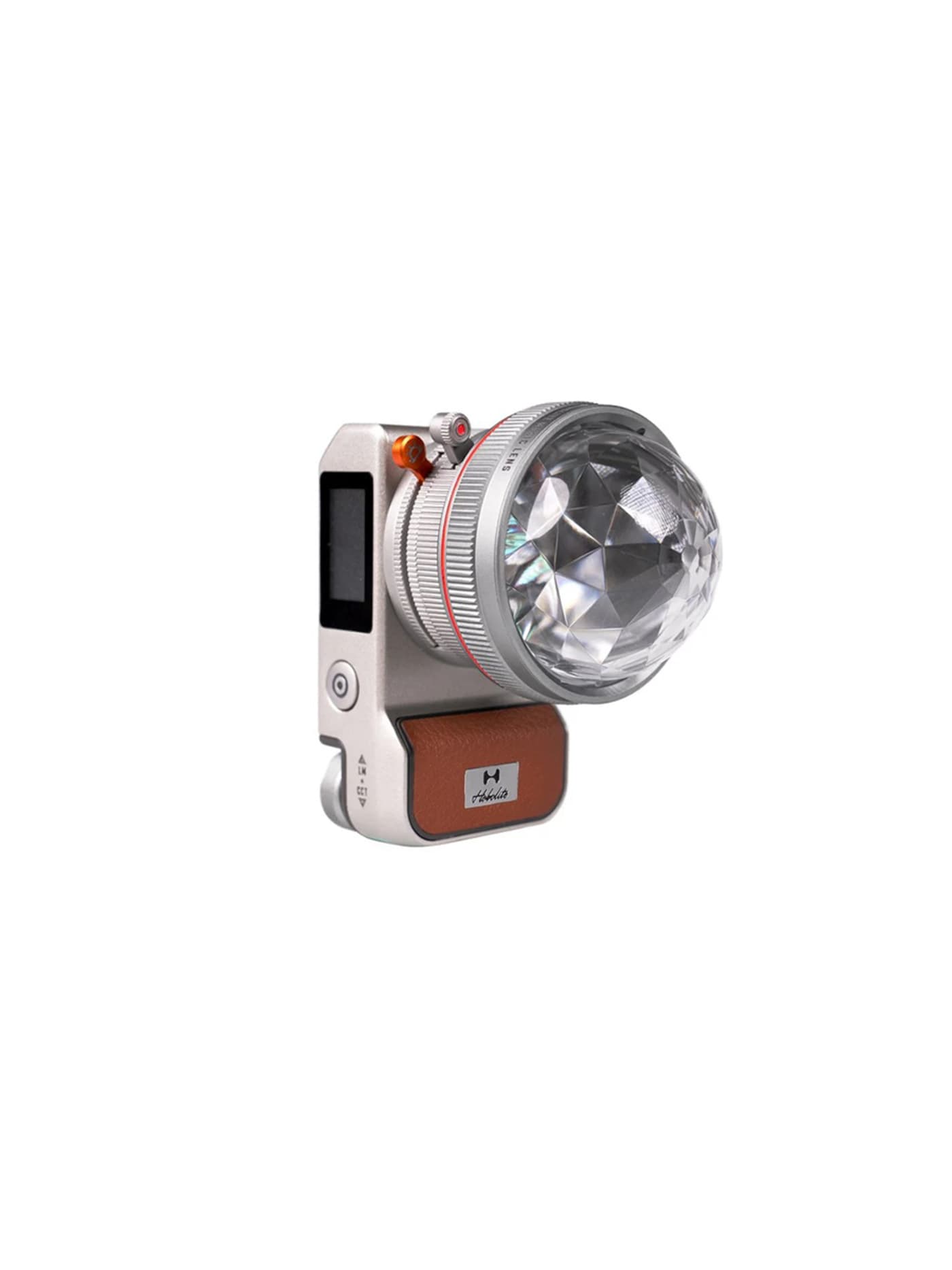
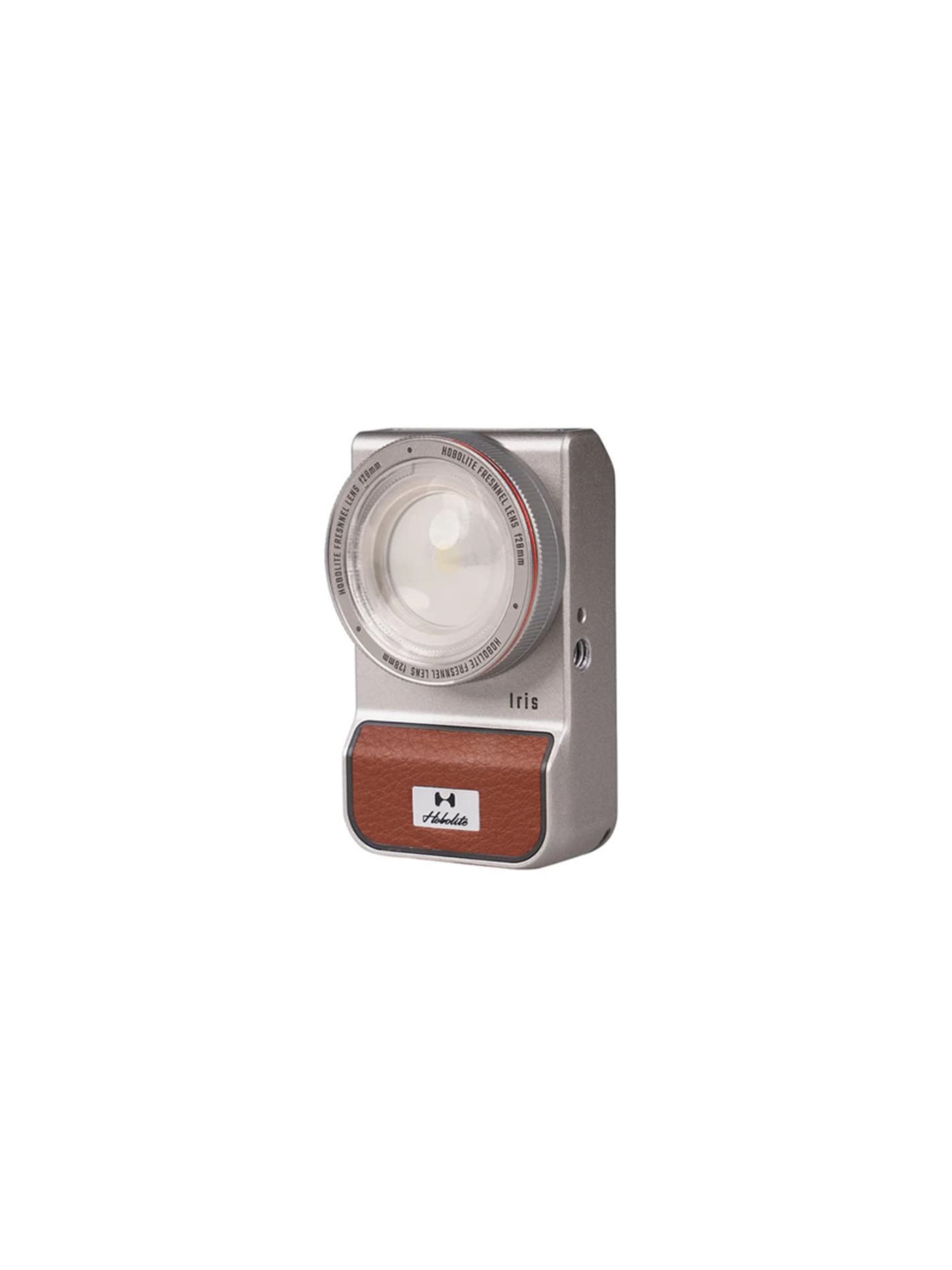
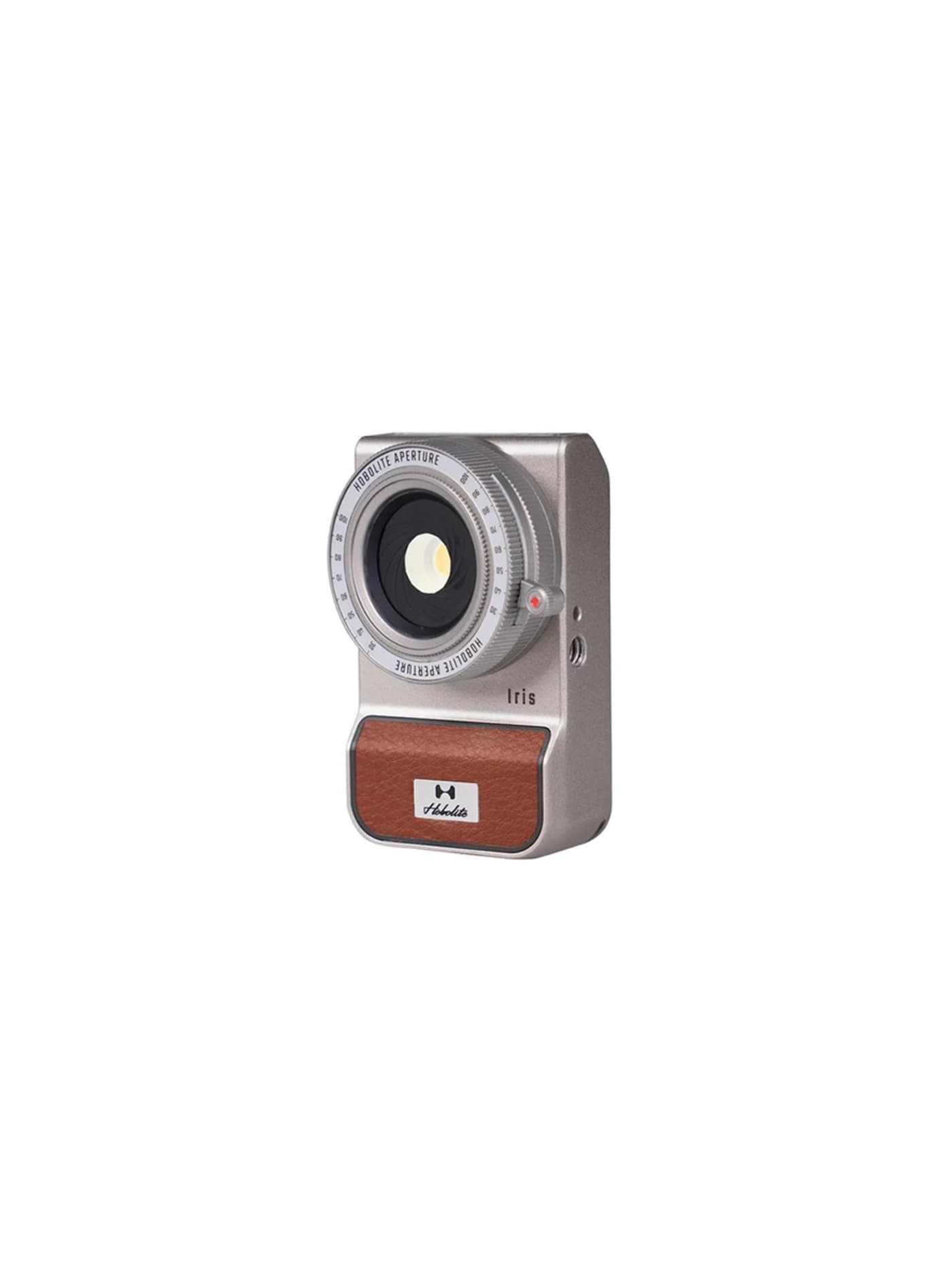
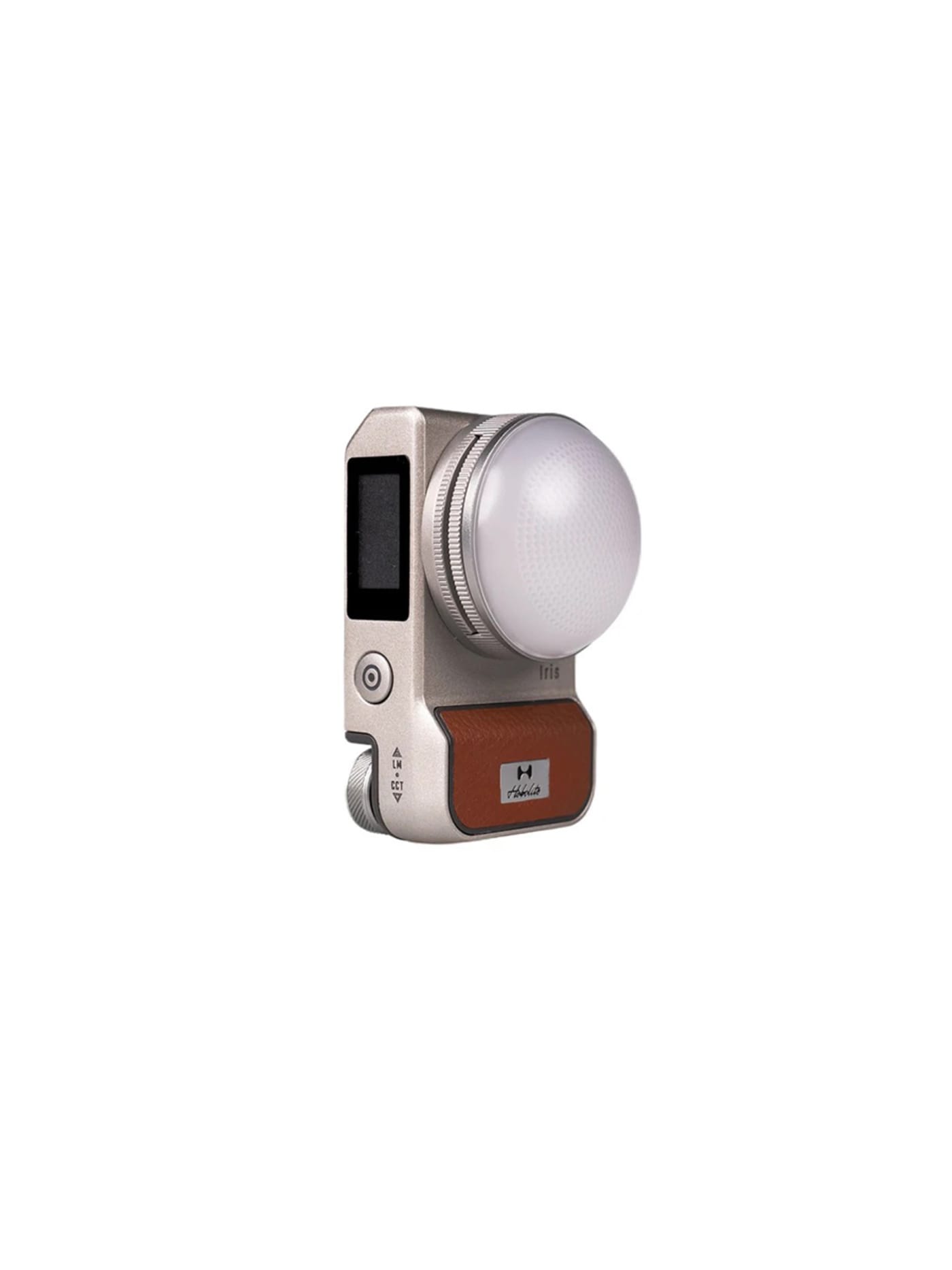
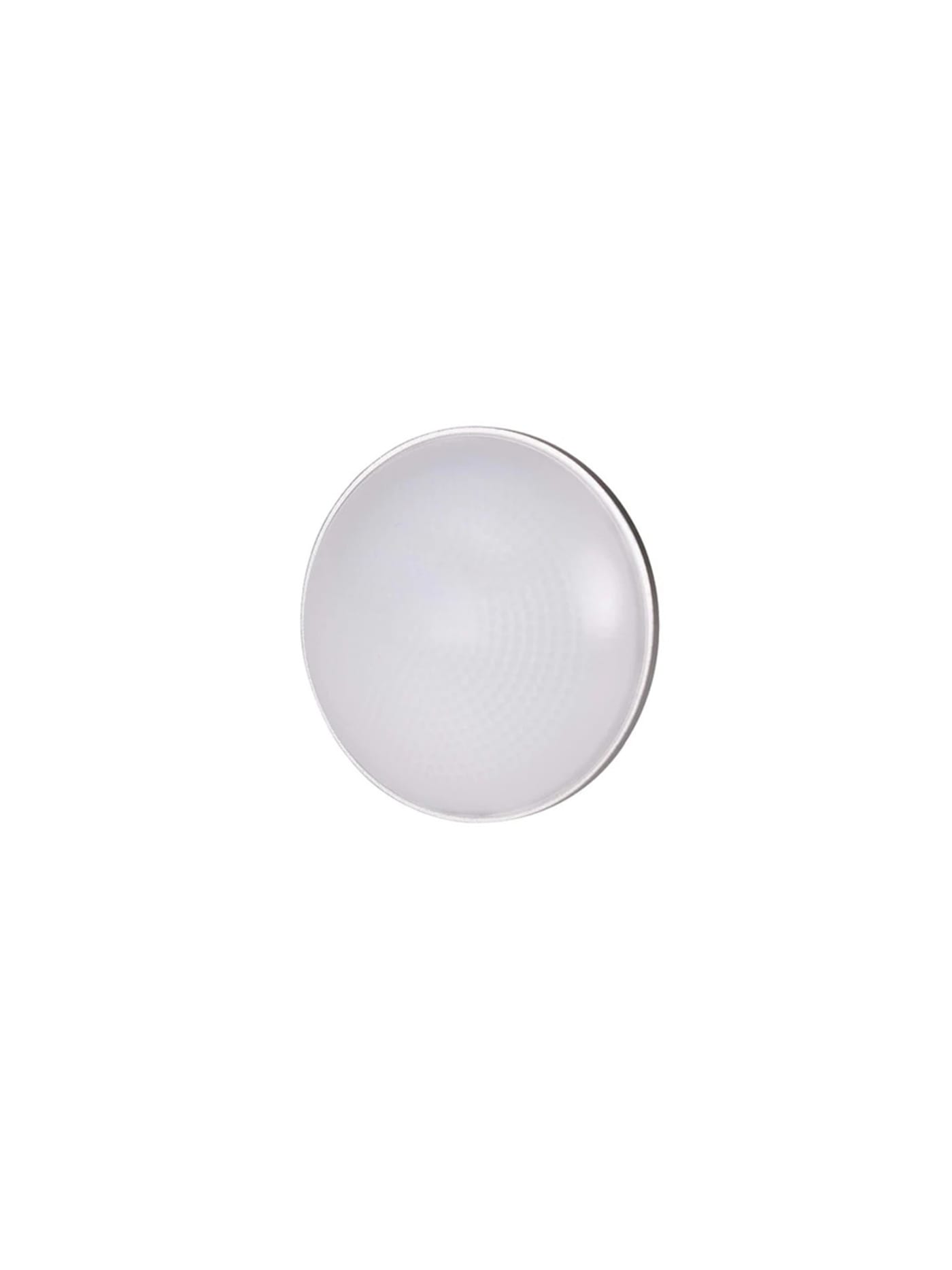
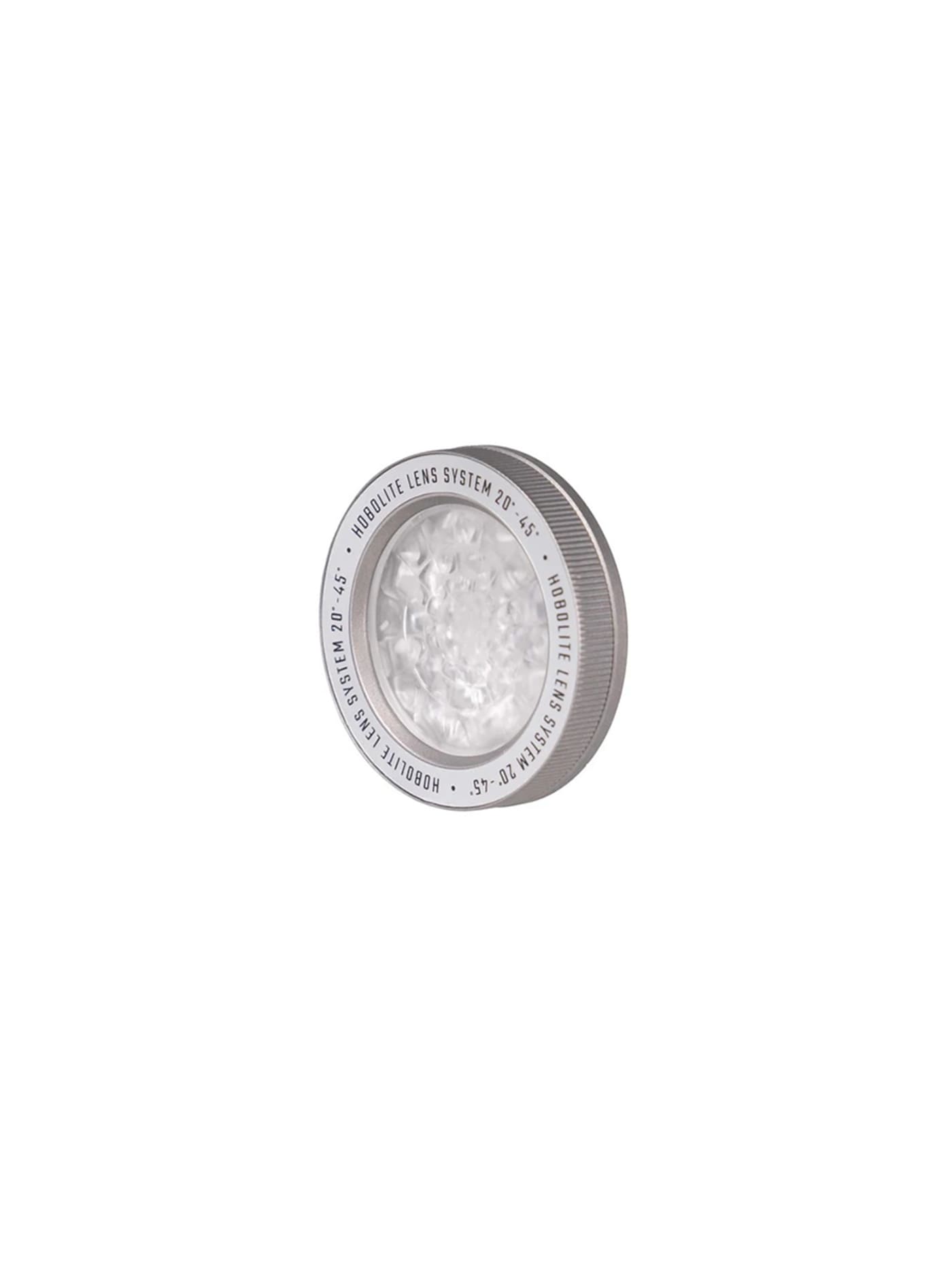
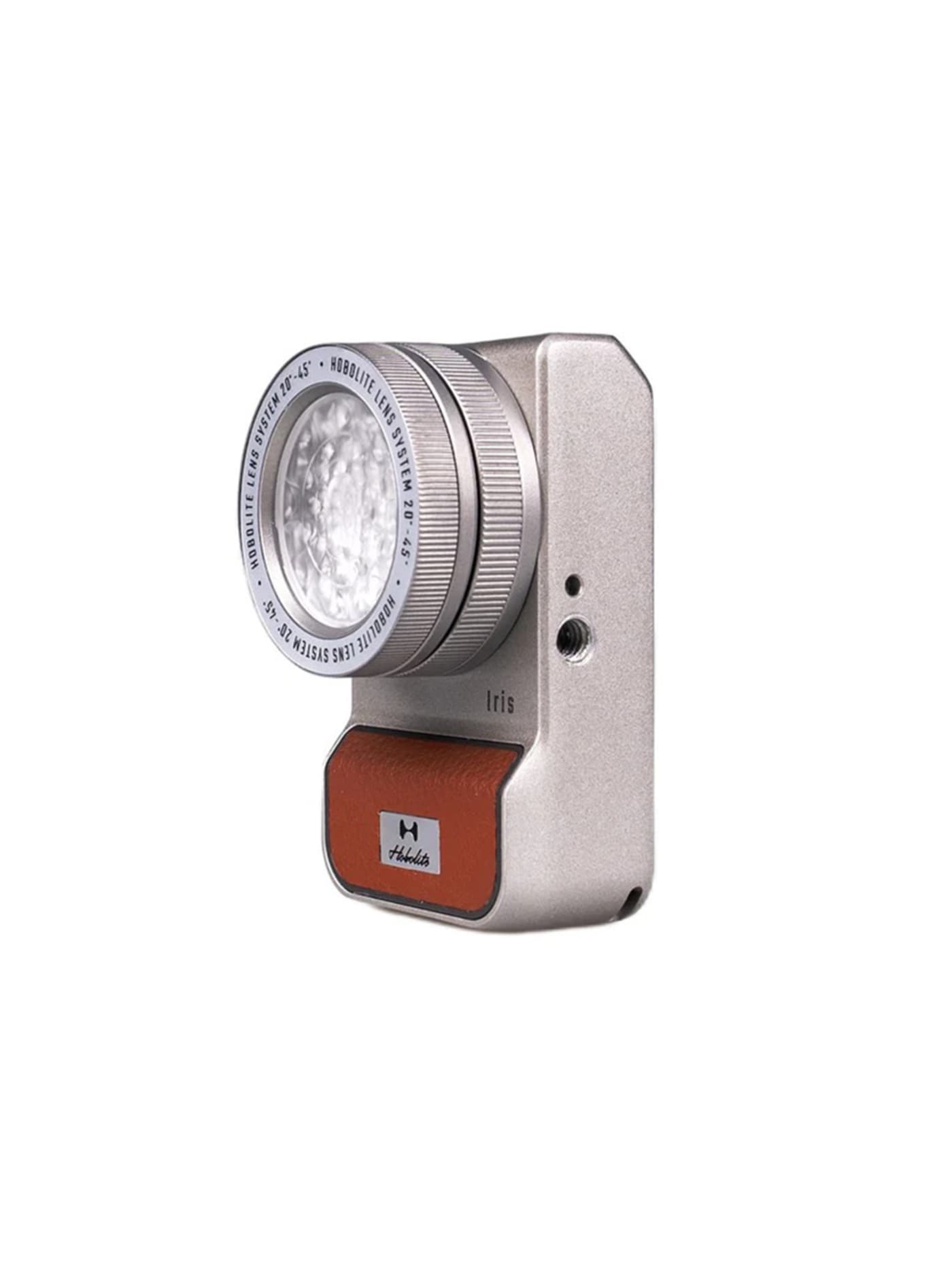
The one thing you cannot fix afterwards is light. A dim restaurant, a hotel room at night, a face lit only by a window: no amount of editing rescues footage shot in bad light, and this pocket LED is the fix. It is a small bi-colour panel, adjustable warm to cool, and its clever bit is a lens on the front that focuses the beam from a soft wash to a tighter, brighter spot, so one little light does both gentle fill and a bit of punch. It also happens to be a lovely object, built like a vintage camera, which suits the sort of person carrying it. At five watts it lights a face, a table or a small corner, not a room, so be clear about what you are asking of it. If you need real output for a proper interview setup, the Zhiyun Fiveray M40 is the heavier, much brighter step up. For lighting yourself or a subject close up, the Iris is enough and packs to nothing.
Design intent
- The defining decision is optical control on a pocket light: an adjustable focusing lens, an aperture ring and gel filters let the beam be shaped from spot to flood and coloured deliberately, giving a small LED the expressive range of a proper fixture rather than a flat panel's single wash.
- Design is treated as a feature, not decoration: the retro-camera form, aluminium body and leatherette trim make it an object a creator wants on show and in hand, and its IP54 rating means the styling does not come at the expense of weather resistance.
Trade-offs
- At five watts its raw output is modest next to purely functional pocket lights that push far more power, so it is chosen for quality and control of light rather than sheer brightness.
- The expressive optical accessories and premium build carry a price and, at full brightness, a two-hour runtime, so it is a considered creative tool rather than a high-output workhorse.
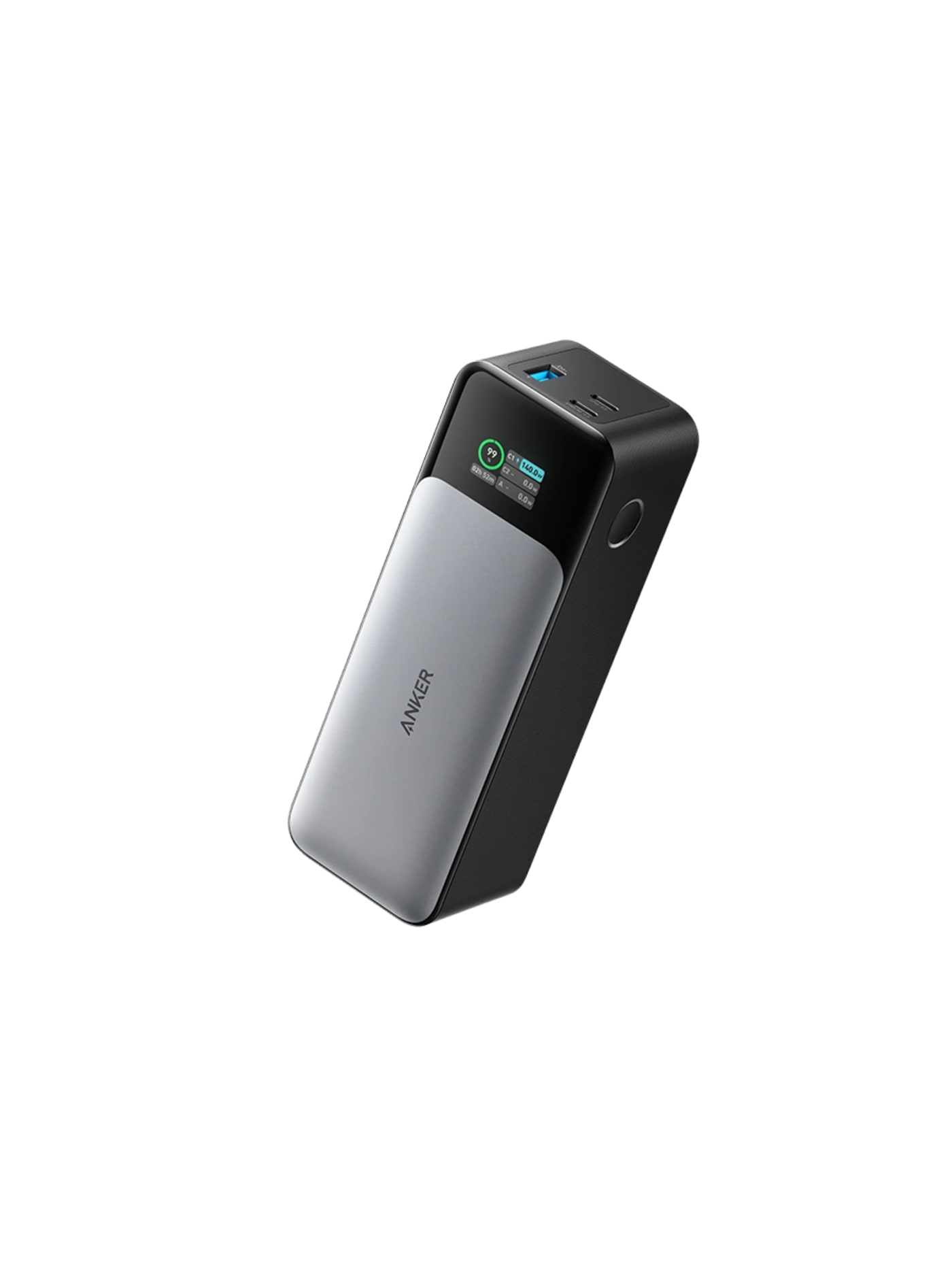
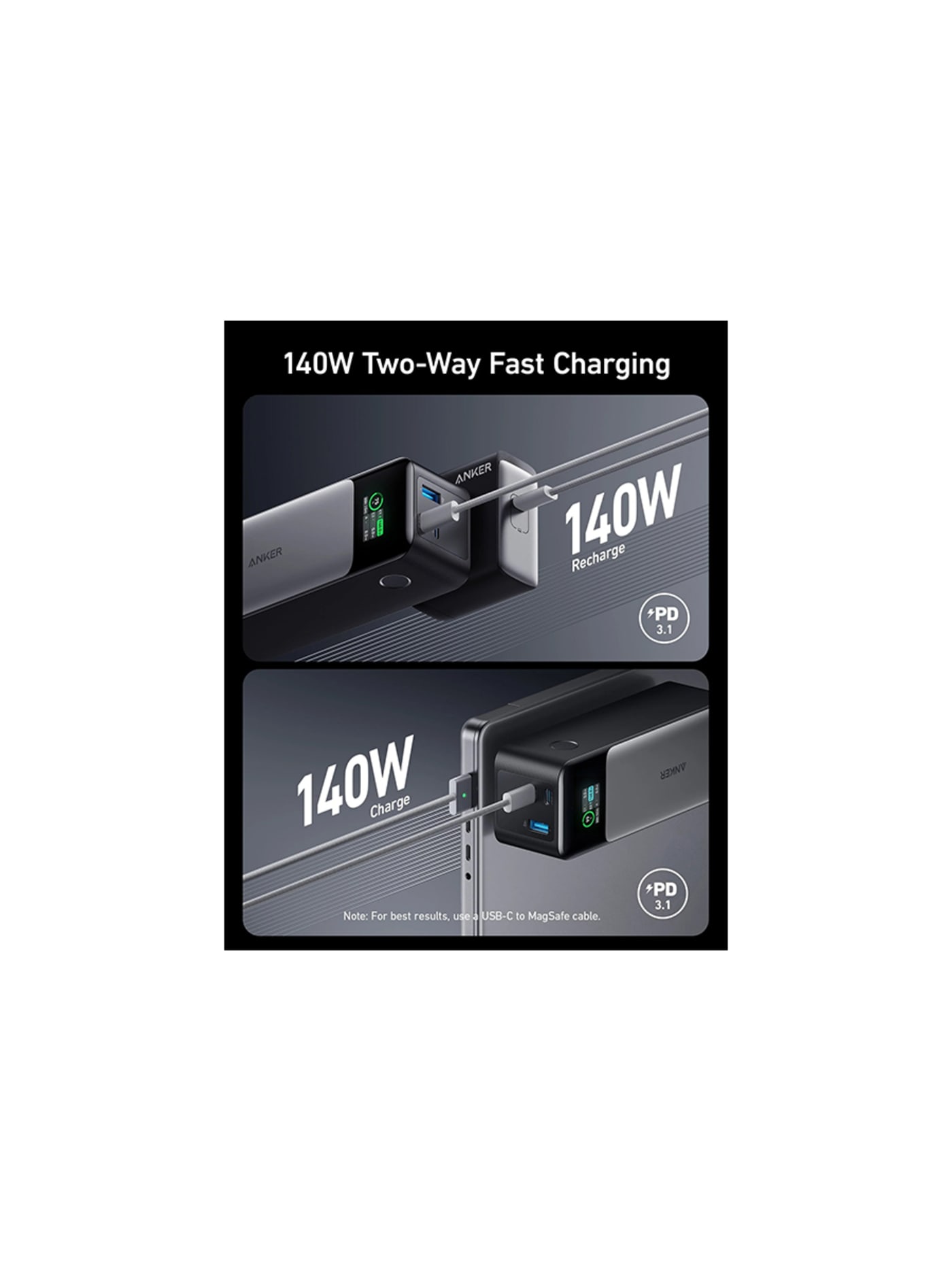
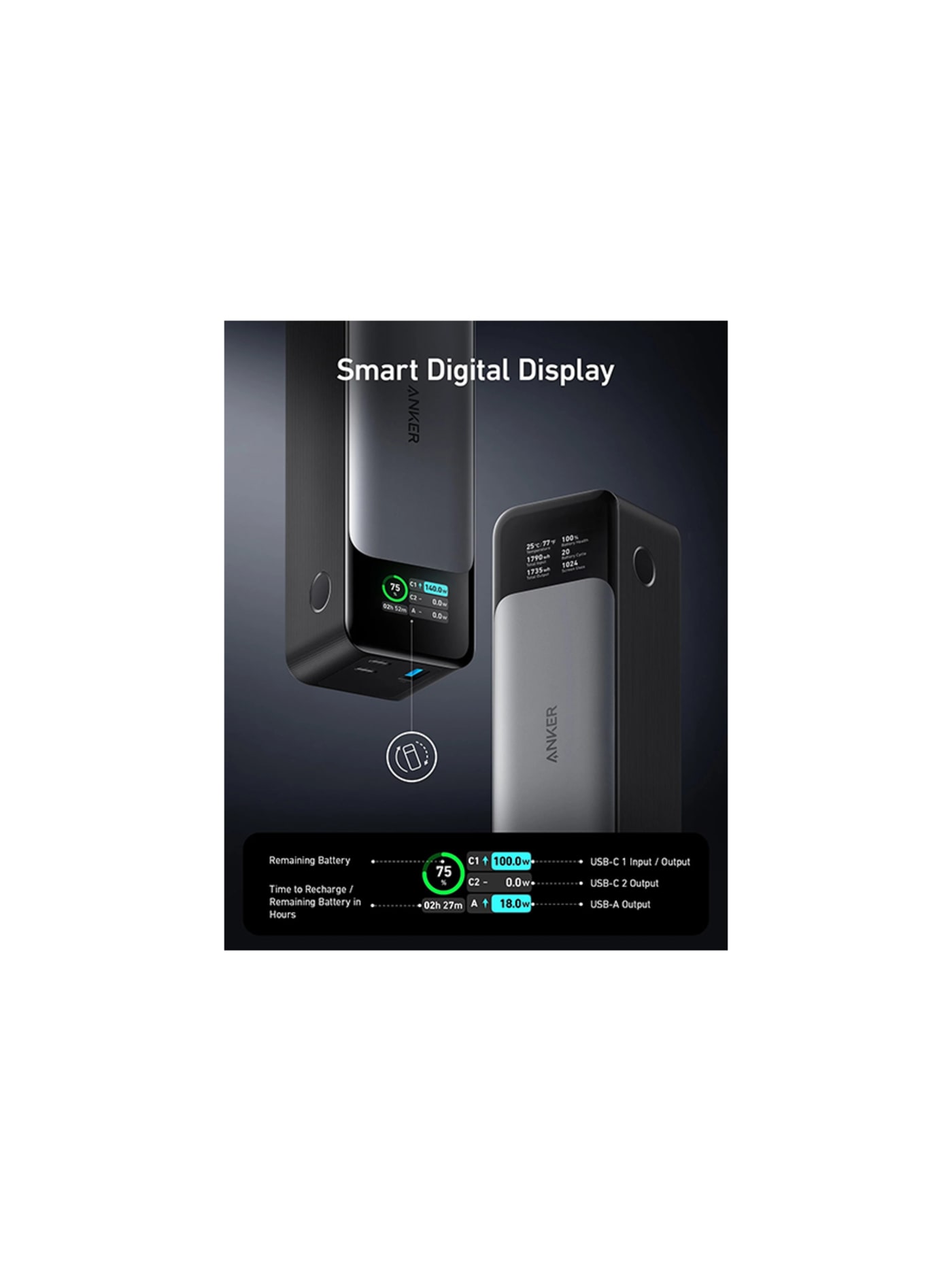
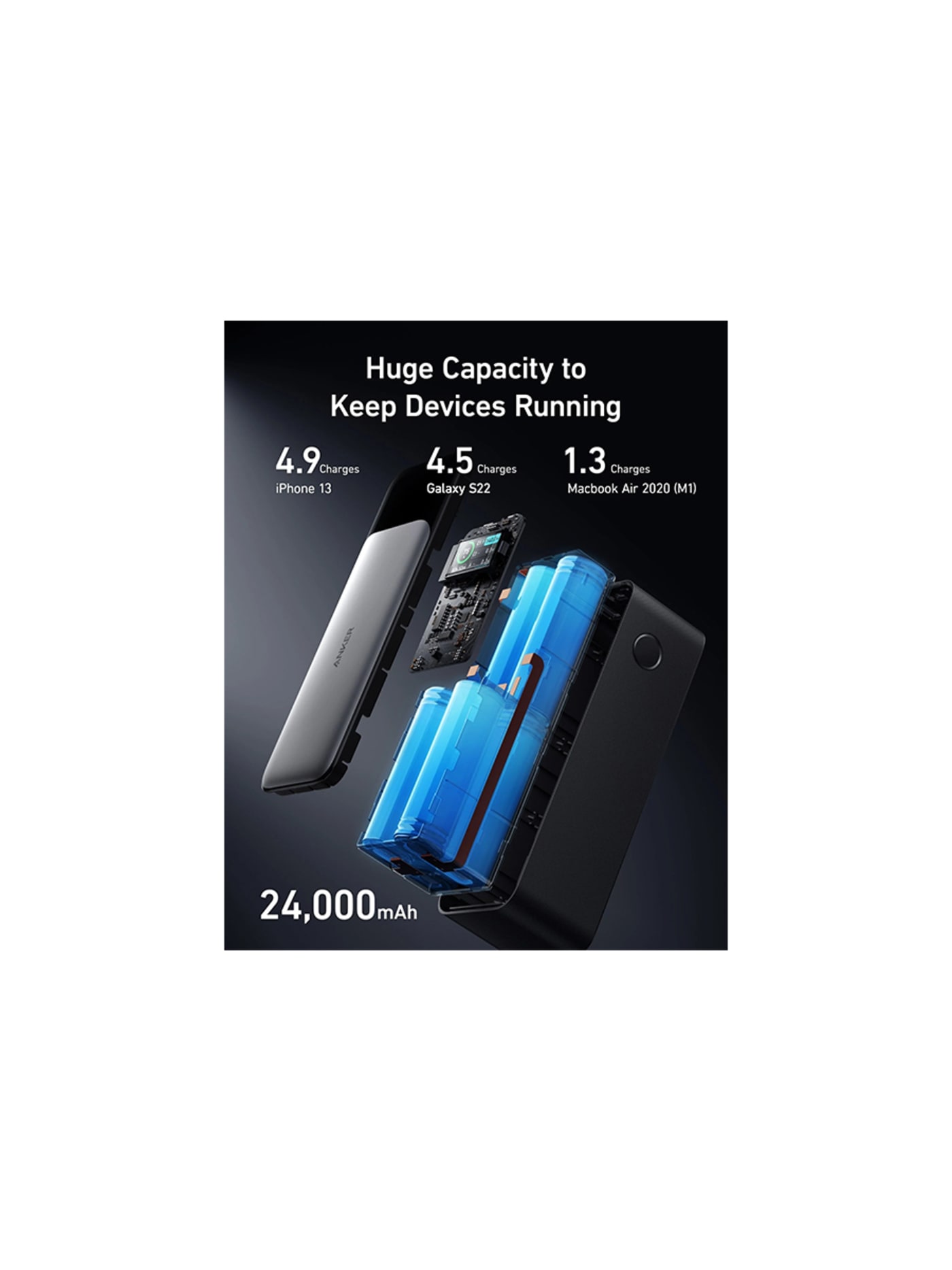
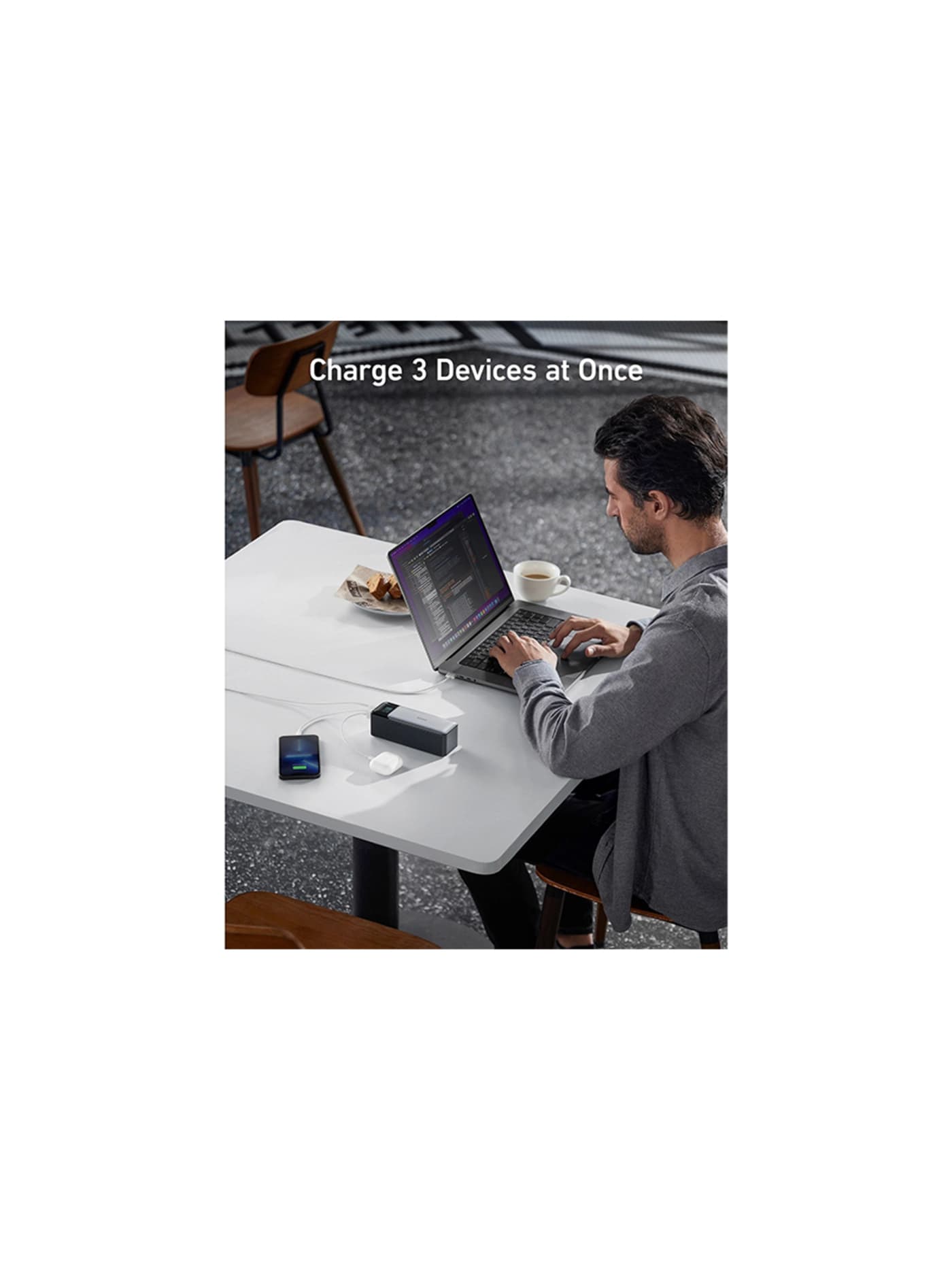
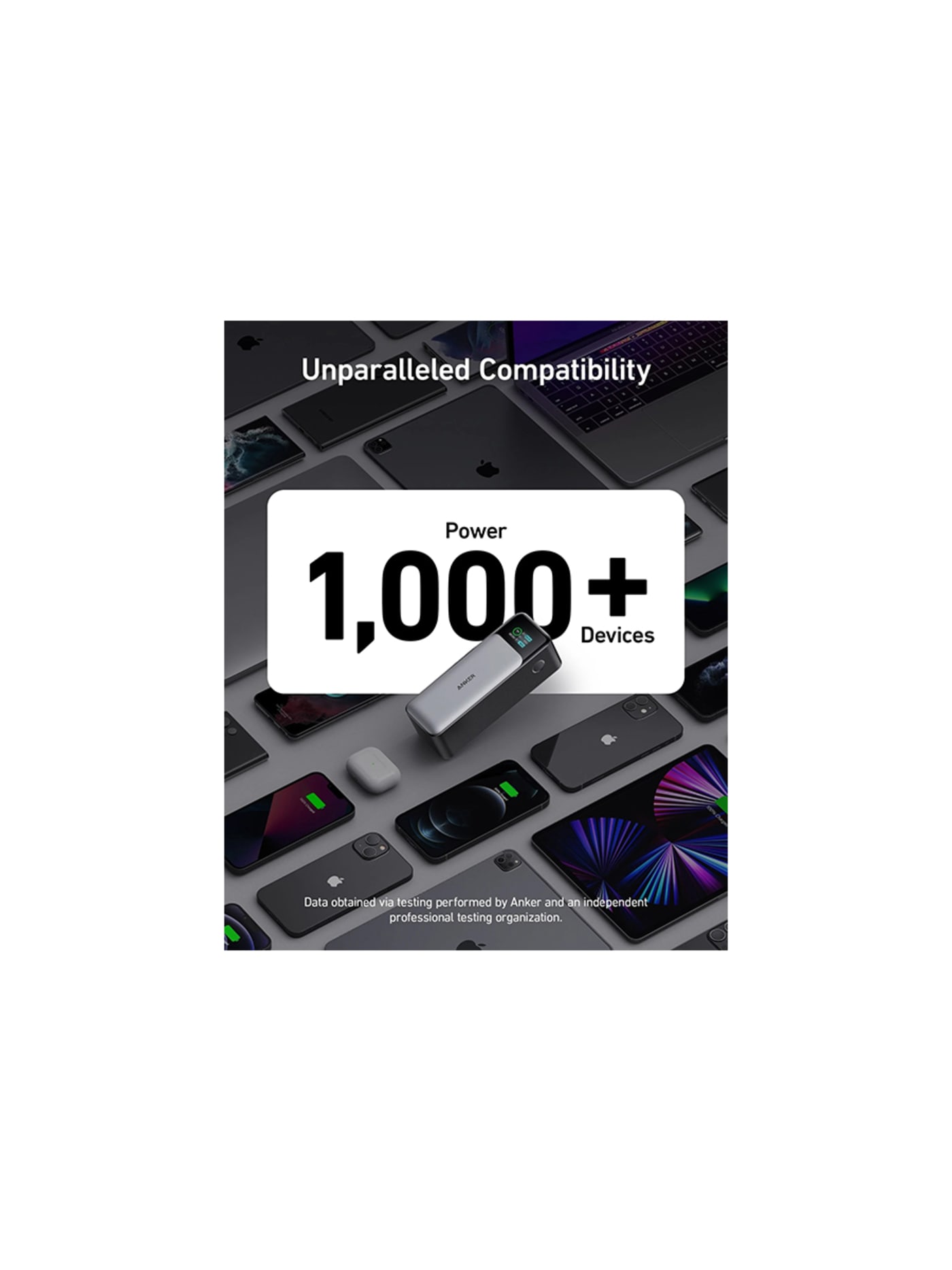
Cameras, a phone, a gimbal, a mic and maybe a laptop all run down over a shooting day, usually with no socket in sight, so the power bank has to be a proper one. This holds enough to refill a phone several times or give a laptop a real top-up, and pushes out enough power to charge that laptop at close to full speed rather than trickling. A little screen tells you exactly how much is left, which beats guessing from four dots. There is a travel detail worth knowing: it sits comfortably under the size limit airlines set for batteries in hand luggage, where some rivals sit right on the line and invite questions at security. Batteries have to fly in your carry-on anyway, which for one-bag travel is automatic. If you want more capacity and will carry the weight, the UGREEN Nexode is the larger alternative.
Design intent
- The defining decision is to serve a laptop, not just a phone: 140-watt USB-C output is enough to fast-charge most ultrabooks, so one battery covers the whole kit rather than leaving the laptop tethered to a wall, which is what justifies the size.
- The information display is a deliberate answer to the power bank's oldest weakness, not knowing what is left: a readout of exact charge, live wattage and time remaining replaces four ambiguous LEDs, so the user can actually plan around it.
Trade-offs
- High capacity and high output make it heavy and bulky, and at 24,000mAh it sits near the 100Wh airline carry-on limit, so it is a deliberate trade of pocketability for power that a phone-only user does not need.
- It is a sealed lithium battery whose cells fade over years of cycles and cannot be replaced, and reaching its full 140-watt speed needs a compatible cable and device, so the headline figure is not always the real-world one.
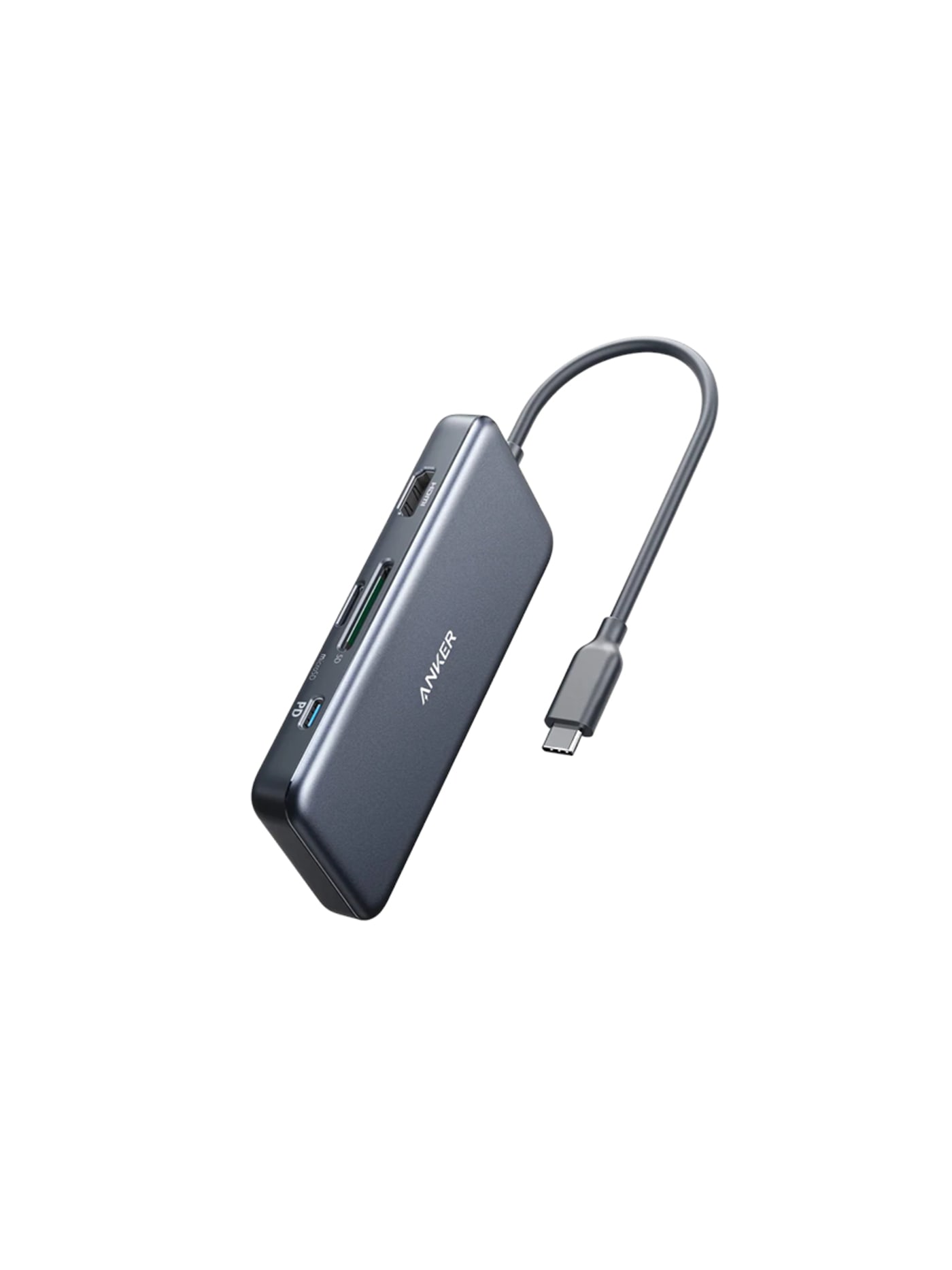
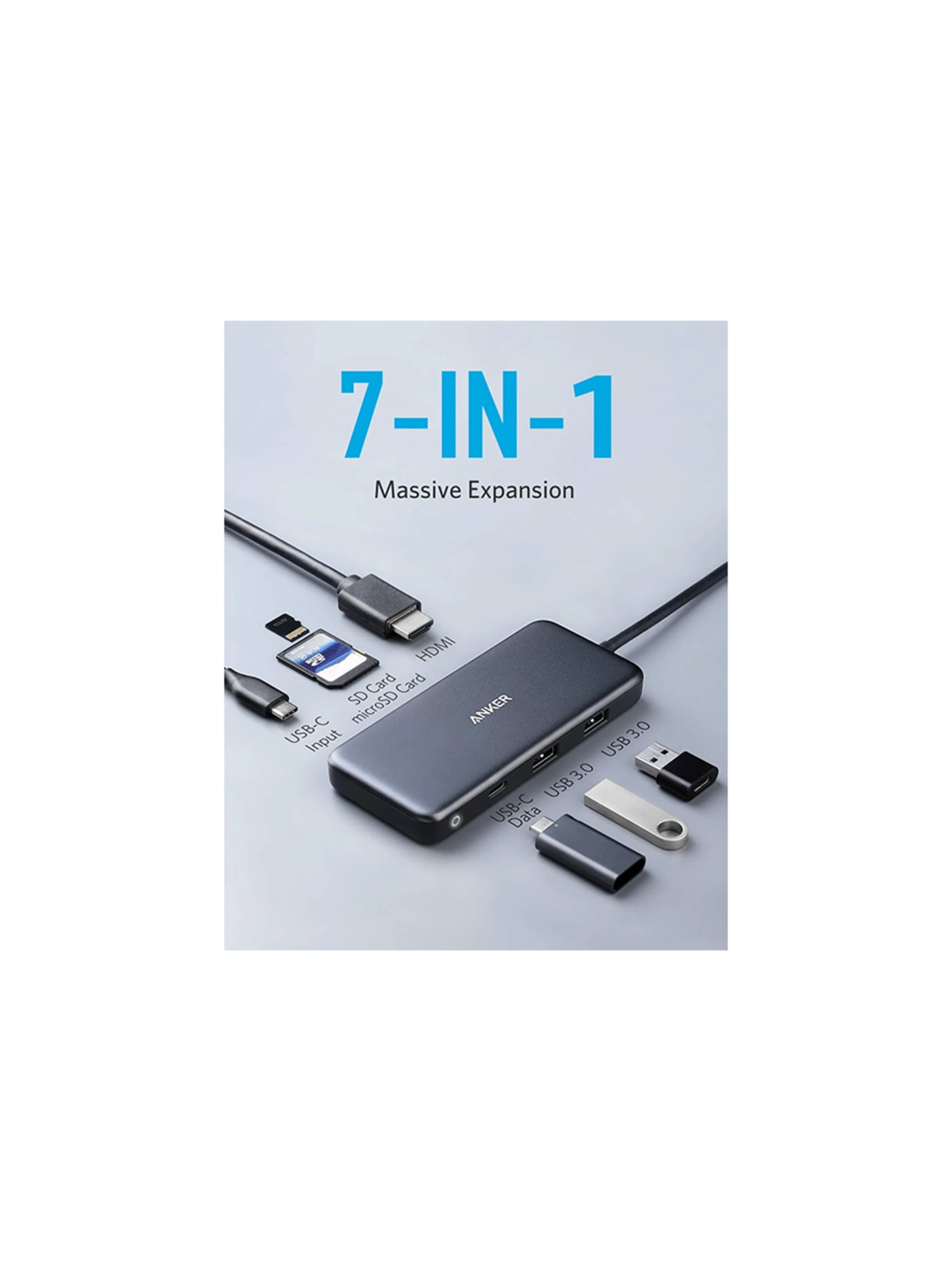
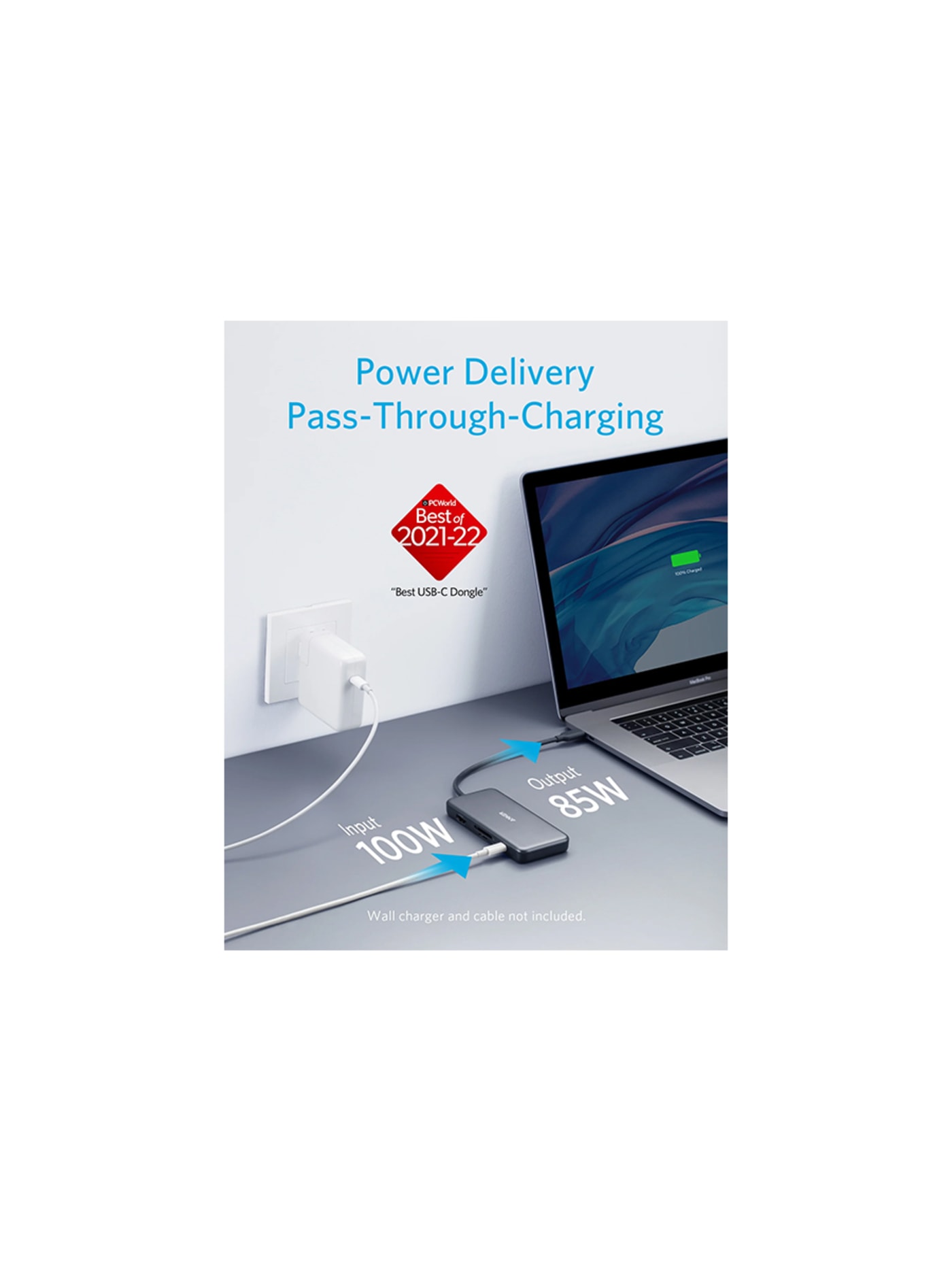
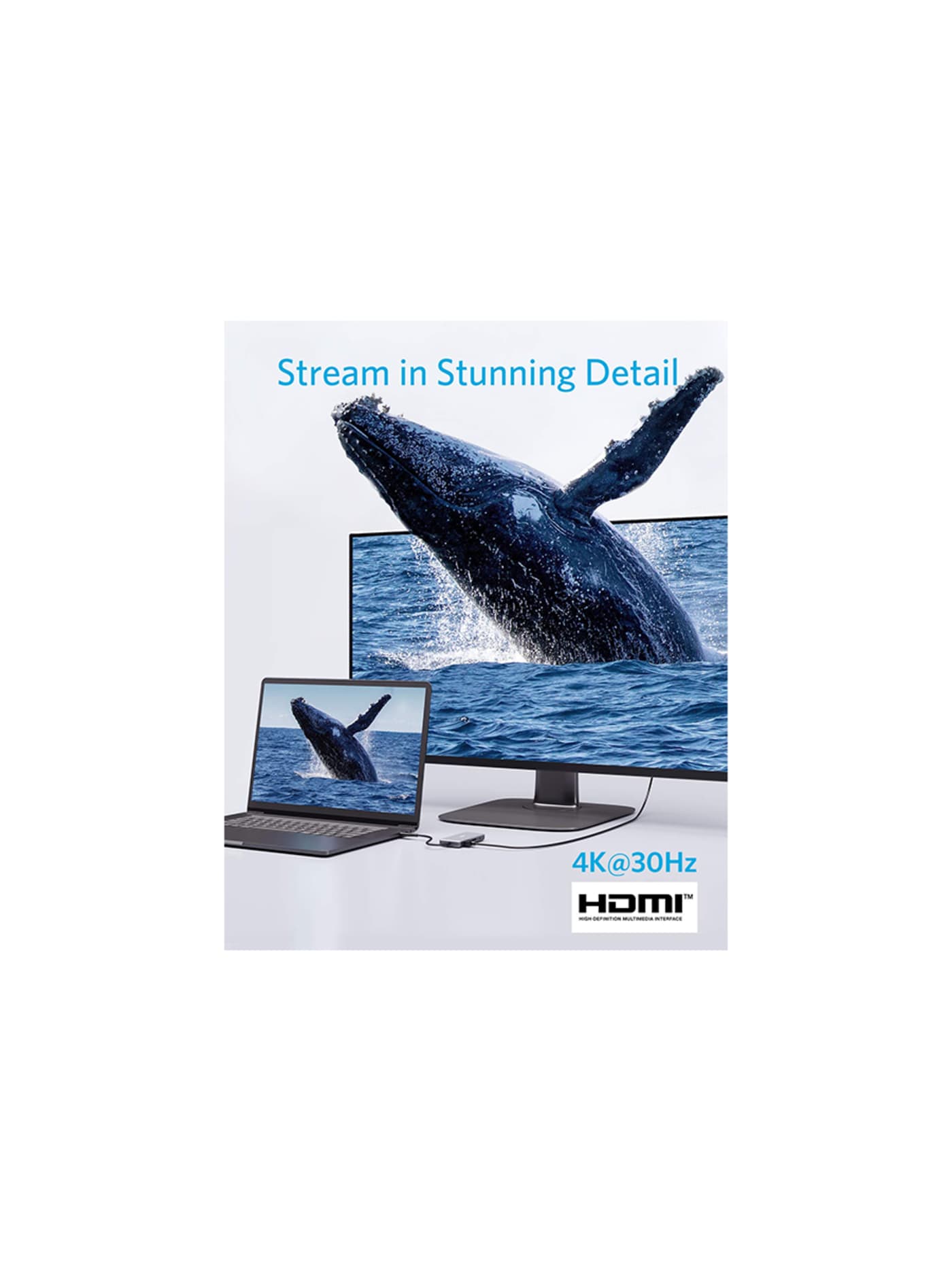
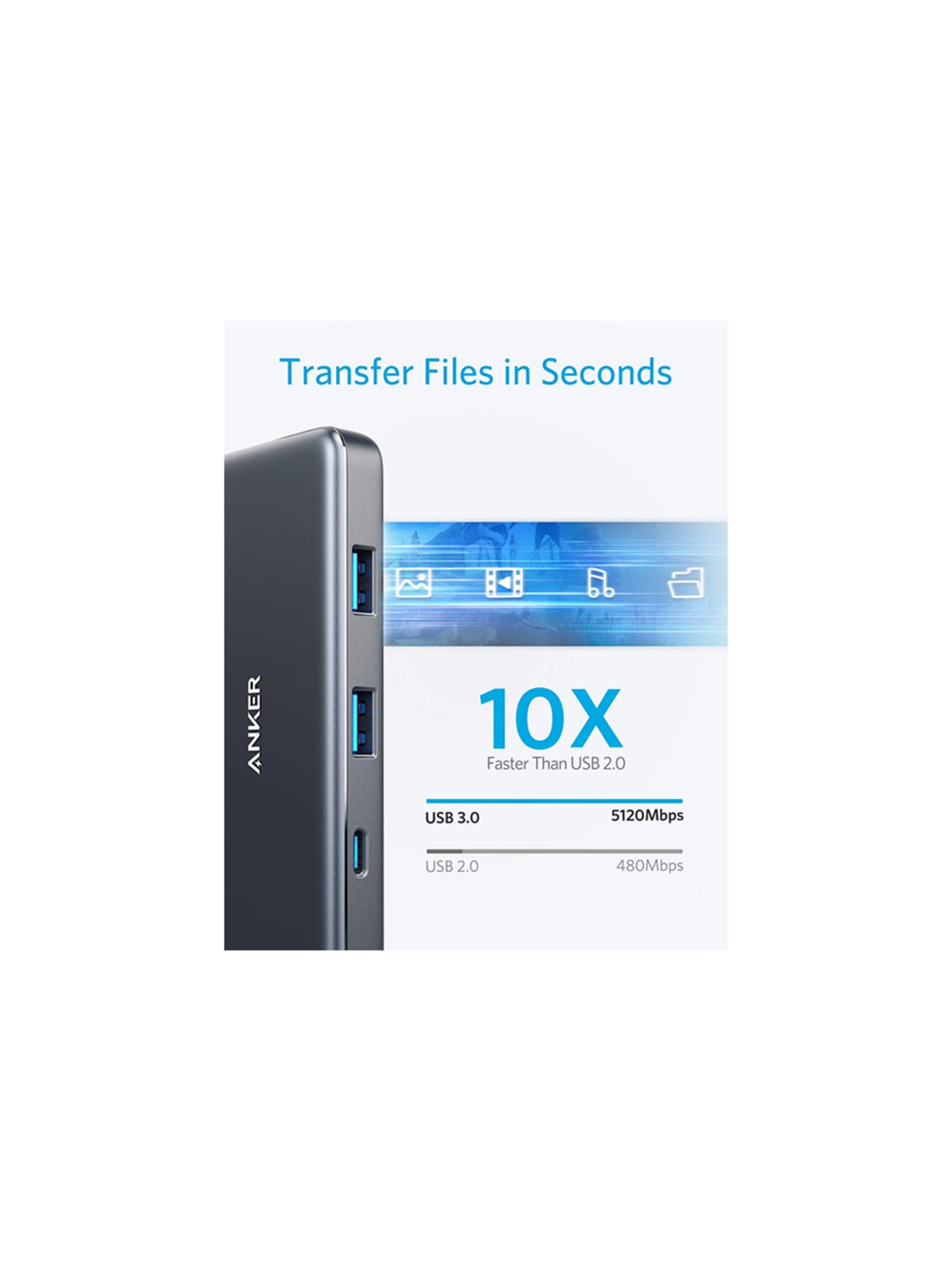
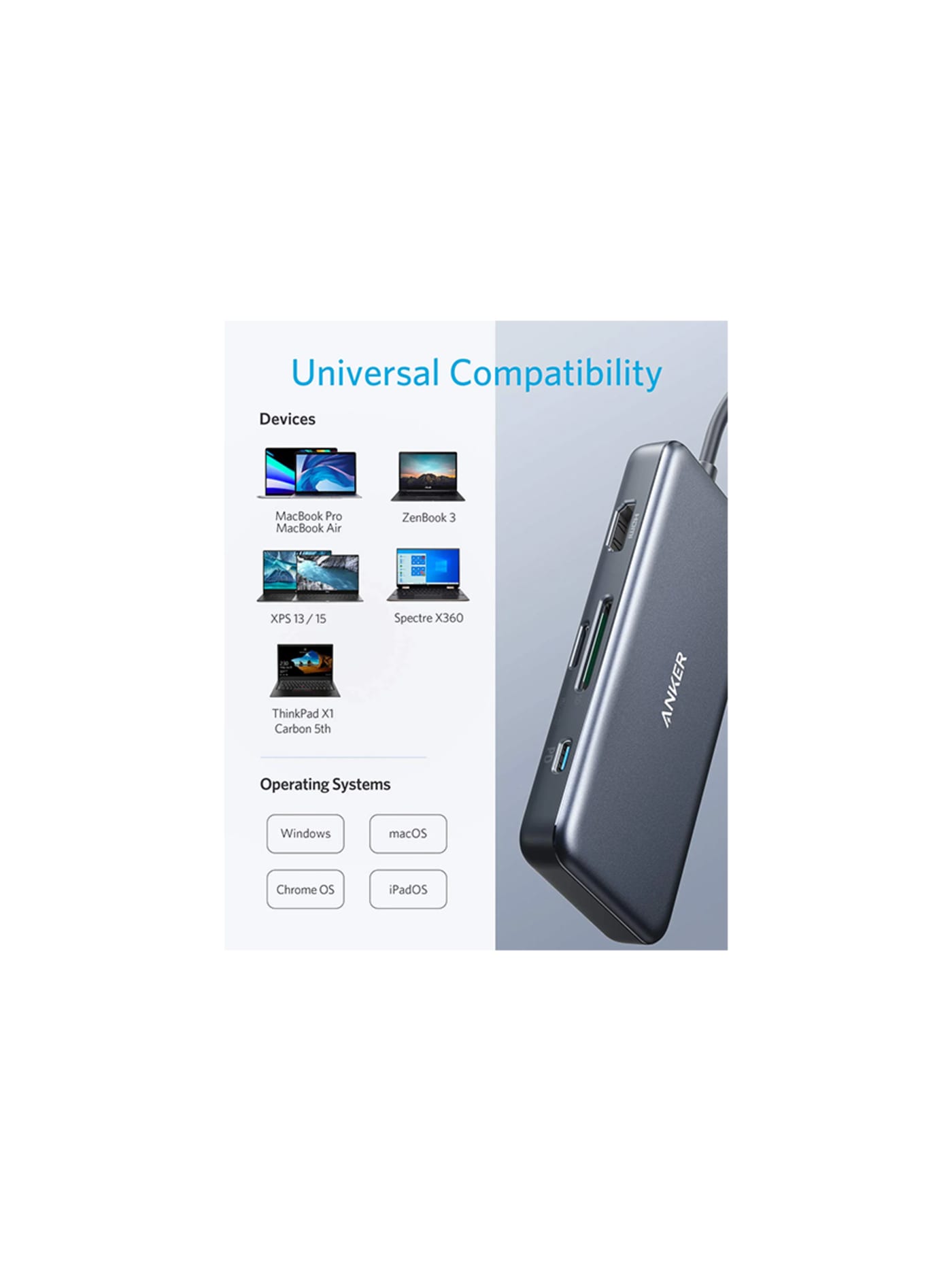
Modern cameras save to SD cards and modern laptops have no SD slot, which is a daily annoyance on a shoot until you carry one of these. It is a palm-sized block that adds seven ports through a single laptop connection, and the two that matter here are the full-size and micro SD slots: that is how a day's footage gets off the cards and onto the laptop to back up. It gives you HDMI and USB ports back too, and passes power through so it does not cost you the socket it uses. It is dull and it is essential. For a quick offload without the laptop, the SanDisk Ultra Dual Drive is a tiny stick with both USB-C and USB-A ends that moves files straight onto a phone or between machines.
Design intent
- Power pass-through is the decision that makes the object coherent: by accepting a charger and feeding the laptop while occupying its only USB-C port, the hub gives back seven connections without taking away the one it needs, which is what separates a usable hub from a compromise.
- The port selection is chosen rather than maximised: full-size SD alongside microSD, HDMI and both USB standards cover what people actually plug in, on the reasoning that a hub is judged by whether the port you reach for is there, not by the count on the box.
Trade-offs
- The hub consumes 15 watts of the 100 it accepts, so a 100W charger delivers 85W to the laptop, and the HDMI output is limited to 4K at 30Hz, which is fine for productivity but visibly less smooth than 60Hz for video or motion.
- Video is available only through HDMI, not through the USB-C ports, so a USB-C monitor cable will not drive a display, and the compact aluminium body runs noticeably warm under sustained charging and data transfer.
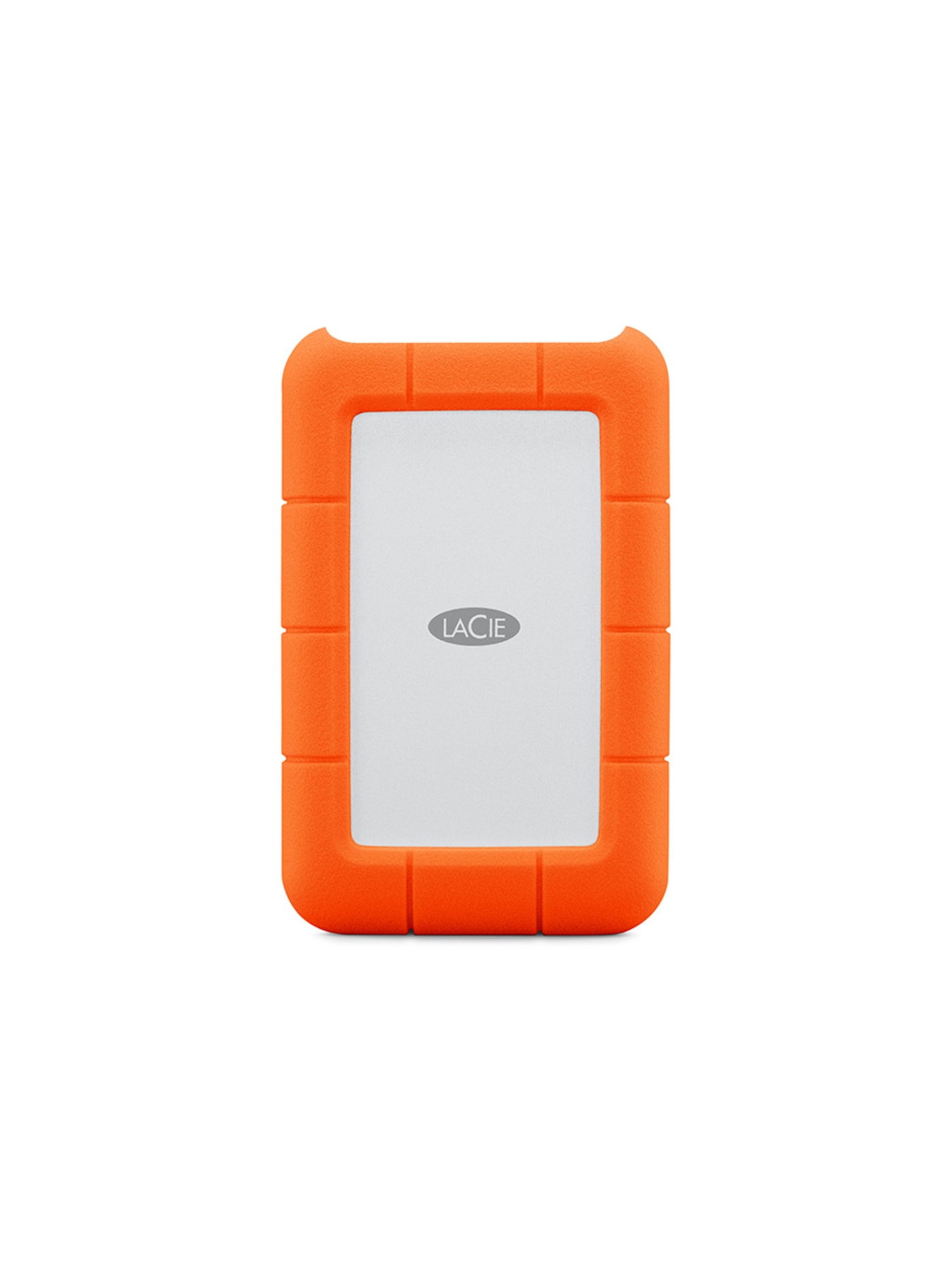
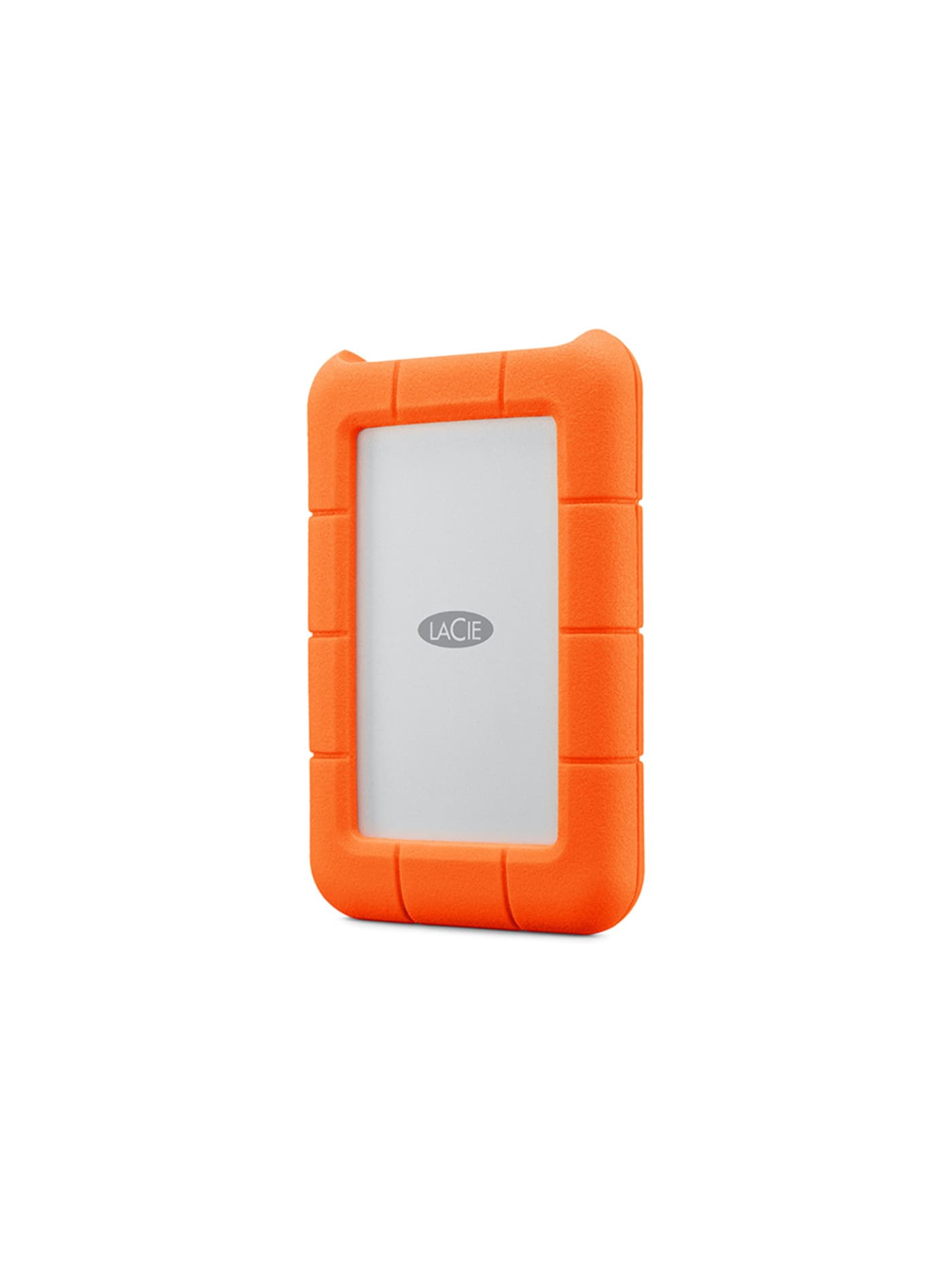
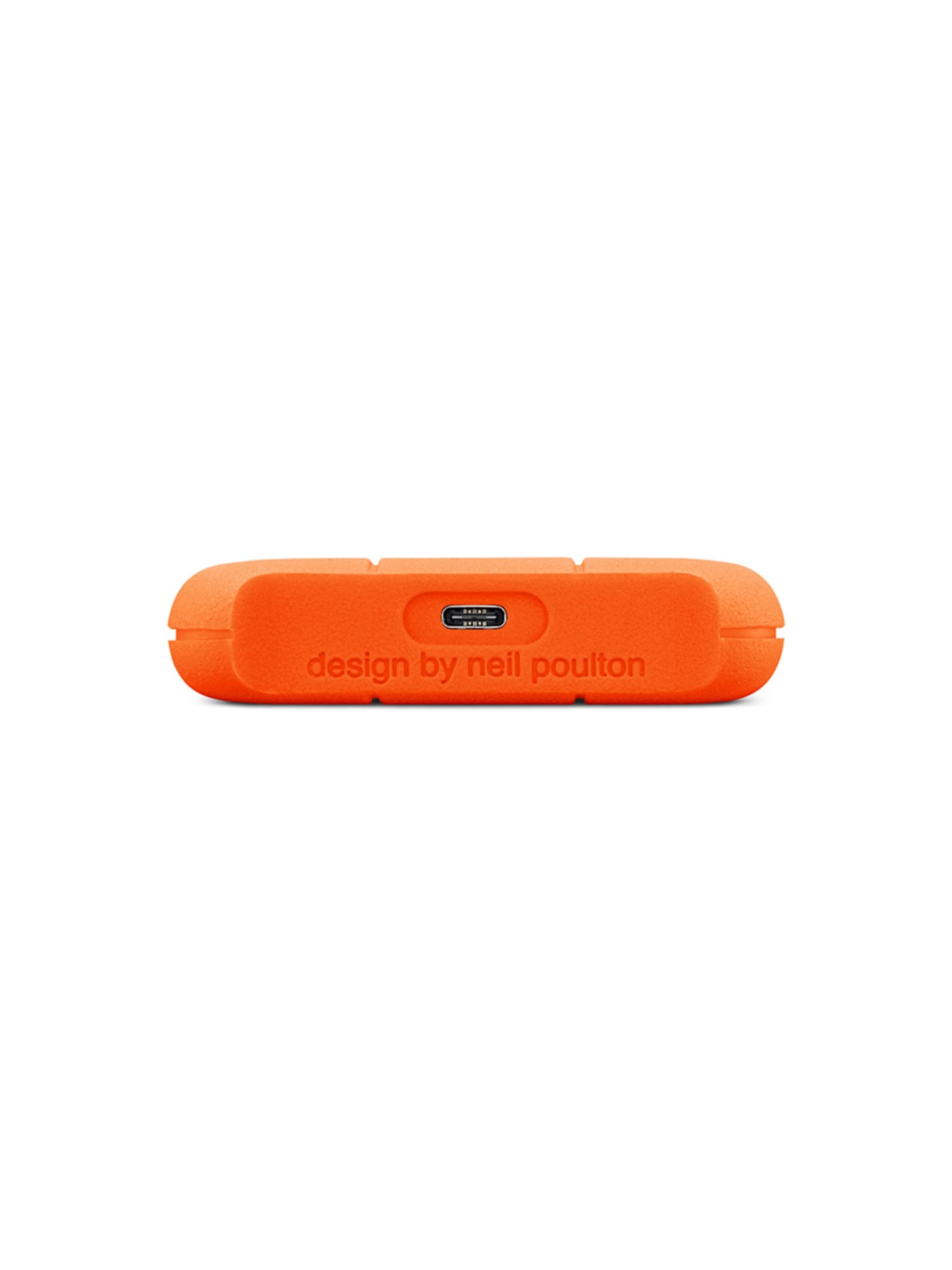
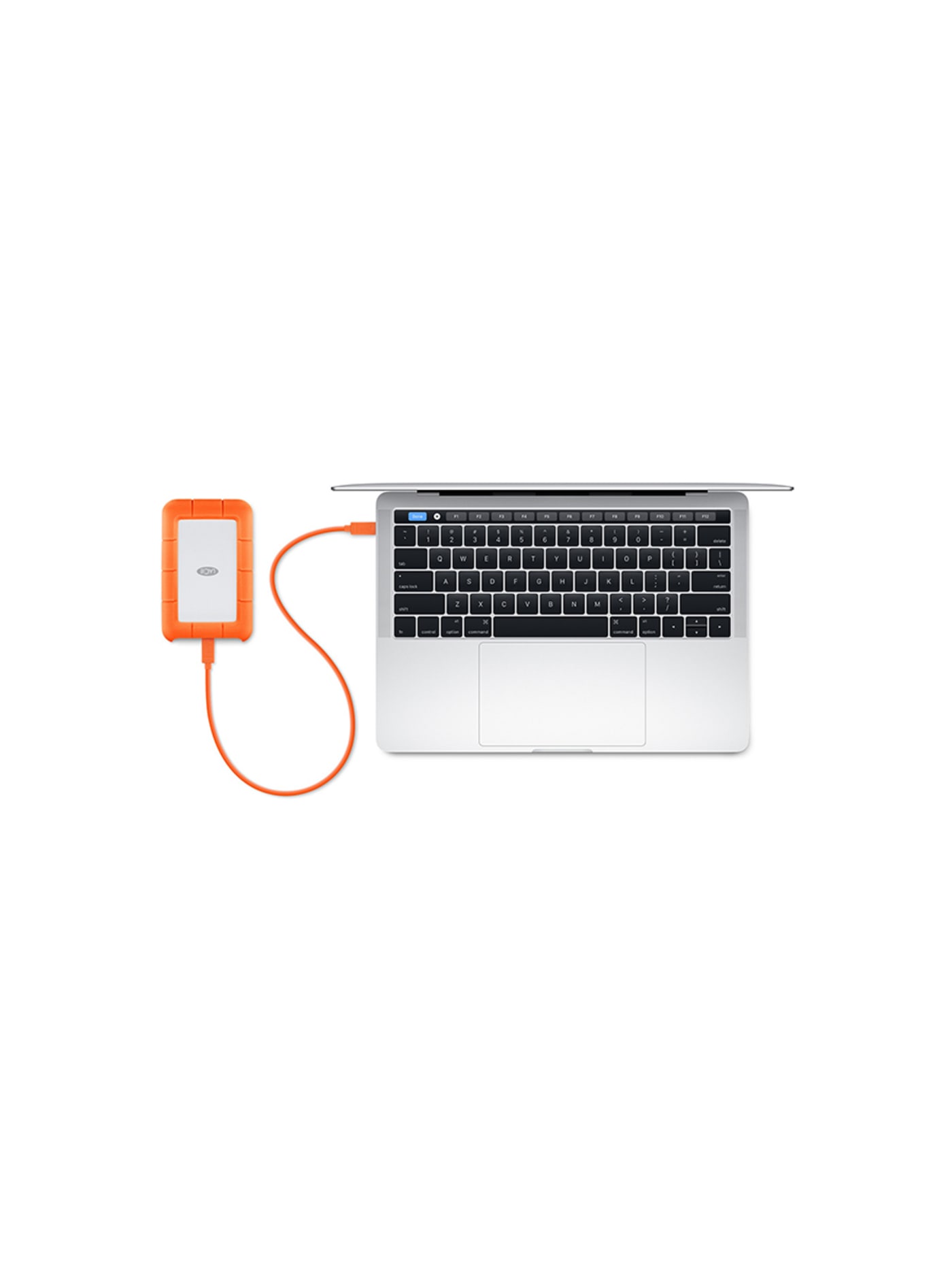
Footage that exists in only one place is not safe, and on the road that place is usually a memory card or a laptop, both of which can be lost, stolen or dropped. This is the backup: a portable drive in a thick orange rubber bumper built to survive the knocks travel throws at it, including dust, rain and a fall from over a metre. At the end of each shooting day, copy the cards onto it, and keep it somewhere other than the bag your laptop is in. That habit, footage in two places before you sleep, is the difference between losing a day's work and shrugging off a lost card. Carrying a hard drive on a trip is not exciting. Explaining to a client that the work is gone is a good deal less so.
Design intent
- The silicone bumper is functional rather than decorative: it absorbs the corner impacts that are the common failure mode for a dropped portable drive.
- The unmistakable orange is a searchability decision as much as an aesthetic one; a Rugged is easy to spot in a bag or on location where a black drive disappears.
Trade-offs
- Inside is a spinning platter drive, not solid state: more capacity per pound, but more vulnerable to failure under sustained vibration than an SSD at a similar price.
- The bumper adds real bulk and weight, so the Rugged is noticeably larger than a slim USB-C SSD, which is the cost of the protection.
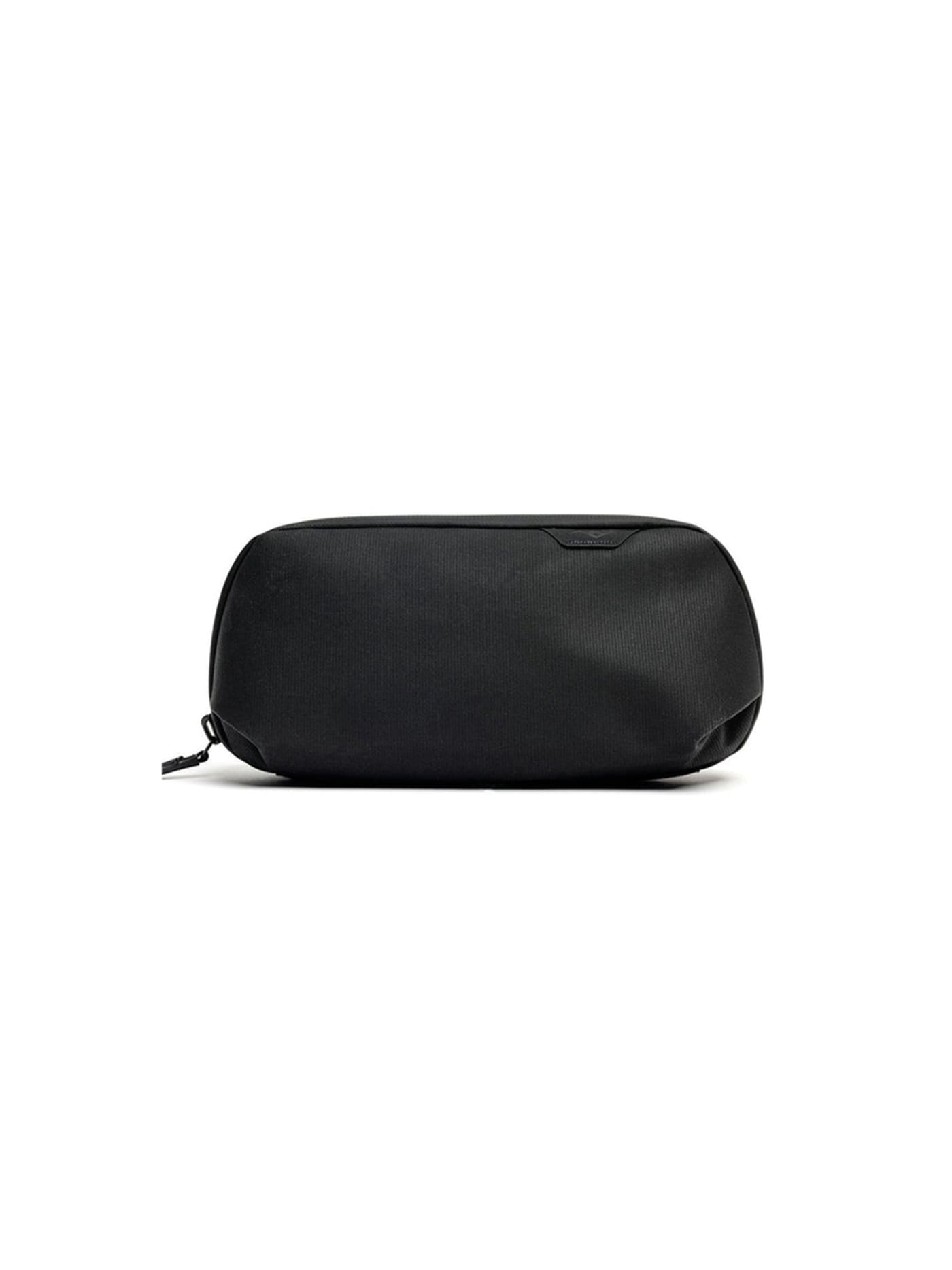
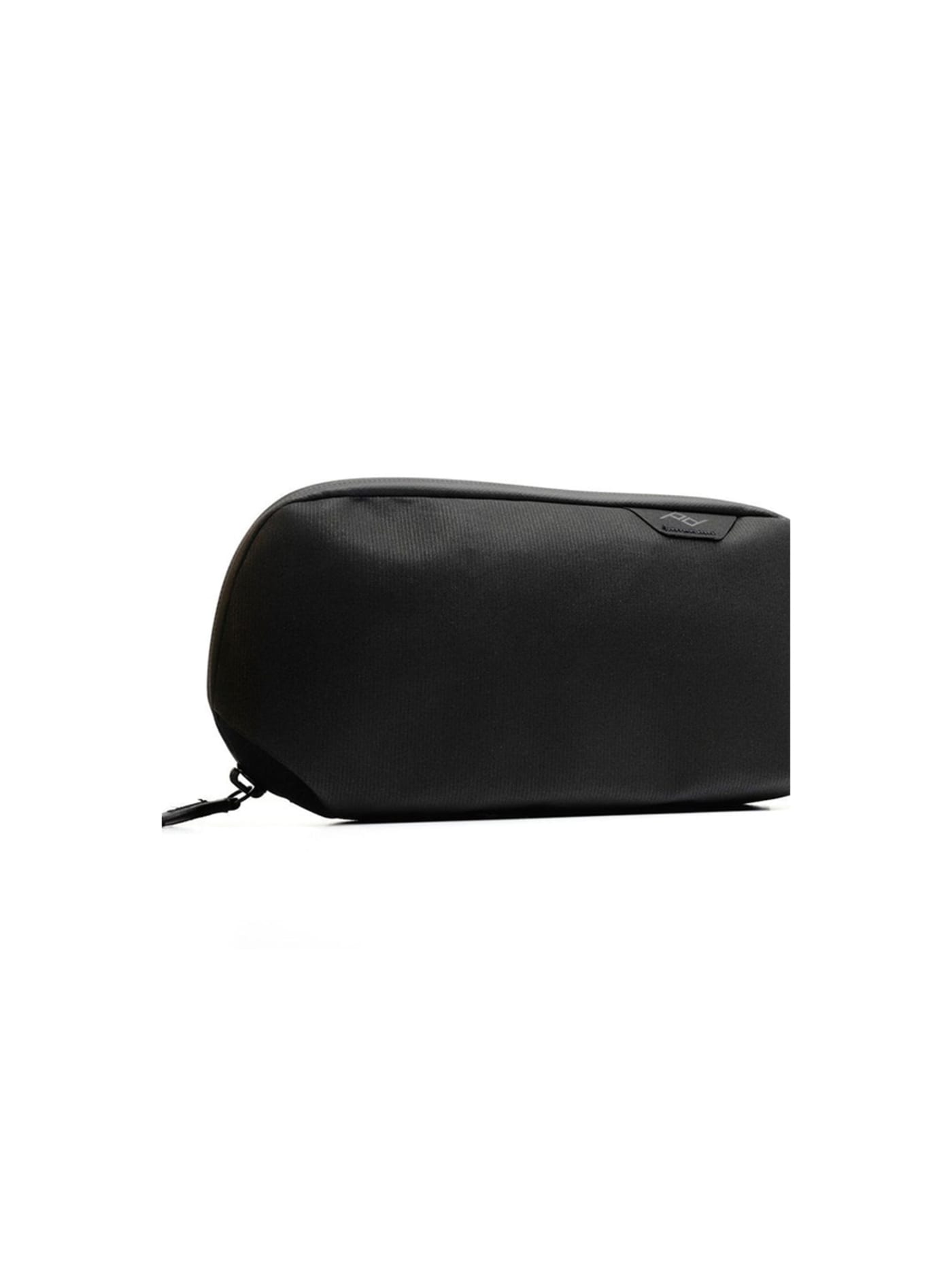
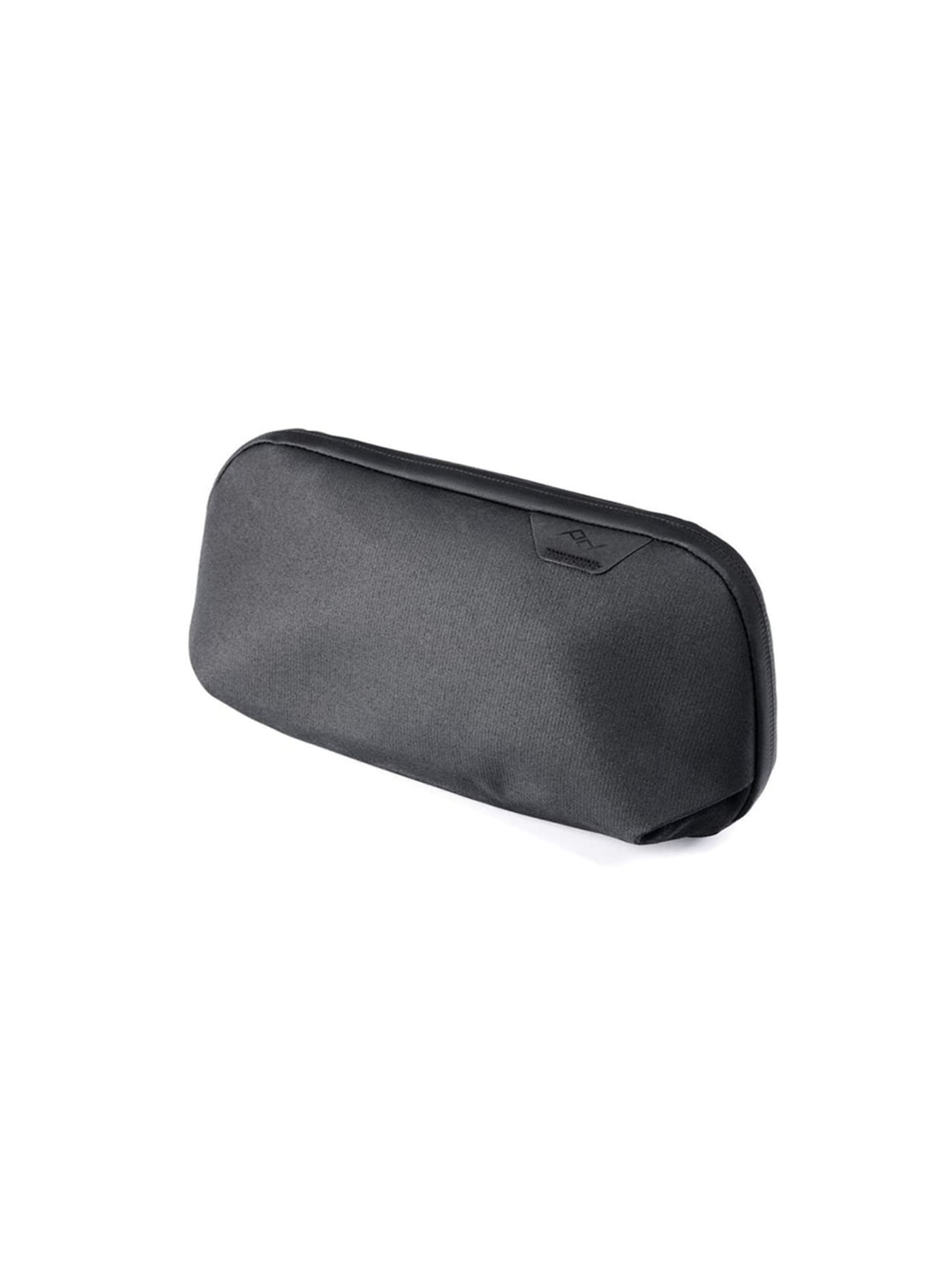
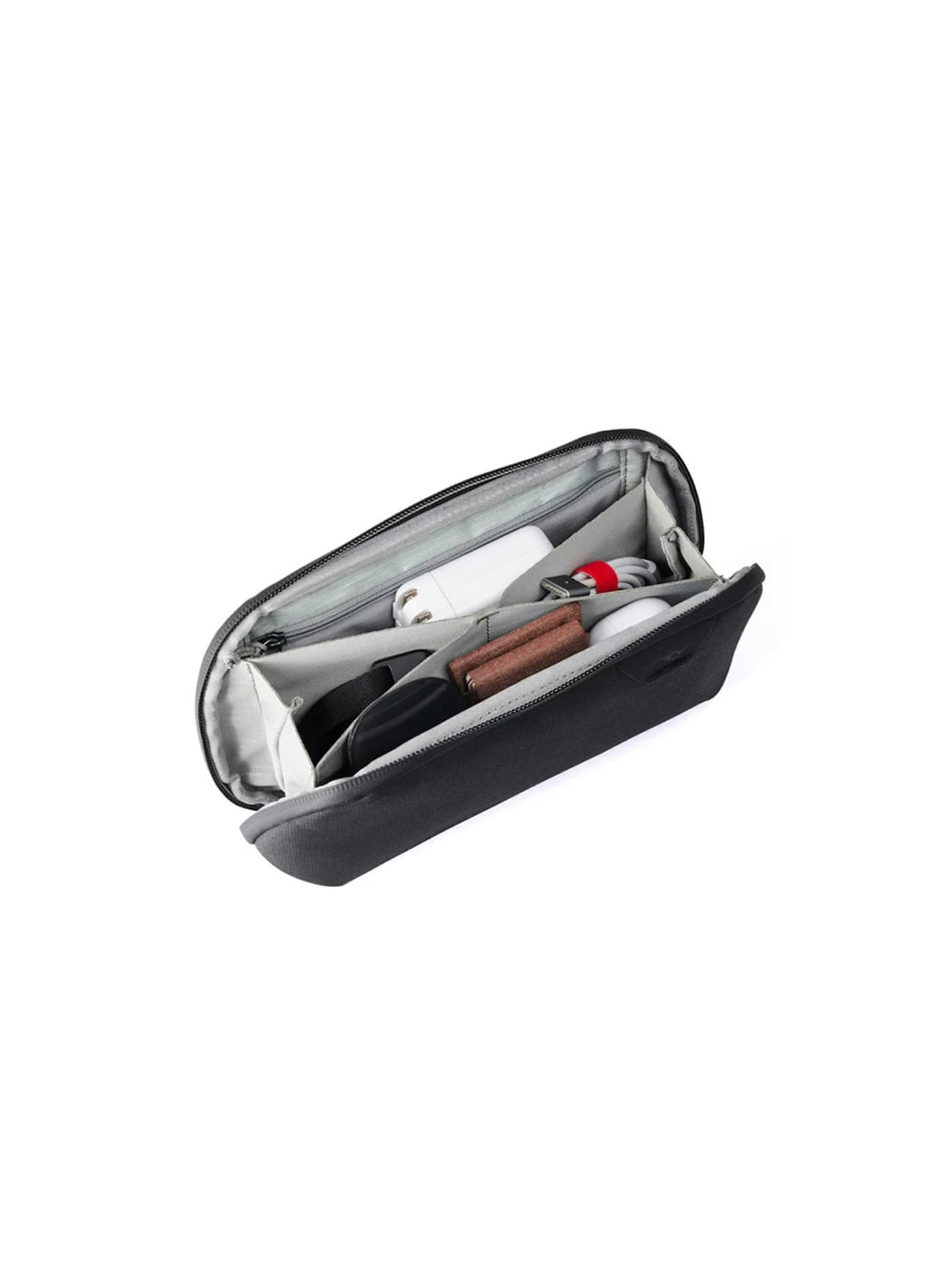
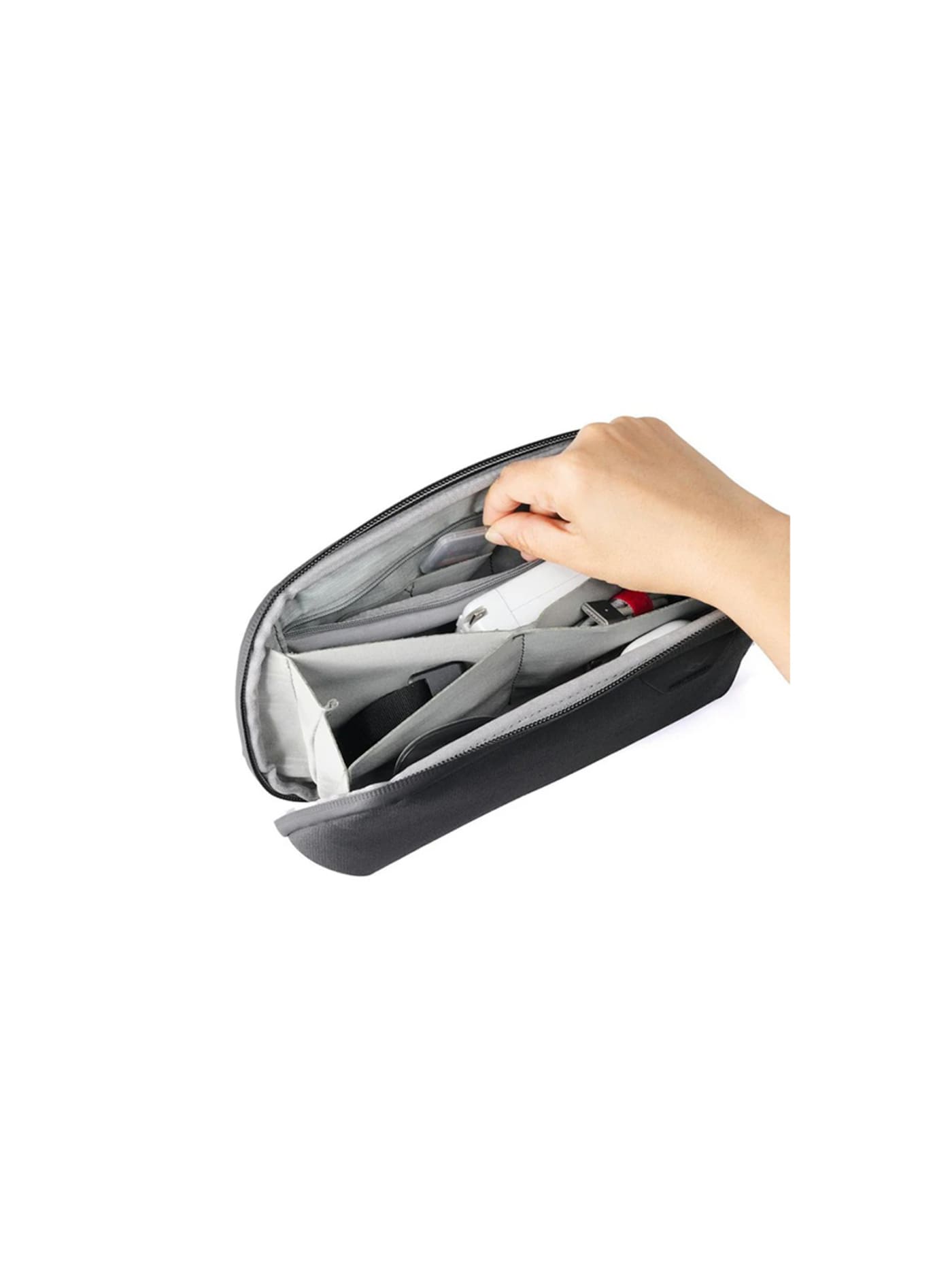
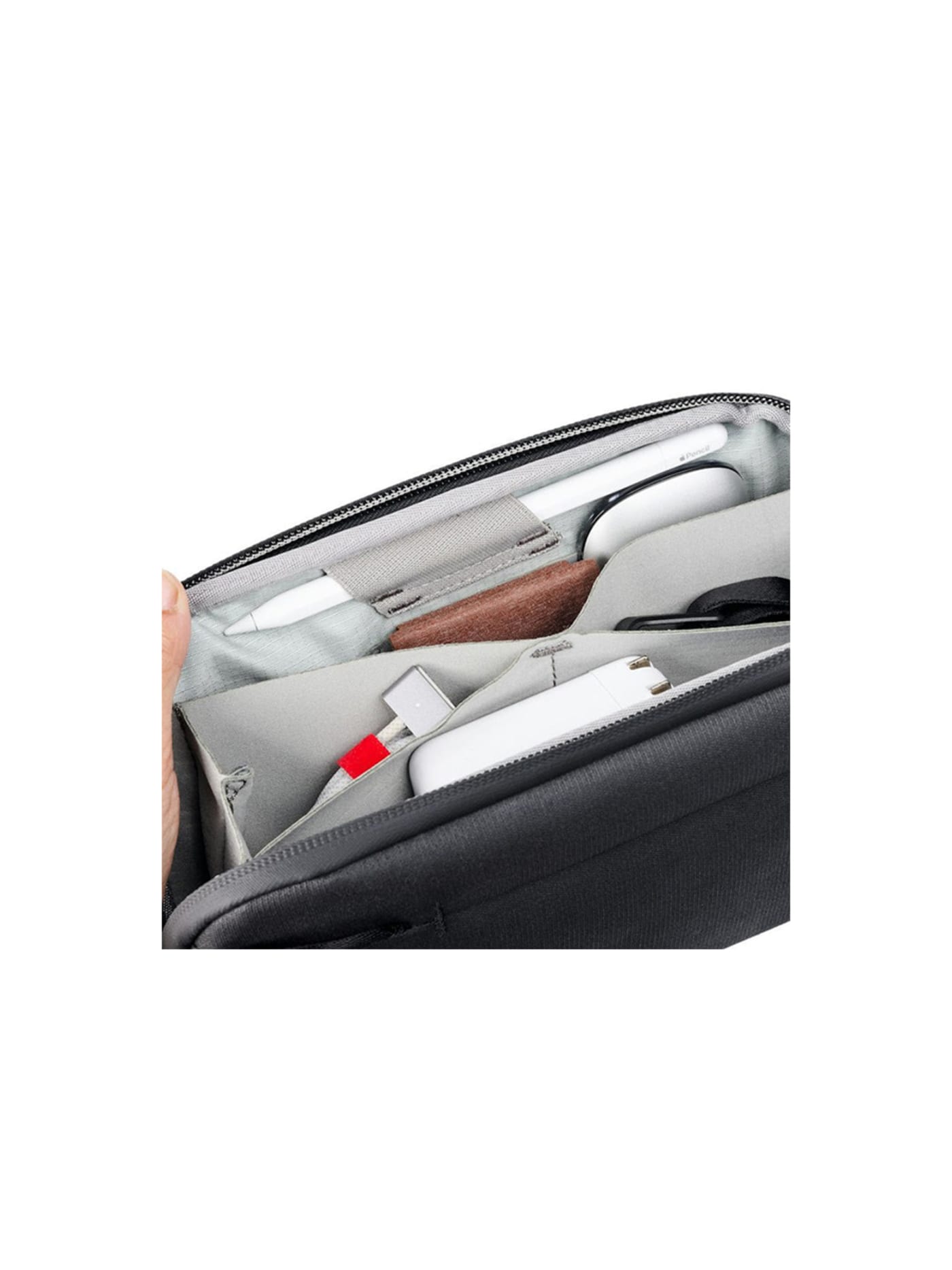
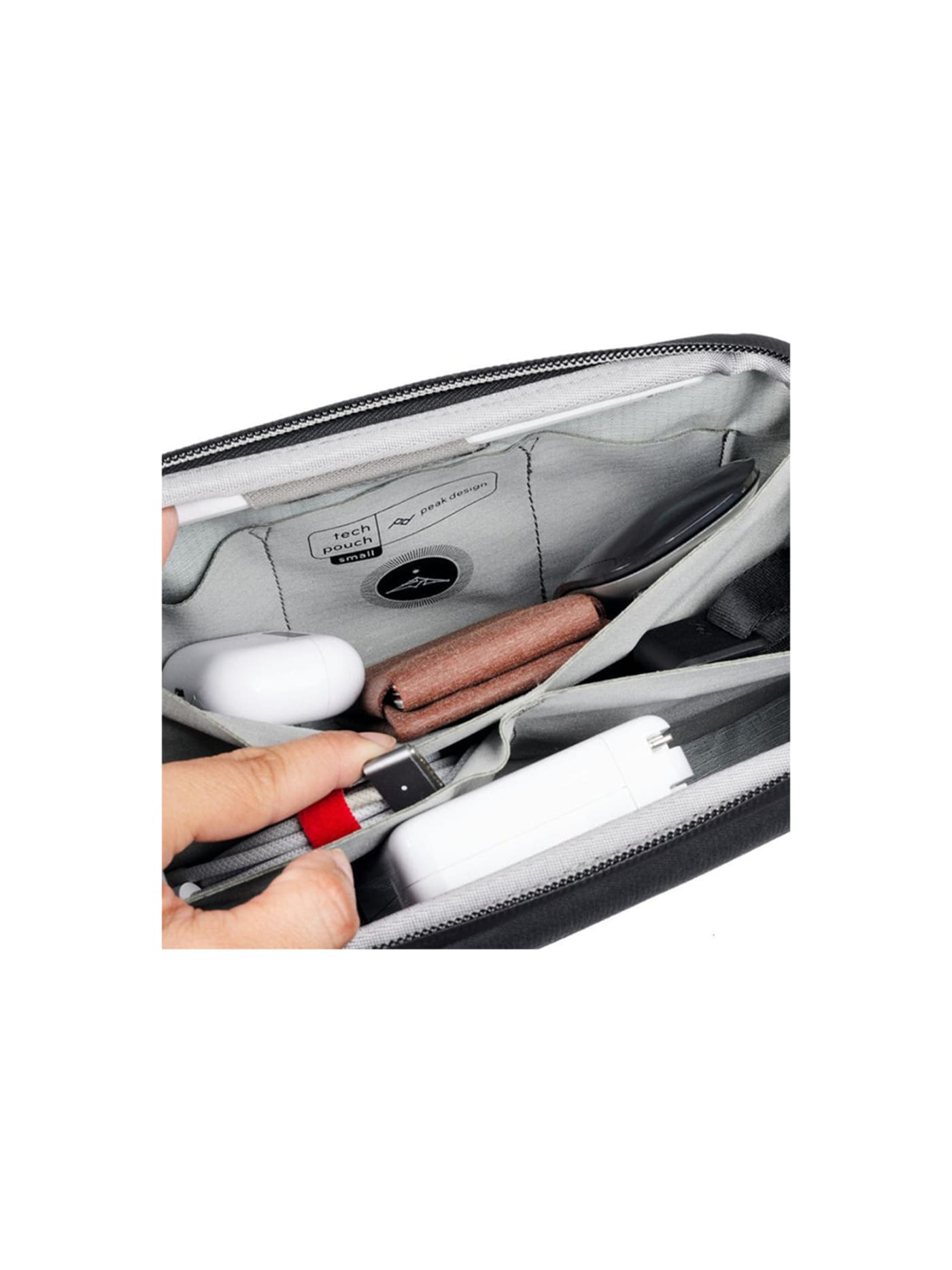
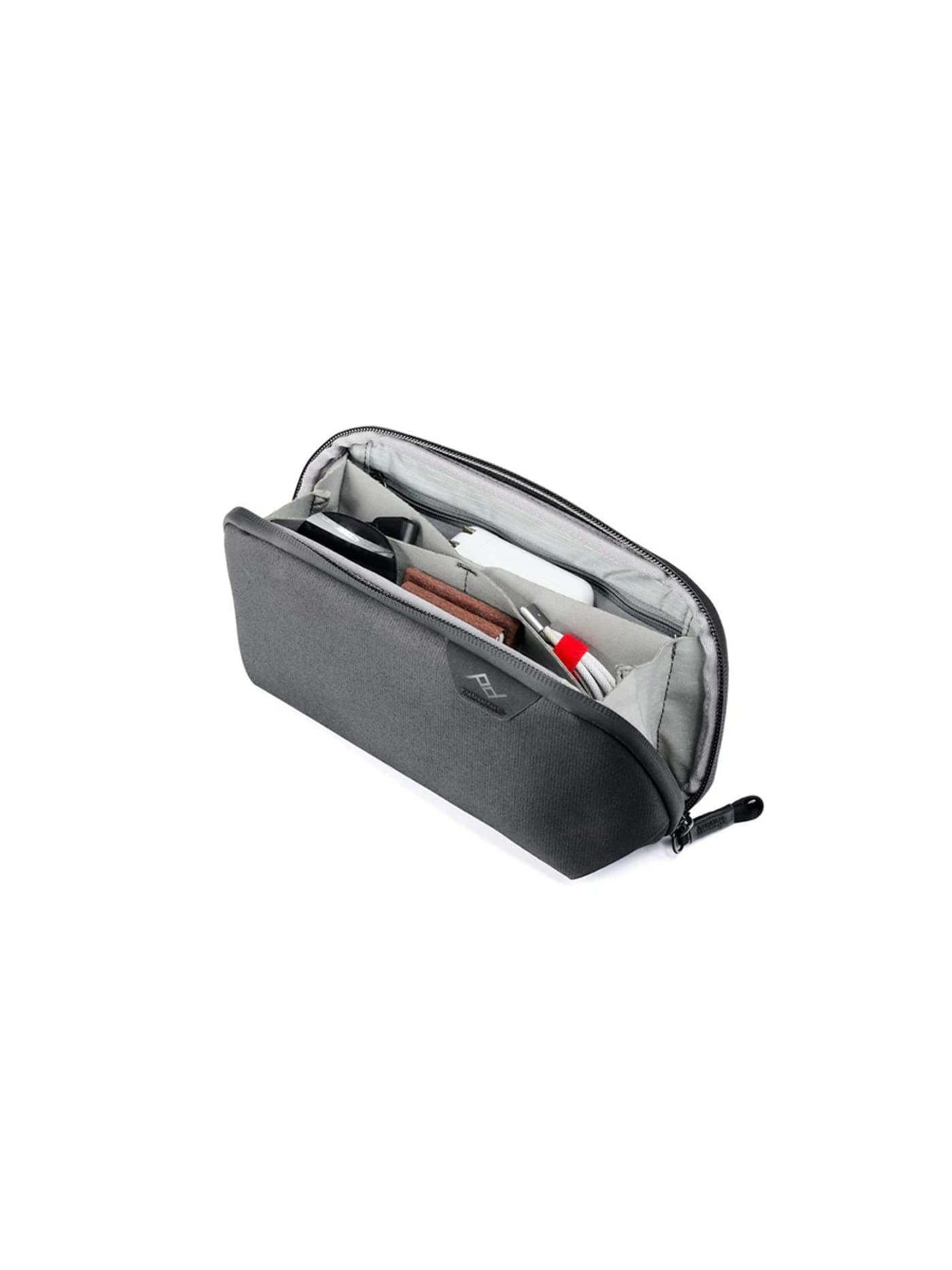
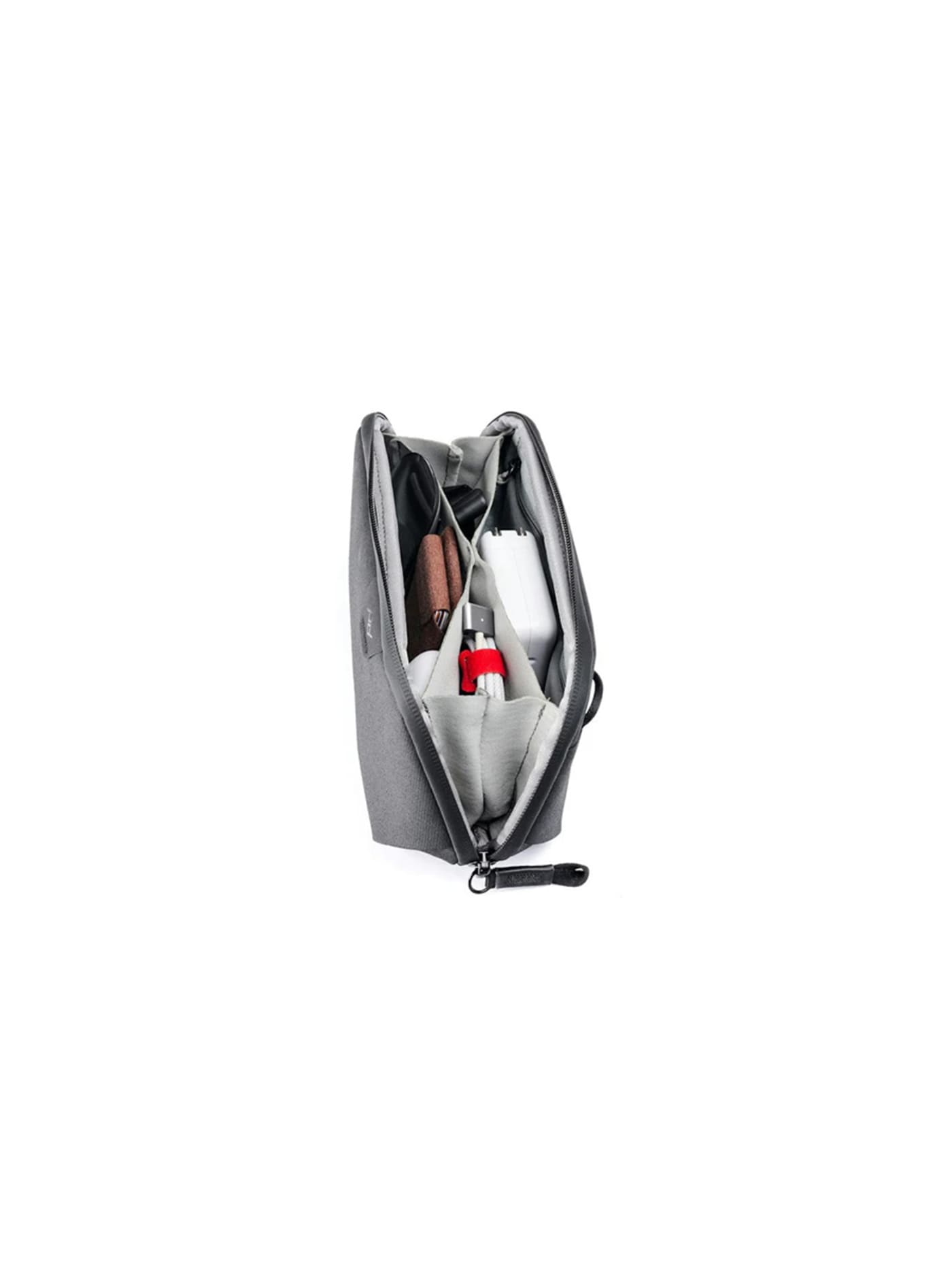
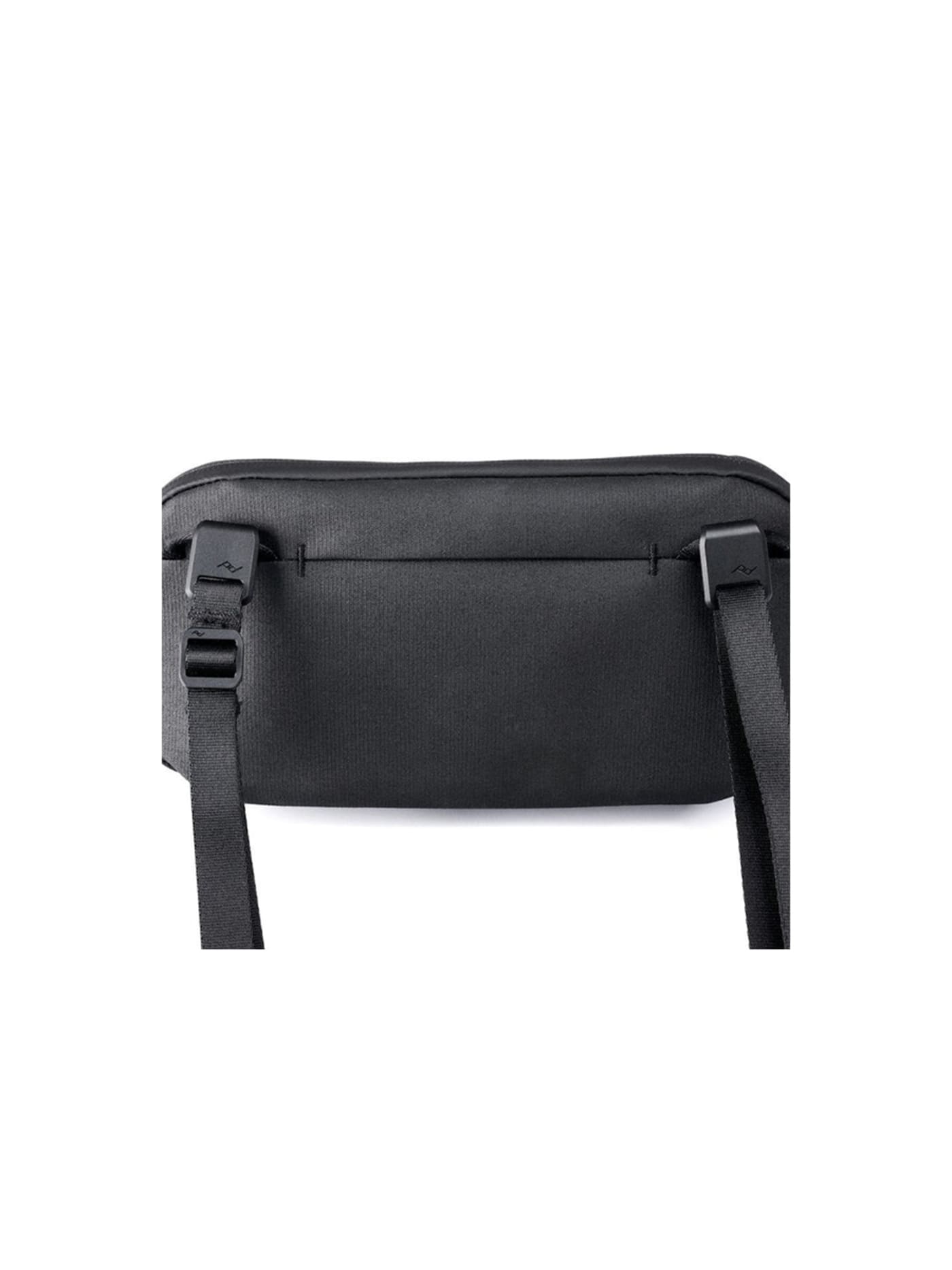
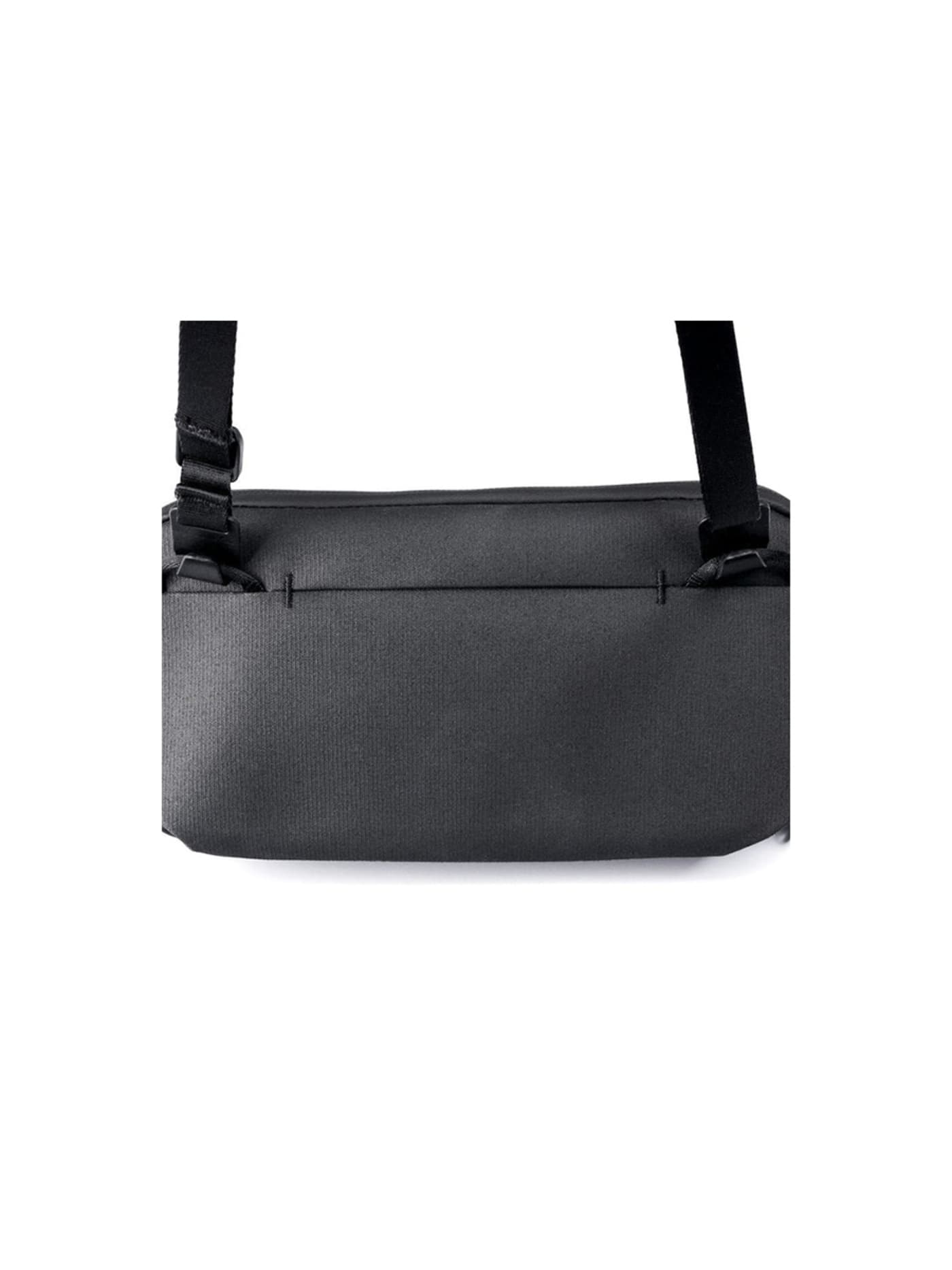
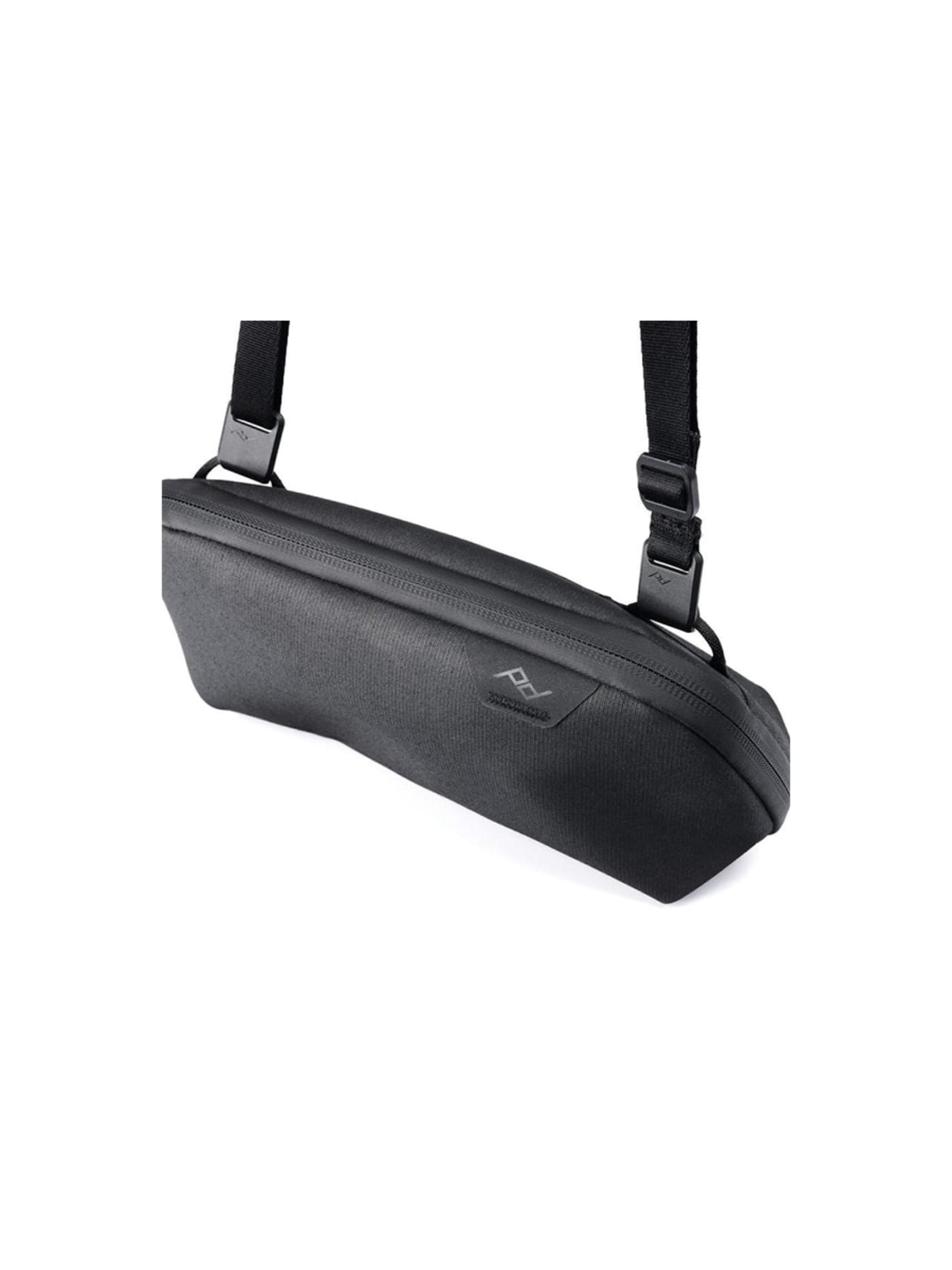
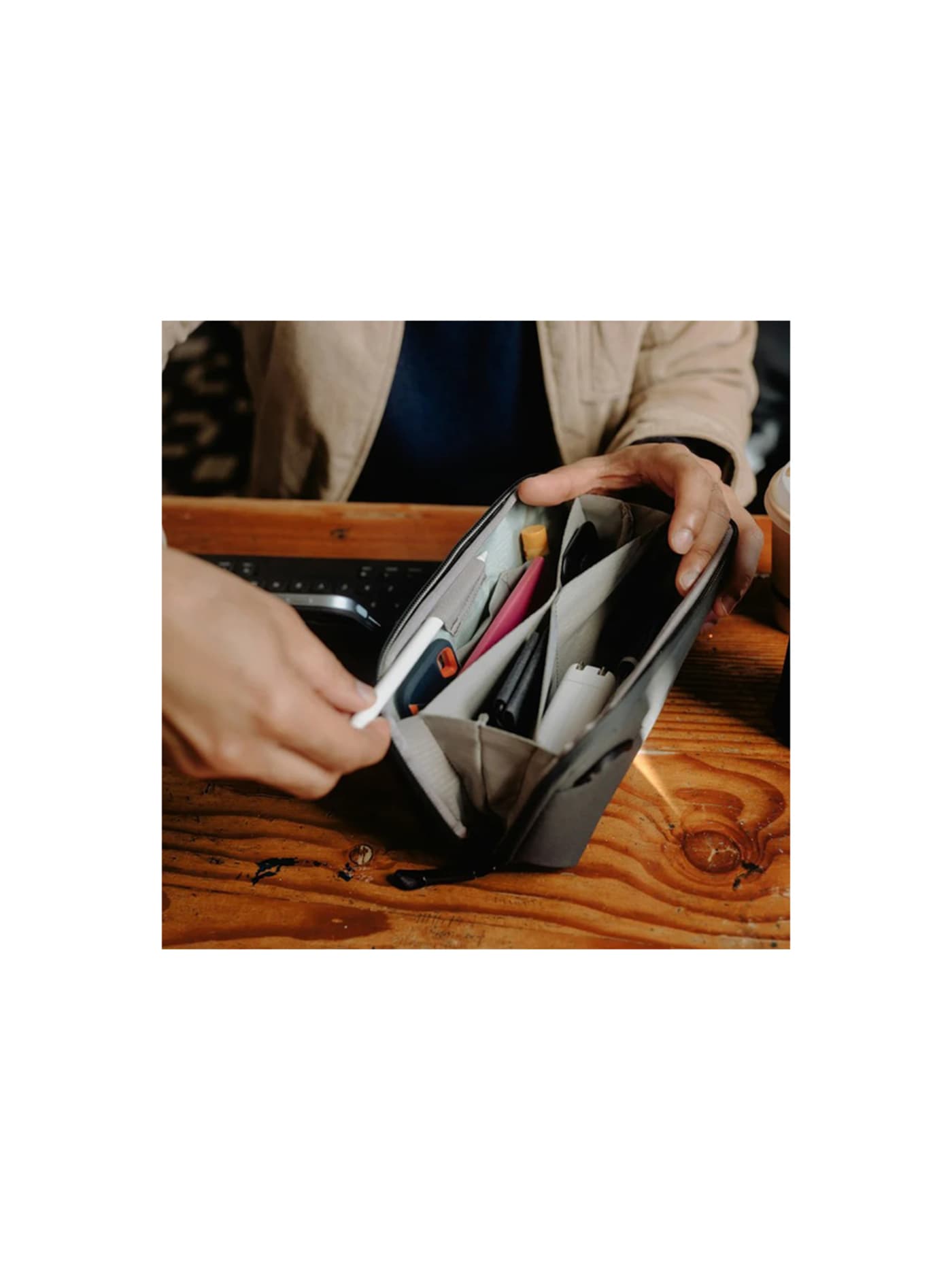
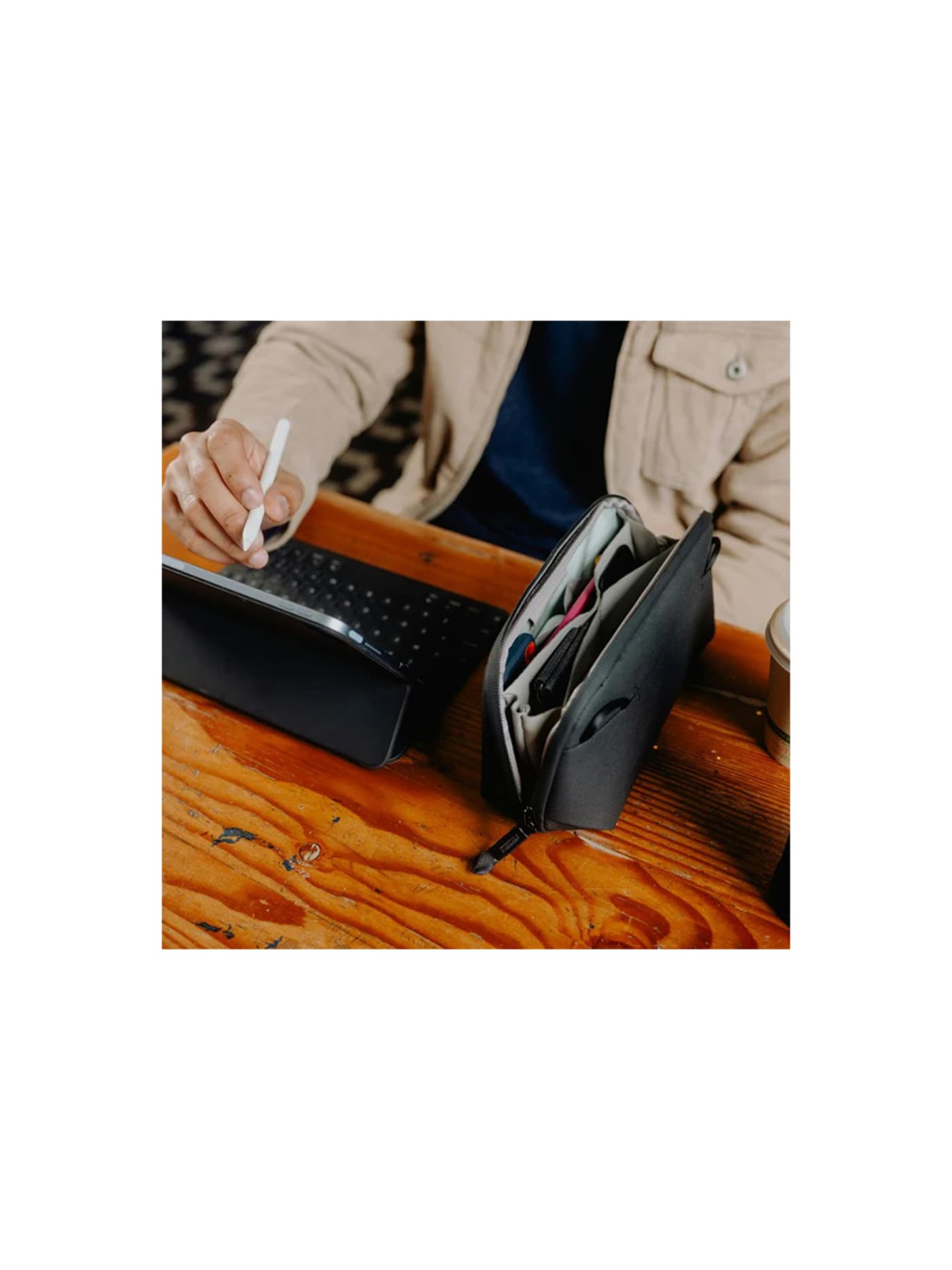
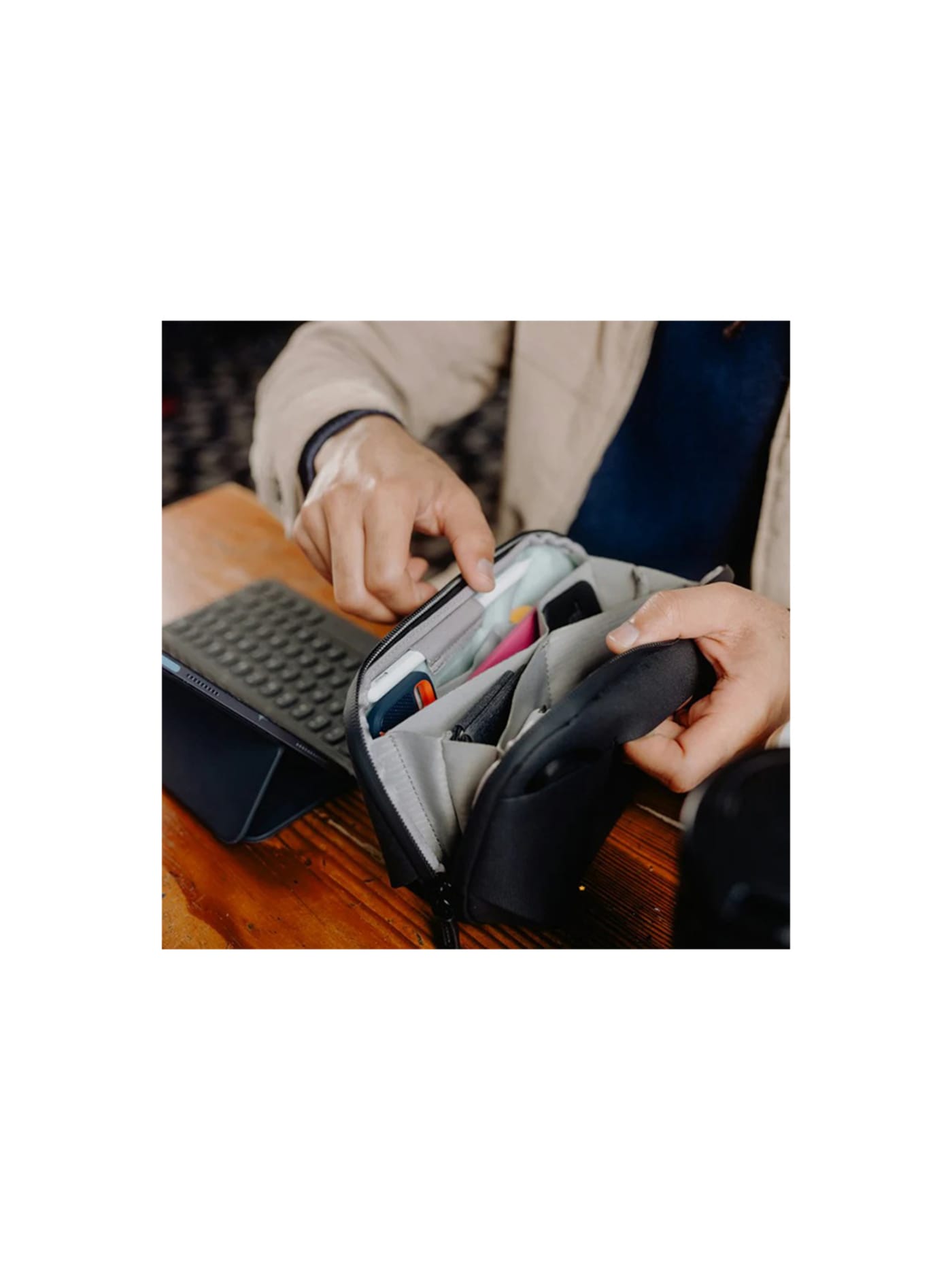
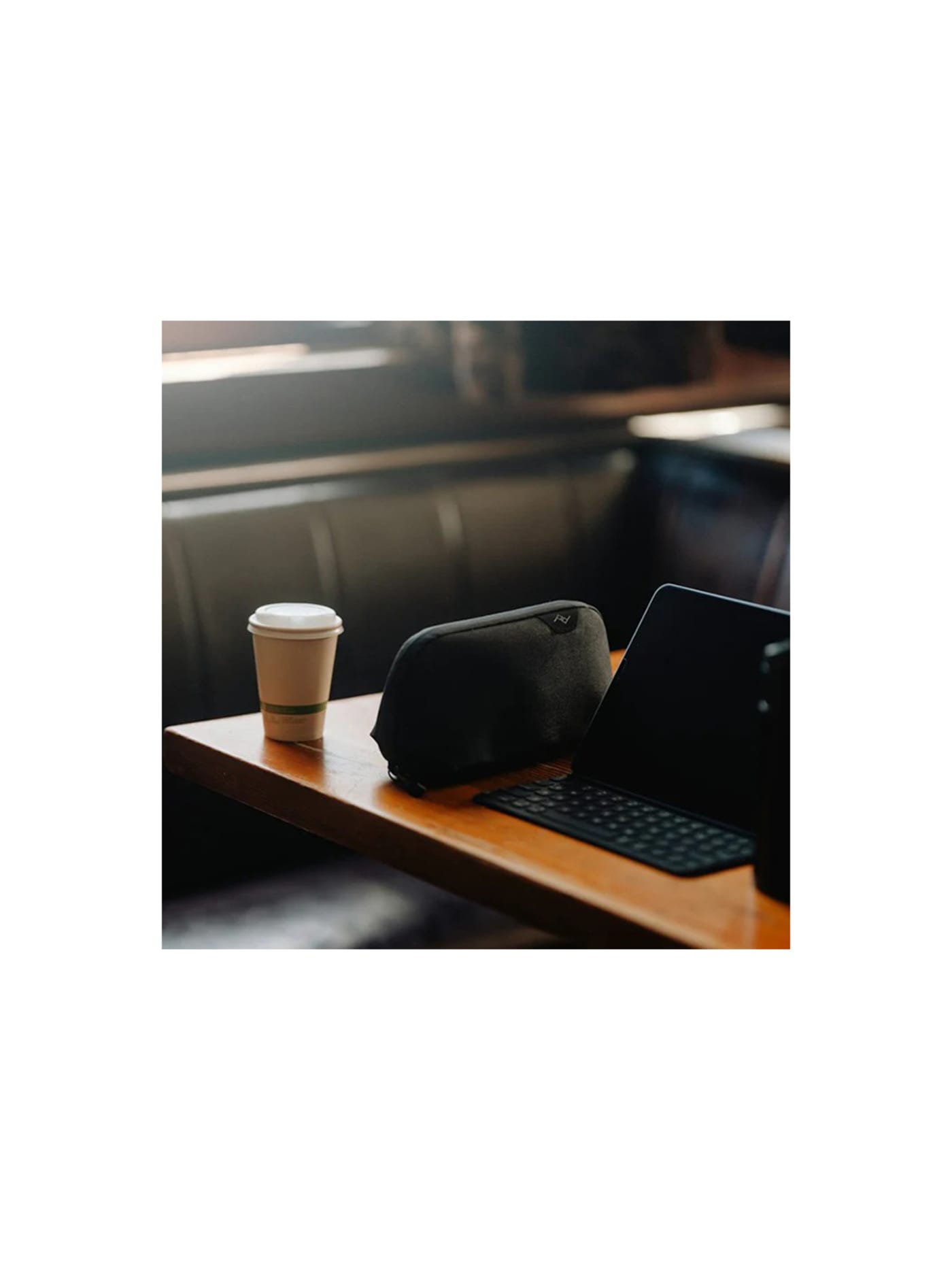
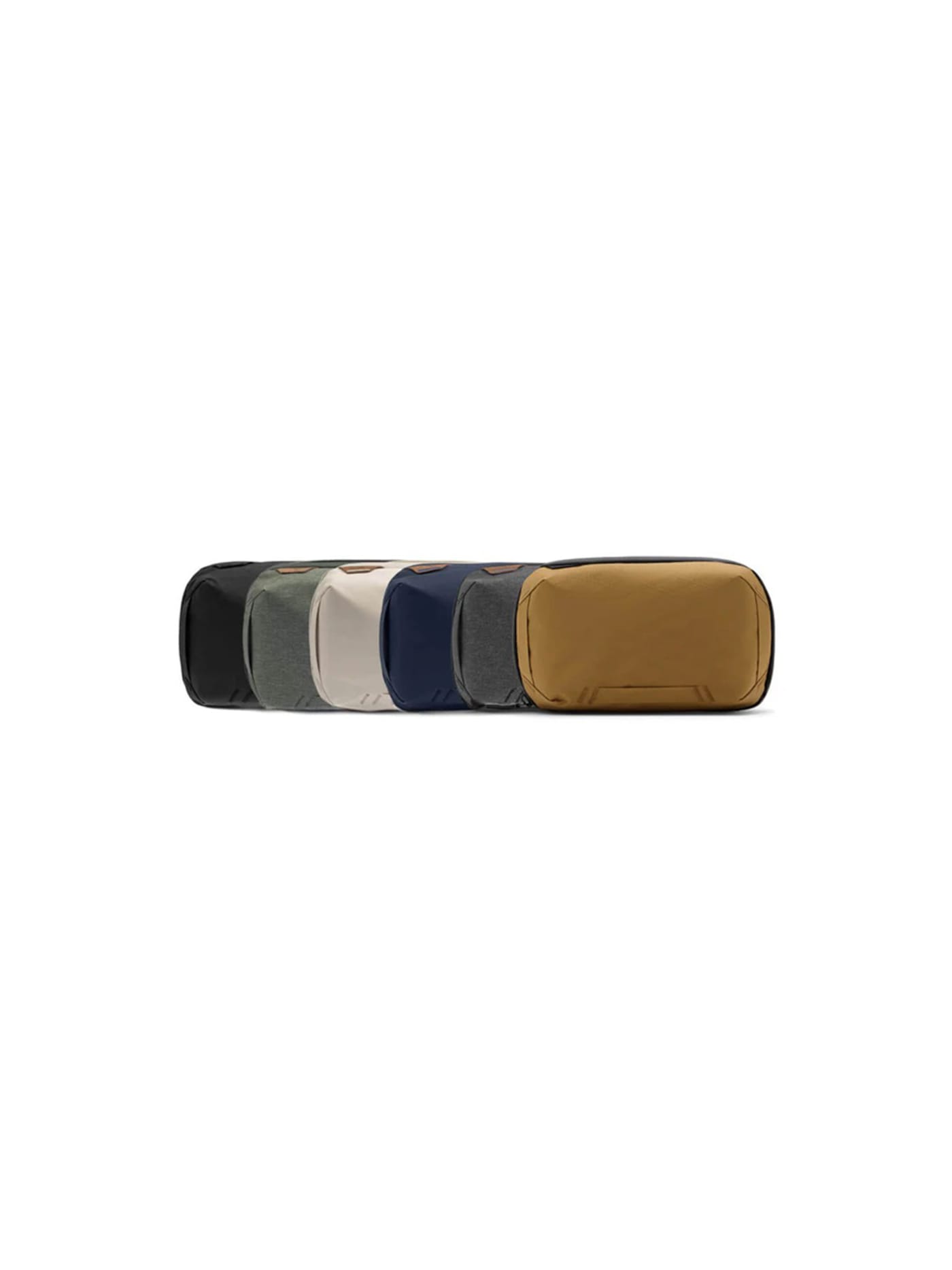
A creator carries more cables and small bits than anyone: chargers, spare cards, adaptors, mic clips, the odd battery. Left loose they sink to the bottom of the bag and tangle. This pouch opens flat like a book into a wall of pockets, each thing visible and in its place, so you are not upending the bag on a hotel bed to find one cable. It is among the least glamorous things on the list and one you notice most, because a tidy kit is a faster kit. If you carry less and want something flatter and plainer, the Bellroy Tech Kit is the slimmer alternative: better for a light kit, tighter once the cable count grows.
Design intent
- The origami accordion interior is the defining decision: fold-out expandable pockets present every small item at once when the pouch opens flat, so cables and chargers are seen and grabbed rather than dug for, which is the whole failure of a single-compartment tech bag.
- It is designed to be lived out of, not just packed: a weatherproof recycled shell, wide zippers and an internal cord pass-through mean it protects a dense kit and can charge a battery inside without being opened, treating the pouch as a working hub rather than storage.
Trade-offs
- The structured, pocket-dense construction is heavier and pricier than a plain zip pouch, so the organisation it buys costs weight and money over simply bagging the same cables.
- It holds its shape whether full or nearly empty, so for a minimal kit it wastes space a soft, collapsible pouch would save, and its capacity is modest once the accordion pockets are genuinely loaded.

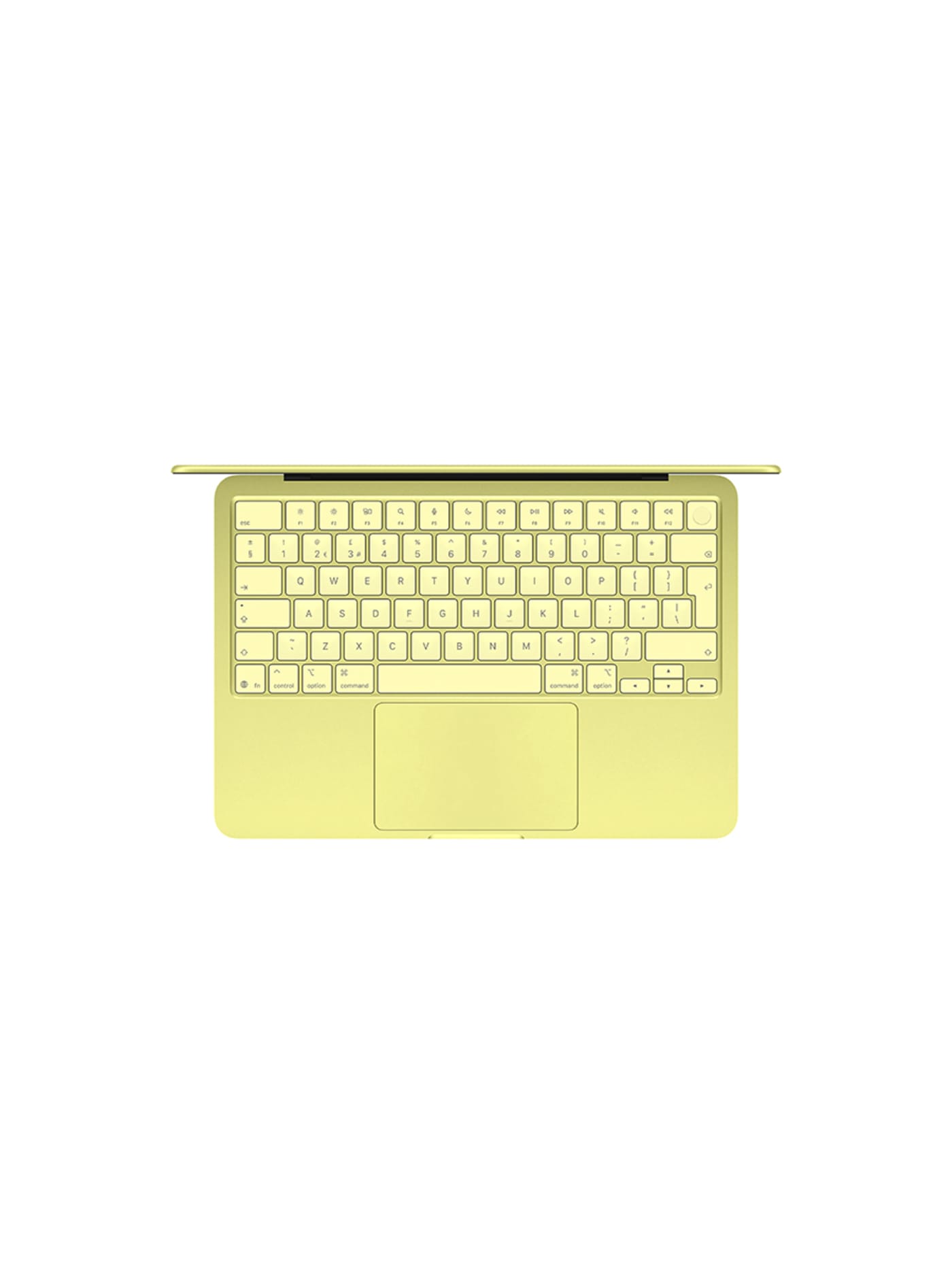
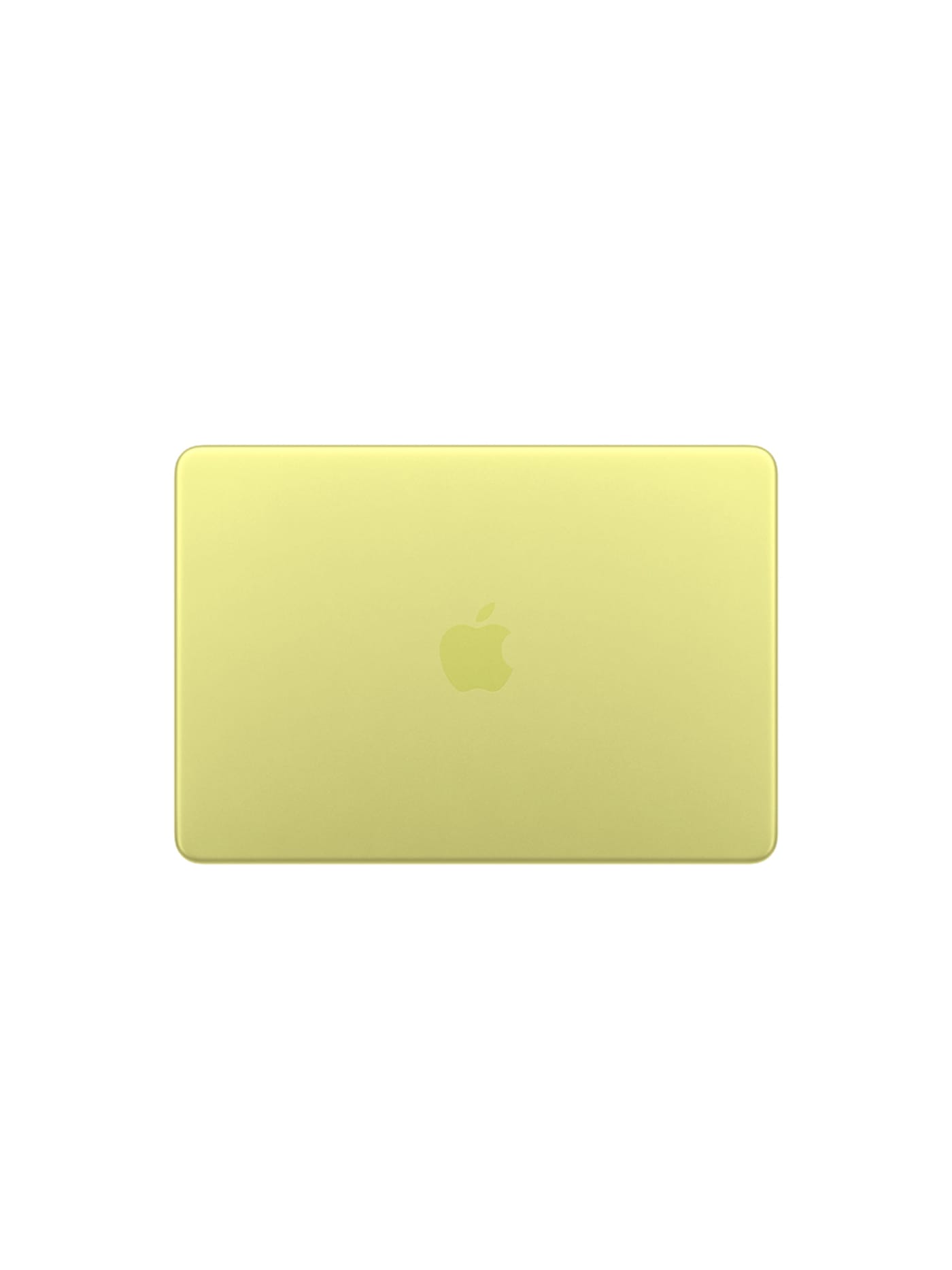
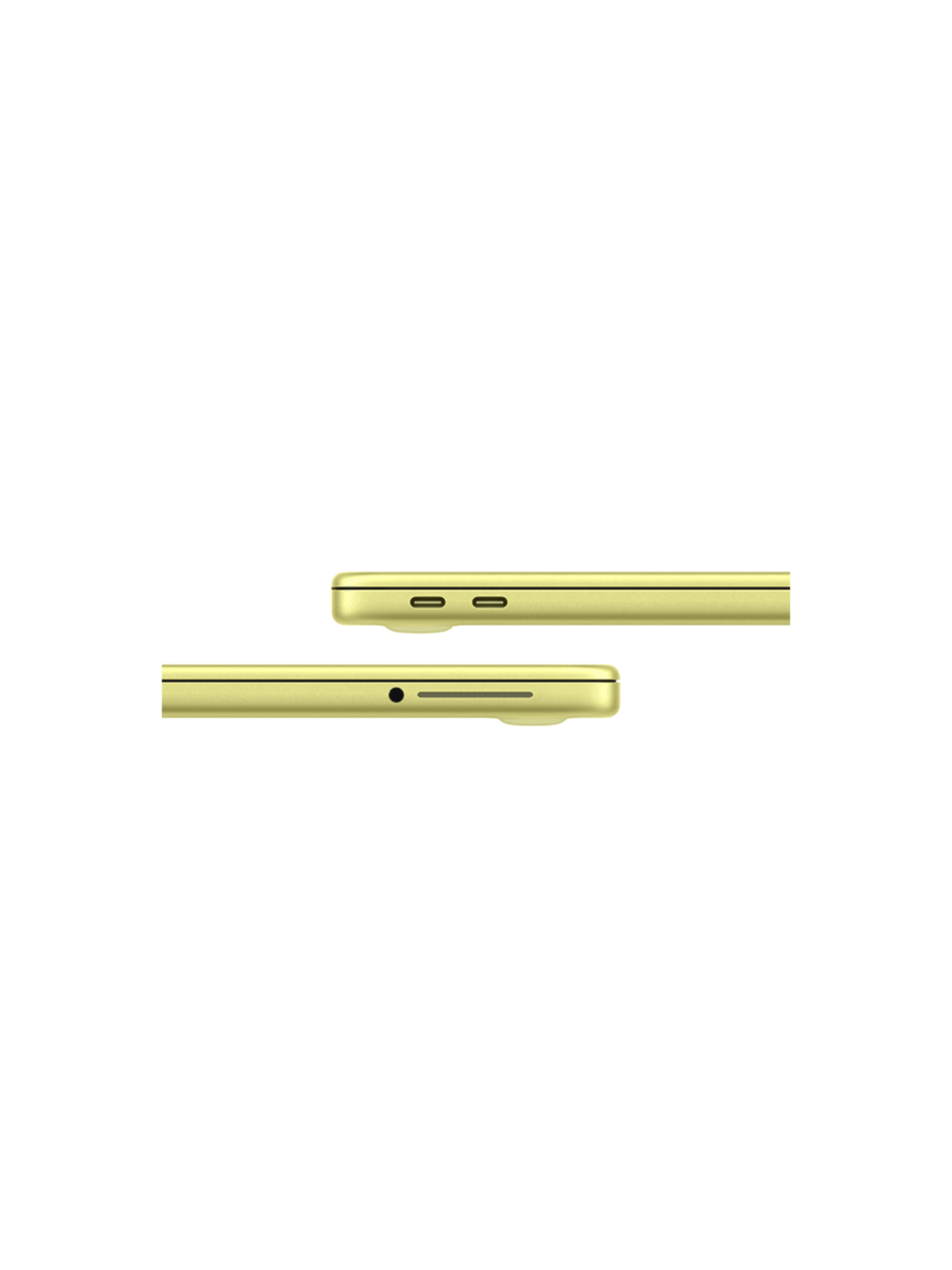
Honestly speaking, you may not need a laptop at all. Plenty of creators shoot all trip and edit at home, and if that is you, leave it out and save the weight. But if you want to back up cards, cull the day's shots or cut something in the hotel room, a laptop earns its place, and the interesting pick is Apple's cheapest ever. The Neo runs the same chip as a recent iPhone, which makes it a silent, fanless machine with all-day battery for around six hundred pounds. For offloading, sorting and light editing on the road that is plenty, and there is a quiet travel logic to carrying the cheapest capable laptop rather than the priciest: it hurts far less to lose or have stolen. If your edits are heavy, or you sit in 4K timelines for hours, the MacBook Air is the step up that will not run out of headroom, while maintainging a minimal form factor. Either way, travel insurance is a must for most content creators hauling their livlihood across the globe.
Design intent
- Using the A18 Pro instead of an M-series chip is a deliberate cost decision that also delivers a fully fanless laptop, since the phone-class processor runs cool enough to need no active cooling.
- The line-up is kept deliberately simple, two storage options and a single memory configuration, which holds the entry price down rather than offering choices most of its buyers would not use.
Trade-offs
- Memory is fixed at 8GB with no upgrade path. Anyone running several demanding apps at once will meet that ceiling within the machine's usable life.
- Connectivity is limited and lacks the Thunderbolt speeds of pricier Macs; fast external storage or high-end display setups are reasons to step up to the MacBook Air.
Final thoughts
Look back over the list and a shape appears. A camera to shoot with, a phone that shoots too, something to smooth the motion, a mic, a light, power to keep it all alive, a way to get the footage off the cards, and somewhere safe to keep it. Everything has one job, and nothing is there to impress.
That is the whole trick to shooting on the road out of one bag. Not the most gear, but the least you can get away with, chosen so each piece pulls its weight and then disappears into the work. The heavier the bag, the fewer places you will take it, and the places you cannot easily reach are usually where the good footage is.
Pack light enough to keep moving, and the trip stops being a logistics problem and goes back to being the reason you brought a camera in the first place.